
Apple AirPort Extreme Model A1034 USB Port Replacement

Последнее обновление 28 янв 2014 г.
Просмотров: 3,9 тыс.
Просмотр статистики:
- За последние 24 часа:
- 2
- За последние 7 дней:
- 25
- За последние 30 дней:
- 85
- За все время:
- 3 932
Комментарии: 0
Никто не оставлял комментариев к этой инструкции. Будете ли Вы первым?
Перейти к комментариям инструкцииЗавершено: 2 3
2 пользователей отметили эту инстркукцию как "завершенное". Вы будете следующим?
3 пользователей отметили эту инструкцию как "завершенное". В том числе и Вы — отличная работа!
Избранные: 2 3
2 эта инструкция понравилась многим пользователям (и они подписались на нее). Вы будете следующим?
3 эта инструкция понравилось многим пользователям (и они подписались на нее), в том числе и Вам!
Ненаглядные фото
Будьте героем экшена! Изображения в этой инструкции должны более наглядно демонстрировать, как нужно выполнять то или иное действие.
Выберете то, что Вам нужно
Инструменты


-
-
-
Remove the three 14.3mm T7 Torx screws from the bottom of AirPort.
 Спросите у FixBot
-
-
-
Remove the 5.1mm Phillips screw from the bottom of the AirPort. This screw is located under the identification sticker. You will have to remove the sticker or make a hole to remove it.
-
-
-
Lift the bottom and top casing straight apart and then lift metal casing straight up from the bottom plastic casing.
-
-
-
-
Unplug the black connector on the top of the metal casing by gently pulling horizontally.
-
-
-
-
-
Remove the four 4.3mm phillips screws from the bottom of the metal casing.
-
-
-
Lift and separate the top and bottom of the metal casing. You will now expose the motherboard and the AirPort card.
-
To remove the AirPort card, gently pull the plastic tab horizontally.
-
-
-
Locate and remove the three 5.0mm phillips screws from the heat sink.
-
Lift to remove the heat sink from the motherboard.
-
-
-
Locate and remove the five 7.5mm phillips screws from the motherboard.
-
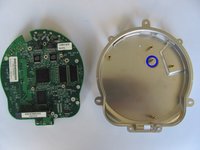
Lift and separate the motherboard from the bottom metal casing.
-
-
-
-
-
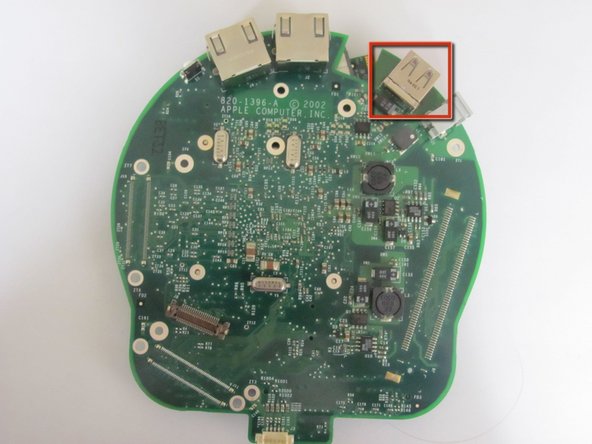
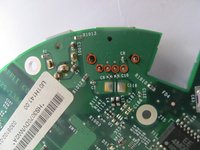
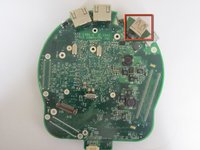
Desolder the six connections located under the USB.
-
Refer to Как паять и выпаивать соединения for soldering techniques.
-
-


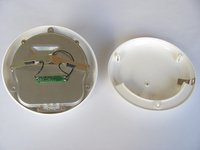
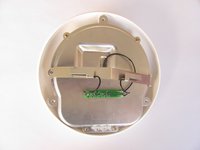


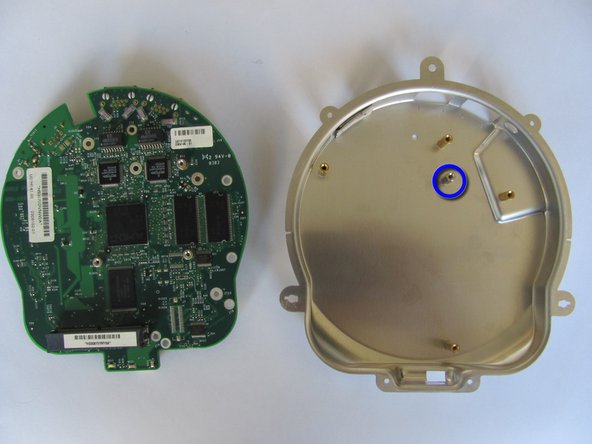
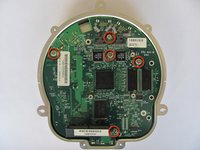

To reassemble your device, follow these instructions in reverse order.
Отменить: Я не выполнил это руководство.
2 человек успешно провели ремонт по этому руководству.

Команду

Cal Poly, Team 17-15, Regan Fall 2011 Участник Cal Poly, Team 17-15, Regan Fall 2011
CPSU-REGAN-F11S17G15
3 членов
Автор 84 руководств
