
DOPO 10.1 Tablet Dual .3 mega pixel Camera Replacement

Последнее обновление 7 мая 2024 г.
Просмотров: 870
Просмотр статистики:
- За последние 24 часа:
- 3
- За последние 7 дней:
- 16
- За последние 30 дней:
- 64
- За все время:
- 870
Комментарии: 0
Никто не оставлял комментариев к этой инструкции. Будете ли Вы первым?
Перейти к комментариям инструкцииЗавершено: 0 1
Никто не отмечал эту инструкцию как "завершенное". Будете ли Вы первым?
1 пользователь отметил эту инструкцию как "завершенное". Это Вы — отличная работа!
Избранные: 0 1
Никто не добавил эту инструкцию в избранное (и не подписался на нее). Будете ли Вы первым?
1 человек поставил лайк на эту инструкцию (и подписался на нее) — и это Вы!
Запчасти и средства модернизации
Шаги в этом руководстве следует разделить и объединить в серию обязательных руководств.
Введение
Перейти к шагу 1 ↓This guide will help you replace a dual .3 Mega pixel camera inside your tablet. To perform this replacement you will need to have a brief understanding of how a motherboard works, and be comfortable working on one.
Выберете то, что Вам нужно


-
-
-
You will have to remove the back of the tablet. To do this, take the plastic opening tool, and insert into the side of the tablet and twist. This will pop off the side.
-
Slowly pull up on the cover until it is completely off.
 Спросите у FixBot
-
-
-
You may notice that the battery is in the way. No worries, it is easy to move. All you will need to do is to gently lift up on the battery with a small constant pressure to release it from the adhesive.
-
Carefully put it off to the side.
-
Once the battery is removed you will see a gray wire. Lightly lift up, and move it out of way.
-
-
-
-
Locate where the camera is plugged into the motherboard. It should be on the left side of the motherboard just above the center.
-
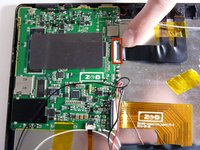
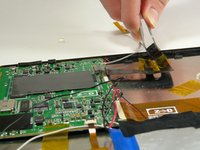
Once located lift the black lever on the right side of the connector. This will release the camera.
-
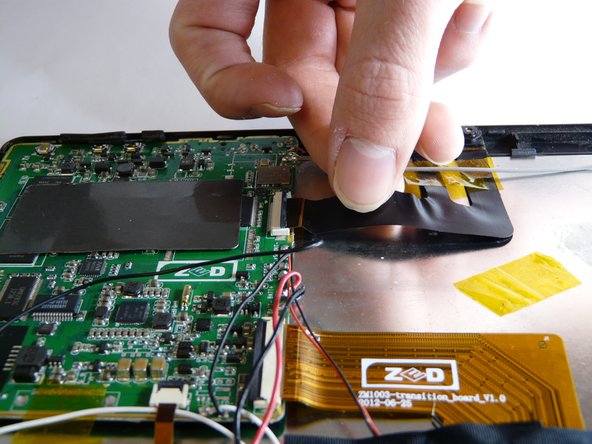
Once the lever is lifted, pull out the camera by gently tugging the cameras connector tape.
-
-
Инструмент, используемый на этом этапе:Tweezers$4.99
-
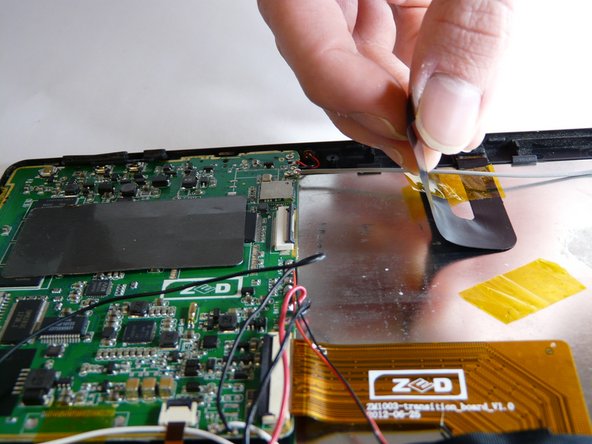
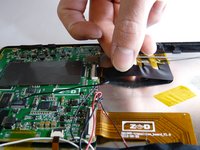
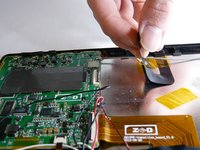
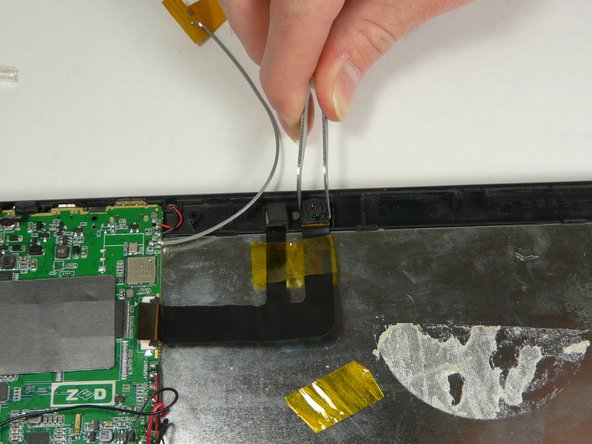
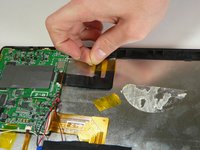
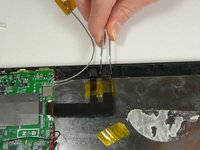
Remove yellow tape that is securing the camera to the back cover.
-
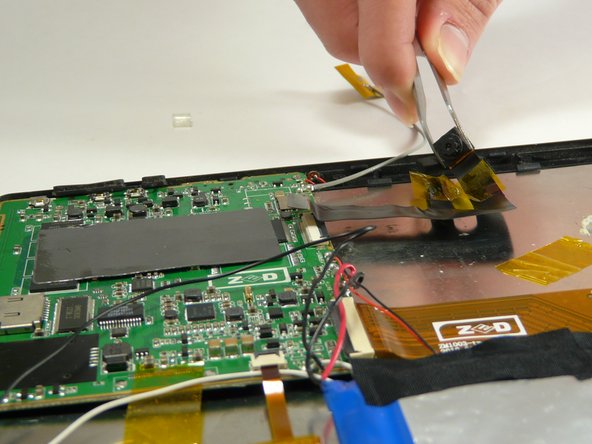
Now take tweezers, and gently grab one of the cameras. Once grabbed, begin to twist to remove from device. Do this for both cameras.
-
-



To reassemble your device, follow these instructions in reverse order.
For information you can go to http://www.doublepowertech.com/download/...

Команду

USF Tampa, Team 5-2, Brown Winter 2015 Участник USF Tampa, Team 5-2, Brown Winter 2015
USFT-BROWN-W15S5G2
4 членов
Автор 60 руководств
