Перейти к основному содержанию

Definitive Technology W7 Motherboard Replacement

Выберете то, что вам нужно

  1. Definitive Technology W7 Motherboard Replacement, Motherboard: шаг 1, изображение 1 из 3 Definitive Technology W7 Motherboard Replacement, Motherboard: шаг 1, изображение 2 из 3 Definitive Technology W7 Motherboard Replacement, Motherboard: шаг 1, изображение 3 из 3
    • Flip the speaker upside down, then use the Phillips #2 screwdriver remove the 4 screws securing the bottom cover.

    • The screw next to the I/O panel will be approximately 20 mm in length. The other screws will be approximately 35 mm in length.

    • Use the metal spudger to remove all rubber feet.

    • Unscrew all four screws from under the rubber feet.

    • These screws will be approximately 35 mm in length.

    • You can now use the prying tool to pry the bottom panel off the speaker.

  2. Definitive Technology W7 Motherboard Replacement: шаг 2, изображение 1 из 1
    • Using a Phillips #2 screwdriver, remove the 5 screws from the motherboard.

    • These screws are approximately 8 mm in length.

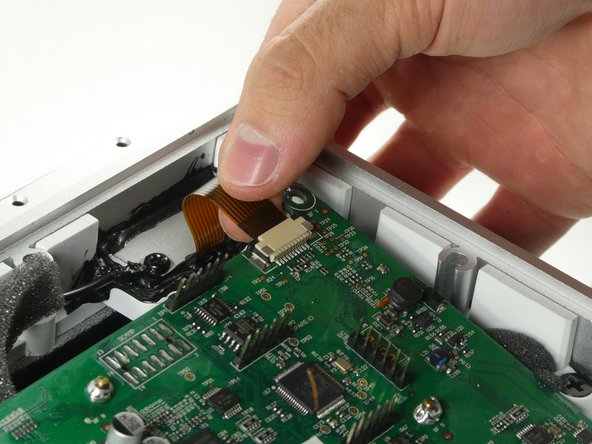
  3. Definitive Technology W7 Motherboard Replacement: шаг 3, изображение 1 из 2 Definitive Technology W7 Motherboard Replacement: шаг 3, изображение 2 из 2
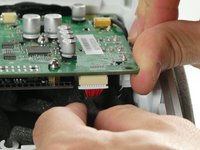
    • Push up the locking tabs on the sides of the ribbon cable connector.

    • Gently pull the ribbon cable out from the connector to remove it.

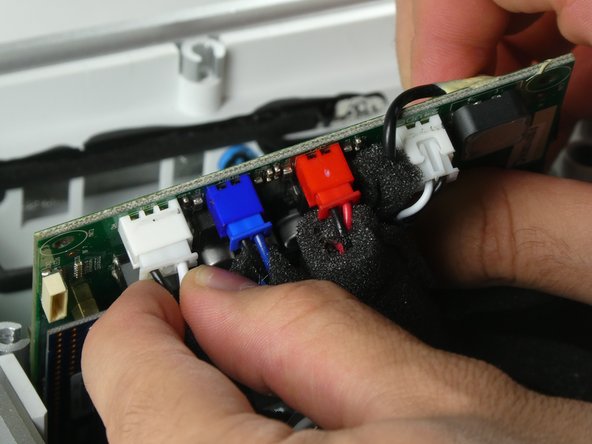
  4. Definitive Technology W7 Motherboard Replacement: шаг 4, изображение 1 из 2 Definitive Technology W7 Motherboard Replacement: шаг 4, изображение 2 из 2
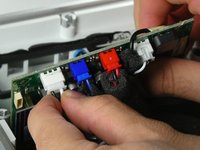
    • Tilt the motherboard outwards from the speaker.

    • Remove all five connectors from the motherboard.

    • Remove the motherboard from the speaker.

  5. Definitive Technology W7 Motherboard Replacement: шаг 5, изображение 1 из 2 Definitive Technology W7 Motherboard Replacement: шаг 5, изображение 2 из 2
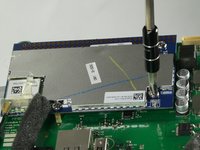
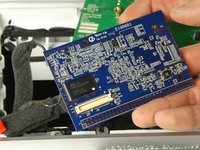
    • Using the Phillips #2 screwdriver, remove the three screws from the network card.

    • These screws are approximately 8mm in length.

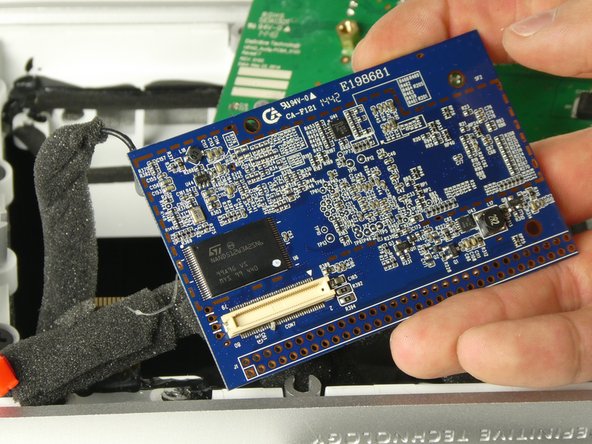
    • Remove the network card from the motherboard.

Заключение

To reassemble your device, follow these instructions in reverse order.

Magnus Maillet

Участник с: 10/26/22

171 Репутация

1 руководство автора

Команда

UMass Dartmouth, Team 2-5, Petersen Fall 2022 Участник UMass Dartmouth, Team 2-5, Petersen Fall 2022

UMASSD-PETERSEN-F22S2G5

4 членов

Автор 6 руководств

0 Комментарии к руководству

Добавить комментарий

Статистика просмотров:

За последние 24 часов: 0

За последние 7 дней: 9

За последние 30 дней: 22

За всё время: 573