Перейти к основному содержанию

EasySMX ESM-9110 Turbo Button Replacement

Выберете то, что вам нужно

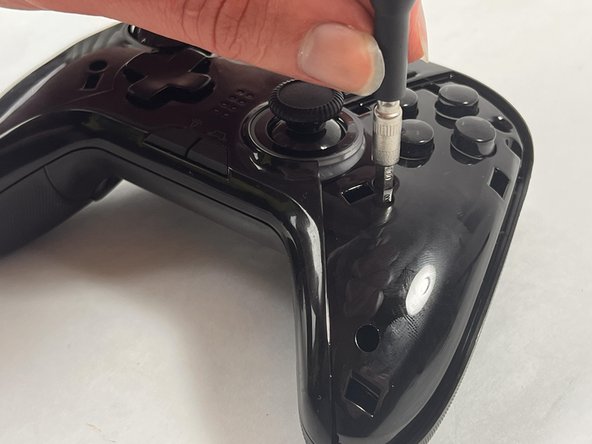
  1. EasySMX ESM-9110 Turbo Button Replacement, Handle Covers: шаг 1, изображение 1 из 2 EasySMX ESM-9110 Turbo Button Replacement, Handle Covers: шаг 1, изображение 2 из 2
    • Use a Phillips #000 screwdriver to remove the two 10 mm screws from the back of controller.

  2. EasySMX ESM-9110 Turbo Button Replacement: шаг 2, изображение 1 из 1
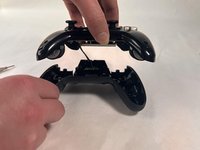
    • Insert a plastic opening tool into the slit on the side of controller.

    • Wiggle the tool until the cover becomes loose.

    • Repeat this on the other side of Controller.

    • Go slow. Take your time removing the handle covers.

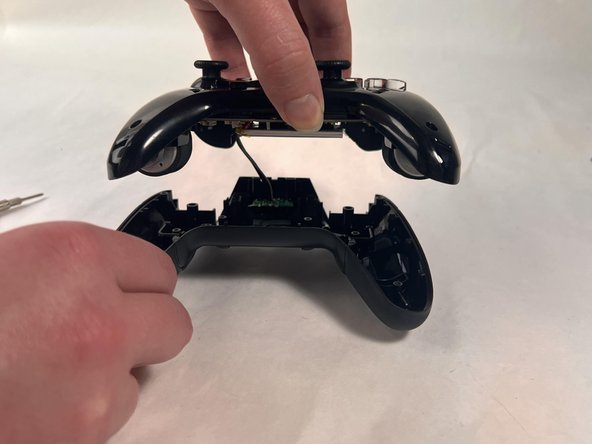
  3. EasySMX ESM-9110 Turbo Button Replacement: шаг 3, изображение 1 из 1
    • Remove the faceplate.

    • Repeat on the other side of the controller.

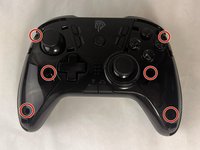
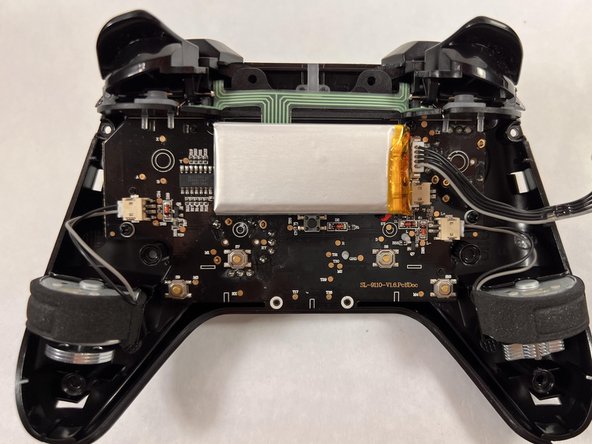
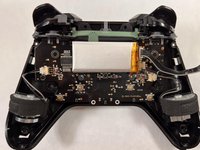
  4. EasySMX ESM-9110 Turbo Button Replacement, Turbo Button: шаг 4, изображение 1 из 3 EasySMX ESM-9110 Turbo Button Replacement, Turbo Button: шаг 4, изображение 2 из 3 EasySMX ESM-9110 Turbo Button Replacement, Turbo Button: шаг 4, изображение 3 из 3
    • Use a Philips #000 screwdriver to remove the six 20 mm screws from the controller's faceplate.

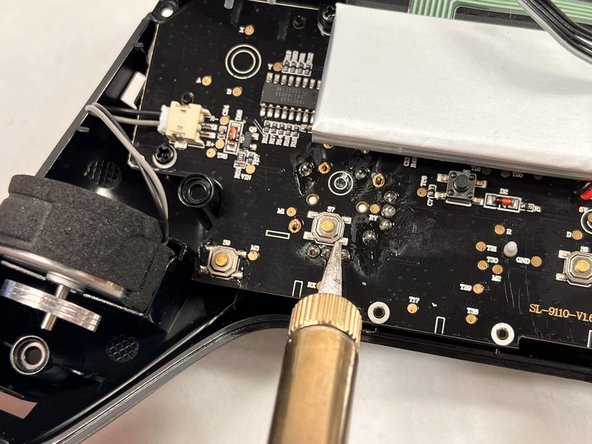
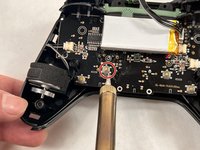
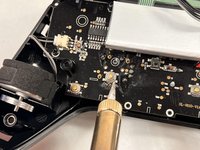
  5. EasySMX ESM-9110 Turbo Button Replacement: шаг 5, изображение 1 из 3 EasySMX ESM-9110 Turbo Button Replacement: шаг 5, изображение 2 из 3 EasySMX ESM-9110 Turbo Button Replacement: шаг 5, изображение 3 из 3
    • Using a soldering iron, solder the turbo button.

Заключение

To reassemble your device, follow these instructions in reverse order.

Melanie Rodriguez

Участник с: 03/18/24

406 Репутация

Автор 4 руководств

Команда

UMass Dartmouth, Team 2-4, Konn Spring 2024 Участник UMass Dartmouth, Team 2-4, Konn Spring 2024

UMASSD-KONN-S24S2G4

4 членов

Автор 5 руководств

0 Комментарии к руководству

Добавить комментарий

Статистика просмотров:

За последние 24 часов: 0

За последние 7 дней: 7

За последние 30 дней: 25

За всё время: 267