Введение
Replacing the triggers on your EasySMX X15 Controller is a straightforward process that can help restore the responsiveness of your controller's shoulder buttons. This guide will walk you through the steps using tools commonly available at home, ensuring a quick and easy fix.
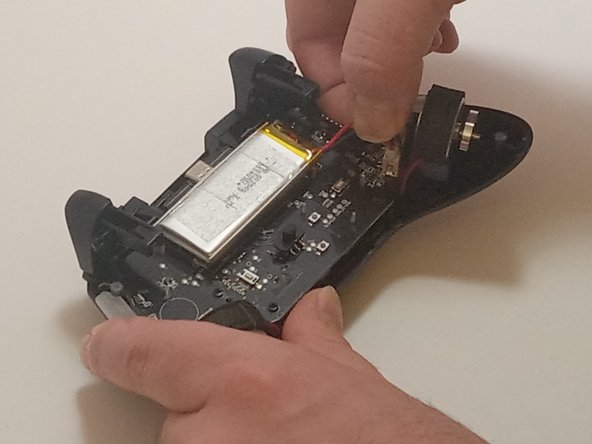
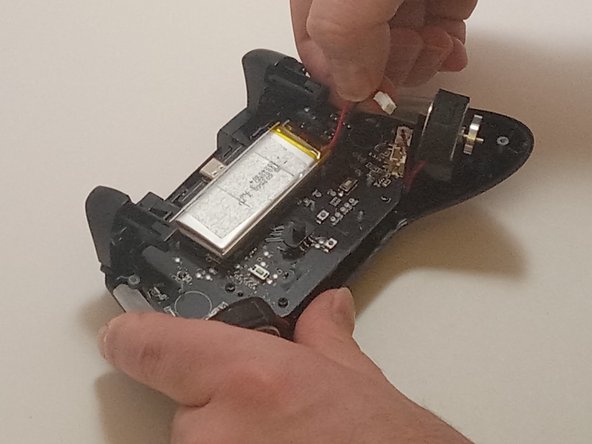
Note: You don't have to remove the battery as shown in Step 3, but make sure to disconnect the battery cable from the board before proceeding to the next step.
Выберете то, что вам нужно
-
-
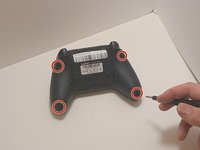
Use a Phillips #00 screwdriver to remove the four 9 mm screws from the bottom of the EasySMX X15.
-
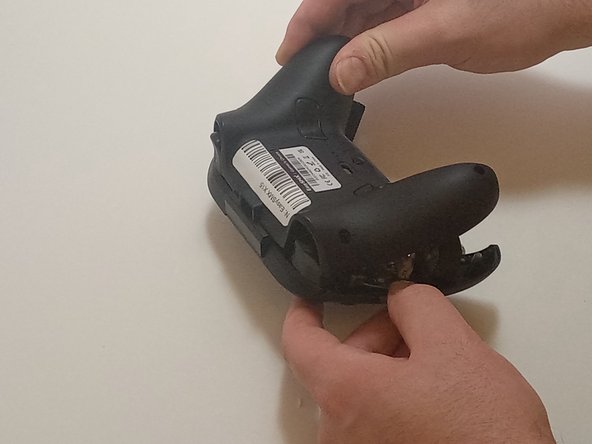
Use an opening tool to gently pry between the seams of the controller to separate the lower and upper casings.
-
-
-
Push on alternating sides of the connector to disconnect the red battery cable from the board.
-
-
-
-
Disconnect the vibration motor cables from the connectors on the circuit board.
-
Use a Phillips #00 screwdriver to remove six, 6mm screws from the board.
-
-
-
Gently lift the board away from the upper casing, maneuvering it around the triggers by lifting it from the bottom, away from the upper casing.
-
-
-
Use a Phillips #00 screwdriver to remove the two 4mm screws located on each side of the triggers.
-
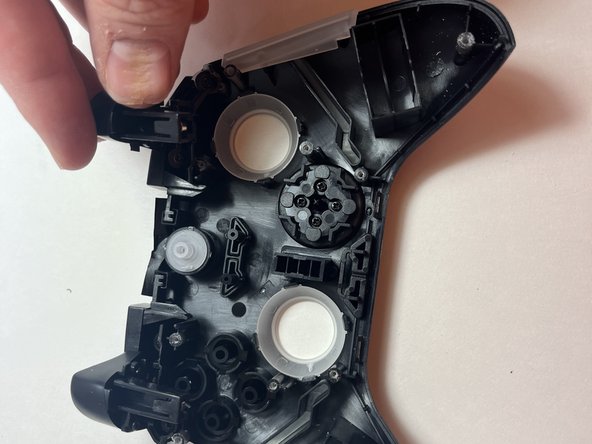
Carefully lift the triggers out to remove them.
-





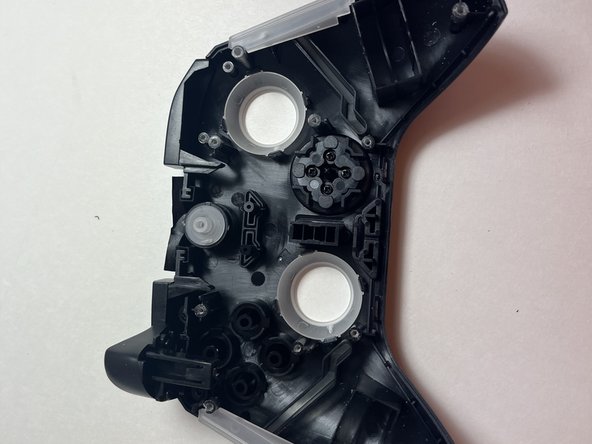
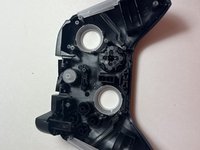
To reassemble your device, follow these instructions in reverse order.


Команда

Austin Community College, Team 7-3, Watkins Fall 2024 Участник Austin Community College, Team 7-3, Watkins Fall 2024
AUSTINCC-WATKINS-F24S7G3
3 членов
Автор 7 руководств
