Перейти к основному содержанию

Epson Powerlite 460 Motherboard Replacement

Выберете то, что вам нужно

  1. Epson Powerlite 460 Motherboard Replacement, Motherboard: шаг 1, изображение 1 из 2 Epson Powerlite 460 Motherboard Replacement, Motherboard: шаг 1, изображение 2 из 2
    • Orient the device so that the projection window is facing down and the bottom of the device is visible.

    • Remove the eleven 13.3mm screws using a Phillips #2 screwdriver.

  2. Epson Powerlite 460 Motherboard Replacement: шаг 2, изображение 1 из 3 Epson Powerlite 460 Motherboard Replacement: шаг 2, изображение 2 из 3 Epson Powerlite 460 Motherboard Replacement: шаг 2, изображение 3 из 3
    • Flip the device over so that the projection window is facing up.

    • Slide the air filter cover opener in the direction indicated by the arrow to release the air filter cover.

    • Remove the air filter cover.

  3. Epson Powerlite 460 Motherboard Replacement: шаг 3, изображение 1 из 2 Epson Powerlite 460 Motherboard Replacement: шаг 3, изображение 2 из 2
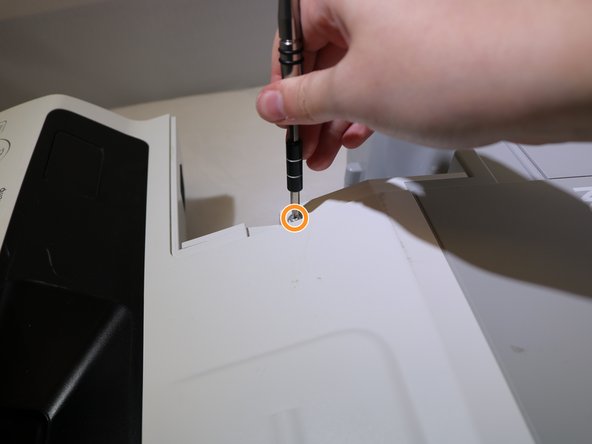
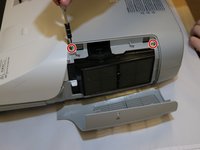
    • Remove the two 13.3mm screws from the top cover above the air filter using a Phillips #2 screwdriver.

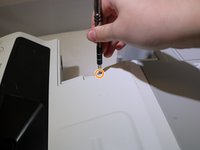
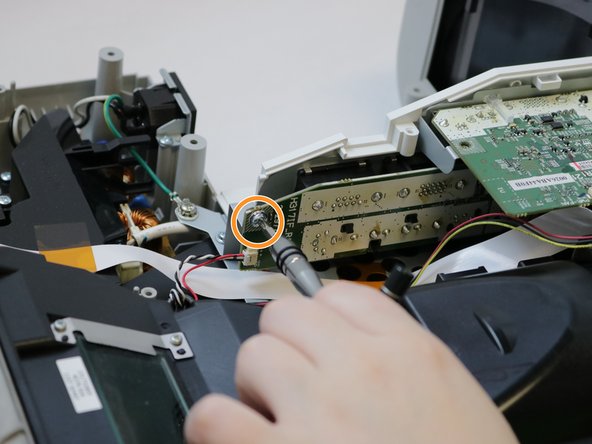
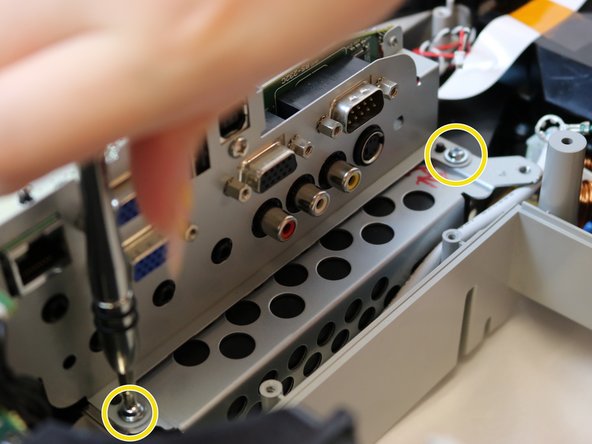
    • Remove one 13.3mm screw from above the connection panel using a Phillips #2 screwdriver.

  4. Epson Powerlite 460 Motherboard Replacement: шаг 4, изображение 1 из 2 Epson Powerlite 460 Motherboard Replacement: шаг 4, изображение 2 из 2
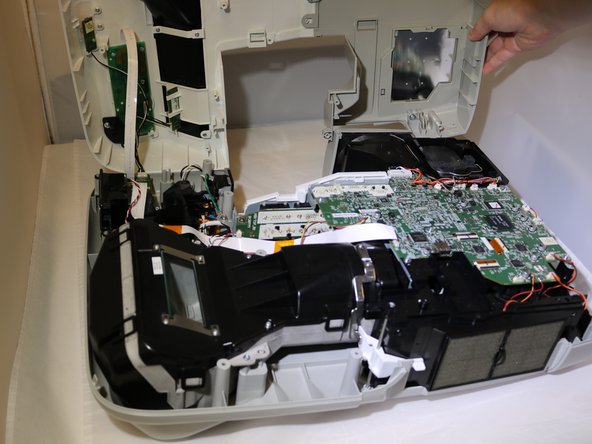
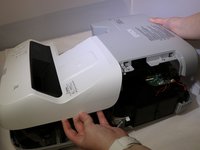
    • Remove the cover from the projector and set aside.

    • The cover will be connected by ribbon cables. You do not need to disconnect these to complete this repair, but it may make it easier.

  5. Epson Powerlite 460 Motherboard Replacement: шаг 5, изображение 1 из 3 Epson Powerlite 460 Motherboard Replacement: шаг 5, изображение 2 из 3 Epson Powerlite 460 Motherboard Replacement: шаг 5, изображение 3 из 3
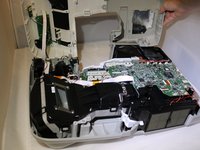
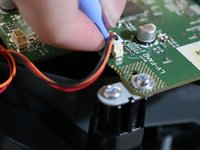
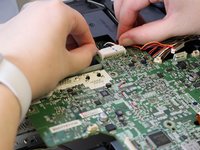
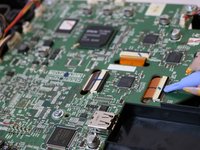
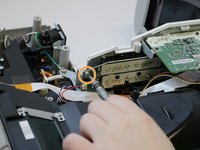
    • Use the opening tool to disconnect eleven clip cables on the motherboard.

    • These will be the colorful cables connected with white plastic clips.

    • Disconnect the black cable clip by pressing the side tabs. Use the opening tool to release the cable if it is difficult.

    • To disconnect the ribbon cables, use the opening tool to lift the locking flap on the connector and slide the cable back and out of the connector.

  6. Epson Powerlite 460 Motherboard Replacement: шаг 6, изображение 1 из 1
    • Disconnect the clip cable from below the motherboard and behind the connection panel.

  7. Epson Powerlite 460 Motherboard Replacement: шаг 7, изображение 1 из 3 Epson Powerlite 460 Motherboard Replacement: шаг 7, изображение 2 из 3 Epson Powerlite 460 Motherboard Replacement: шаг 7, изображение 3 из 3
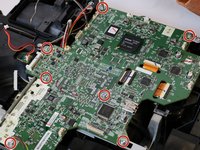
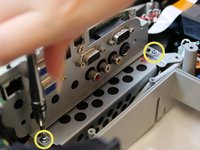
    • Remove seven 8.1mm screws from the motherboard using a Phillips #2 screwdriver.

    • Remove the 8.1mm screw from the back of the projection panel below the motherboard using a Phillips #2 screwdriver.

    • Remove two 8.1mm screws from the front of the projection panel using a Phillips #2 screwdriver.

  8. Epson Powerlite 460 Motherboard Replacement: шаг 8, изображение 1 из 1
    • Gently lift the motherboard out of the device.

Заключение

To reassemble your device, follow these instructions in reverse order.

Kristen Gismondi

Участник с: 11/12/14

99 445 Репутация

Автор 255 руководств

Команда

iFixit Участник iFixit

Staff

123 членов

Автор 23 638 руководств

0 Комментарии к руководству

Добавить комментарий

Статистика просмотров:

За последние 24 часов: 0

За последние 7 дней: 3

За последние 30 дней: 9

За всё время: 185