Введение
Follow this guide to fix your First Alert Smoke alarm. This fix will stop the First Alert Smoke alarm from beeping when your battery is low.
Make sure you have your 9V battery in hand and a helper to make sure that you do not fall from your stool. These alarms are usually found mounted into your ceiling so please take precautions when unmounting the alarm.
As you will be working with wires, please make sure that you are gentle with the alarm since it is easy to break the covered wires if you are too aggressive with it. All of these steps should require very little strength. If you find yourself needing to force things into place, please review the steps to make sure you are properly uninstalling/installing the smoke alarm.
Выберете то, что вам нужно
-
-
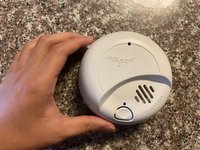
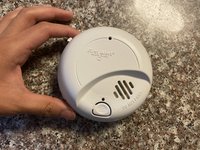
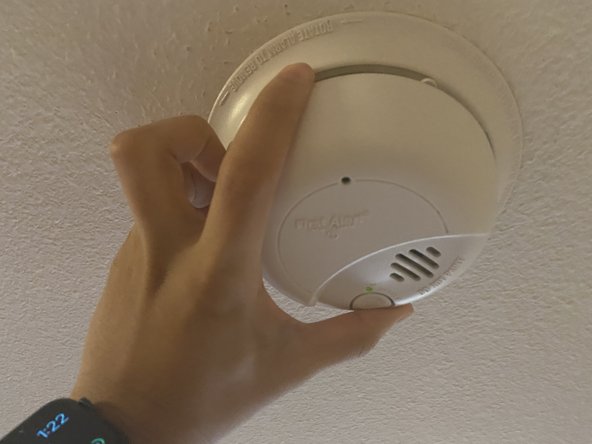
Press down on the catch on the top left of the alarm to open the battery compartment.
-
-
-
-
Remove the battery and dispose of it properly.
-
Replace the old battery with a new 9V battery and close the compartment.
-
-
-
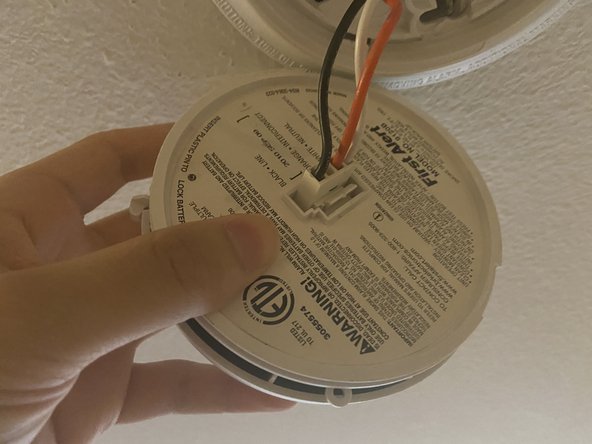
Line up the holes of the cable on the mount with the pins on the alarm.
-
Reconnect the cable on the mount to that on the alarm.
-
-
-
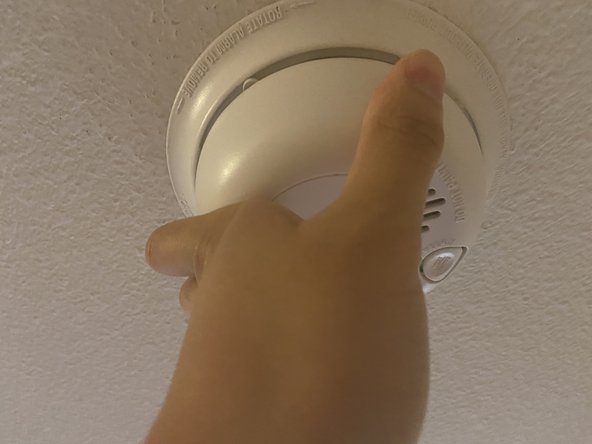
Rotate the alarm clockwise until it does not turn anymore. This makes sure the alarm is secured.
-









Отменить: Я не выполнил это руководство.
2 человек успешно провели ремонт по этому руководству.


Команда

Texas Tech, Team S3-G17, Cowan Spring 2021 Участник Texas Tech, Team S3-G17, Cowan Spring 2021
TTU-COWAN-S21S3G17
1 член
Автор 6 руководств
5 Комментарии к руководству
These alarms suck! Pressing the tab and the battery compartment does NOT pop open. I needed a knife to pry it open, and then it had to be forced close. NOT user error! The plastic pins that hold the battery compartment closed don't move out of the way enough to allow opening.
I replaced the battery and it is still beeping, reset the smoke alarm. What should I do now?
Buy and install a new alarm. It’s easier than trying to fix on.
