Введение
If the battery of your Fossil Q Venture Gen 3 smartwatch has come to the end of its life (overheating or draining easily, randomly shuts off, or takes longer to charge than before), use this guide to replace the battery.
Before using this guide, make sure to rule out other possible causes. If the watch’s battery drains quickly, attempt to troubleshoot by lowering the brightness, disabling the "always on" feature, reducing notifications, or updating the watch before continuing with this guide.
-
-
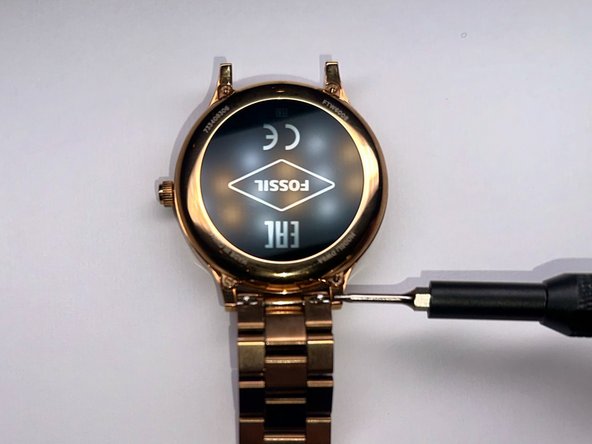
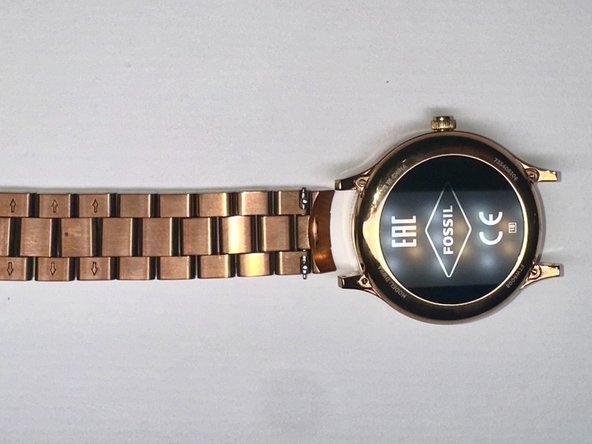
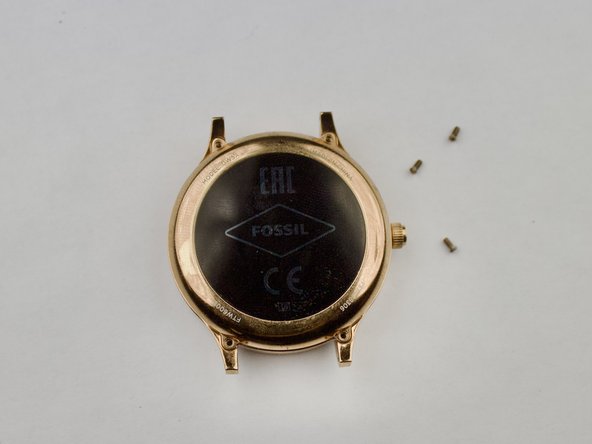
Once you remove the band, take a screwdriver and remove the four screws holding the backplate in place.
-
-
-
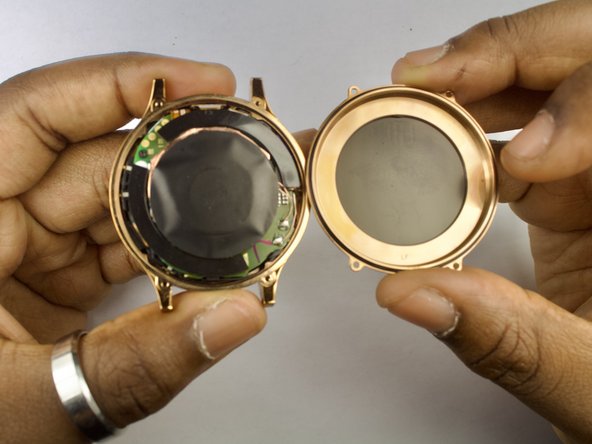
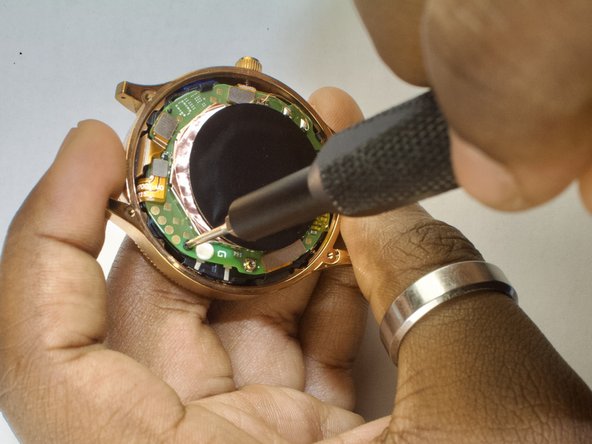
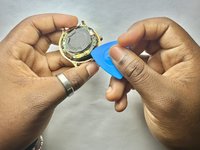
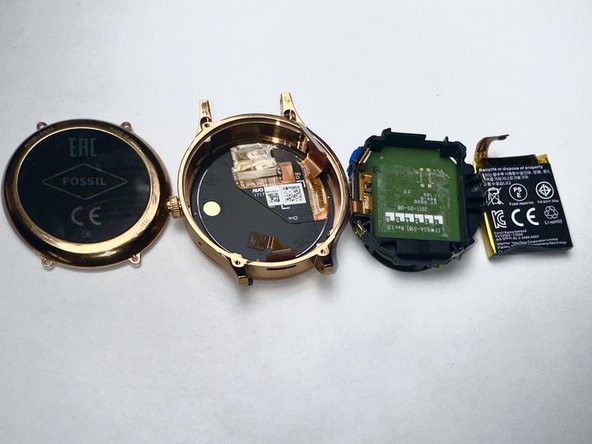
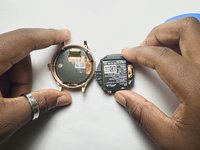
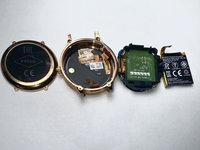
The inside of the watch will be exposed. Now, you can disconnect all the golden connections (battery, display, etc) and carefully loosen the battery housing from the shell.
-
-
-
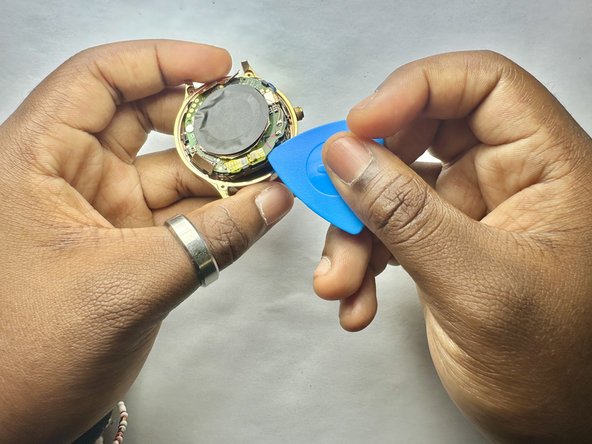
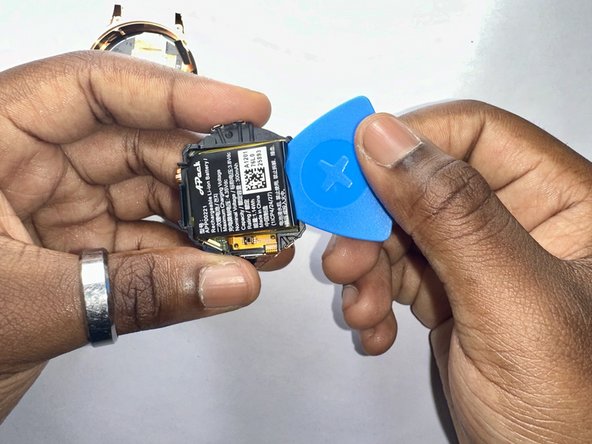
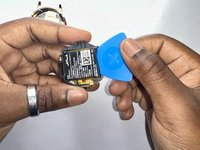
When the board is removed, the battery will be stuck in place with an adhesive inside the black plastic housing. Pry the battery out gently to remove it from the board.
-






To reassemble your device, follow these instructions in reverse order.
Отменить: Я не выполнил это руководство.
2 человек успешно провели ремонт по этому руководству.



Команда

CSU Los Angeles, Team 2-1, Kershman Fall 2024 Участник CSU Los Angeles, Team 2-1, Kershman Fall 2024
CSULA-KERSHMAN-F24S2G1
5 членов
Автор 2 руководств
