Перейти к основному содержанию

Fujifilm Instax Mini 9 Flash Capacitor Replacement

Выберете то, что вам нужно

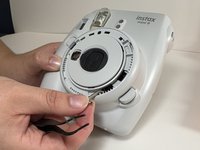
  1. Fujifilm Instax Mini 9 Flash Capacitor Replacement, Untie Wrist Strap: шаг 1, изображение 1 из 1
    • Untie the wrist strap by loosening the small black end of it, and pulling the large part out of the loop it makes which holds it in place.

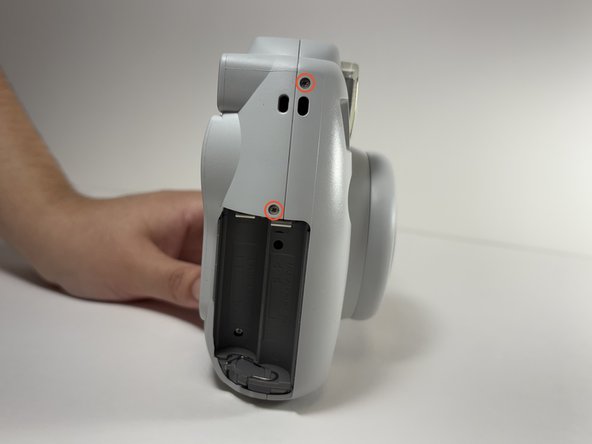
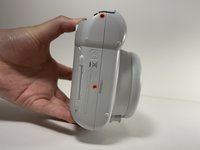
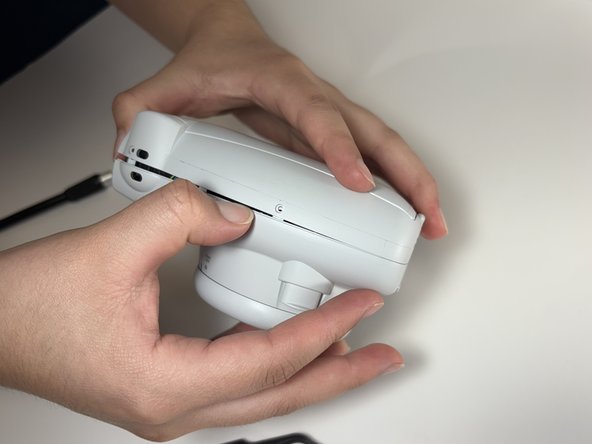
  2. Fujifilm Instax Mini 9 Flash Capacitor Replacement, Remove the Batteries: шаг 2, изображение 1 из 2 Fujifilm Instax Mini 9 Flash Capacitor Replacement, Remove the Batteries: шаг 2, изображение 2 из 2
    • Turn the camera on its side and take off the battery cover by pulling down while putting pressure onto the cover.

    • Remove both AA batteries.

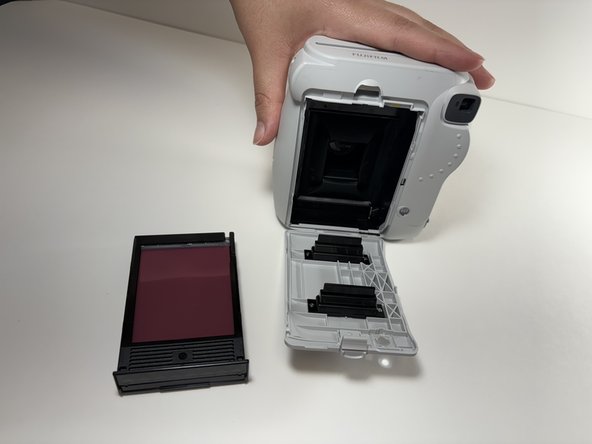
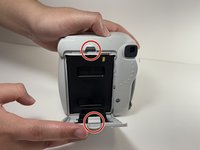
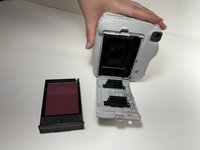
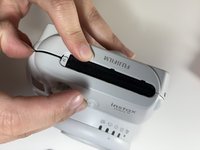
  3. Fujifilm Instax Mini 9 Flash Capacitor Replacement, Remove the Film Cartridge: шаг 3, изображение 1 из 2 Fujifilm Instax Mini 9 Flash Capacitor Replacement, Remove the Film Cartridge: шаг 3, изображение 2 из 2
    • Turn the camera to its back side and push down on the clip at the top of the film cover and remove film.

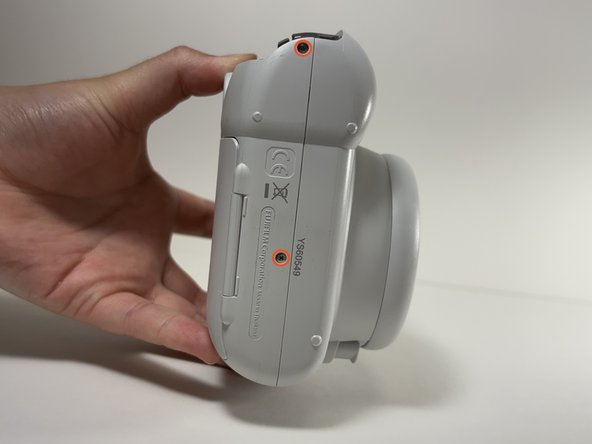
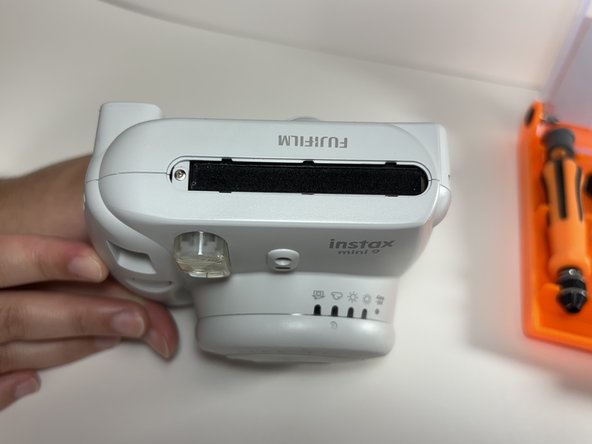
  4. Fujifilm Instax Mini 9 Flash Capacitor Replacement, Remove Shell Screws: шаг 4, изображение 1 из 3 Fujifilm Instax Mini 9 Flash Capacitor Replacement, Remove Shell Screws: шаг 4, изображение 2 из 3 Fujifilm Instax Mini 9 Flash Capacitor Replacement, Remove Shell Screws: шаг 4, изображение 3 из 3
    • Remove the six shell screws highlighted using a Philips #00 screwdriver.

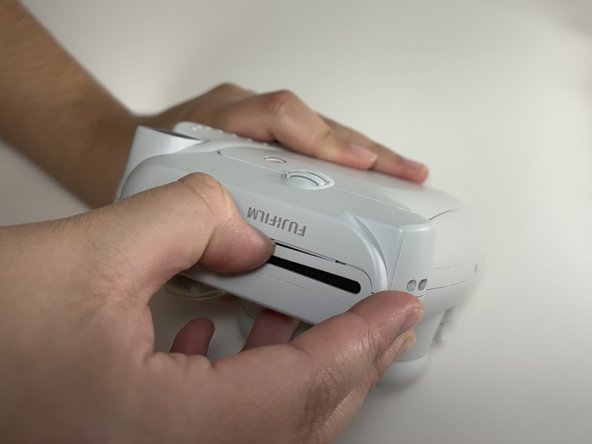
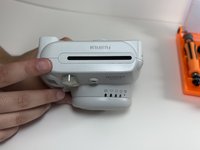
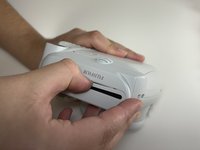
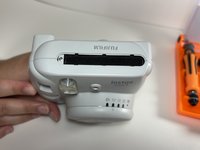
  5. Fujifilm Instax Mini 9 Flash Capacitor Replacement, Remove Printer Shroud: шаг 5, изображение 1 из 3 Fujifilm Instax Mini 9 Flash Capacitor Replacement, Remove Printer Shroud: шаг 5, изображение 2 из 3 Fujifilm Instax Mini 9 Flash Capacitor Replacement, Remove Printer Shroud: шаг 5, изображение 3 из 3
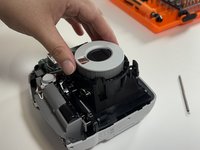
    • Remove the shroud for the film printer. Carefully pry around the edge of the shroud until the part comes loose.

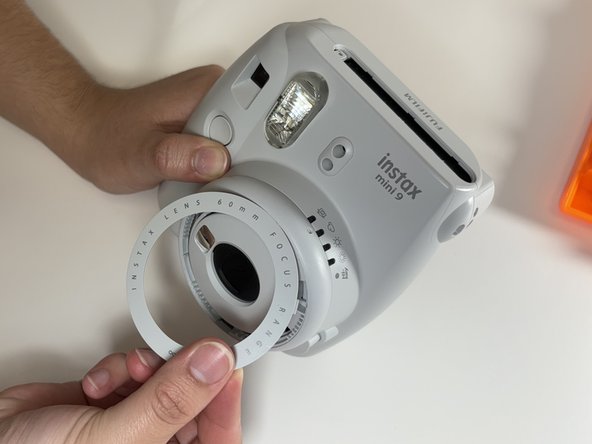
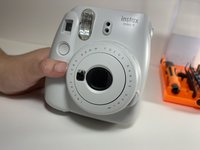
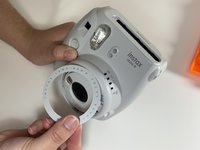
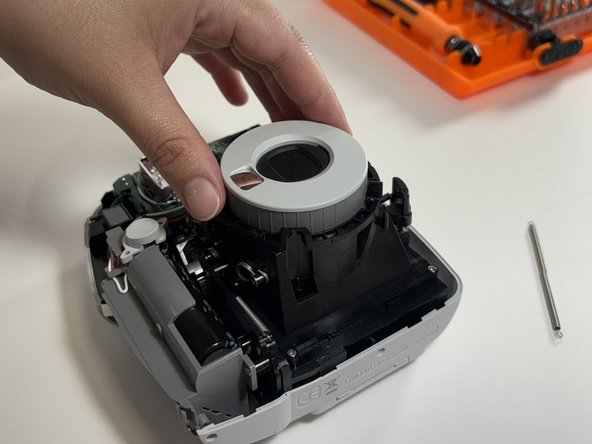
  6. Fujifilm Instax Mini 9 Flash Capacitor Replacement, Pry Off the Lens Shroud: шаг 6, изображение 1 из 2 Fujifilm Instax Mini 9 Flash Capacitor Replacement, Pry Off the Lens Shroud: шаг 6, изображение 2 из 2
    • Carefully pry around the lens shroud in a circular motion in order to remove it.

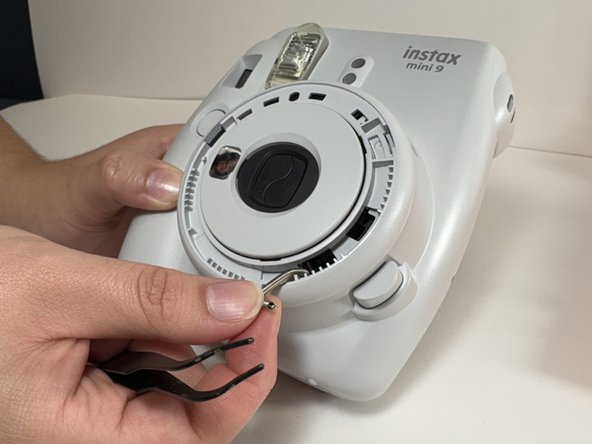
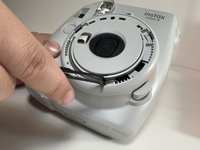
  7. Fujifilm Instax Mini 9 Flash Capacitor Replacement, Unhook Lens Spring: шаг 7, изображение 1 из 2 Fujifilm Instax Mini 9 Flash Capacitor Replacement, Unhook Lens Spring: шаг 7, изображение 2 из 2
    • Unhook the spring attached to the lens.

  8. Fujifilm Instax Mini 9 Flash Capacitor Replacement, Separate Camera Shell: шаг 8, изображение 1 из 3 Fujifilm Instax Mini 9 Flash Capacitor Replacement, Separate Camera Shell: шаг 8, изображение 2 из 3 Fujifilm Instax Mini 9 Flash Capacitor Replacement, Separate Camera Shell: шаг 8, изображение 3 из 3
    • Gently pry along the shell seam while tracing the seam along all sides of the camera. Take the front shell off the camera once the shell is released.

  9. Fujifilm Instax Mini 9 Flash Capacitor Replacement, Take Button Off: шаг 9, изображение 1 из 1
    • Take the button that controls the shutter off of the camera.

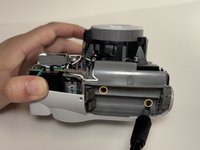
  10. Fujifilm Instax Mini 9 Flash Capacitor Replacement, Remove Battery Slot: шаг 10, изображение 1 из 2 Fujifilm Instax Mini 9 Flash Capacitor Replacement, Remove Battery Slot: шаг 10, изображение 2 из 2
    • Remove the battery slot by unscrewing the two highlighted screws. Once loose, remove the piece to reveal the capacitor.

    • Note: These two screws are smaller than the case screws removed earlier.

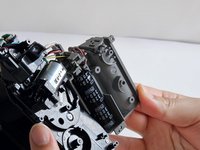
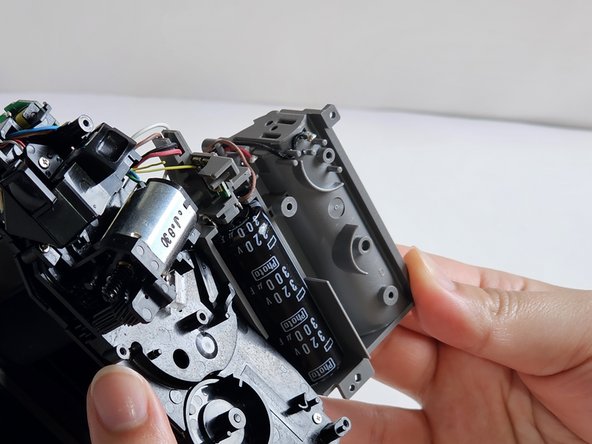
  11. Fujifilm Instax Mini 9 Flash Capacitor Replacement, Remove Capacitor: шаг 11, изображение 1 из 1
    • Heat the soldering iron up to 600°F and firmly hold it onto the soldered contacts.

    • Replace the flash capacitor by de-soldering the highlighted contacts.

    • Use a soldering wick or a vacuum pump to absorb the melted solder and remove capacitor once the wires are separated from the contacts.

    • Note: The capacitor is rated for 320V and has a capacitance of 300µF

  12. Fujifilm Instax Mini 9 Flash Capacitor Replacement, Resolder the Wires: шаг 12, изображение 1 из 1
    • Solder the two white wires back into place.

Заключение

To reassemble your device, follow these instructions in reverse order.

2 человек успешно провели ремонт по этому руководству.

g124um

Участник с: 11/14/24

253 Репутация

1 руководство автора

1 Комментарий к руководству

Doesn’t want to take pictures of flash or take the role

Joseline - Ответить
Добавить комментарий

Статистика просмотров:

За последние 24 часов: 8

За последние 7 дней: 29

За последние 30 дней: 100

За всё время: 1,263