Введение
The Merangue 2-Line Engineering Scientific Calculator is an essential tool for students and professionals who require precise calculations for their work. However, a malfunctioning battery can disrupt functionality, causing frustration and potential setbacks. Additionally, not knowing how to properly dispose of the battery and clean any residue can lead to further complications, emphasizing the importance of understanding battery maintenance and replacement.
This guide will show you how to replace the batteries of the Merangue 2-Line Engineering Scientific Calculator, ensuring it functions smoothly. You will learn how to properly dispose of the old batteries, adhering to environmental guidelines to avoid any potential hazards. Furthermore, this guide will instruct you on cleaning any residual battery residue, ensuring your calculator remains in optimal condition for continued use.
Выберете то, что вам нужно
-
-
Turn the calculator off by holding down the [Shift] button.
-
Then, press the [AC][OFF] button.
-
-
-
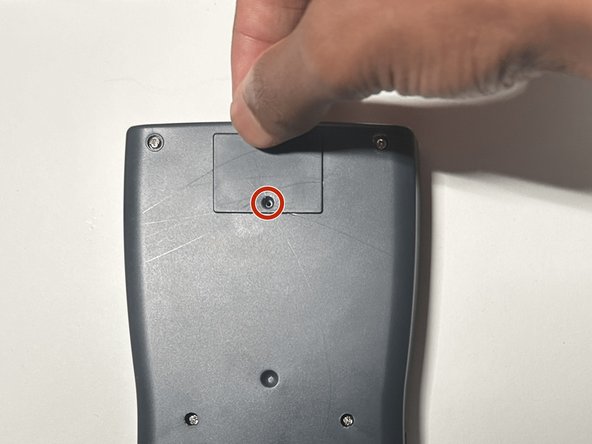
Flip the calculator so that the back case is facing you.
-
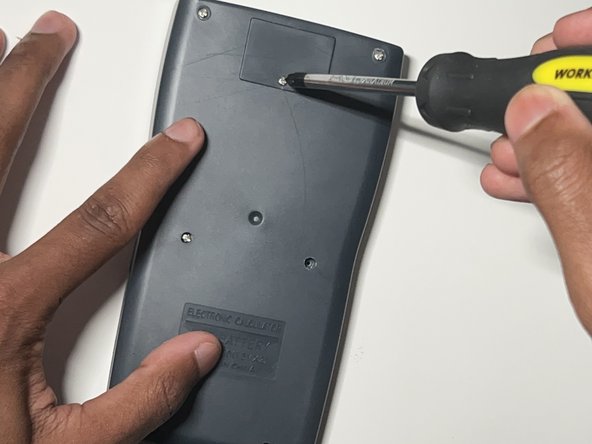
Use a Phillips #0 screwdriver to remove the single screw from the battery cover at the top of the back case.
-
-
-
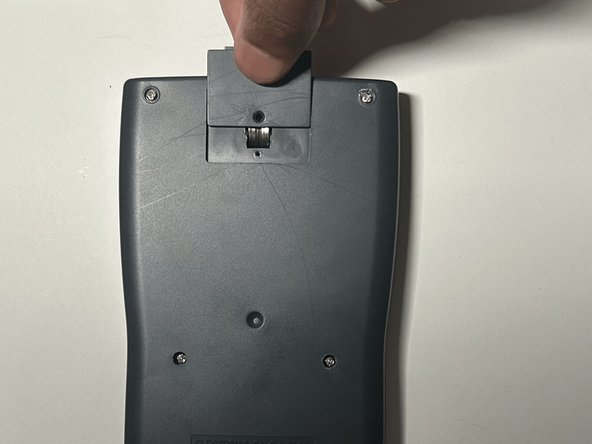
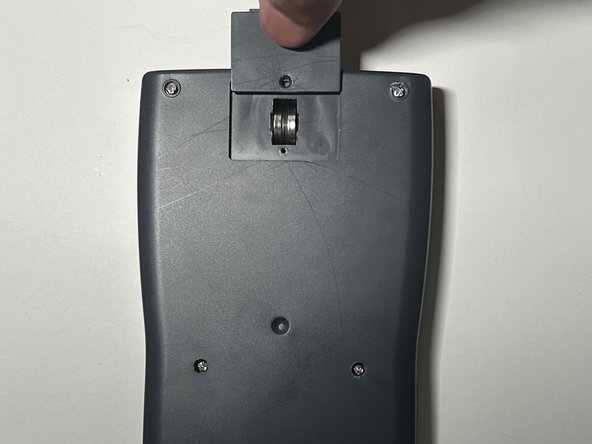
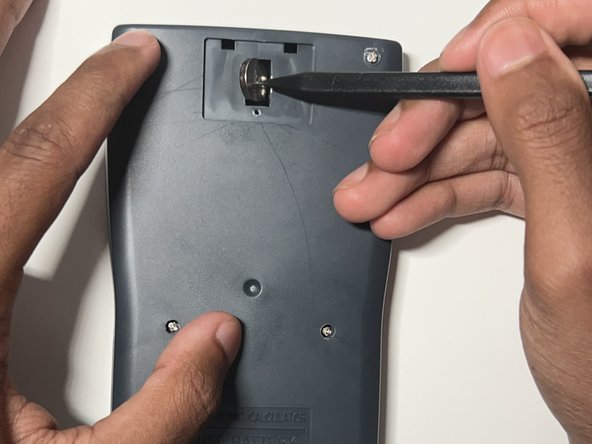
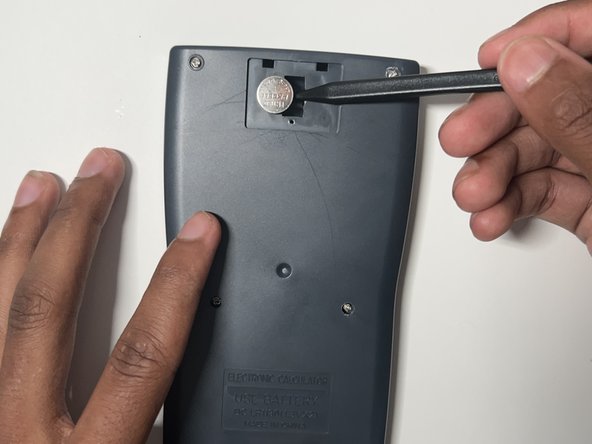
Insert a plastic spudger between the two batteries.
-
Use the plastic spudger to gently pry out the left and right batteries.
-
-
-
-
Put on the nitrile gloves and remove the two batteries from the battery compartment.
-
To dispose of the battery properly consult the How to Recycle End-of-Life Electronics article.
-
-
-
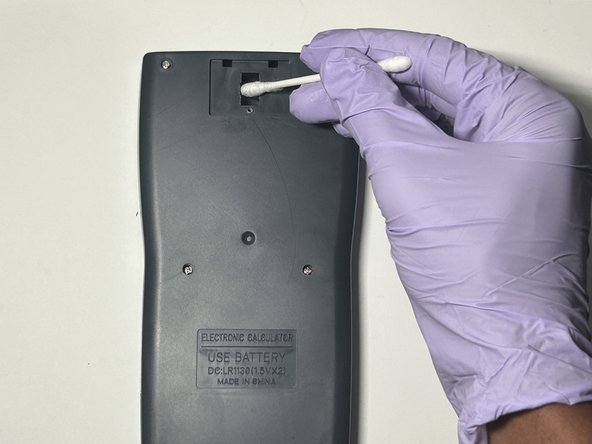
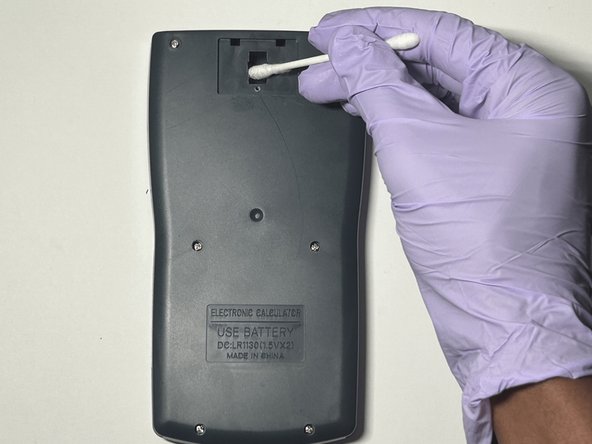
Dab a cotton swab in distilled white vinegar.
-
Gently clean the battery compartment in an up and down motion with the cotton swab.
-
-
-
Insert the new LR 1130 batteries in both slots.
-
Make sure the + sign on the battery is facing down in its respective slot.
-
-
-
Slide the battery cover back into place.
-
Use a Phillips #0 screwdriver to secure the battery cover screw.
-
-
-
Reset the calculator by pressing the [ON] button.
-
Release the [ON] button and press [Shift].
-
Release the [Shift] button and press the [MODE] button.
-
Release the [MODE] button and press the [3] button to reset all.
-
Release the [3] button and press [=] to confirm the action.
-
Finally, release the [=] button and press the [AC] button to complete the reset.
-










You have now successfully replaced the battery of a Merangue 2-Line Engineering Scientific Calculator.
Отменить: Я не выполнил это руководство.
3 человек успешно провели ремонт по этому руководству.



Команда

York University, Team N-27, O'Regan Summer 2024 Участник York University, Team N-27, O'Regan Summer 2024
YORK-O'REGAN-SU24SNG27
1 член
Автор 1 руководств
