Перейти к основному содержанию

How to Install and Remove Expansion Cards

Выберете то, что вам нужно

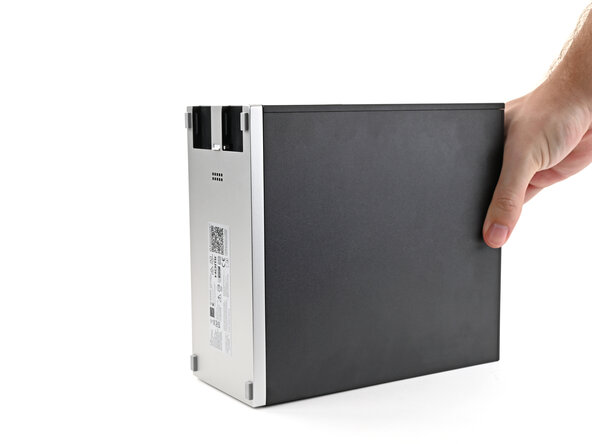
  1. How to Install and Remove Expansion Cards, Reposition the Desktop: шаг 1, изображение 1 из 2 How to Install and Remove Expansion Cards, Reposition the Desktop: шаг 1, изображение 2 из 2
    • Rotate the Desktop so its rear rests on your work surface.

    • If your Desktop is plugged in, consider powering down and unplugging it so the rear sits flat. Otherwise, you'll need to support it with one hand at an angle while you work.

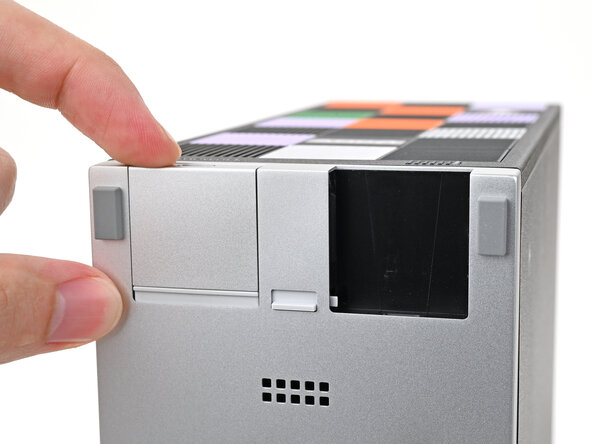
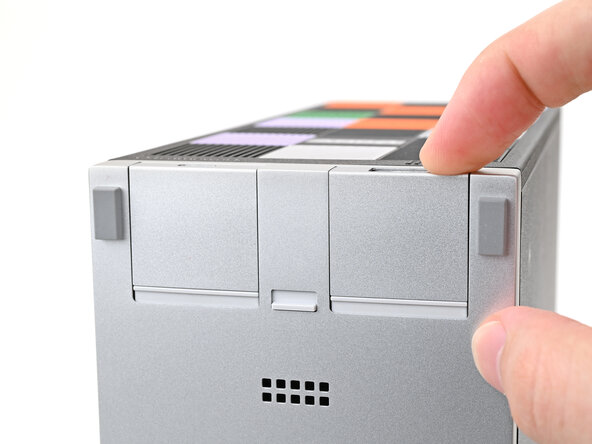
  2. How to Install and Remove Expansion Cards, Install an Expansion Card: шаг 2, изображение 1 из 3 How to Install and Remove Expansion Cards, Install an Expansion Card: шаг 2, изображение 2 из 3 How to Install and Remove Expansion Cards, Install an Expansion Card: шаг 2, изображение 3 из 3
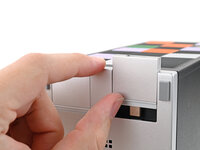
    • The next two steps show how to install an Expansion Card.

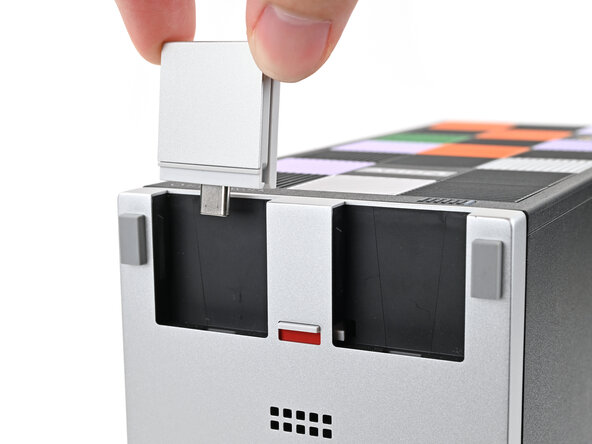
    • Slide an Expansion Card into an Expansion Card slot.

    • You don't need to unlock the latch to install the Expansion Cards—only when you want to remove them.

    • The Expansion Cards should click into place, and the front edge should be flush with the silver base.

  3. How to Install and Remove Expansion Cards: шаг 3, изображение 1 из 2 How to Install and Remove Expansion Cards: шаг 3, изображение 2 из 2
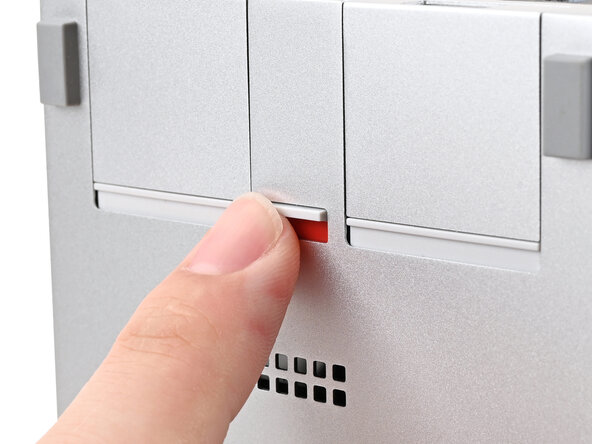
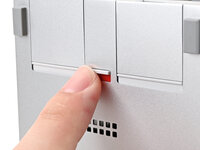
    • If there's a red bar showing under the Expansion Card latch, use your finger to flip the latch and lock the Expansion Card into its slot.

    • Locking the Expansion Card slots helps keep the cards in place when you unplug cables from them.

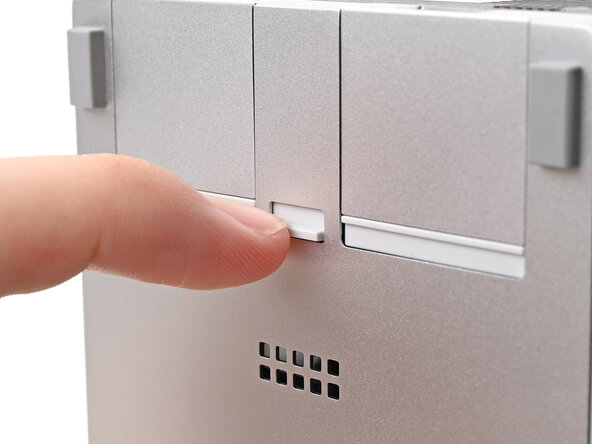
  4. How to Install and Remove Expansion Cards, Remove an Expansion Card: шаг 4, изображение 1 из 2 How to Install and Remove Expansion Cards, Remove an Expansion Card: шаг 4, изображение 2 из 2
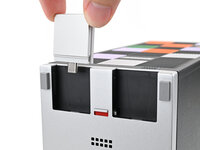
    • The next two steps show how to remove an Expansion Card.

    • Use your finger to flip the Expansion Card latch into the unlocked position.

    • The latch displays a red bar when it's unlocked.

  5. How to Install and Remove Expansion Cards: шаг 5, изображение 1 из 3 How to Install and Remove Expansion Cards: шаг 5, изображение 2 из 3 How to Install and Remove Expansion Cards: шаг 5, изображение 3 из 3
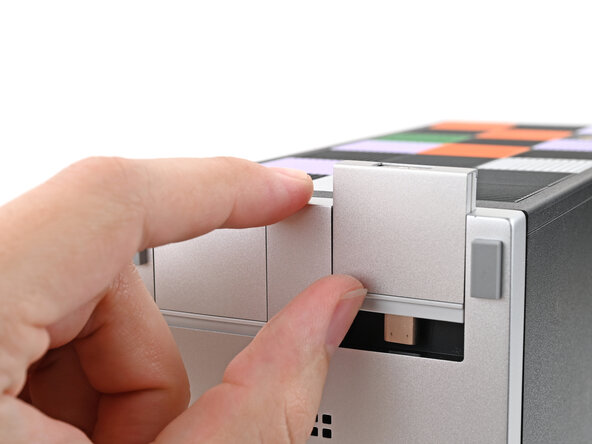
    • Push up on the lip of the Expansion Card with your fingers.

    • Pull the Expansion Card out of its slot and remove it.

Заключение

If you need help, contact Framework support.

Alex Diaz-Kokaisl

Участник с: 01/16/22

213 178 Репутация

Автор 1 040 руководств

0 Комментарии к руководству

Добавить комментарий

Статистика просмотров:

За последние 24 часов: 1

За последние 7 дней: 5

За последние 30 дней: 11

За всё время: 151