Введение
This guide will walk you through how to remove the camera lens off the back of a Kyocera Event.
Выберете то, что вам нужно
-
-
Use the screwdriver with the Y0 bit attached to take out the seven 5mm screws that attach the back cover on the phone. Make sure to keep track of these screws, as they are pretty important.
-
-
-
-
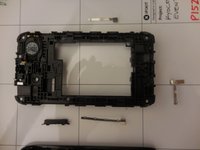
Next, use the metal spudger to pry at the plastic clips. Be careful to not to lose the power button and volume buttons as they fall out. Remove the plug for the camera flash.
-
-
-
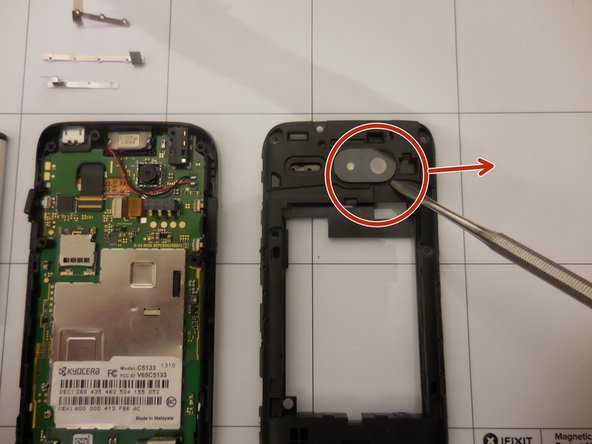
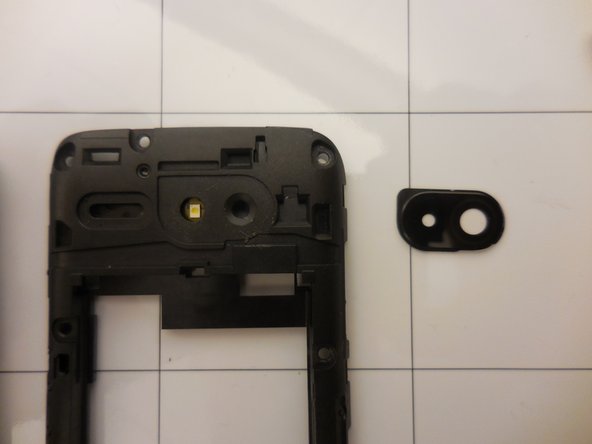
Use the spudger to pry the camera lens and remove it from the rear frame. Then you can replace the lens.
-


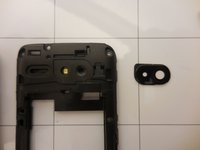
To reassemble your device, follow these instructions in reverse order.



Команда

Colorado Springs, Team 1-2, May Spring 2015 Участник Colorado Springs, Team 1-2, May Spring 2015
UCCS-MAY-S15S1G2
4 членов
Автор 2 руководств
