Перейти к основному содержанию

Kyocera Event Motherboard Replacement

Выберете то, что вам нужно

  1. Kyocera Event Motherboard Replacement, Battery: шаг 1, изображение 1 из 3 Kyocera Event Motherboard Replacement, Battery: шаг 1, изображение 2 из 3 Kyocera Event Motherboard Replacement, Battery: шаг 1, изображение 3 из 3
    • Locate the small notch on the bottom right side of the phone.

    • To remove the cover, hook your thumb or fingernail into the slot. Then, gently lift the cover up and off.

    • The back cover may flex slightly as you remove it. This is normal, but avoid applying excessive force.

  2. Kyocera Event Motherboard Replacement: шаг 2, изображение 1 из 1
    • Locate the small notch below the battery. You may see a white plastic notch sticking out of this space; if so, grasp that tab to pull the battery out of its compartment. If you do not see a white plastic tab, then place your fingernail in the notch and pull upward to release the battery from its compartment.

    • The plastic prying tool can be used to help remove the battery.

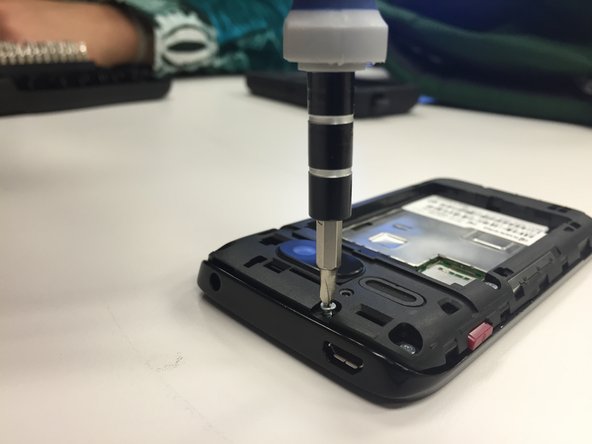
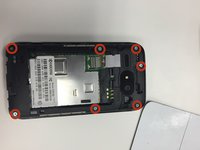
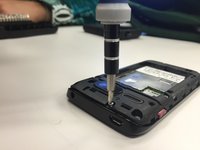
  3. Kyocera Event Motherboard Replacement, Remove the screws.: шаг 3, изображение 1 из 2 Kyocera Event Motherboard Replacement, Remove the screws.: шаг 3, изображение 2 из 2
    • Remove seven of the 4.9mm tri-head screws. Keep them in a secure location.

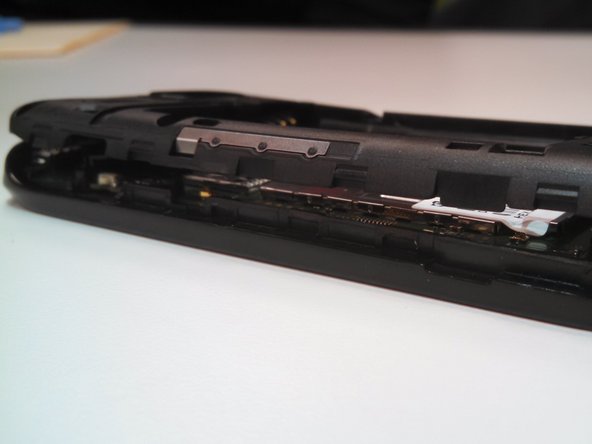
  4. Kyocera Event Motherboard Replacement, Remove the back assembly: шаг 4, изображение 1 из 3 Kyocera Event Motherboard Replacement, Remove the back assembly: шаг 4, изображение 2 из 3 Kyocera Event Motherboard Replacement, Remove the back assembly: шаг 4, изображение 3 из 3
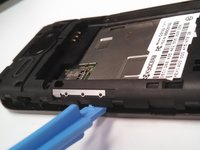
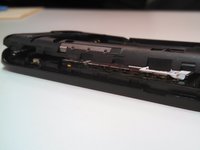
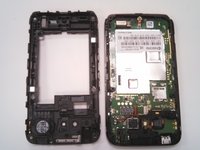
    • Pry the back assembly away from the body on all four sides of the phone.

    • Start prying at the top and work around.

    • Remove the buttons for the volume and power-this will allow for easier disassembly.

    • The back assembly is firmly attached to the body of the phone so removing it will require some force.

  5. Kyocera Event Motherboard Replacement, Motherboard: шаг 5, изображение 1 из 2 Kyocera Event Motherboard Replacement, Motherboard: шаг 5, изображение 2 из 2
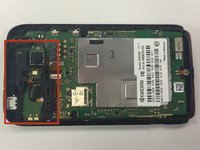
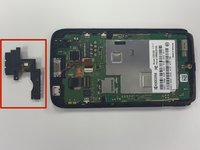
    • Locate the black L-shaped cover at the top center of the phone.

    • Remove the piece, including the attached ribbon, and set it aside.

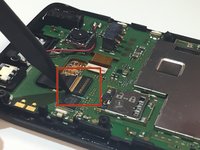
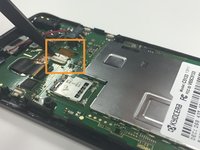
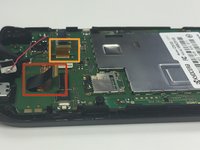
  6. Kyocera Event Motherboard Replacement, Disconnect Cables: шаг 6, изображение 1 из 3 Kyocera Event Motherboard Replacement, Disconnect Cables: шаг 6, изображение 2 из 3 Kyocera Event Motherboard Replacement, Disconnect Cables: шаг 6, изображение 3 из 3
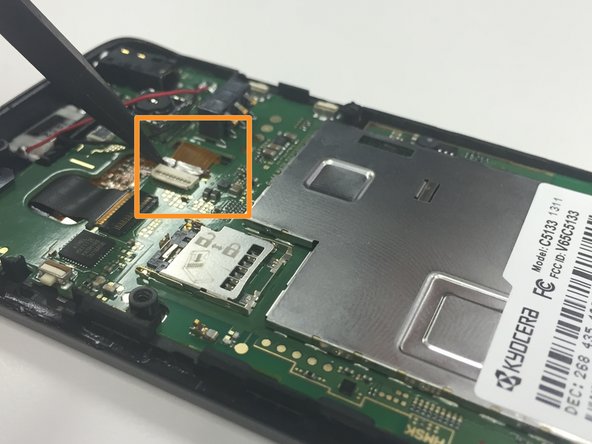
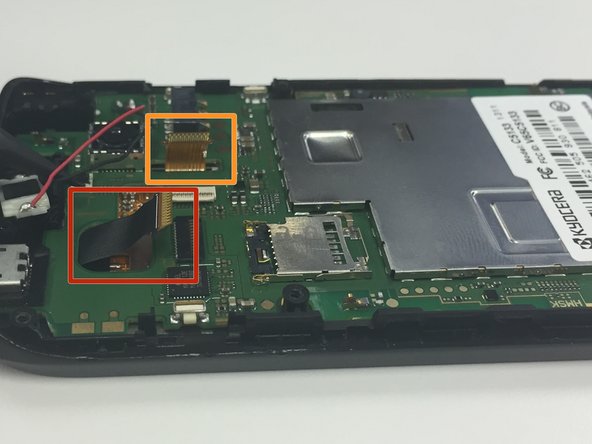
    • Use a spudger to carefully disconnect the black cable.

    • Use the spudger to carefully disconnect the brown cable.

  7. Kyocera Event Motherboard Replacement: шаг 7, изображение 1 из 2 Kyocera Event Motherboard Replacement: шаг 7, изображение 2 из 2
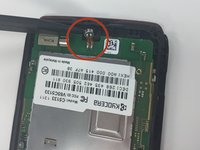
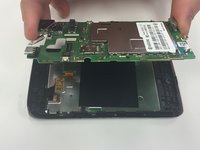
    • Locate the hook at the bottom of the phone. Use the spudger unlatch the hook connecting the motherboard to the front assembly of the phone.

    • Using your fingers, gently grab the motherboard and pull.

  8. Kyocera Event Motherboard Replacement: шаг 8, изображение 1 из 1
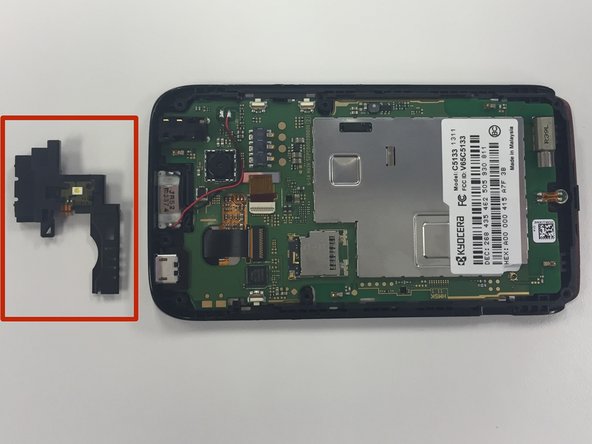
    • Prior to removing the motherboard, remove the speaker from the top of the device.

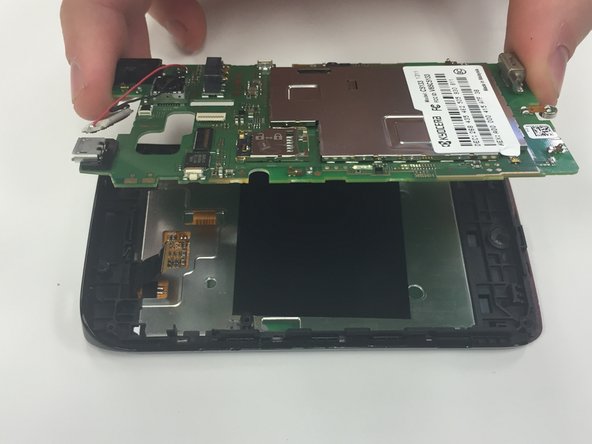
  9. Kyocera Event Motherboard Replacement: шаг 9, изображение 1 из 1
    • Using fingers, remove the motherboard from its casing.

Заключение

To reassemble your device, follow these instructions in reverse order.

Sydney

Участник с: 02/11/15

19 Репутация

1 руководство автора

0 Комментарии к руководству

Добавить комментарий

Статистика просмотров:

За последние 24 часов: 0

За последние 7 дней: 0

За последние 30 дней: 4

За всё время: 1,031