Введение
Although similar to the P920, it is hard to find information on replacing the screen of the newer model P720/p725/3D MAX. The guide shows the way I replaced the screen. Note your steps, there is no detailed reassembly!
Выберете то, что вам нужно
-
-
This is what you need:
-
New P720/P725 LCD
-
Small philips/crosstip screwdriver
-
Tiny slotted screwdriver (to tear things apart)
-
Guitar pick (also to open things and tear them apart)
-
Lets start: remove the 3 screws on the bottom plate and the 8 screws on the upper part, all marked in red. (I hope I did not forget one..).
-
-
-
With the tiny screwdriver go under the bottom plate. Lift the plate and remove it.
-
-
-
We got to the SIM and SD card board and the motherboard.
-
Start to unpin the relevant cables and pins marked in red.
-
-
-
Remove the SIM and SD card board. You removed the pin next to the SD card tray already and you can see the glue on the board on this picture. Also remove the (whole!) pin between the cameras, circled in red.
-
Remove the pin shown at the bottom of the picture.
-
Remove the board carefully.
-
-
-
-
Let's remove the motherboard now.
-
Although already pointed out earlier on, the red marked pins are the ones you need to unpin before carefully removing the board.
-
There are four pins marked on the top of the board and three in the lower part. Once you removed them, remove the board.
-
-
-
Let's continue work at the lower part of the phone.
-
Three things you need to loose or unpin: the sticker that kept the microUSB board in place, the second pin of the cable and the gold foil circled in red.
-
-
-
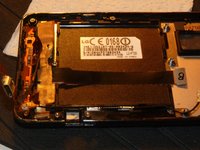
Now it is a little tricky to tell apart the flex cable that comes from the LCD and needs to be removed and the necessary flex cables that need to be left in place.
-
I tried to mark the gold foil under the two board parts. Where you removed the first bit of gold foil should now be two connectors visible.
-
-
-
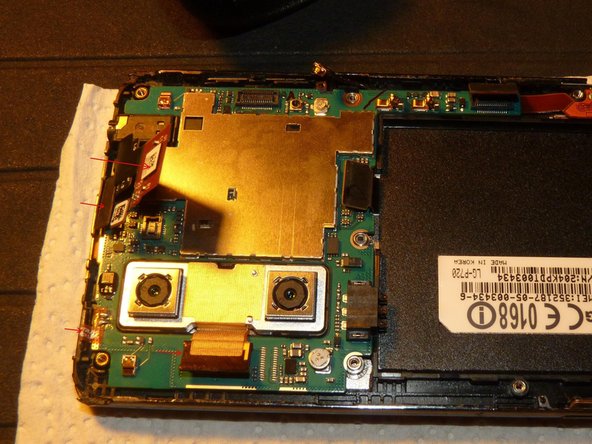
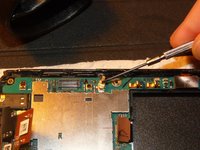
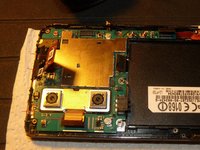
Use the guitar pick to detach the glass housing from the housing of the LCD screen. Be careful, you have to detach a lot of pins. Have a close look at the picture before you proceed.
-
-
-
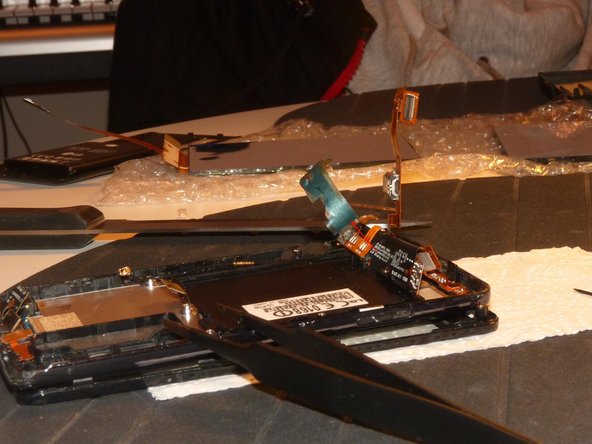
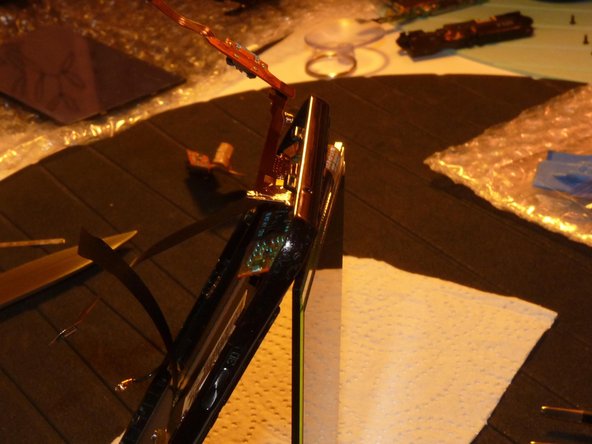
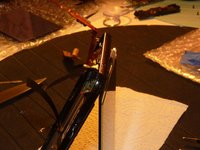
You cannot fully detach the glass because the relevant flex cable has a pin that won't fit through the opening at the top of the phone.
-
Open it carefully like shown in the picture.
-
-
-
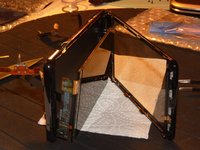
This looks a little wild but actually isn't. The LCD sits tight in it's housing. Take the slotted screwdriver to lift it out of it's housing.
-
The LCD is already broken. Anyway, let's stay careful :)
-
-
-
Because of the flex cable of the LCD it is not yet possible to remove it.
-
Take a sharp small knife or a razor blade to cut those flex cables close to the LCD. Start where the upper red arrow starts and work your way down to the second arrow. Now you can remove the LCD.
-
On the other side you can now identify the old flex cables that you just cut loose. You will have to remove those as well. Take a look at the next steps.
-
-
-
Remember the gold foil I pointed out in step 10? Go to the right and see where I marked the arrow. Start to pull off the gold foil under the cable and don't tear it apart.
-
Go slow!
-
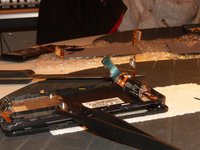
Remove the foil. You will see there is also a light blue foil as shown in the second picture. It's attached to the gold foil. Leave it attached!
-
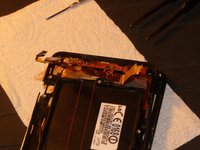
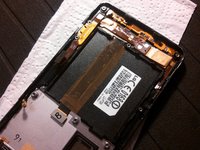
Once you detached the gold/blue foil, remove the flex cable that lies beneath the black foil that covers the battery compartment. In the first picture I marked red lines show where the flex cable lies.
-
You have to tear it and it won't glue again.
-
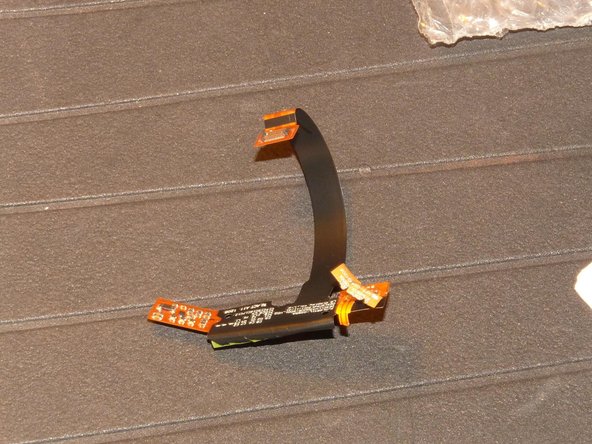
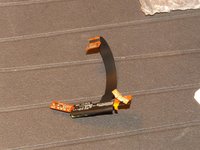
Once you removed the flex cable it looks a little bit like a scorpion there :)
-
-
-
Insert the new LCD. Work the flex cable through the designated openings.
-
It's a little messy in the picture, but you will work out how to do it properly.
-
-
-
You worked the flex cable through it's designated opening? Then take the kept gold/blue foil and attach it to the new LCD flex cable like it was attached on the old one.
-
The picture shows how it should like now.
-
You have to fix the cable that goes through the battery compartment. Use duct tape, or, if not available do it like I did: use normal tape.
-
Now you are done. I hope you took notes of how you disassembled the phone. You need to reassemble it now!
-
-
-
If you worked carefully, followed all the steps and reassembled the phone without mistakes, then it should like this ;)
-
Hope I could help you guys!
-
If there is a question, let me know!
-








To reassemble your device, follow these instructions in reverse order.
Отменить: Я не выполнил это руководство.
Еще один человек закончил это руководство.



