Выберете то, что вам нужно
-
-
Remove the rubber stoppers from the four corners of the front screen.
-
-
-
To pry open the face plate, place the iFixit Opener tool in the crease of the phone.
-
-
-
-
Carefully lift off the black frame around the LCD screen and set it aside.
-
-
Инструмент, используемый на этом этапе:Tweezers$4.99
-
Lift the speaker out by using tweezers.
-
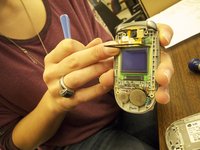
Next, lift the battery out using the tweezers.
-
-
-
Remove the LCD screen and replace with a new one.
-
Finally, replace the battery and the speaker.
-


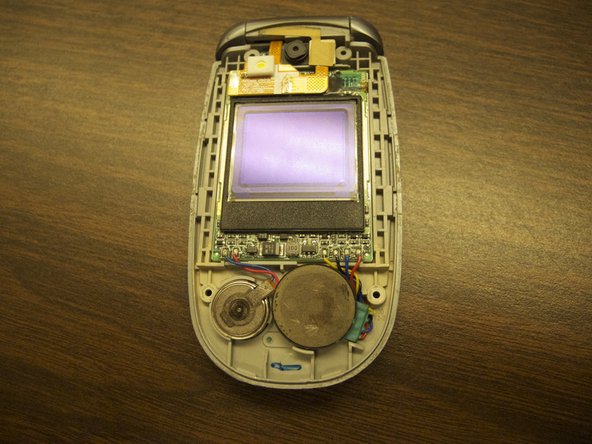


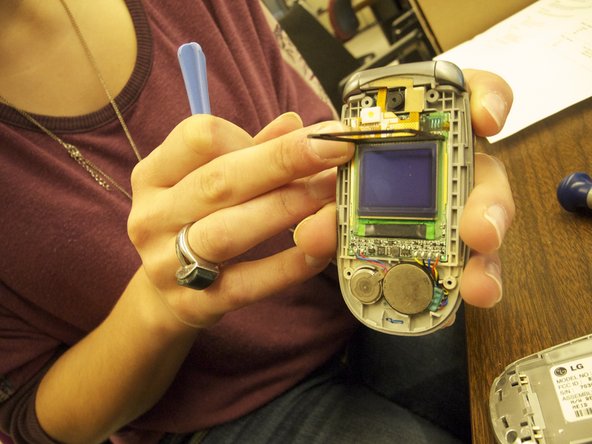


To reassemble your device, follow these instructions in reverse order.



Команда

Ohio State, Team 1-1, Buehl Spring 2013 Участник Ohio State, Team 1-1, Buehl Spring 2013
OSU-BUEHL-S13S1G1
3 членов
Автор 4 руководств
1 Комментарий к руководству
Thanks for the instructions. By chance, do you know how to replace the motherboard? Where is the mother board
