Введение
In this guide you will replace the speaker driver to a Logitech UE Boom 3 speaker. The model number is S-00171. Alternative model numbers could be S-00171-A, S-00171-B, and S-00171-C. This driver takes the electrical energy of the audio signal and converts it into mechanical energy by moving air to create sound. If your speaker is not playing sound correctly and is distorted, you may need to replace your speaker driver.
Выберете то, что вам нужно
-
-
Insert a Jimmy into the space between the body and the lid.
-
Wiggle the Jimmy to loosen the lid. Continue around the lid until lid comes off.
-
-
-
-
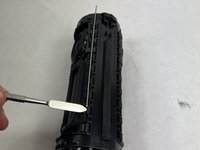
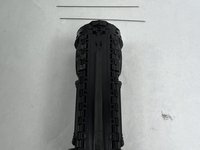
Remove the metal bars from the body of the speaker using the spudger.
-
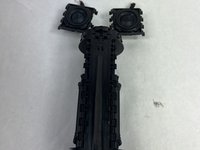
Carefully pull out the speaker driver from the body of the speaker.
-


To reassemble your device, follow these instructions in reverse order.



Команда

UMass Dartmouth, Team 1-4, Konn Spring 2024 Участник UMass Dartmouth, Team 1-4, Konn Spring 2024
UMASSD-KONN-S24S1G4
4 членов
Автор 8 руководств
