Перейти к основному содержанию

OneLink Safe and Sound Speaker Replacement

Выберете то, что вам нужно

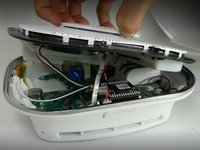
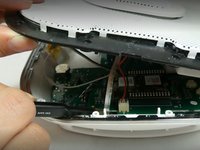
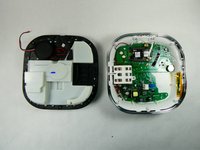
  1. OneLink Safe and Sound Speaker Replacement, Cover: шаг 1, изображение 1 из 2 OneLink Safe and Sound Speaker Replacement, Cover: шаг 1, изображение 2 из 2
    • Run the metal spudger under the plastic rim and around the perimeter, on the top of the device to loosen the adhesive.

    • Remove plastic rim.

  2. OneLink Safe and Sound Speaker Replacement: шаг 2, изображение 1 из 2 OneLink Safe and Sound Speaker Replacement: шаг 2, изображение 2 из 2
    • Use a Phillips #0 screwdriver to remove nine screws from the top of the device.

  3. OneLink Safe and Sound Speaker Replacement: шаг 3, изображение 1 из 2 OneLink Safe and Sound Speaker Replacement: шаг 3, изображение 2 из 2
    Инструмент, используемый на этом этапе:
    Tweezers
    $4.99
    • Don't yank or pull the lid off as there are ribbons and cables connecting the top of the device to the motherboard. They need to be disconnected before the top is removed.

    • Use tweezers or a spudger to disconnect the ribbon from the motherboard.

  4. OneLink Safe and Sound Speaker Replacement: шаг 4, изображение 1 из 1
    • Use tweezers to unplug the speaker cable from the motherboard.

  5. OneLink Safe and Sound Speaker Replacement: шаг 5, изображение 1 из 2 OneLink Safe and Sound Speaker Replacement: шаг 5, изображение 2 из 2
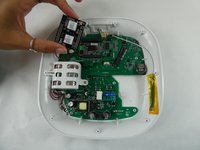
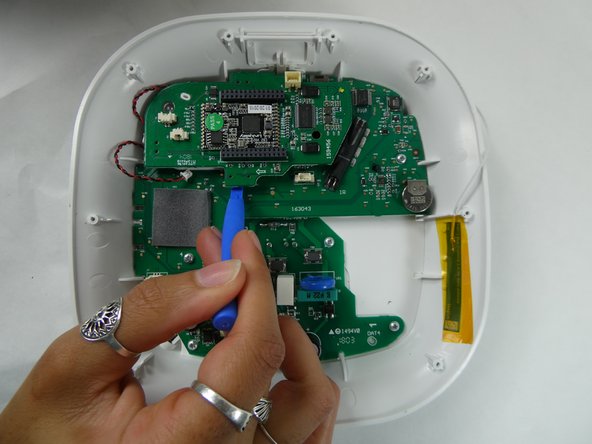
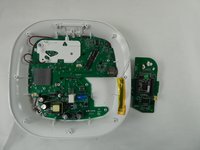
    • Use the plastic opening tool to remove the microphone connection from the motherboard.

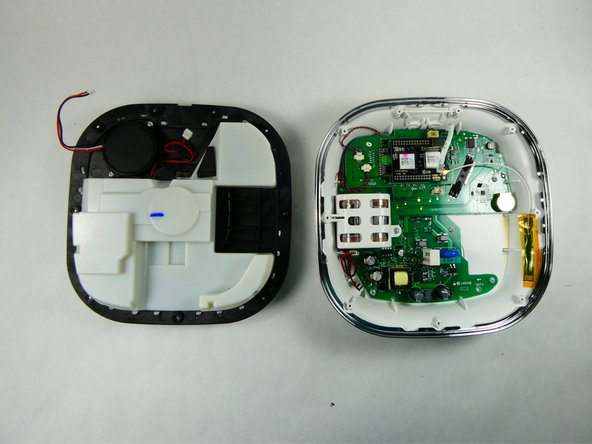
    • Remove the top of the device.

  6. OneLink Safe and Sound Speaker Replacement, Battery: шаг 6, изображение 1 из 1
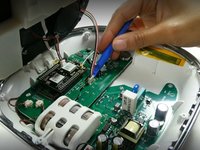
    • Use the plastic opening tool to disconnect the cable from the motherboard.

  7. OneLink Safe and Sound Speaker Replacement: шаг 7, изображение 1 из 2 OneLink Safe and Sound Speaker Replacement: шаг 7, изображение 2 из 2
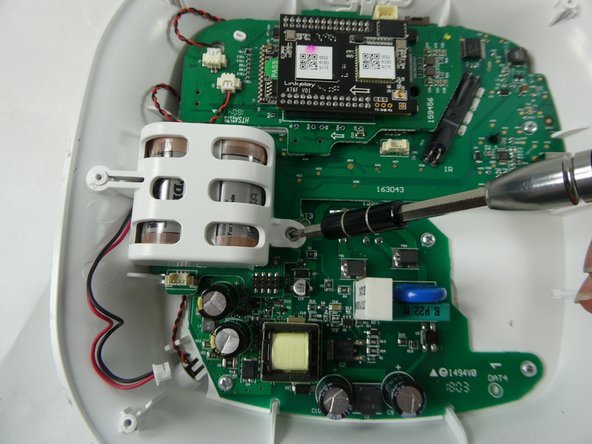
    • Use a Phillips #0 screwdriver to remove the single screw securing the plastic battery cage.

  8. OneLink Safe and Sound Speaker Replacement: шаг 8, изображение 1 из 2 OneLink Safe and Sound Speaker Replacement: шаг 8, изображение 2 из 2
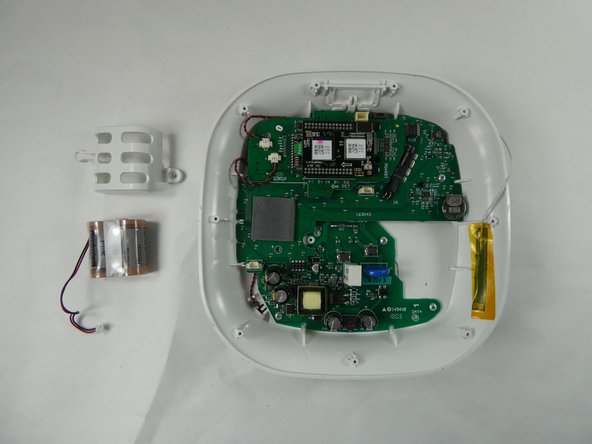
    • Remove the plastic cage holding the battery in place.

    • Remove the battery from the device.

  9. OneLink Safe and Sound Speaker Replacement, Bluetooth Module: шаг 9, изображение 1 из 1
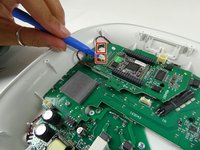
    • Use the opening tool to disconnect the Wi-Fi cable from the Bluetooth module.

  10. OneLink Safe and Sound Speaker Replacement: шаг 10, изображение 1 из 2 OneLink Safe and Sound Speaker Replacement: шаг 10, изображение 2 из 2
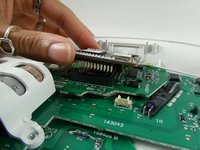
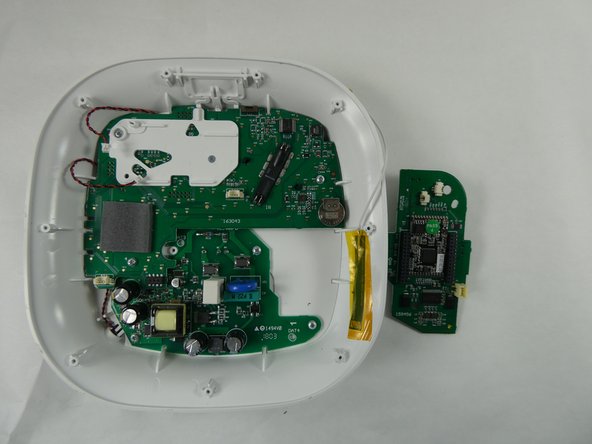
    • Lift the Bluetooth module off of the daughterboard.

    • Lift it straight up to avoid bending the delicate pins that connect the Bluetooth module to the board.

  11. OneLink Safe and Sound Speaker Replacement, Motherboard: шаг 11, изображение 1 из 3 OneLink Safe and Sound Speaker Replacement, Motherboard: шаг 11, изображение 2 из 3 OneLink Safe and Sound Speaker Replacement, Motherboard: шаг 11, изображение 3 из 3
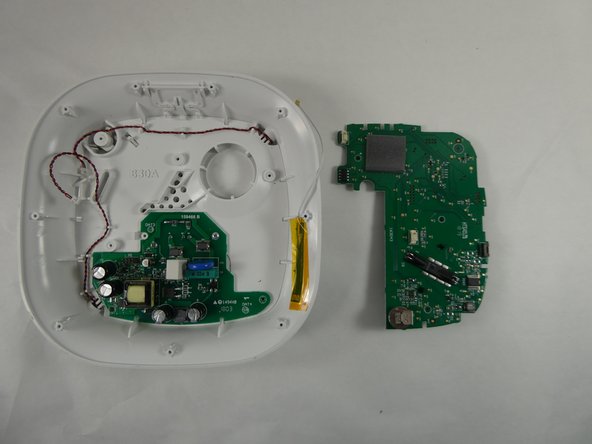
    • Use the opening tool to disconnect the speaker cables from the daughterboard.

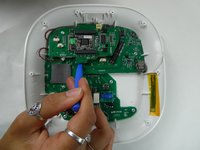
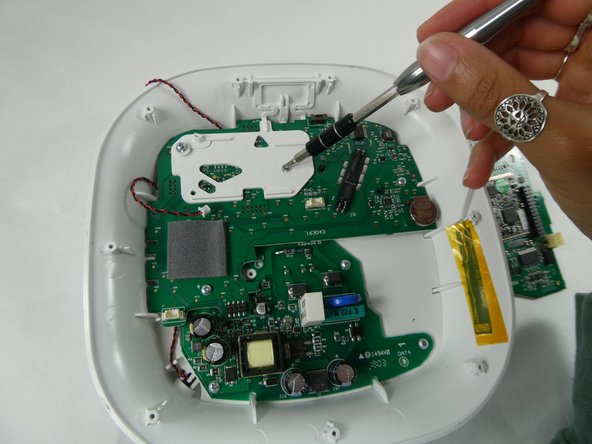
    • Use the opening to lift the daughterboard off of the motherboard.

    • The daughterboard is sitting on a white plastic base on top of the motherboard.

  12. OneLink Safe and Sound Speaker Replacement: шаг 12, изображение 1 из 2 OneLink Safe and Sound Speaker Replacement: шаг 12, изображение 2 из 2
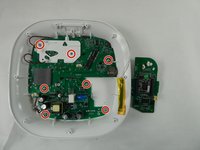
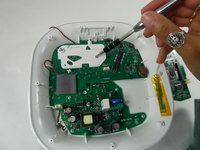
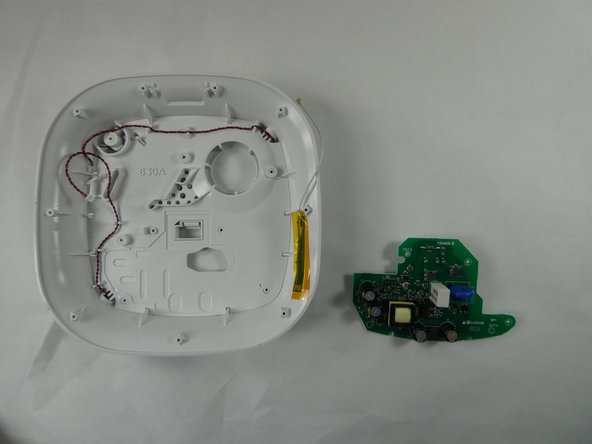
    • Use a Phillips #0 screwdriver to remove seven screws securing the white base and motherboard.

  13. OneLink Safe and Sound Speaker Replacement: шаг 13, изображение 1 из 3 OneLink Safe and Sound Speaker Replacement: шаг 13, изображение 2 из 3 OneLink Safe and Sound Speaker Replacement: шаг 13, изображение 3 из 3
    • Gently remove the motherboard.

  14. OneLink Safe and Sound Speaker Replacement, Speaker: шаг 14, изображение 1 из 2 OneLink Safe and Sound Speaker Replacement, Speaker: шаг 14, изображение 2 из 2
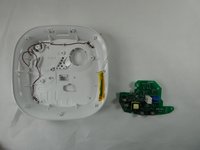
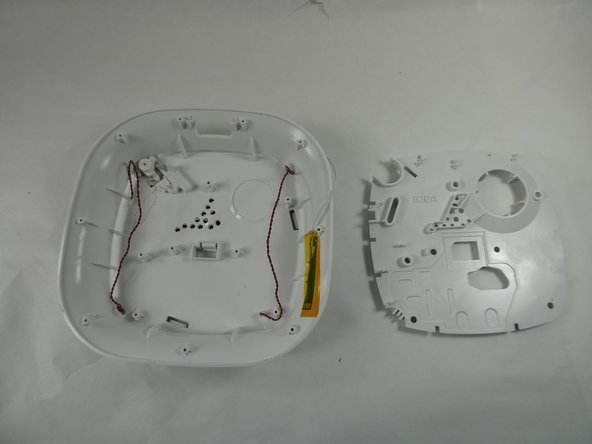
    • Remove the speaker cables from the channels along the edge of the speaker cover.

    • Use an opening tool or your fingers to lift the speaker cover off of the back cover which houses the speakers.

  15. OneLink Safe and Sound Speaker Replacement: шаг 15, изображение 1 из 1
    • When the speaker cover is removed the speakers can be replaced.

Заключение

To reassemble your device, follow these instructions in reverse order.

Arianna Roberts

Участник с: 11/10/22

657 Репутация

Автор 6 руководств

Команда

UMass Dartmouth, Team 2-2, Petersen Fall 2022 Участник UMass Dartmouth, Team 2-2, Petersen Fall 2022

UMASSD-PETERSEN-F22S2G2

3 членов

Автор 6 руководств

1 Комментарий к руководству

I read in some review that the replacement speakers are 10 watts and they have a diameter of 6.8 inches. Can you add a picture of the actual speaker so I can purchase a replacement for my damaged OneLink Safe and Sound speaker?

BBQ 572 - Ответить
Добавить комментарий

Статистика просмотров:

За последние 24 часов: 0

За последние 7 дней: 3

За последние 30 дней: 14

За всё время: 279