Перейти к основному содержанию

PowerA Spectra Infinity Enhanced Faceplate Replacement

Выберете то, что вам нужно

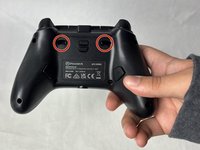
  1. PowerA Spectra Infinity Enhanced Faceplate Replacement, Motherboard: шаг 1, изображение 1 из 2 PowerA Spectra Infinity Enhanced Faceplate Replacement, Motherboard: шаг 1, изображение 2 из 2
    • Flip the controller so the back is facing up.

  2. PowerA Spectra Infinity Enhanced Faceplate Replacement: шаг 2, изображение 1 из 1
    • Remove the eight 10 mm screws from the back of the controller using a Phillips #0 screwdriver.

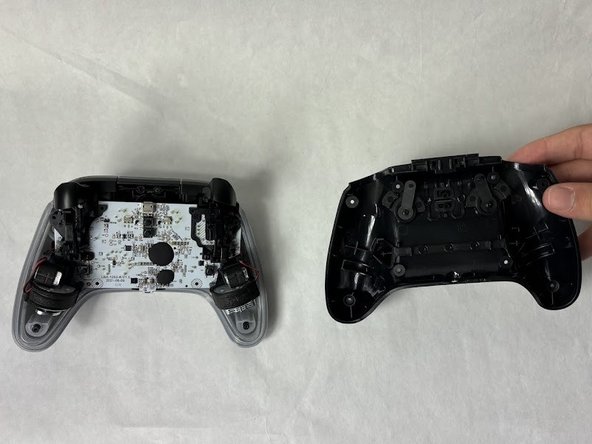
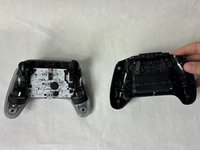
  3. PowerA Spectra Infinity Enhanced Faceplate Replacement: шаг 3, изображение 1 из 2 PowerA Spectra Infinity Enhanced Faceplate Replacement: шаг 3, изображение 2 из 2
    • Unlock the trigger locks before removing the backplate.

    • This will make taking the plate off easier.

    • Use your fingers and carefully remove the backplate.

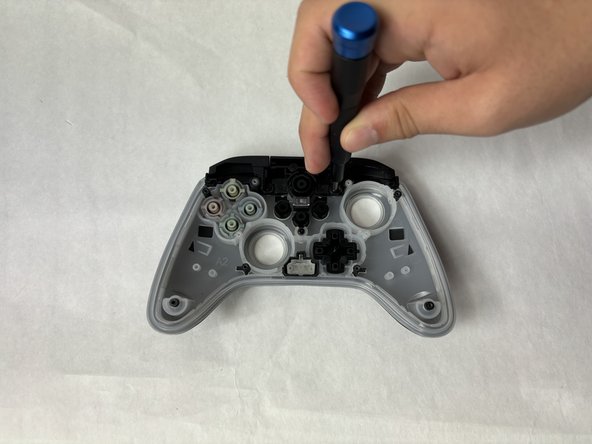
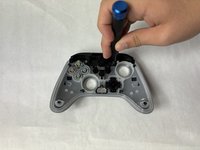
  4. PowerA Spectra Infinity Enhanced Faceplate Replacement: шаг 4, изображение 1 из 1
    • Remove the two 10 mm screws connecting the motherboard to the faceplate using a Phillips #0 screwdriver.

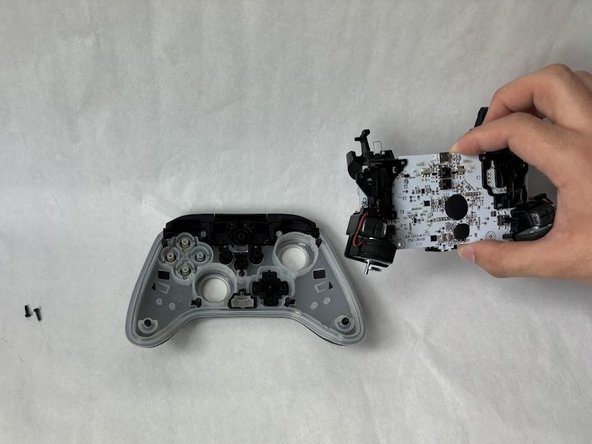
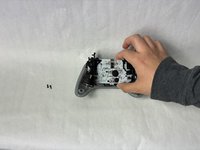
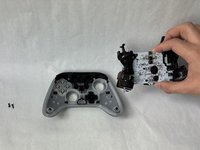
  5. PowerA Spectra Infinity Enhanced Faceplate Replacement: шаг 5, изображение 1 из 2 PowerA Spectra Infinity Enhanced Faceplate Replacement: шаг 5, изображение 2 из 2
    • Use your hand to separate the motherboard from the face plate.

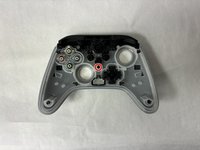
  6. PowerA Spectra Infinity Enhanced Faceplate Replacement, Faceplate: шаг 6, изображение 1 из 1
    • Remove the buttons from the face plate (d-pad, action buttons, start/select, etc).

  7. PowerA Spectra Infinity Enhanced Faceplate Replacement: шаг 7, изображение 1 из 1
    • Remove two 10 mm screws holding the bumper to the faceplate using a Phillips #0 screwdriver.

  8. PowerA Spectra Infinity Enhanced Faceplate Replacement: шаг 8, изображение 1 из 2 PowerA Spectra Infinity Enhanced Faceplate Replacement: шаг 8, изображение 2 из 2
    • Remove the single 7.9 mm screw holding the bumpers to the faceplate using a Phillips #0 screwdriver.

  9. PowerA Spectra Infinity Enhanced Faceplate Replacement: шаг 9, изображение 1 из 1
    • Use your hand to separate the faceplate from the bumpers.

Заключение

To reassemble your device, follow these instructions in reverse order.

Kevyn Jorge

Участник с: 03/22/24

1 012 Репутация

Автор 6 руководств

Команда

UMass Dartmouth, Team 6-5, Botvin Spring 2024 Участник UMass Dartmouth, Team 6-5, Botvin Spring 2024

UMASSD-BOTVIN-S24S6G5

3 членов

Автор 6 руководств

0 Комментарии к руководству

Добавить комментарий

Статистика просмотров:

За последние 24 часов: 1

За последние 7 дней: 4

За последние 30 дней: 29

За всё время: 416