Введение
The X-axis carriage in your PRUSA i3 MK3 supports the extruder assembly. The X-axis carriage must be removed to replace the X-axis bearings and the Z-axis bearings. To replace the X-axis carriage, follow the steps in this guide. Ensure that you do not lose any of the parts or socket head screws that are removed during replacement.
Выберете то, что вам нужно
-
-
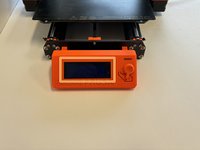
Orient the printer so that the screen is facing to the left.
-
Using the On/Off button, switch the printer into the Off position.
-
Ensure your printer is off by visually inspecting the screen. If the screen is not lit up, your printer is off.
-
-
-
Orient the printer so that the screen is facing away from you.
-
Remove the five 2.5mm X 10mm socket head screws on the back of the extruder assembly.
-
Remove the back cover and pull it away from the extruder assembly. Do not put too much tension on the wires.
-
-
-
Orient the printer so that the screen is facing you.
-
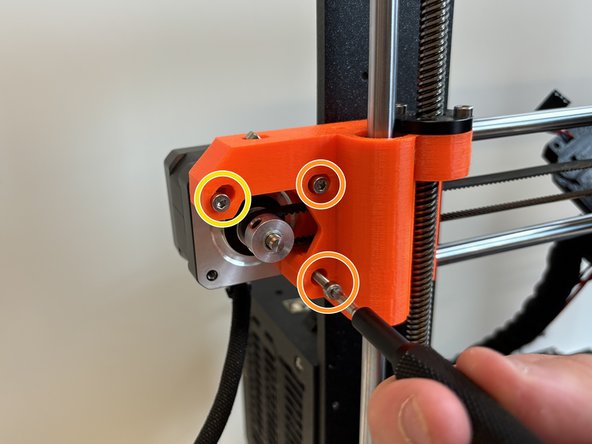
Loosen the 2.5mm X 18mm tension set screw.
-
Loosen the two 2.5mm X 18mm socket head screws on the right, holding on to the X-axis motor.
-
Slightly loosen the 2.5mm X 18mm pivot screw on the left. This screw will act as a pivot for the X-axis motor.
-
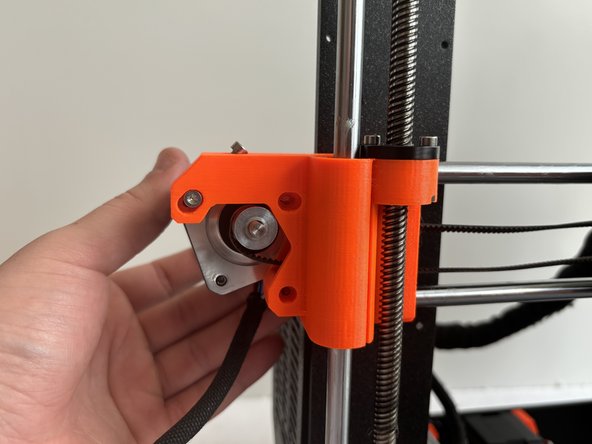
Pivot the motor to release the tension on the belt.
-
-
-
-
Orient the printer so that the screen is facing away from you.
-
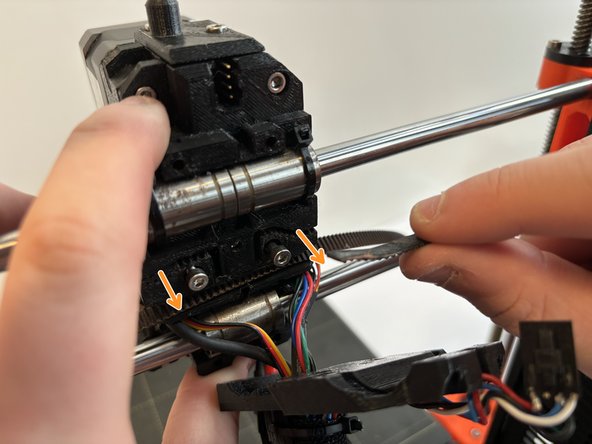
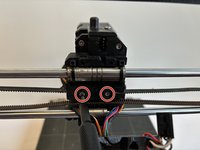
Loosen the 2.5mm X 18mm and 2.5mm X 30mm socket head screws that hold the belt in. You do not need to remove these screws.
-
Remove the belt from the belt grips by pulling the belt towards you.
-
Un-feed the belt from its track. The belt should now be removed.
-
-
-
With the extruder assembly positioned in the center of the X-axis rails, press the top of the belt with moderate pressure. The top of the belt should not be able to touch the bottom of the belt.
-
-
-
Orient the printer so that the screen is facing you.
-
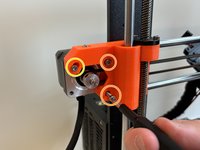
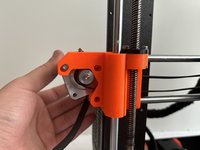
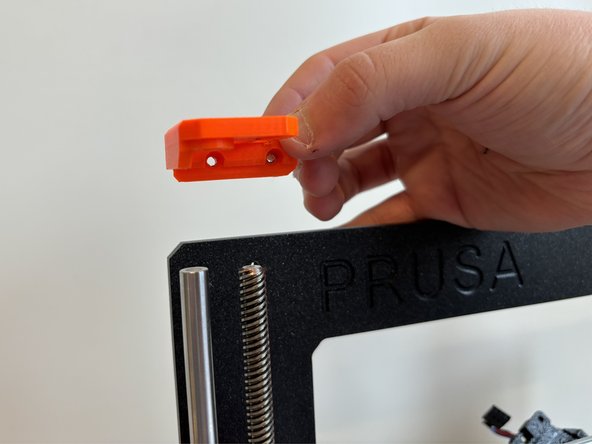
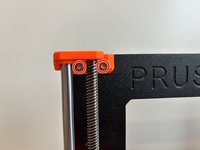
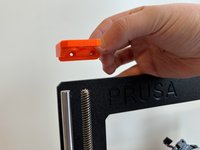
Remove the two 2.5mm X 10mm socket head screws that secure the Z-axis rod and screw bracket. Do this for both brackets.
-








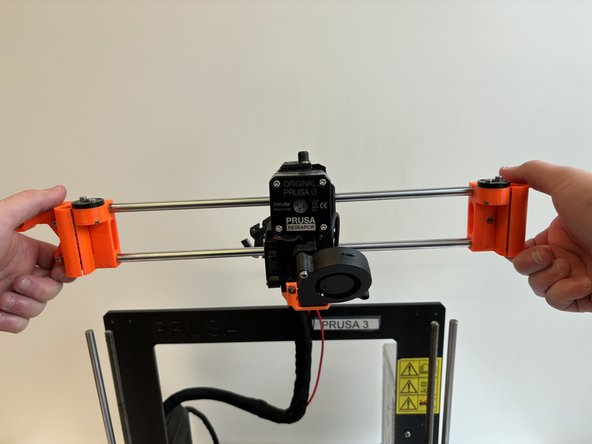
To reassemble your device, follow these instructions in reverse order.


Команда

Western Carolina University, Team 1-5, Virtue Spring 2024 Участник Western Carolina University, Team 1-5, Virtue Spring 2024
WCU-VIRTUE-S24S1G5
4 членов
Автор 6 руководств
