Перейти к основному содержанию

Redmi Note 9 Pro - Reboots, Power On flex Replacement

Выберете то, что вам нужно

Видеообзор

Xiaomi Redmi Note 9 Pro restarts - Power On flex replacement

  1. Redmi Note 9 Pro - Reboots, Power On flex Replacement, Back cover removal: шаг 1, изображение 1 из 3 Redmi Note 9 Pro - Reboots, Power On flex Replacement, Back cover removal: шаг 1, изображение 2 из 3 Redmi Note 9 Pro - Reboots, Power On flex Replacement, Back cover removal: шаг 1, изображение 3 из 3
    • Warm up the device to soften the adhesive.

    • Use plastic tools and a little isopropyl alcohol to separate the back cover.

  2. Redmi Note 9 Pro - Reboots, Power On flex Replacement, Motherboard plastic cover removal.: шаг 2, изображение 1 из 3 Redmi Note 9 Pro - Reboots, Power On flex Replacement, Motherboard plastic cover removal.: шаг 2, изображение 2 из 3 Redmi Note 9 Pro - Reboots, Power On flex Replacement, Motherboard plastic cover removal.: шаг 2, изображение 3 из 3
    • Remove the Phillips screws that secure the motherboard cover.

    • Use a plastic opening tool to remove the cover.

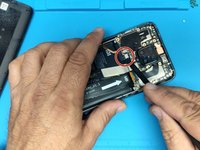
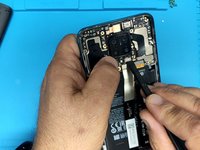
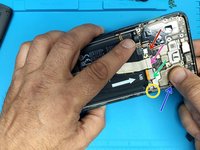
  3. Redmi Note 9 Pro - Reboots, Power On flex Replacement, Motherboard removal - part 1: шаг 3, изображение 1 из 3 Redmi Note 9 Pro - Reboots, Power On flex Replacement, Motherboard removal - part 1: шаг 3, изображение 2 из 3 Redmi Note 9 Pro - Reboots, Power On flex Replacement, Motherboard removal - part 1: шаг 3, изображение 3 из 3
    • Lift up the flex connector to disconnect the battery.

    • Remove the main cameras.

    • Remove the SIM tray.

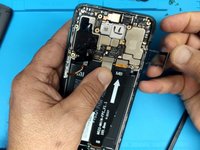
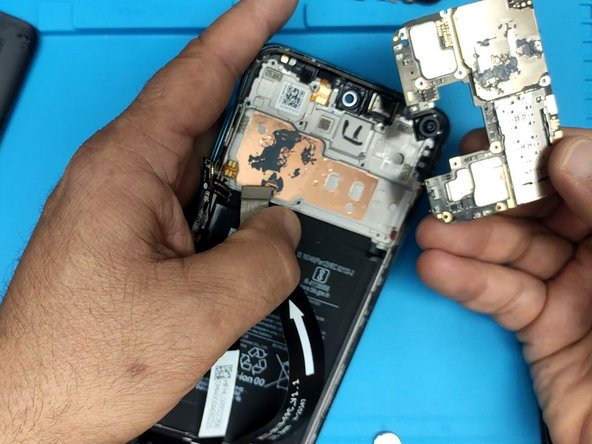
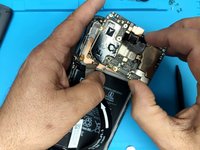
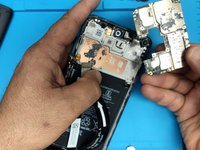
  4. Redmi Note 9 Pro - Reboots, Power On flex Replacement, Motherboard removal - part 2: шаг 4, изображение 1 из 3 Redmi Note 9 Pro - Reboots, Power On flex Replacement, Motherboard removal - part 2: шаг 4, изображение 2 из 3 Redmi Note 9 Pro - Reboots, Power On flex Replacement, Motherboard removal - part 2: шаг 4, изображение 3 из 3
    • Disconnect all flex cables:

    • Fingerprint sensor flex cable

    • Screen flex cable

    • Main flex cable

    • Coaxial antenna cable

    • Remove the Phillips screws securing the motherboard to the middle frame

    • Remove the motherboard.

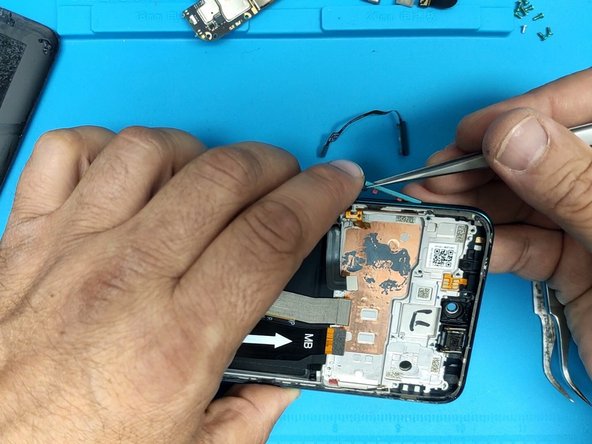
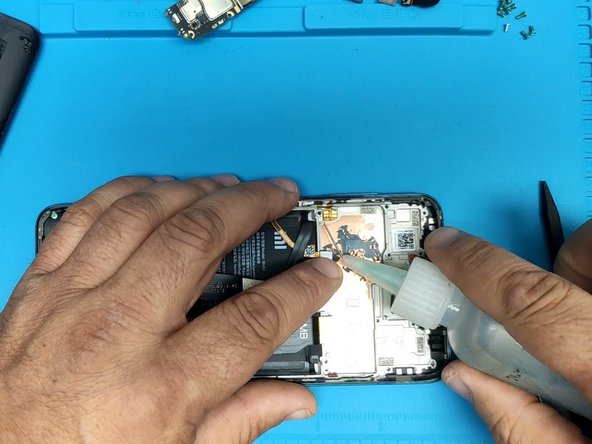
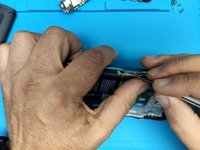
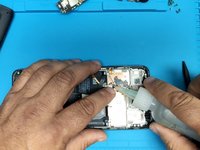
  5. Redmi Note 9 Pro - Reboots, Power On flex Replacement, Power on and volume buttons flex cable removal.: шаг 5, изображение 1 из 3 Redmi Note 9 Pro - Reboots, Power On flex Replacement, Power on and volume buttons flex cable removal.: шаг 5, изображение 2 из 3 Redmi Note 9 Pro - Reboots, Power On flex Replacement, Power on and volume buttons flex cable removal.: шаг 5, изображение 3 из 3
    • Remove the Fingerprint sensor.

    • Remove the volume buttons plastic cap.

    • Use isopropyl alcohol to help remove the glued down flex cable.

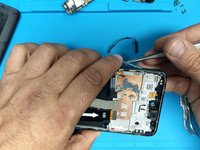
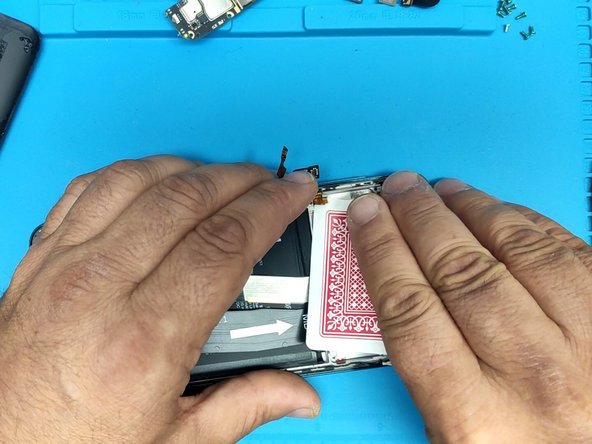
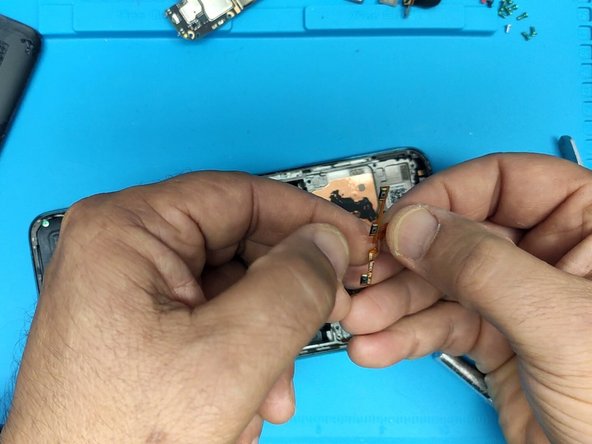
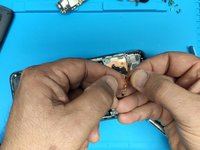
  6. Redmi Note 9 Pro - Reboots, Power On flex Replacement, Power on and volume buttons flex cable removal: шаг 6, изображение 1 из 3 Redmi Note 9 Pro - Reboots, Power On flex Replacement, Power on and volume buttons flex cable removal: шаг 6, изображение 2 из 3 Redmi Note 9 Pro - Reboots, Power On flex Replacement, Power on and volume buttons flex cable removal: шаг 6, изображение 3 из 3
    • Use playing cards to remove the flex cable.

Заключение

To reassemble your device, follow these instructions in reverse order.

7 человек успешно провели ремонт по этому руководству.

ZFix

Участник с: 12/09/13

195 865 Репутация

Автор 330 руководств

Команда

Master Techs Участник Master Techs

Community

329 членов

Автор 1 451 руководств

0 Комментарии к руководству

Добавить комментарий

Статистика просмотров:

За последние 24 часов: 6

За последние 7 дней: 33

За последние 30 дней: 153

За всё время: 7,130