Введение
Follow the steps in order to replace your battery.
If your battery is swollen, take appropriate precautions.
Выберете то, что вам нужно
-
-
Insert a fingernail or plastic opening tool in the gap between the rear case and the base of the phone.
-
-
-
-
Slide your fingernail or plastic opening tool along the edge of the rear case.
-
Lift the case gently from the base.
-
-
-
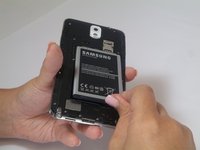
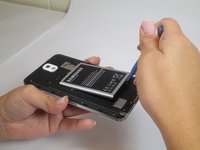
Insert a fingernail or plastic opening tool into the small gap between the battery and the phone base.
-
Lift the battery out of its recess.
-


To reassemble your device, follow these instructions in reverse order.
Отменить: Я не выполнил это руководство.
47 человек успешно провели ремонт по этому руководству.


4 Комментарии к руководству
Mon telephone ne garde pas la charge plus d'une heure même si j'ai changé la batterie mais reste le même problème
