Перейти к основному содержанию
Присоединяйся к сообществу ремонтников - Создай аккаунт

Samsung Galaxy Note Speaker Enclosure Replacement

Просмотров: 7,9 тыс.

Просмотр статистики:

За последние 24 часа:
1
За последние 7 дней:
11
За последние 30 дней:
85
За все время:
7 875
Комментарии: 1

1 комментариев на шаге.

Завершено: 6

6 пользователей отметили эту инстркукцию как "завершенное". Вы будете следующим?

Избранные: 2

2 эта инструкция понравилась многим пользователям (и они подписались на нее). Вы будете следующим?

Необходимое время: 20 - 40 минут
Сложность: Умеренно
Samsung Galaxy Note Speaker Enclosure Replacement

Use this guide to replace your Samsung galaxy Note's speaker.

Выберете то, что Вам нужно

Инструменты

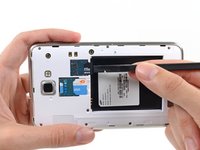
    1. Samsung Galaxy Note Speaker Enclosure Replacement, Stylus: шаг 1, изображение 1 из 2 Samsung Galaxy Note Speaker Enclosure Replacement, Stylus: шаг 1, изображение 2 из 2
      • Grasp the cap of the stylus and remove it from its slot in the midframe.

      Спросите у FixBot

      Добавить комментарий

    1. Samsung Galaxy Note Speaker Enclosure Replacement, Rear Case: шаг 2, изображение 1 из 2 Samsung Galaxy Note Speaker Enclosure Replacement, Rear Case: шаг 2, изображение 2 из 2
      • Pry with a plastic opening tool, or your fingernail, in the divot to the right of the rear-facing camera, near the volume rocker.

      Спросите у FixBot

      Добавить комментарий

    2. Samsung Galaxy Note Speaker Enclosure Replacement: шаг 3, изображение 1 из 2 Samsung Galaxy Note Speaker Enclosure Replacement: шаг 3, изображение 2 из 2
      • Lift and remove the rear case from the phone.

      Спросите у FixBot

      Добавить комментарий

    1. Samsung Galaxy Note Speaker Enclosure Replacement, Battery: шаг 4, изображение 1 из 2 Samsung Galaxy Note Speaker Enclosure Replacement, Battery: шаг 4, изображение 2 из 2
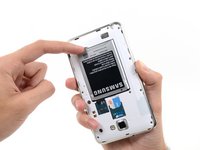
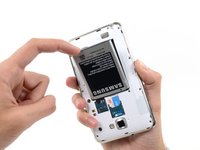
      • Insert your finger in the notch of the battery compartment.

      • Press the battery toward the rear facing camera while pulling outward.

      Спросите у FixBot

      Добавить комментарий

    1. Samsung Galaxy Note Speaker Enclosure Replacement, MicroSD Card: шаг 5, изображение 1 из 3 Samsung Galaxy Note Speaker Enclosure Replacement, MicroSD Card: шаг 5, изображение 2 из 3 Samsung Galaxy Note Speaker Enclosure Replacement, MicroSD Card: шаг 5, изображение 3 из 3
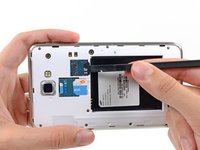
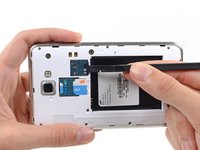
      • Use the flat end of a spudger, or your fingernail, to press the microSD card slightly deeper into its slot until you hear a click.

      • After the click, release the card and it will pop out of its slot.

      • For reassembly, push the microSD card into the slot until it clicks in place.

      Спросите у FixBot

      Добавить комментарий

    2. Samsung Galaxy Note Speaker Enclosure Replacement: шаг 6, изображение 1 из 1
      • Remove the microSD card from its slot in the midframe.

      Спросите у FixBot

      Добавить комментарий

    1. Samsung Galaxy Note Speaker Enclosure Replacement, SIM Card: шаг 7, изображение 1 из 2 Samsung Galaxy Note Speaker Enclosure Replacement, SIM Card: шаг 7, изображение 2 из 2
      • Use a plastic opening tool, or your fingernail, to push the SIM card out of its compartment.

      Спросите у FixBot

      Добавить комментарий

    2. Samsung Galaxy Note Speaker Enclosure Replacement: шаг 8, изображение 1 из 2 Samsung Galaxy Note Speaker Enclosure Replacement: шаг 8, изображение 2 из 2
      • Slide the SIM card out the rest of the way with your thumb and remove it from the device.

      Спросите у FixBot

      Добавить комментарий

    1. Samsung Galaxy Note Speaker Enclosure Replacement, Midframe: шаг 9, изображение 1 из 1
      • Remove the nine 3.4 mm Phillips #00 screws securing the midframe to the display assembly.

      Спросите у FixBot

      Добавить комментарий

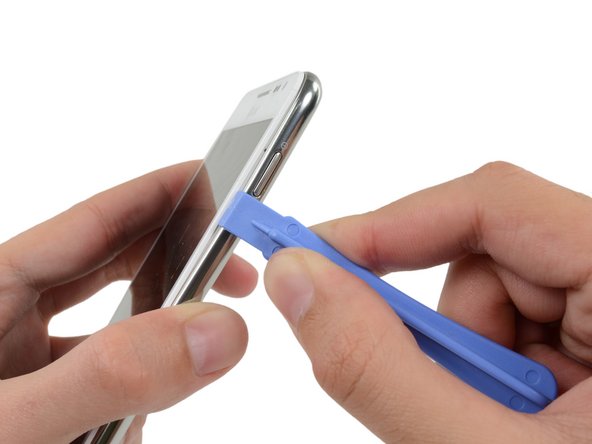
    2. Samsung Galaxy Note Speaker Enclosure Replacement: шаг 10, изображение 1 из 2 Samsung Galaxy Note Speaker Enclosure Replacement: шаг 10, изображение 2 из 2
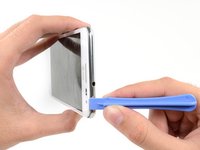
      • Insert your plastic opening tool to the left of the power button between the midframe and the front panel assembly and pry.

      Спросите у FixBot

      Добавить комментарий

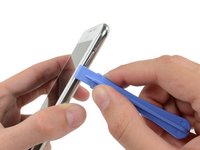
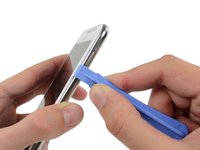
    3. Samsung Galaxy Note Speaker Enclosure Replacement: шаг 11, изображение 1 из 3 Samsung Galaxy Note Speaker Enclosure Replacement: шаг 11, изображение 2 из 3 Samsung Galaxy Note Speaker Enclosure Replacement: шаг 11, изображение 3 из 3
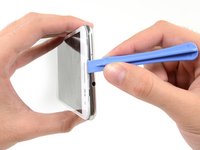
      • Slide the plastic opening tool down the seam.

      Спросите у FixBot

      Добавить комментарий

    4. Samsung Galaxy Note Speaker Enclosure Replacement: шаг 12, изображение 1 из 3 Samsung Galaxy Note Speaker Enclosure Replacement: шаг 12, изображение 2 из 3 Samsung Galaxy Note Speaker Enclosure Replacement: шаг 12, изображение 3 из 3
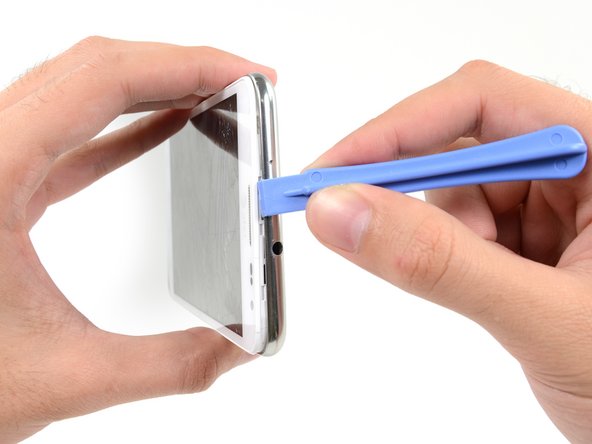
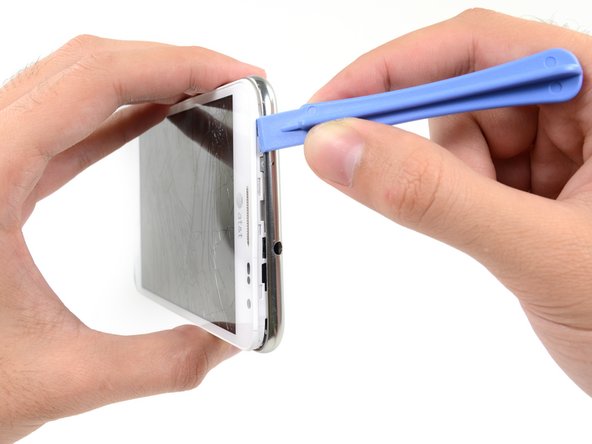
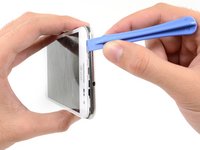
      • Insert your plastic opening tool to the left of the headphone jack between the midframe and the display assembly.

      • Slide the opening tool along the top edge of the phone.

      • Continue to run the plastic opening tool around the perimeter of the phone until the midframe is separated.

      Спросите у FixBot

      Добавить комментарий

    5. Samsung Galaxy Note Speaker Enclosure Replacement: шаг 13, изображение 1 из 2 Samsung Galaxy Note Speaker Enclosure Replacement: шаг 13, изображение 2 из 2
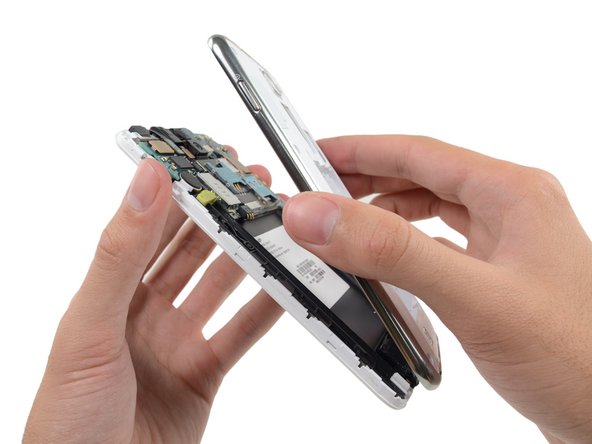
      • Remove the midframe from the display assembly.

      Спросите у FixBot

      Добавить комментарий

    1. Samsung Galaxy Note Speaker Enclosure Replacement, Speaker Enclosure: шаг 14, изображение 1 из 1
      • Remove the three 3 mm Phillips #00 screws securing the speaker enclosure to the front panel assembly.

      Спросите у FixBot

      Добавить комментарий

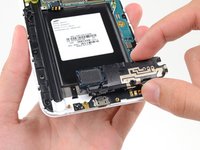
    2. Samsung Galaxy Note Speaker Enclosure Replacement: шаг 15, изображение 1 из 2 Samsung Galaxy Note Speaker Enclosure Replacement: шаг 15, изображение 2 из 2
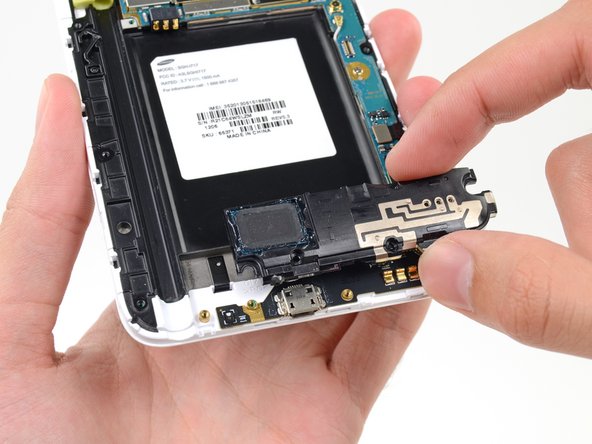
      • Remove the speaker enclosure from the display assembly.

      Спросите у FixBot

      Добавить комментарий

Заключение

To reassemble your device, follow these instructions in reverse order.

Отменить: Я не выполнил это руководство.

6 человек успешно провели ремонт по этому руководству.

Sam Goldheart

Участник с: 10/18/12

478 576 Репутация

Автор 538 руководств

Команду

iFixit Участник iFixit

Staff

121 членов

Автор 72 888 руководств

0 Комментарии к руководству

Добавить комментарий

Статистика просмотров:

За последние 24 часов: 1

За последние 7 дней: 11

За последние 30 дней: 85

За все время: 7,875