Перейти к основному содержанию

Turtle Beach Recon Controller Motherboard Replacement

Выберете то, что вам нужно

  1. Turtle Beach Recon Controller Motherboard Replacement, Back Plate: шаг 1, изображение 1 из 3 Turtle Beach Recon Controller Motherboard Replacement, Back Plate: шаг 1, изображение 2 из 3 Turtle Beach Recon Controller Motherboard Replacement, Back Plate: шаг 1, изображение 3 из 3
    • Use a Phillips #00 screwdriver to remove seven 10 mm screws from the back plate.

    • When replacing the screws, ensure that the screwdriver is perpendicular to the screw in curved areas.

  2. Turtle Beach Recon Controller Motherboard Replacement: шаг 2, изображение 1 из 3 Turtle Beach Recon Controller Motherboard Replacement: шаг 2, изображение 2 из 3 Turtle Beach Recon Controller Motherboard Replacement: шаг 2, изображение 3 из 3
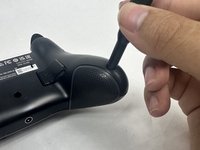
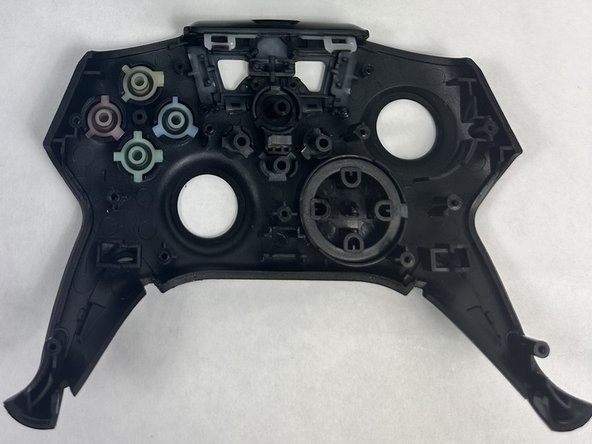
    • Use an opening tool to separate the back plate from the grips of your Turtle Beach Recon.

    • Use your fingers to remove the back plate from the body of your Turtle Beach Recon.

  3. Turtle Beach Recon Controller Motherboard Replacement, Face Plate: шаг 3, изображение 1 из 2 Turtle Beach Recon Controller Motherboard Replacement, Face Plate: шаг 3, изображение 2 из 2
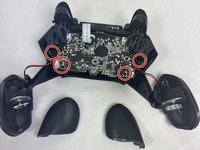
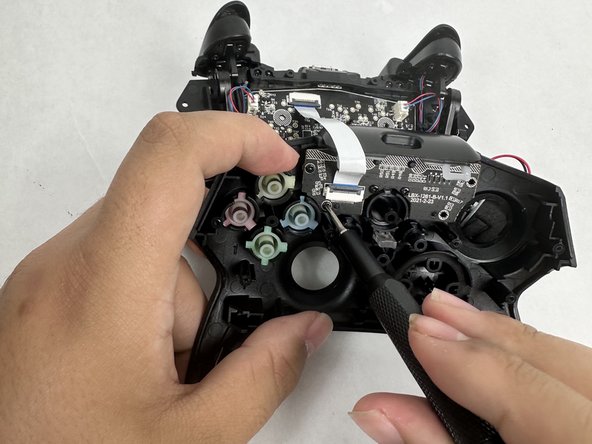
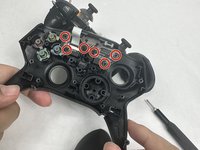
    • Remove the four 10 mm screws from the motherboard using a Phillips #00 screwdriver.

  4. Turtle Beach Recon Controller Motherboard Replacement: шаг 4, изображение 1 из 2 Turtle Beach Recon Controller Motherboard Replacement: шаг 4, изображение 2 из 2
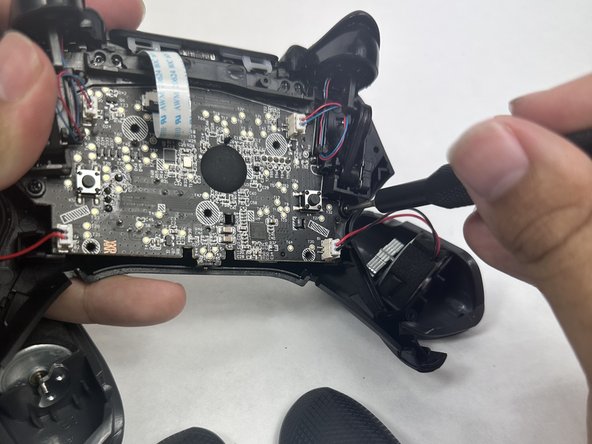
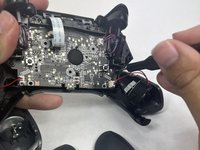
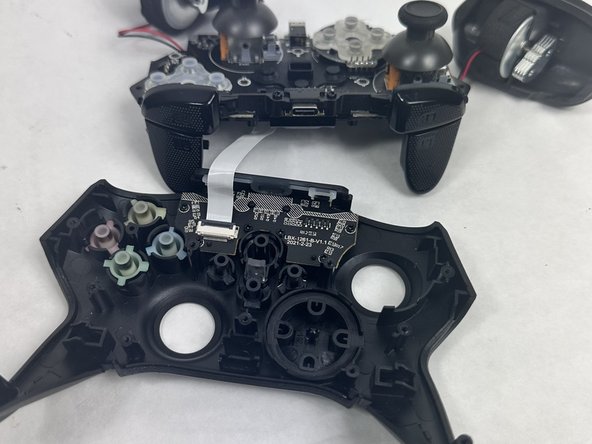
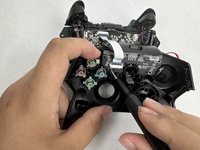
    • Use your fingers to grab the motherboard.

    • Gently pull the motherboard and joystick caps away from the face plate.

  5. Turtle Beach Recon Controller Motherboard Replacement: шаг 5, изображение 1 из 3 Turtle Beach Recon Controller Motherboard Replacement: шаг 5, изображение 2 из 3 Turtle Beach Recon Controller Motherboard Replacement: шаг 5, изображение 3 из 3
    • Use a Phillips #00 screwdriver to remove six 10 mm screws from the motherboard.

  6. Turtle Beach Recon Controller Motherboard Replacement, Joystick Caps: шаг 6, изображение 1 из 2 Turtle Beach Recon Controller Motherboard Replacement, Joystick Caps: шаг 6, изображение 2 из 2
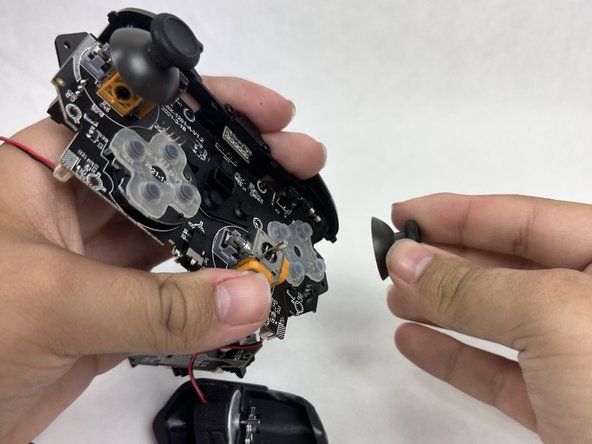
    • Use your fingers to lift both of the joystick caps off of the motherboard.

    • Remove the joystick caps.

  7. Turtle Beach Recon Controller Motherboard Replacement, Motherboard: шаг 7, изображение 1 из 1
    • Nothing can be further removed from the motherboard. It can now be replaced.

Заключение

To reassemble your device, follow these instructions in reverse order.

2 человек успешно провели ремонт по этому руководству.

Mary Goodrow

Участник с: 03/22/24

671 Репутация

Автор 5 руководств

Команда

UMass Dartmouth, Team 6-1, Botvin Spring 2024 Участник UMass Dartmouth, Team 6-1, Botvin Spring 2024

UMASSD-BOTVIN-S24S6G1

3 членов

Автор 5 руководств

1 Комментарий к руководству

thanks for posting this!

Sean Malter - Ответить

Добавить комментарий

Статистика просмотров:

За последние 24 часов: 4

За последние 7 дней: 14

За последние 30 дней: 48

За всё время: 623