Введение
To remove the faceplate of your Xbox Duke controller and access the internal hardware, follow this guide. This guide is a prerequisite to all other Xbox Duke repair guides that require accessing internal components like the buttons, the potentiometers, motherboard, etc.
Выберете то, что вам нужно
-
-
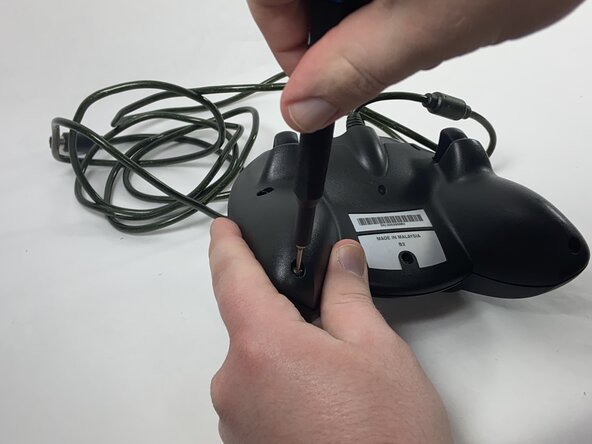
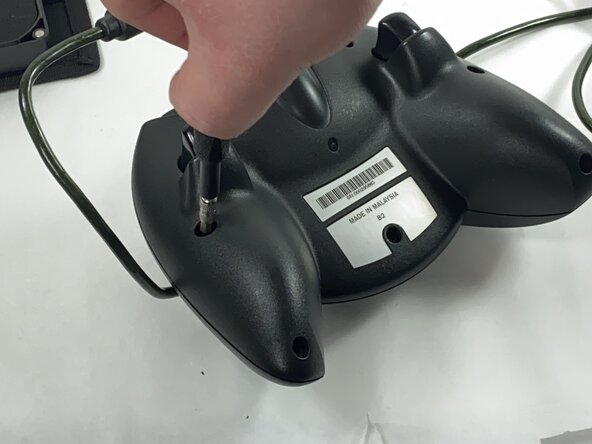
Remove the seven black 8 mm screws holding the two halves of the Duke together using a Phillips #1 screwdriver.
-
-
-
-
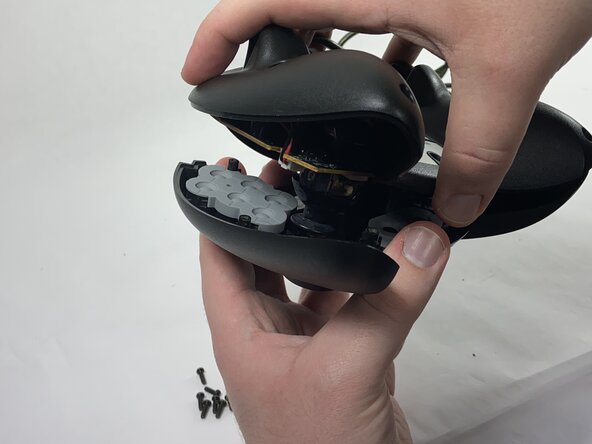
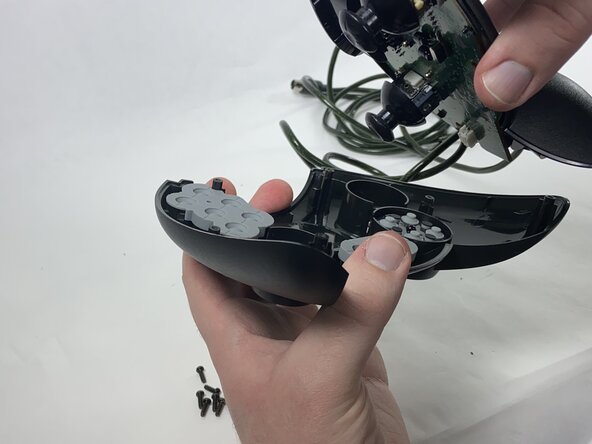
Remove the two halves of the Duke, placing the top plate face-down so the buttons don't fall out.
-





To reassemble your device, follow these instructions in reverse order.


Команда

UMass Dartmouth, Team 1-1, Gulbrandsen Spring 2025 Участник UMass Dartmouth, Team 1-1, Gulbrandsen Spring 2025
UMASSD-GULBRANDSEN-S25S1G1
1 член
Автор 4 руководств
