Перейти к основному содержанию

Zotac GTX 1080 Ti Mini Fans Replacement

Выберете то, что вам нужно

  1. Zotac GTX 1080 Ti Mini Fans Replacement, Zotac GTX 1080 Ti Mini Fans: шаг 1, изображение 1 из 2 Zotac GTX 1080 Ti Mini Fans Replacement, Zotac GTX 1080 Ti Mini Fans: шаг 1, изображение 2 из 2
    • Be sure to properly ground yourself with an anti-static wristband before working on the graphics card.

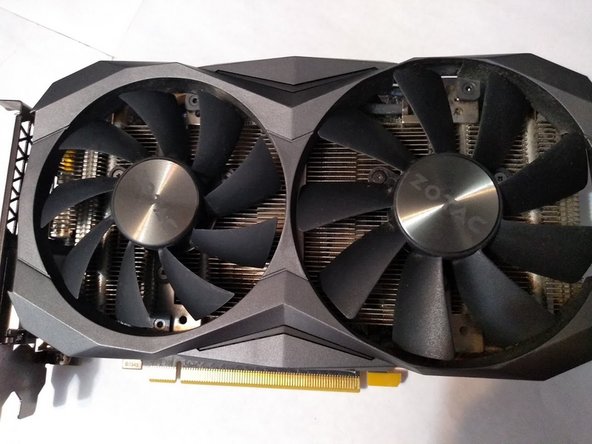
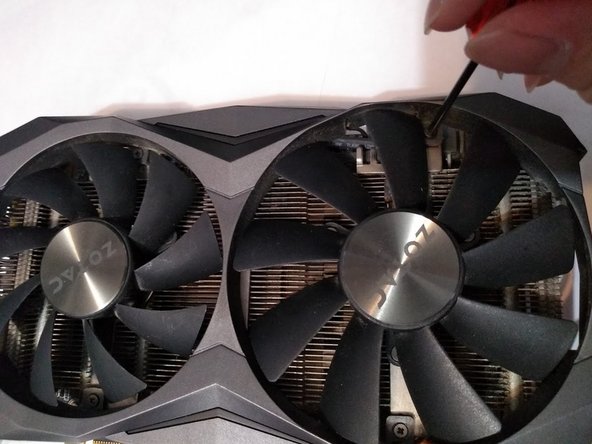
    • Use a Phillips #0 screwdriver to remove the two 4mm screws from the right side of the shroud.

  2. Zotac GTX 1080 Ti Mini Fans Replacement: шаг 2, изображение 1 из 2 Zotac GTX 1080 Ti Mini Fans Replacement: шаг 2, изображение 2 из 2
    • Use a Phillips #0 screwdriver to remove the two 4mm screws from the left side of the shroud.

  3. Zotac GTX 1080 Ti Mini Fans Replacement: шаг 3, изображение 1 из 2 Zotac GTX 1080 Ti Mini Fans Replacement: шаг 3, изображение 2 из 2
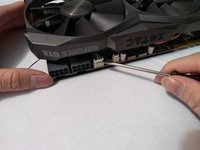
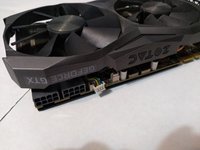
    • Look for the fan header located beside the 16-pin power connector.

    • Gently pry the fan connector apart from the header with a flathead screwdriver.

  4. Zotac GTX 1080 Ti Mini Fans Replacement: шаг 4, изображение 1 из 2 Zotac GTX 1080 Ti Mini Fans Replacement: шаг 4, изображение 2 из 2
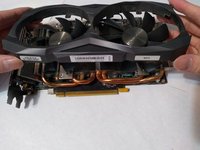
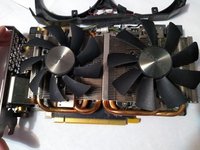
    • Slowly and carefully lift the shroud off the heatsink.

    • During this step, make sure not to damage the LED connector that is still connecting the shroud to the PCB.

    • Flip the shroud along the top of the graphics card.

  5. Zotac GTX 1080 Ti Mini Fans Replacement: шаг 5, изображение 1 из 3 Zotac GTX 1080 Ti Mini Fans Replacement: шаг 5, изображение 2 из 3 Zotac GTX 1080 Ti Mini Fans Replacement: шаг 5, изображение 3 из 3
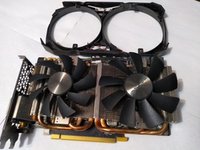
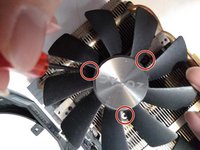
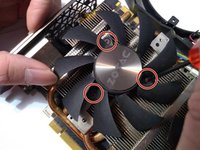
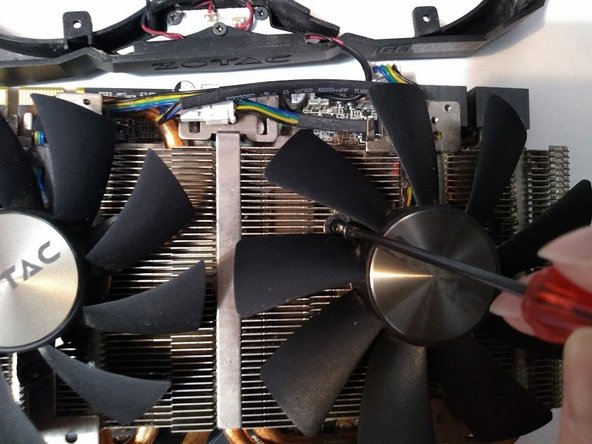
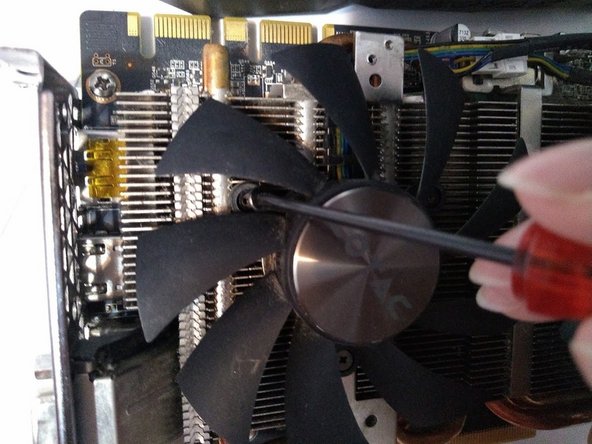
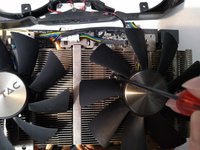
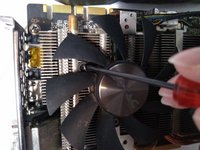
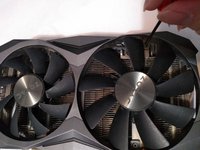
    • Remove the three 3 mm Phillips screws holding the fans to the heatsink with a Phillips #0 screwdriver.

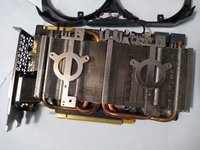
    • Remove the broken fans.

  6. Zotac GTX 1080 Ti Mini Fans Replacement: шаг 6, изображение 1 из 3 Zotac GTX 1080 Ti Mini Fans Replacement: шаг 6, изображение 2 из 3 Zotac GTX 1080 Ti Mini Fans Replacement: шаг 6, изображение 3 из 3
    • Place the replacement fan on top of the heatsink with the screw holes aligned.

    • Screw the fans into place using a Phillips #0 screwdriver.

  7. Zotac GTX 1080 Ti Mini Fans Replacement: шаг 7, изображение 1 из 1
    • Reconnect the fan connector to its header.

  8. Zotac GTX 1080 Ti Mini Fans Replacement: шаг 8, изображение 1 из 3 Zotac GTX 1080 Ti Mini Fans Replacement: шаг 8, изображение 2 из 3 Zotac GTX 1080 Ti Mini Fans Replacement: шаг 8, изображение 3 из 3
    • Place the shroud back over the heatsink and screw it back into place using a Phillips #0 screwdriver.

Заключение

Hopefully, your graphics card is fully replaced and completely working now.

Еще один человек закончил это руководство.

Victor Pan

Участник с: 01/27/21

175 Репутация

1 руководство автора

Команда

York University, Team S16-G7, Turner Winter 2021 Участник York University, Team S16-G7, Turner Winter 2021

YORK-TURNER-W21S16G7

3 членов

Автор 2 руководств

1 Комментарий к руководству

Do you know what size (diameter and thread) the 4mm and 3mm screws are?

cchagadorn - Ответить

Добавить комментарий

Статистика просмотров:

За последние 24 часов: 9

За последние 7 дней: 43

За последние 30 дней: 165

За всё время: 6,816