Перейти к основному содержанию

iRobot Roomba 891 Extractor Assembly Replacement

Выберете то, что вам нужно

  1. iRobot Roomba 891 Extractor Assembly Replacement, Battery: шаг 1, изображение 1 из 2 iRobot Roomba 891 Extractor Assembly Replacement, Battery: шаг 1, изображение 2 из 2
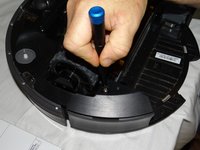
    • Start by flipping your Roomba onto its back on a flat surface.

    • Be sure not to close the side brush bristles in the battery door during reassembly as shown by the handy warning in the second photo.

  2. iRobot Roomba 891 Extractor Assembly Replacement: шаг 2, изображение 1 из 1
    • Unscrew both the 11mm Phillips #2 screws from the battery cover and remove cover from the Roomba.

    • These captive screws are not intended to be removed from the cover.

  3. iRobot Roomba 891 Extractor Assembly Replacement: шаг 3, изображение 1 из 3 iRobot Roomba 891 Extractor Assembly Replacement: шаг 3, изображение 2 из 3 iRobot Roomba 891 Extractor Assembly Replacement: шаг 3, изображение 3 из 3
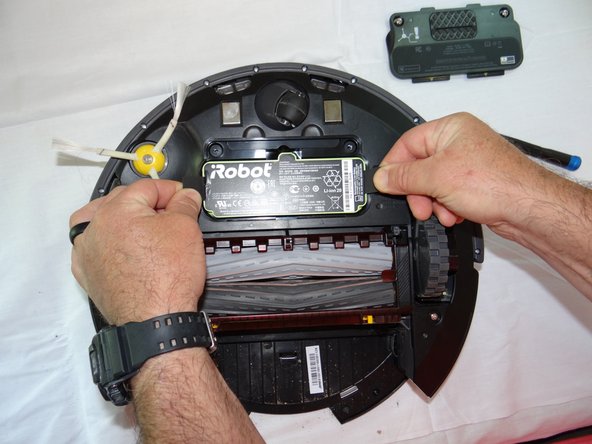
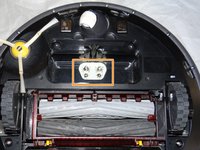
    • Grasp the tabs on either side of the battery.

    • Remove the battery by pulling up on the tabs.

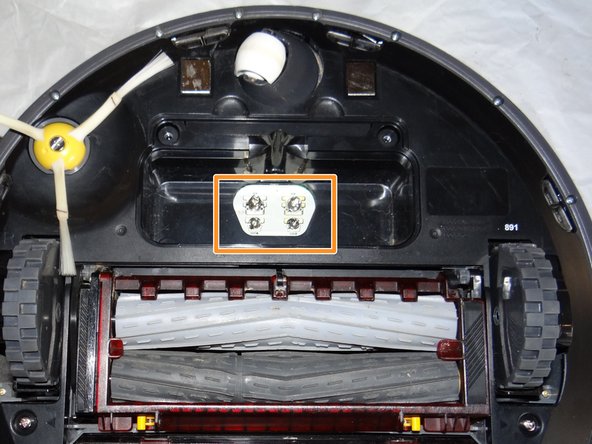
    • While you're here, check the battery contacts for corrosion or debris.

  4. iRobot Roomba 891 Extractor Assembly Replacement, Side Brush: шаг 4, изображение 1 из 2 iRobot Roomba 891 Extractor Assembly Replacement, Side Brush: шаг 4, изображение 2 из 2
    • Remove the 7.5mm flat head #4 screw from center of the side brush.

  5. iRobot Roomba 891 Extractor Assembly Replacement: шаг 5, изображение 1 из 1
    • Gently pull the side brush off of the motor hub.

  6. iRobot Roomba 891 Extractor Assembly Replacement, Extractor Assembly: шаг 6, изображение 1 из 1
    • Remove the dustbin assembly from the Roomba.

  7. iRobot Roomba 891 Extractor Assembly Replacement: шаг 7, изображение 1 из 3 iRobot Roomba 891 Extractor Assembly Replacement: шаг 7, изображение 2 из 3 iRobot Roomba 891 Extractor Assembly Replacement: шаг 7, изображение 3 из 3
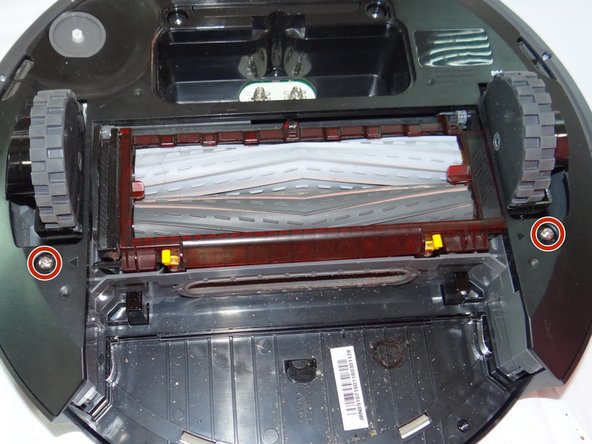
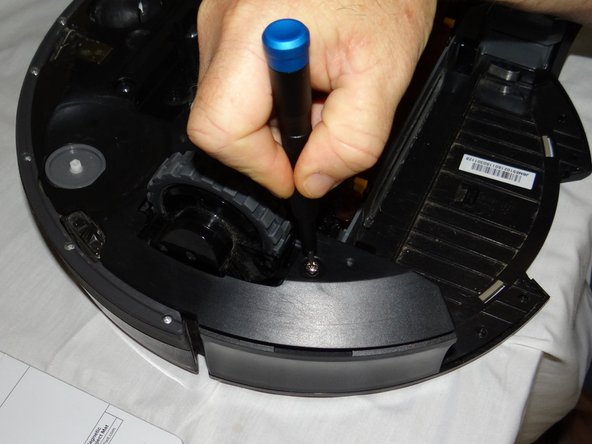
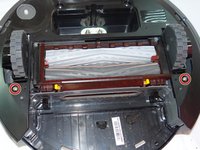
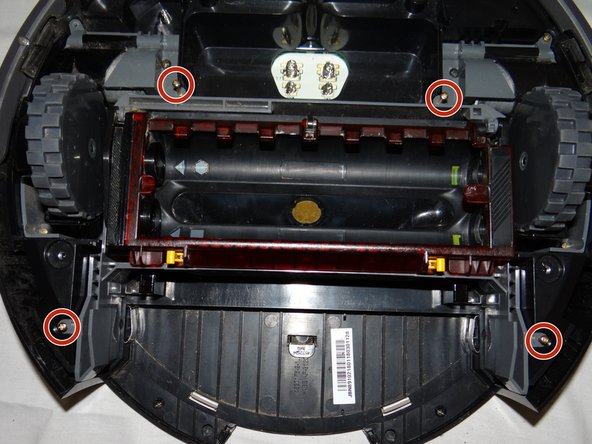
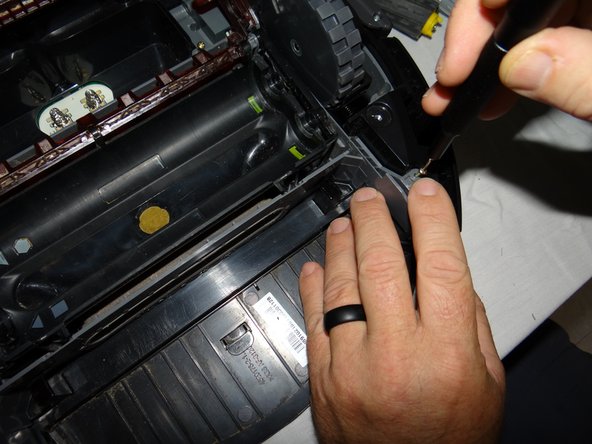
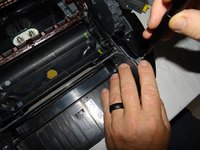
    • Unscrew the 2 phillips #2 11mm screws from roomba.

    • These captive screws will remain in the bottom cover after being loosened.

  8. iRobot Roomba 891 Extractor Assembly Replacement: шаг 8, изображение 1 из 2 iRobot Roomba 891 Extractor Assembly Replacement: шаг 8, изображение 2 из 2
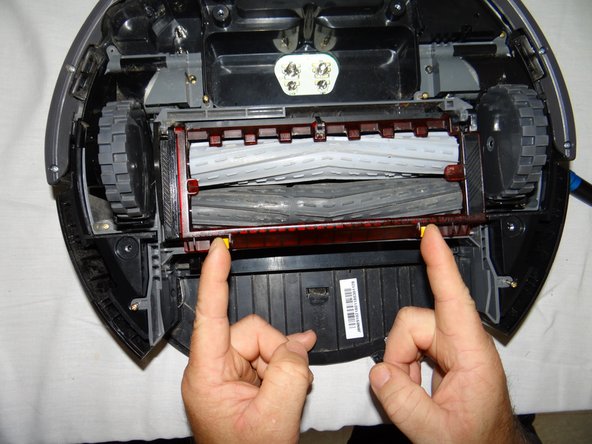
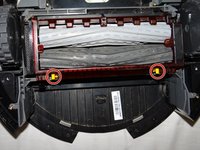
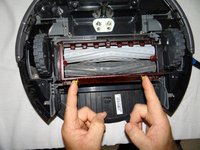
    • Lift the yellow tabs and lift the red cover from the extractor assembly.

  9. iRobot Roomba 891 Extractor Assembly Replacement: шаг 9, изображение 1 из 1
    • Remove the rollers from the assembly by lifting it out from right side.

  10. iRobot Roomba 891 Extractor Assembly Replacement: шаг 10, изображение 1 из 2 iRobot Roomba 891 Extractor Assembly Replacement: шаг 10, изображение 2 из 2
    • Close the cover and remove the four 11mm Phillips #00 screws from the assembly.

  11. iRobot Roomba 891 Extractor Assembly Replacement: шаг 11, изображение 1 из 1
    • Grasp the center of the assembly and remove from the roomba.

Заключение

To reassemble your device, follow these instructions in reverse order.

Justin Tolin

Участник с: 05/29/19

736 Репутация

Автор 5 руководств

Команда

0 Комментарии к руководству

Добавить комментарий

Статистика просмотров:

За последние 24 часов: 0

За последние 7 дней: 5

За последние 30 дней: 14

За всё время: 751