Выберете то, что вам нужно
-
-
Slide the latch on the right to the unlocked position.
-
Slide the latch on the left to the unlocked position.
-
Remove the battery pack from the slot.
-
-
-
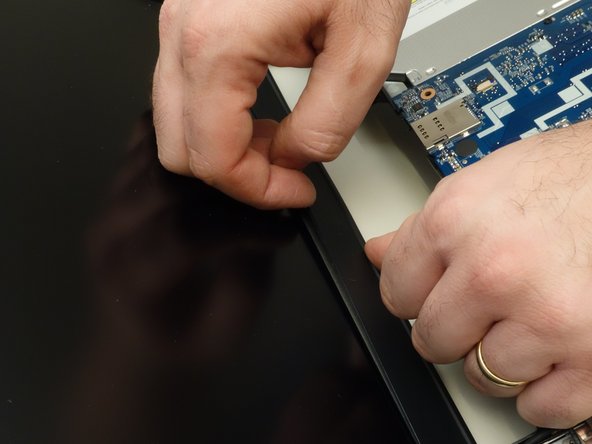
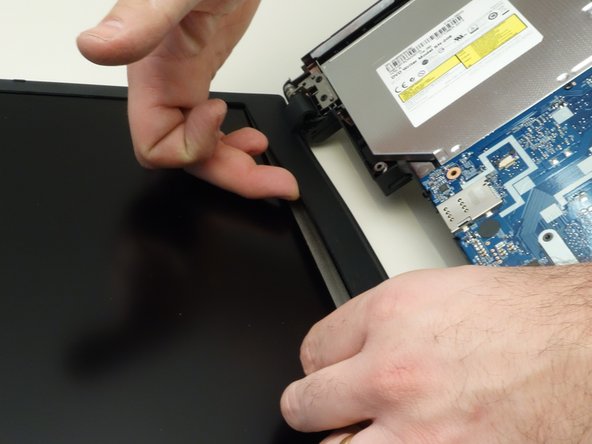
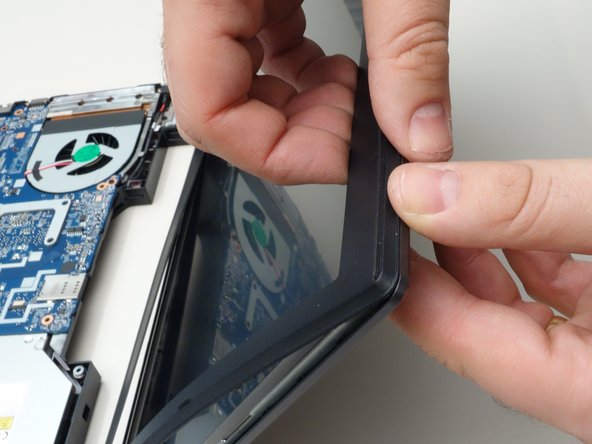
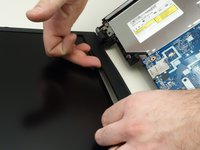
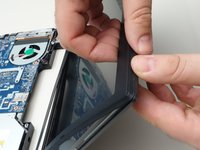
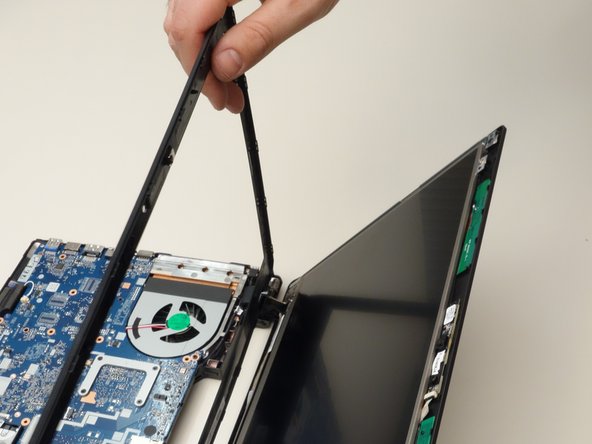
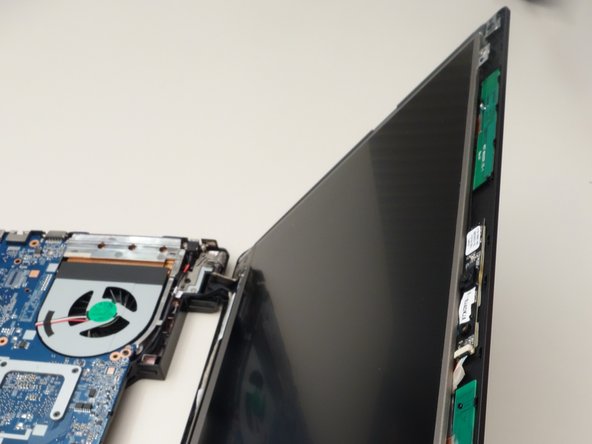
Working your way around the frame, unclip the mounting points of the frame surrounding the LCD screen.
-
-
-
-
Remove the two upper mounting screws securing the LCD to the lid.
-
Remove the two lower mounting screws.
-
-
-
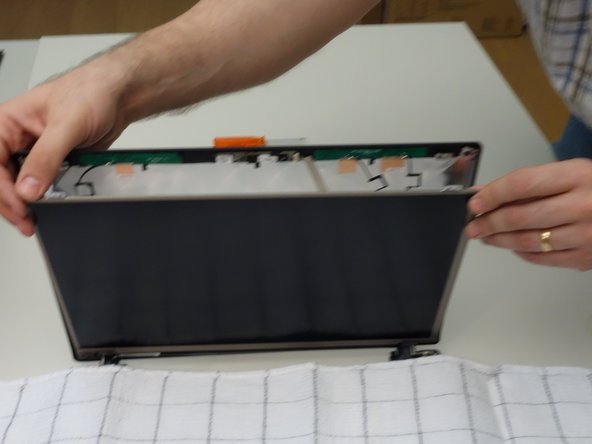
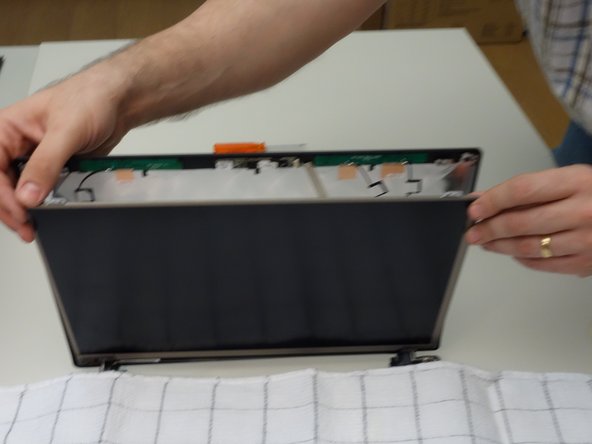
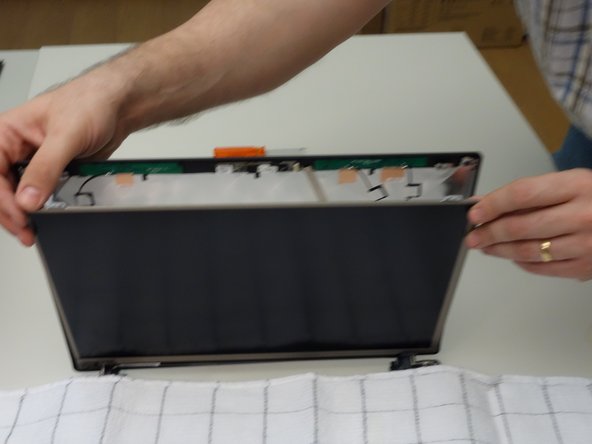
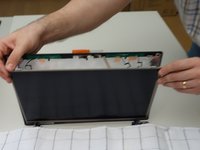
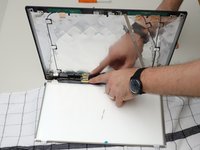
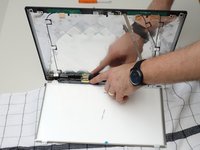
Cover the keyboard with a cloth, then carefully lower the LCD screen onto the keyboard.
-
-
-
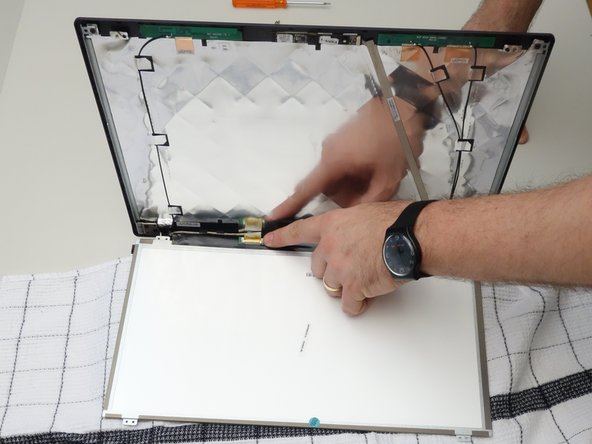
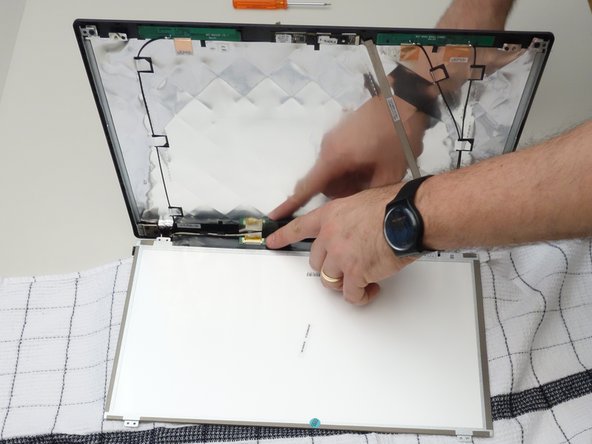
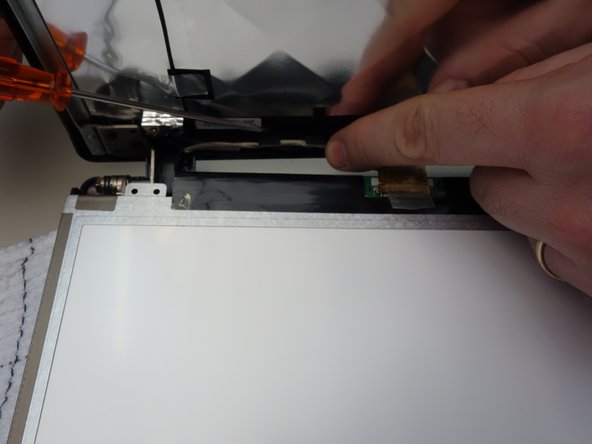
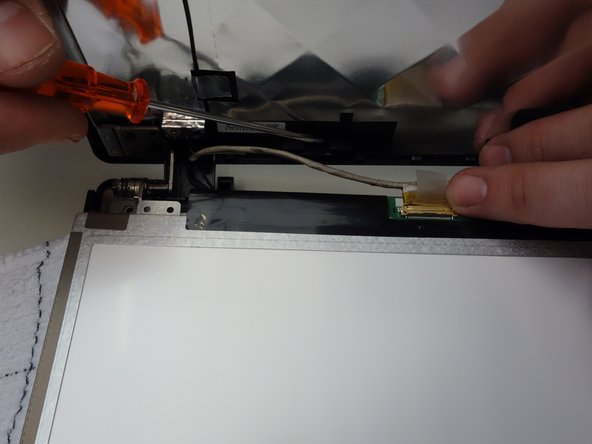
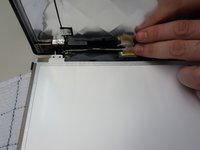
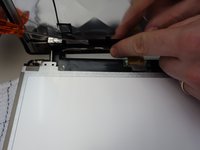
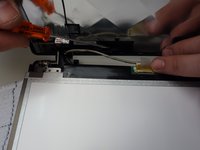
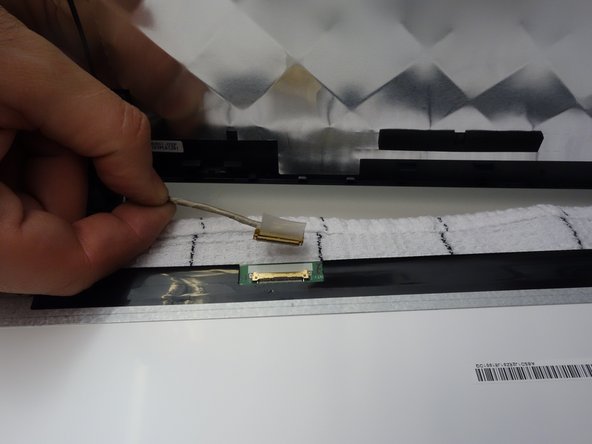
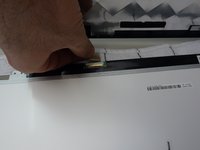
Using the plastic tab, peel back the tape securing the LCD cable the panel connector.
-
-
-
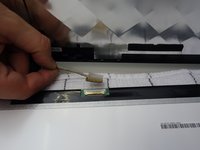
Unplug the connector.
-
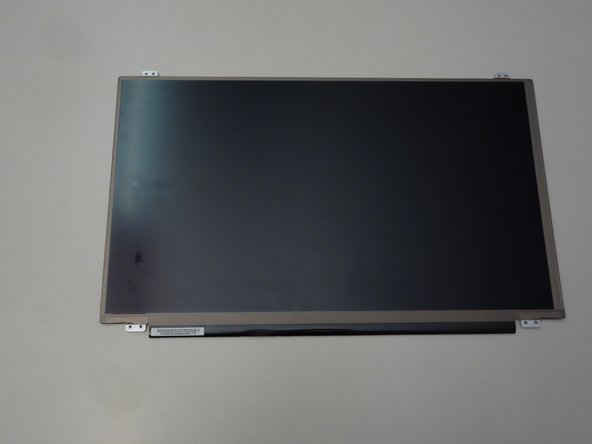
The LCD screen can now be removed.
-



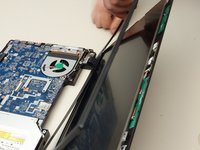
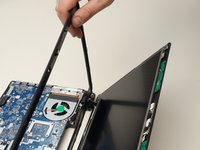
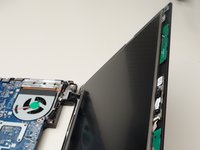

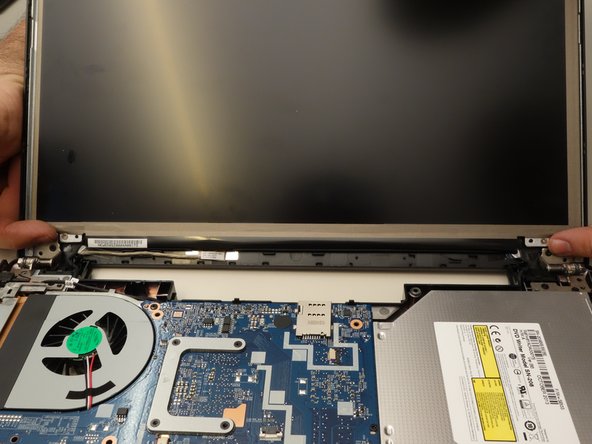




To reassemble your device, follow these instructions in reverse order.
Особая благодарность этим переводчикам:
100%

Jerry Wheeler помогает нам починить мир! Хотите внести свой вклад?
Начните переводить ›



