
 2
2  1
1  1
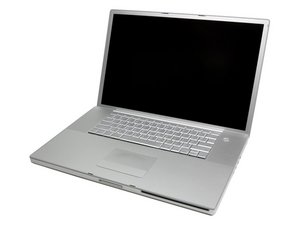
1 MBP 17” A1212 Not turning on (but charges battery)
I’ve tried shorting the PWR BTN pins but it doesn’t do anything, no fans, no superdrive spinning up no hard drive spinning up, nothing just absolutely nothing
im using a 85w MagSafe charger btw
Это хороший вопрос?
Счет
0


2 Комментариев
Why wont this thing turn on
из It’s Not me Maro
@itsnotmemaro try this, remove the battery and unplug the AC adapter. now hold the start button depressed for 10 seconds. Replace the AC adapter and try to start your MBP without the battery. Let us know if you gt any sign of life. Since it also does not come on when you shorten the PWR BTN pins the issue could be related to your logic board. there were issues with the NVIDIA chipset that may be causing it. Are you getting any light on your Magsafe adapter? id it work before? Anything happened to it that we might need to know about? Any history on this?
из oldturkey03