Введение
The image sensor is the component of the device responsible for sensing the light through the lens and converting it into an electrical signal. The sensor captures a new image 30 times per second in order to create a video. The sensor is a very fragile and sensitive component. Take caution when handling the new image sensor to be installed in the device. Use this guide to replace the image sensor.
Выберете то, что вам нужно
-
-
Locate the battery compartment on the back of the camera. It is the panel with the plastic ridges for simple removal.
-
Slide the battery compartment cover down off of the camera body.
 Спросите у FixBot
-
-
-
Pry up the battery from the bottom using a finger and remove the batter from the case.
-
-
-
Remove the lanyard by pulling the grey lace through the black string loop.
-
Pull black string loop through the silver bracket.
-
-
-
Use a plastic opening tool to pry off the black control cover.
-
-
-
Use a plastic opening tool to pry off the ridged back face plate and the black button.
-
-
-
-
Open the USB cover to expose the small machine screw.
-
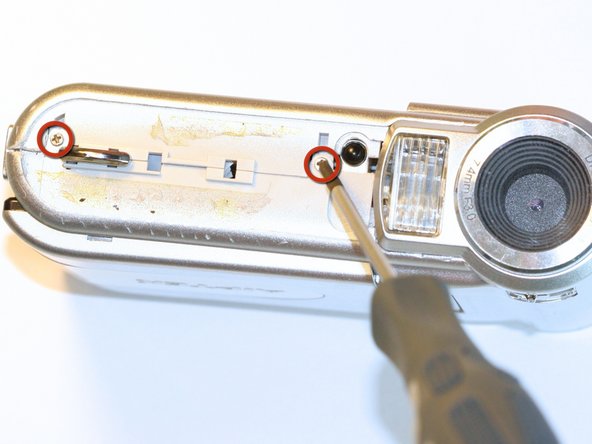
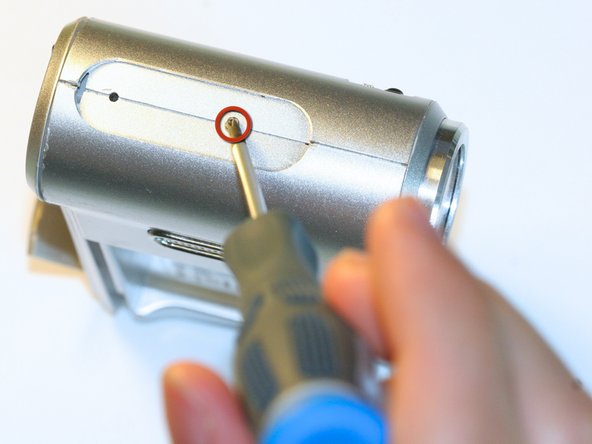
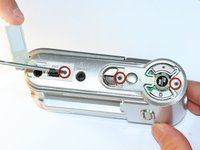
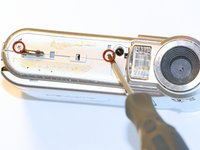
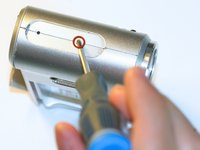
Use the Phillips #00 screwdriver to unscrew the six 0.5cm machine case screws (distributed around the camera body).
-
-
Инструмент, используемый на этом этапе:Tweezers$4.99
-
Flip open the screen by pulling the loose end of the screen away from the case.
-
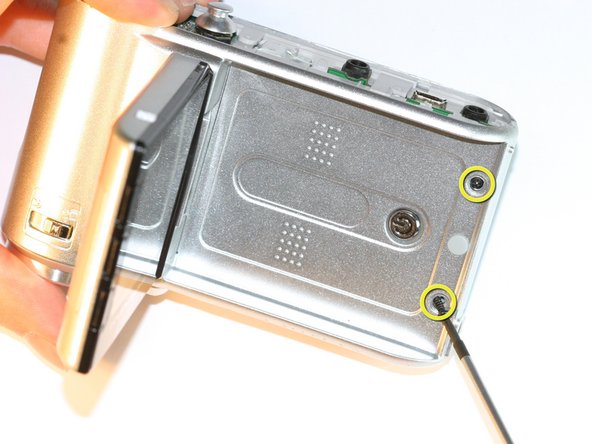
Use tweezers to remove the two outside rubber dots to reveal the two 0.5cm machine screws.
-
Use the #00 Phillips Screwdriver to remove both screws.
-
-
-
Pull the body apart from the bottom of device just enough to make space to remove the silver plastic strap holder.
-
Use tweezers to remove the silver plastic strap holder.
-
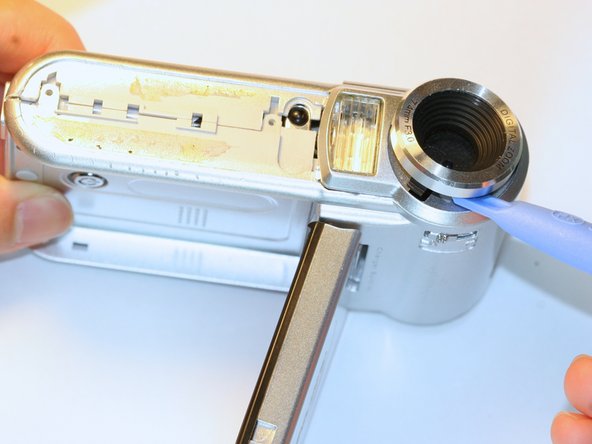
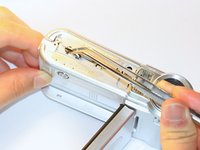
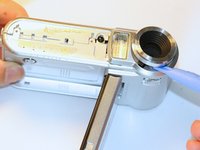
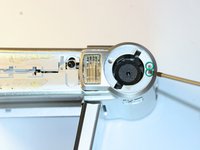
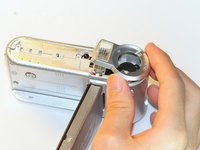
Use a plastic opening tool to pry off the lens protector.
-
-
-
Unscrew the two silver 0.5cm machine screws with the #00 Phillips screwdriver.
-
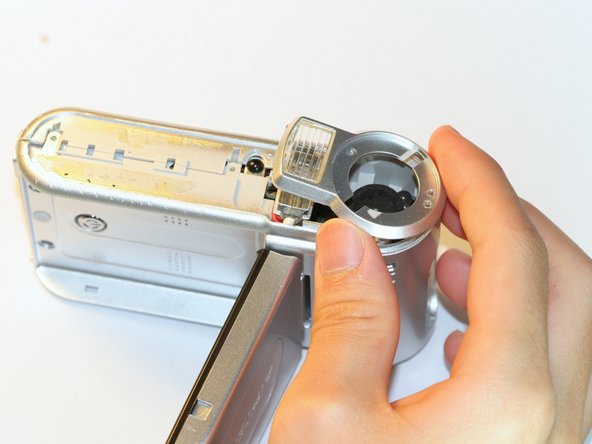
Lift off the lens protector housing.
-
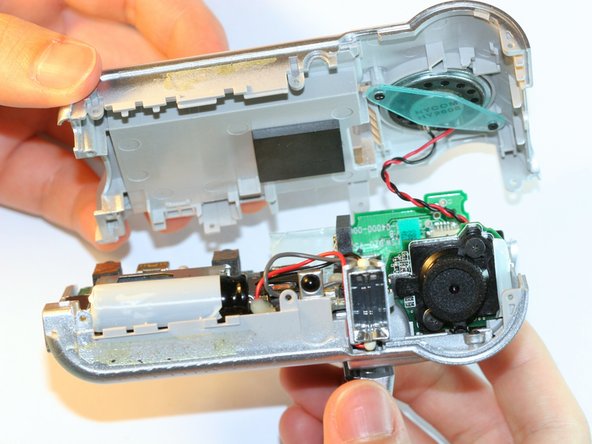
Pull apart the two halves of the camera body.
-
-
-
Unscrew both black machine screws holding the lens in place with the #00 Phillips screwdriver.
-
-
-
Carefully remove the compressed springs underneath each of the two screws that were removed in the previous step.
-
-
-
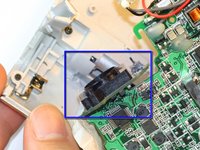
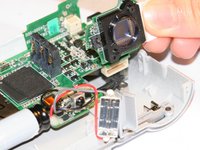
Use the #00 Phillips Screwdriver to unscrew the 3 circuit board screws.
-
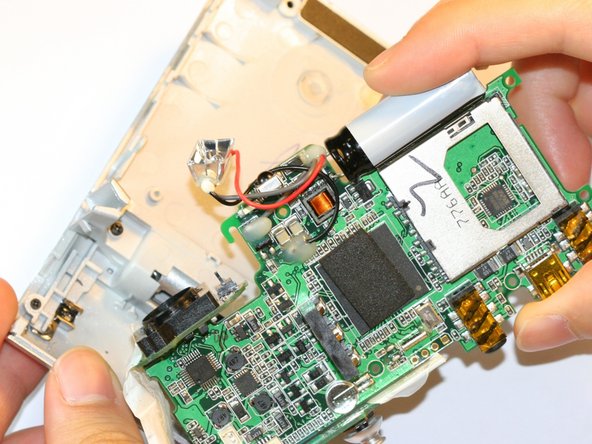
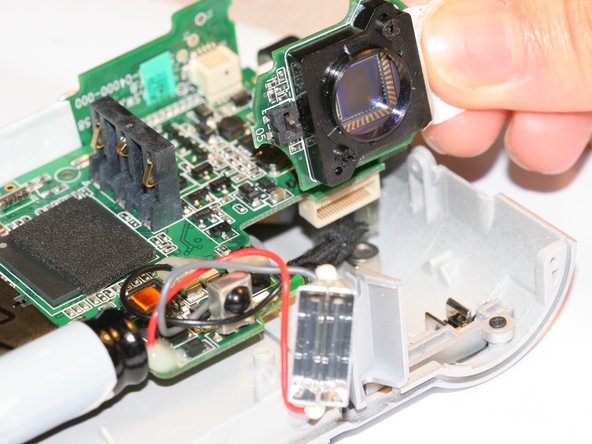
Slightly separate circuit board from plastic case by lifting the circuit board straight out.
-










To reassemble your device, follow these instructions in reverse order.

Команда

Cal Poly, Team 5-5, Forte Spring 2012 Участник Cal Poly, Team 5-5, Forte Spring 2012
CPSU-FORTE-S12S5G5
5 членов
Автор 10 руководств
