Этот перевод был сделан машиной и пока не проверен человеком. Говорите на этом языке? Просмотрите его.
Введение
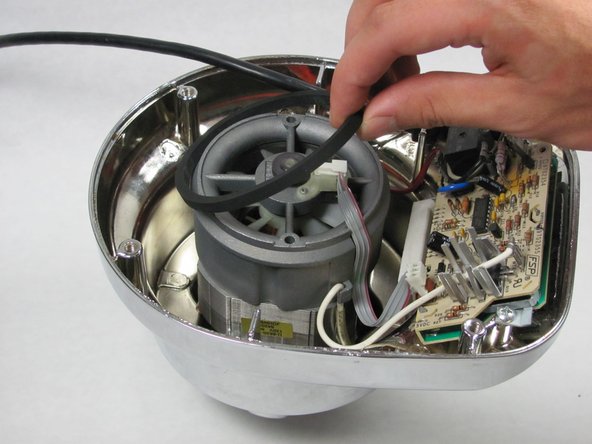
Вентилятор охлаждает двигатель и плату управления во время работы блендера.
Выберете то, что вам нужно
-
-
-
Снимите стеклянную емкость и переверните блендер, установив его на твердую поверхность.
-
Снимите четыре резиновые ножки с помощью круглогубцев.
-
Выкрутите четыре винта Phillips 25 мм №7.5, которые находились под резиновыми ножками, с помощью крестовой отвертки Phillips №2.
 Спросите у FixBot
-
-
-
Приподнимите заднюю панель, сдвигая ее вдоль шнура питания.
-
-
-
-
-
-
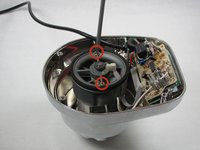
Выкрутите два винта #5 Phillips длиной 95 мм с помощью отвертки Phillips #2.
-
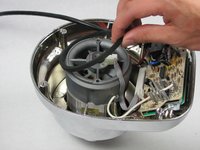
Снимите резиновое уплотнительное кольцо, поддев его вверх.
-
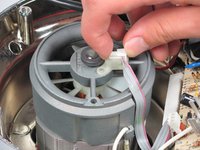
Отсоедините шлейф от корпуса, потянув его вверх.
-
-
-
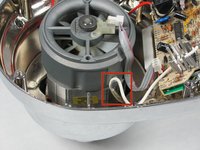
Отцепите белый провод, накинутый на выступ, вытянув его из зажима.
-
Повторите этот процесс с красным проводом на другой стороне корпуса.
-
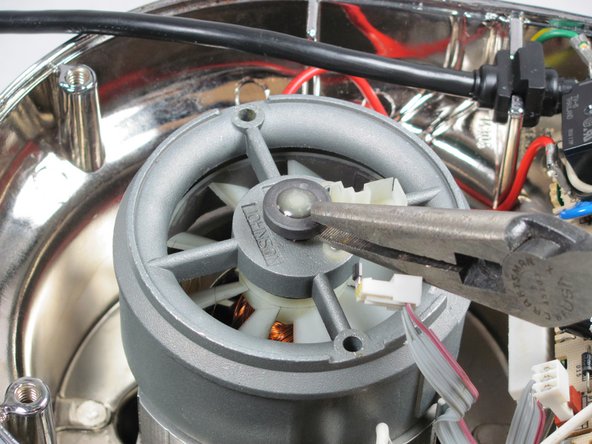
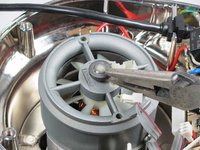
Снимите торцевую крышку с помощью плоскогубцев с длинными губцами 8 дюймов (20 см).
-
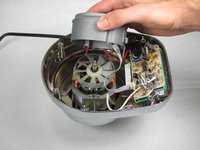
Потяните корпус вентилятора вверх.
-
-






Для сборки устройства выполните эти инструкции в обратном порядке.
Отменить: Я не выполнил это руководство.
Еще один человек закончил это руководство.

Команда

Cal Poly, Team 12-5, Forte Fall 2014 Участник Cal Poly, Team 12-5, Forte Fall 2014
CPSU-FORTE-F14S12G5
5 членов
Автор 72 руководств
3 Комментарии к руководству
Hi,
Do you know if it is possible to convert Kitchenaid Artisan stand mixer to 240v, has anyone looked inside or know if i should change something.
Does raplacing the fan mean that the fan itself (when broken) can be ordered? So just the white plastic round part. If so, could someone please give me a reference number? Would be highly appreciated.
Hugo, the Netherlands.
my blender turn on all the numbers light at the same time and is not working at all. do you know what the problem could be?
