Перейти к основному содержанию

Logitech UE Megaboom 4 Charging Port Replacement

Выберете то, что вам нужно

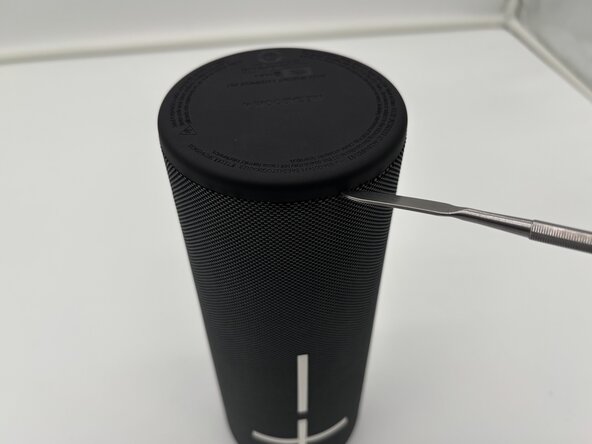
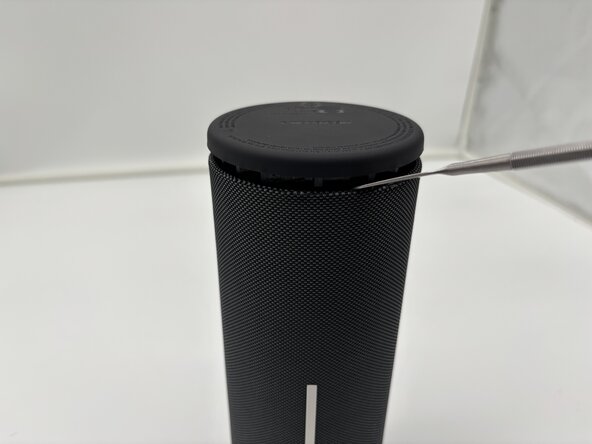
  1. Logitech UE Megaboom 4 Charging Port Replacement, Outer Case: шаг 1, изображение 1 из 3 Logitech UE Megaboom 4 Charging Port Replacement, Outer Case: шаг 1, изображение 2 из 3 Logitech UE Megaboom 4 Charging Port Replacement, Outer Case: шаг 1, изображение 3 из 3
    • Flip your speaker upside down so the charging port side is faced upwards.

    • Place the end of a metal spudger in between the rubber bottom and the mesh case.

    • Work your way around the base of the speaker until the top separates from the case of the speaker.

    • This will take force.

    • Use the metal spudger carefully. Improper use may lead to injury.

  2. Logitech UE Megaboom 4 Charging Port Replacement: шаг 2, изображение 1 из 1
    • Pull the bottom end of the speaker off and place it aside.

    • Once the glued seal is broken you will be able to pull it off with your hands.

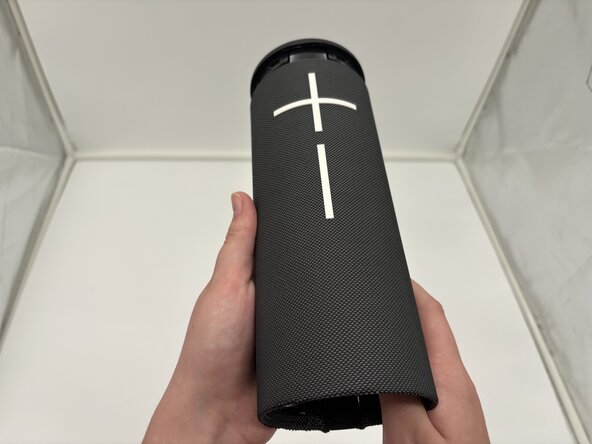
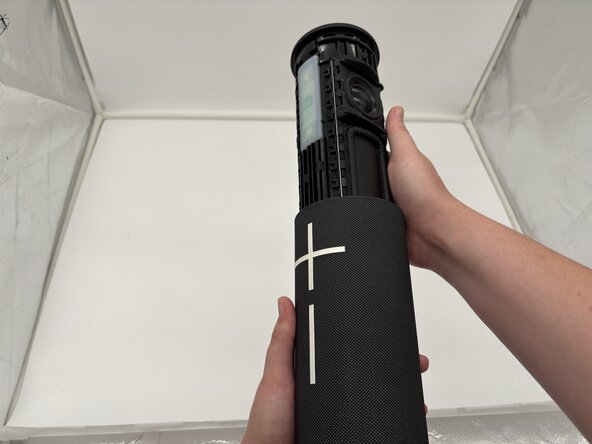
  3. Logitech UE Megaboom 4 Charging Port Replacement: шаг 3, изображение 1 из 3 Logitech UE Megaboom 4 Charging Port Replacement: шаг 3, изображение 2 из 3 Logitech UE Megaboom 4 Charging Port Replacement: шаг 3, изображение 3 из 3
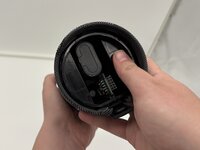
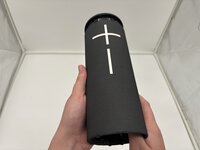
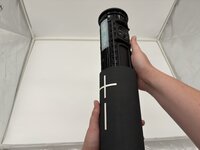
    • Use your thumbs to press the two plastic tabs inside the speaker case and gently push out the internal components.

    • The inside components will begin to slide out of the top from the mesh casing.

  4. Logitech UE Megaboom 4 Charging Port Replacement: шаг 4, изображение 1 из 1
    • The internal components of the Logitech UE MegaBoom 4 speaker are now separated from the outer case.

  5. Logitech UE Megaboom 4 Charging Port Replacement, Charging Port: шаг 5, изображение 1 из 1
    • Remove the cover from the USB-C charging port end of the device.

    • The port should be visible from the outside.

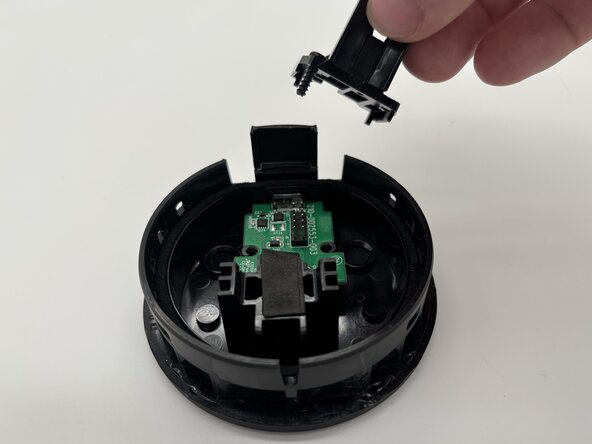
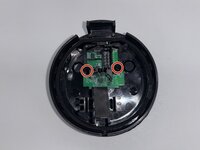
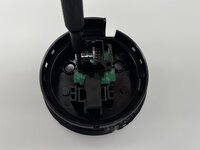
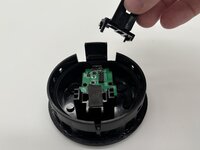
  6. Logitech UE Megaboom 4 Charging Port Replacement: шаг 6, изображение 1 из 3 Logitech UE Megaboom 4 Charging Port Replacement: шаг 6, изображение 2 из 3 Logitech UE Megaboom 4 Charging Port Replacement: шаг 6, изображение 3 из 3
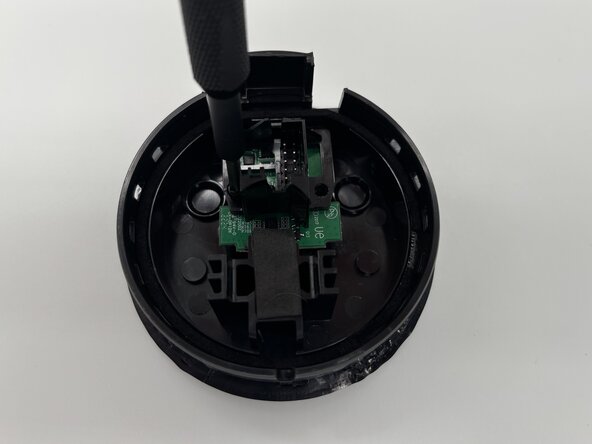
    • Use a Phillips #1 screwdriver to remove the two screws securing the I/O board inside the speaker's end cover.

    • Set the screws aside for reassembly.

    • Remove the black plastic bracket from the top of the I/O board.

  7. Logitech UE Megaboom 4 Charging Port Replacement: шаг 7, изображение 1 из 1
    • Remove the board with the charging port from the inside cover.

    • Take note of the charging port placement for reassembly.

Заключение

To reassemble your device, follow these instructions in reverse order. Take your e-waste to an R2 or e-Stewards certified recycler.

Konner Buchal

Участник с: 02/03/25

470 Репутация

Автор 3 руководств

Команда

University of North Texas, Team 1-4, Kilpatrick Spring 2025 Участник University of North Texas, Team 1-4, Kilpatrick Spring 2025

UNT-KILPATRICK-S25S1G4

4 членов

Автор 6 руководств

0 Комментарии к руководству

Добавить комментарий

Статистика просмотров:

За последние 24 часов: 0

За последние 7 дней: 2

За последние 30 дней: 6

За всё время: 118