Введение
Is your vacuum's battery not working or not holding a charge? The Moosoo XL-618A has a detachable battery pack for easy charging. However, the battery can become faulty. This is a guide on how to replace the battery pack of the Moosoo XL-618A.
Выберете то, что вам нужно
-
-
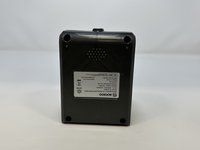
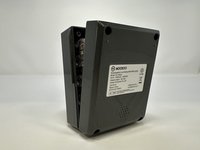
Press on the blue tab to release the battery pack, and pull.
 Спросите у FixBot
-
-
-
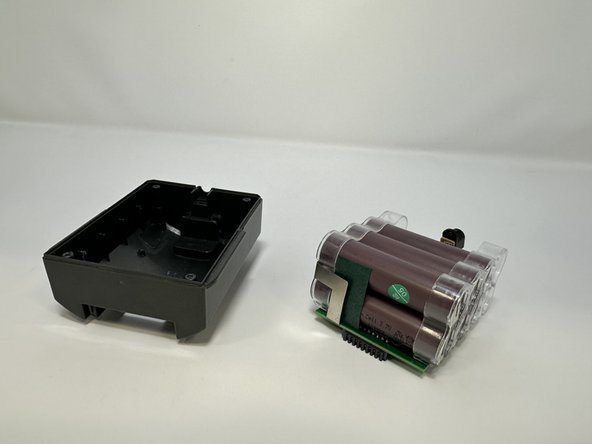
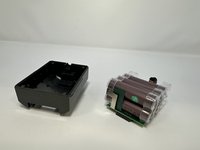
Remove each 15 mm screw from the four corners of the battery pack using a Phillips #1 screwdriver.
-
-
-
-
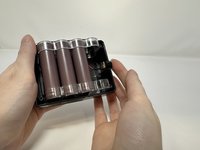
Find the wire connecting the battery to the charging port, locate the black tab at the top of the pack and pull the tab out first then the battery.
-



To reassemble your device, follow these instructions in reverse order.

Команда

Utah Tech University, Team 1-1, McMurrin Fall 2023 Участник Utah Tech University, Team 1-1, McMurrin Fall 2023
UTAHTECH-MCMURRIN-F23S1G1
3 членов
Автор 6 руководств
