Введение
Reaching the desired temperature on your Ninja Foodi SP101 is an essential feature. The temperature sensor inside the device regulates temperature and the cooling fan. The inability to reach high temperatures on your Foodi may be due to a malfunctioning temperature sensor.
.
Выберете то, что вам нужно
-
-
Use a TR10 screwdriver to remove the four 11mm screws holding the black lever bar in place.
 Спросите у FixBot
-
-
-
Use a Phillips #1 screwdriver to remove the three 8mm screws on each side of the back panel.
-
-
-
-
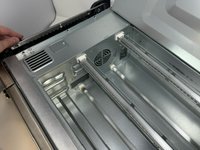
Flip the device upside down and open the bottom panel.
-
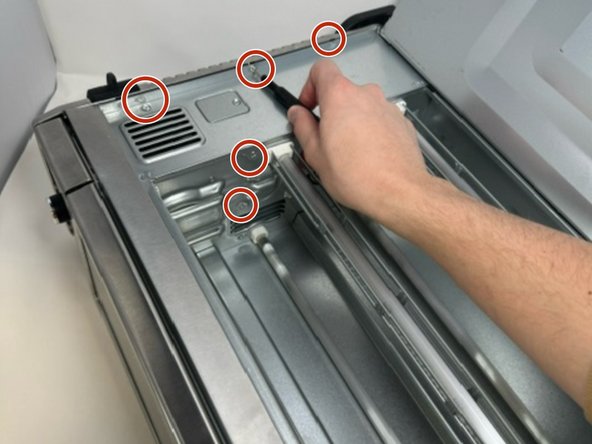
Remove the 3 x philips #1 screws along the top edge of the interior using a screwdriver. The Bottom 2 do not have to be removed.
-
-
-
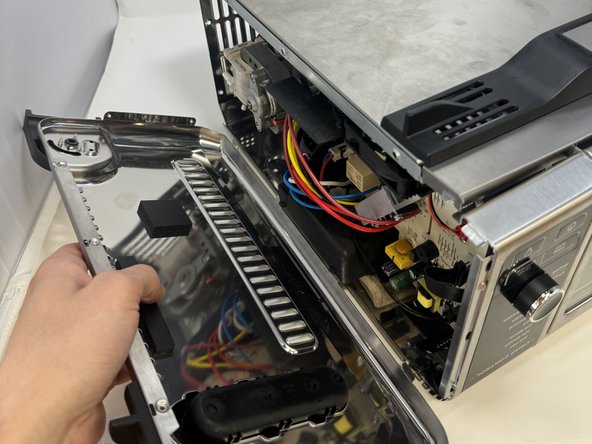
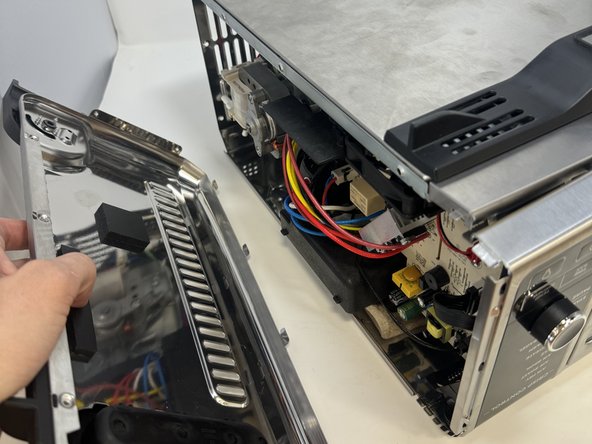
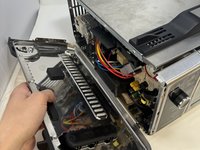
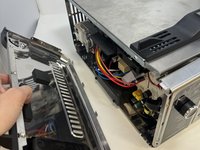
Remove the control side panel. To remove it, push forward towards then front control panel to release the tabs out of the main body. Fold away the side panel when the tabs have visually released from their slots in the main body.
-
-
-
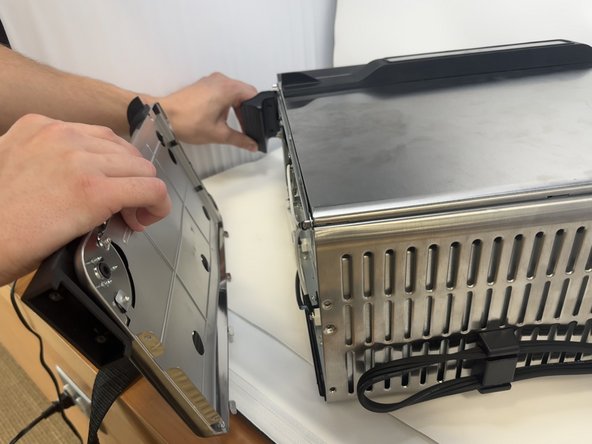
Lift the handle and pull the side panel out.
-
Remove the handle side panel.
-
-
-
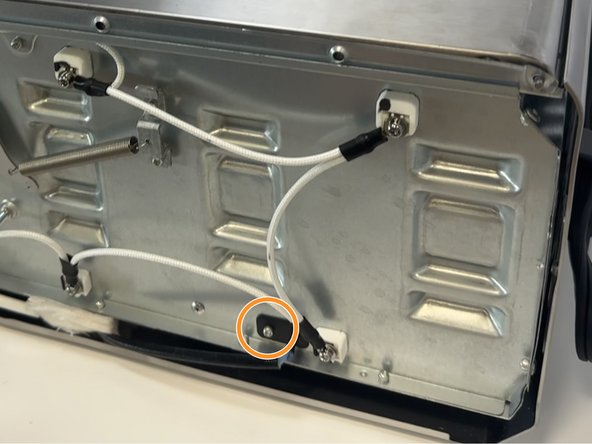
The temperature sensor is found under the handle side panel.
-
The sensor is held down by a rivet. Here is a guide to removing rivets.
-





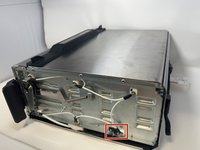
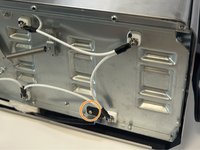
To reassemble your device, follow these instructions in reverse order.

Команда

Utah Tech University, Team 1-4, McMurrin Spring 2024 Участник Utah Tech University, Team 1-4, McMurrin Spring 2024
UTAHTECH-MCMURRIN-S24S1G4
2 членов
Автор 9 руководств
1 Комментарий к руководству
Where do you purchase a new temp sensor?
