Перейти к основному содержанию

Polaroid Flip Top Shell Replacement

Выберете то, что вам нужно

  1. Polaroid Flip Top Shell Replacement, Before you begin: шаг 1, изображение 1 из 3 Polaroid Flip Top Shell Replacement, Before you begin: шаг 1, изображение 2 из 3 Polaroid Flip Top Shell Replacement, Before you begin: шаг 1, изображение 3 из 3
    • If you have any film left, take some photos! Then remove the cartridge. Disassembly will expose any leftover film.

    • Before you begin:

    • Unplug all cables from your camera.

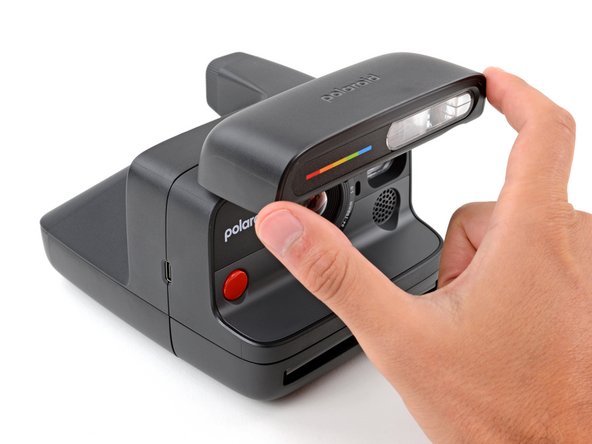
    • Fully close the flash unit at the front of the camera to turn it off.

  2. Polaroid Flip Top Shell Replacement, Open the film door: шаг 2, изображение 1 из 3 Polaroid Flip Top Shell Replacement, Open the film door: шаг 2, изображение 2 из 3 Polaroid Flip Top Shell Replacement, Open the film door: шаг 2, изображение 3 из 3
    • Throughout this guide, directional words (front, back, left, right) are from the perspective of using the camera—or when the lens faces away from you.

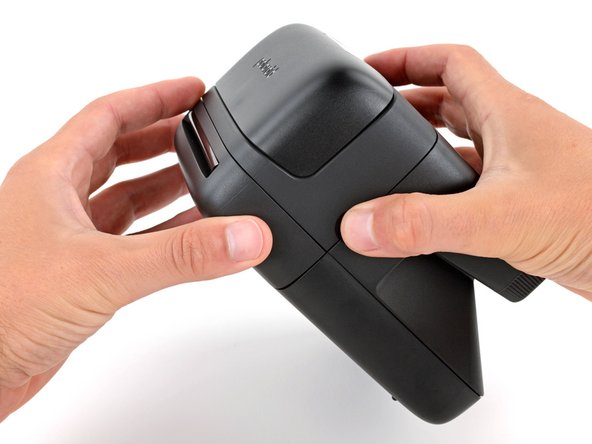
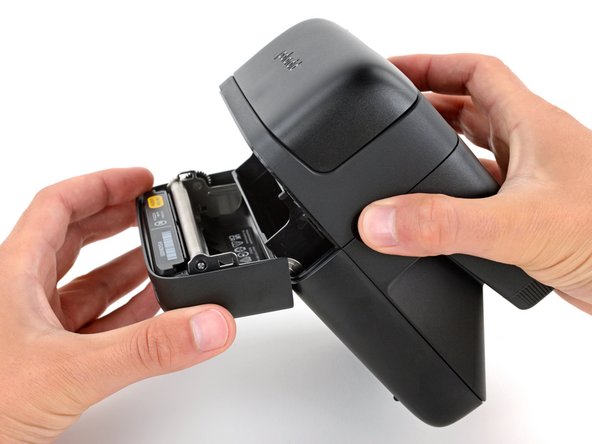
    • Hold down the latch on the left side of the camera and open the film door.

  3. Polaroid Flip Top Shell Replacement, Remove the bottom shell screw: шаг 3, изображение 1 из 3 Polaroid Flip Top Shell Replacement, Remove the bottom shell screw: шаг 3, изображение 2 из 3 Polaroid Flip Top Shell Replacement, Remove the bottom shell screw: шаг 3, изображение 3 из 3
    Инструмент, используемый на этом этапе:
    Magnetic Project Mat
    $16.96
    • Throughout this repair, keep track of each screw and make sure it goes back exactly where it came from.

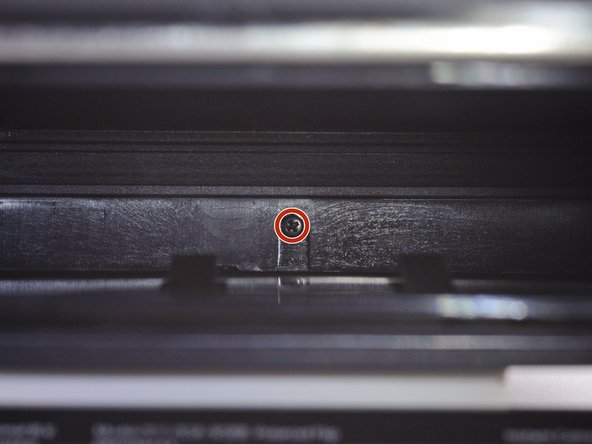
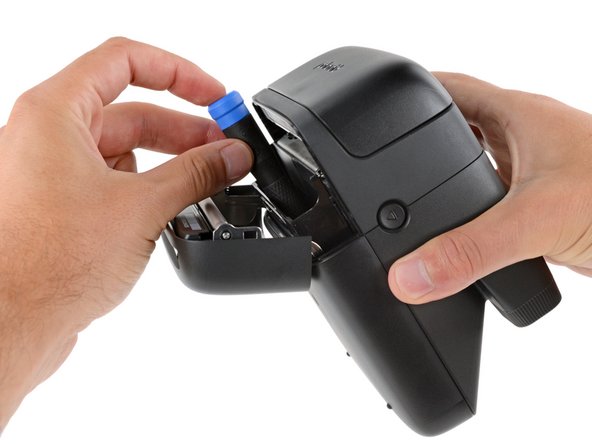
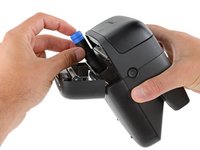
    • Use a Phillips screwdriver to remove the 5.9 mm‑long screw securing the rear shell.

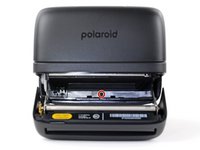
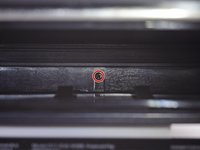
    • The screw is hidden inside the camera on the back edge—you may need to use a flashlight to see it, as well as a skinny, long‑shank screwdriver to reach it.

    • Be careful when removing your screwdriver, as the screw can easily fall inside the camera. If it does, hold the camera above your work surface and gently shake it so the screw falls out.

  4. Polaroid Flip Top Shell Replacement, Camera mirror warning: шаг 4, изображение 1 из 2 Polaroid Flip Top Shell Replacement, Camera mirror warning: шаг 4, изображение 2 из 2
    • Removing the bottom shell in the next step exposes the camera mirror. Be careful not to smudge it or get any debris on it. If you accidentally do, use a lint‑free cloth to gently wipe the mirror clean.

  5. Polaroid Flip Top Shell Replacement, Remove the bottom shell: шаг 5, изображение 1 из 3 Polaroid Flip Top Shell Replacement, Remove the bottom shell: шаг 5, изображение 2 из 3 Polaroid Flip Top Shell Replacement, Remove the bottom shell: шаг 5, изображение 3 из 3
    • Slide the bottom shell towards the back of the camera to release the clips securing it.

    • Lift and remove the shell.

    • During reassembly:

    • Place the shell onto the frame so it hangs over the back about about half an inch (~13 mm), creating a gap near the center of the camera. This allows room for the clips to slide into place.

    • Push down on the shell and slide it towards the front of the camera to engage the clips—you should feel them slide into place.

  6. Polaroid Flip Top Shell Replacement, Clip information: шаг 6, изображение 1 из 3 Polaroid Flip Top Shell Replacement, Clip information: шаг 6, изображение 2 из 3 Polaroid Flip Top Shell Replacement, Clip information: шаг 6, изображение 3 из 3
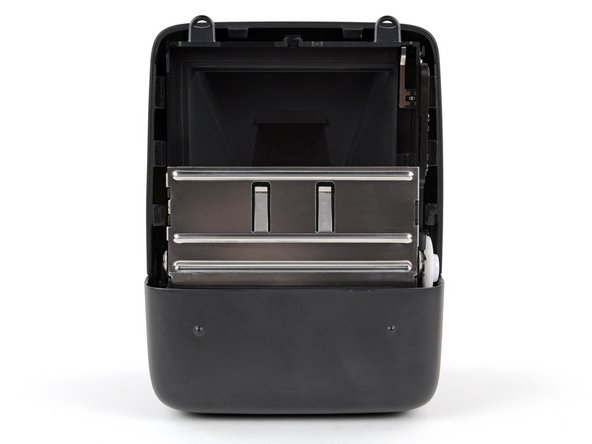
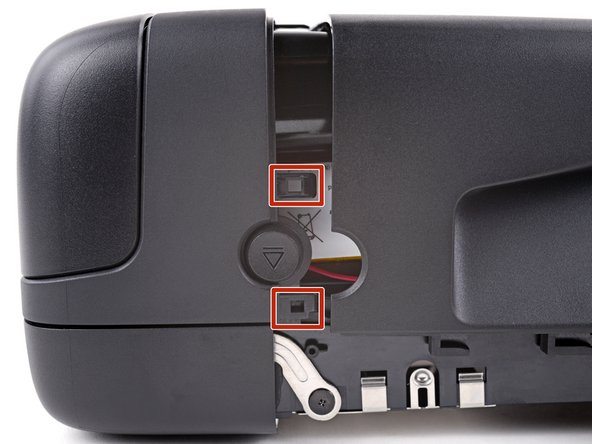
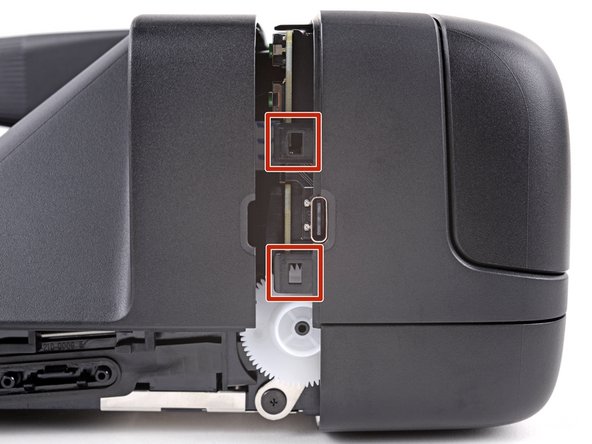
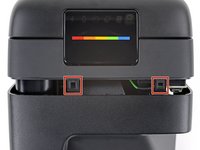
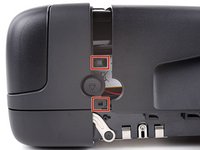
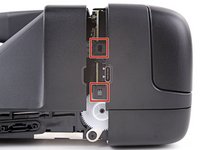
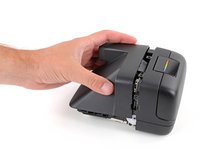
    • Tight plastic clips secure the top shell to the camera. Releasing them can be very tricky and will most likely take a few attempts. Be patient and use these photos as reference for the location of the clips.

  7. Polaroid Flip Top Shell Replacement, Release the clips: шаг 7, изображение 1 из 3 Polaroid Flip Top Shell Replacement, Release the clips: шаг 7, изображение 2 из 3 Polaroid Flip Top Shell Replacement, Release the clips: шаг 7, изображение 3 из 3
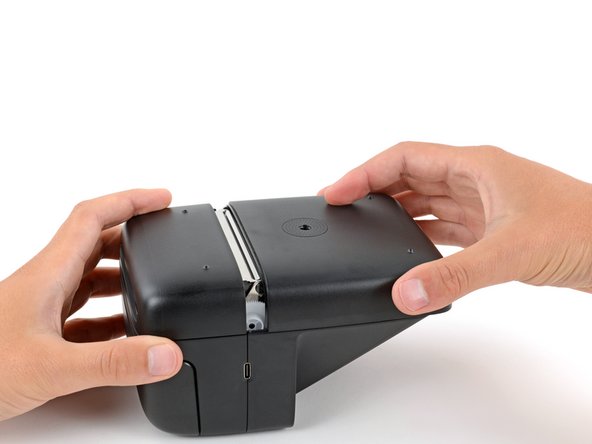
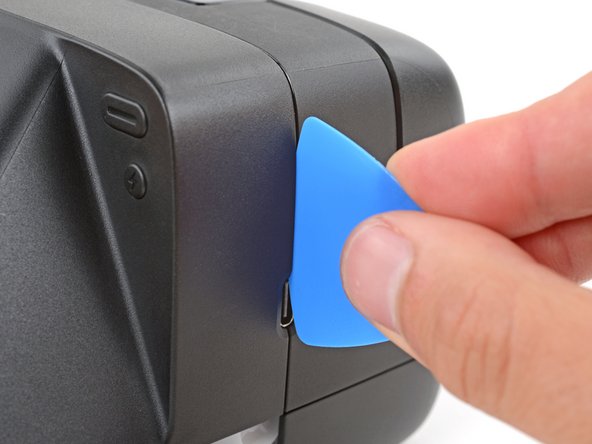
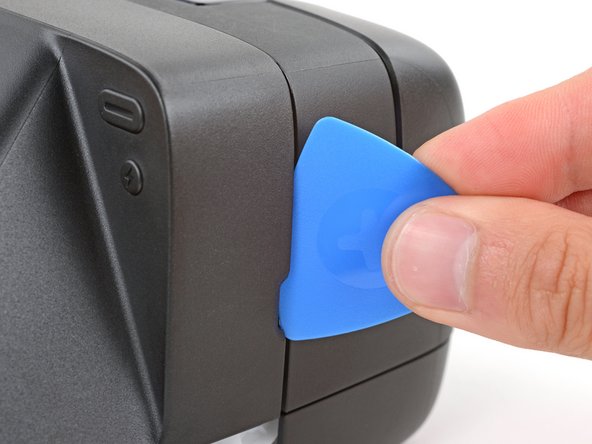
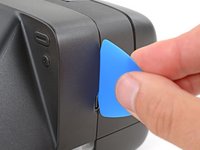
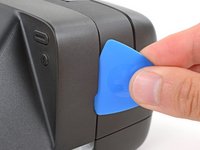
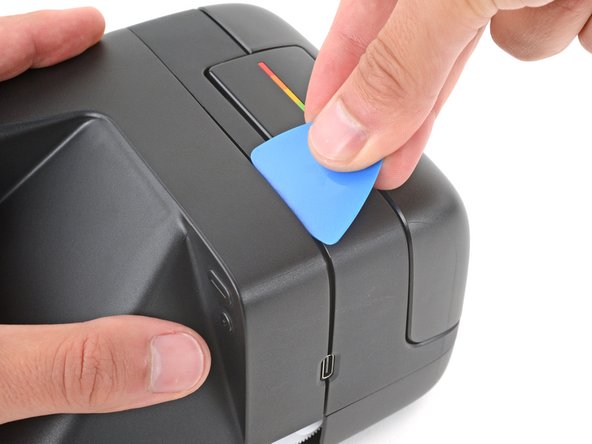
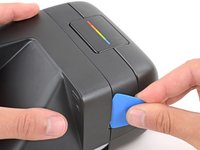
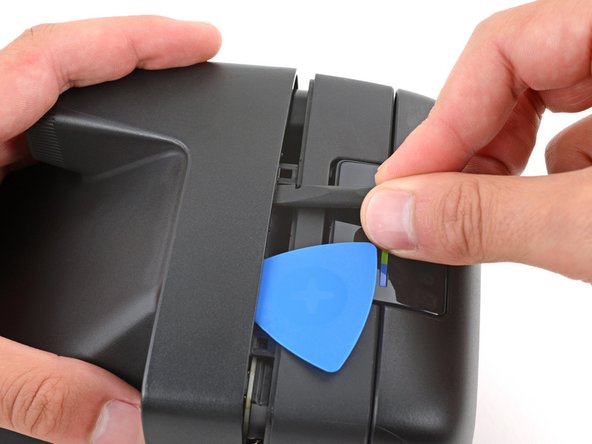
    • Insert the flat edge of an opening pick in the seam between the front and top shells, just above the USB‑C port on the right edge.

    • Use your pick to pry the top shell away from the front shell.

    • Keep the inserted edge of the pick pointed toward the top shell when separating it. This helps release the tight plastic clips holding them together.

  8. Polaroid Flip Top Shell Replacement: шаг 8, изображение 1 из 3 Polaroid Flip Top Shell Replacement: шаг 8, изображение 2 из 3 Polaroid Flip Top Shell Replacement: шаг 8, изображение 3 из 3
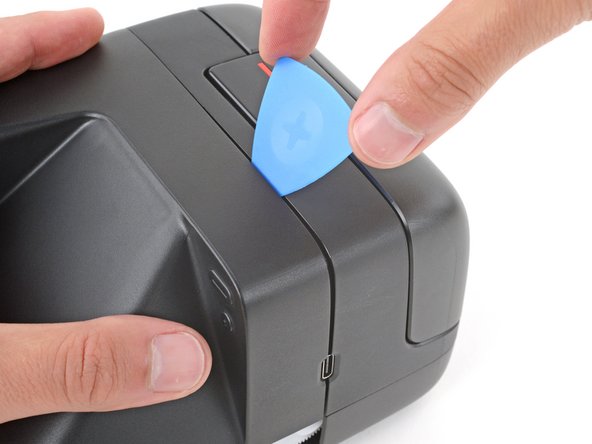
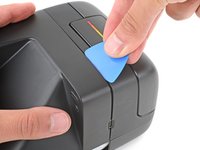
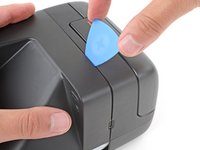
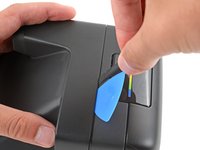
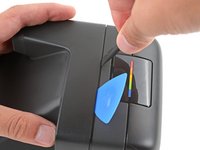
    • Slide your pick around the top right corner to release the clip.

    • You should feel and hear a distinct "click" as the clip releases. If you don't, go back to the previous step and try again—it may take multiple attempts.

    • Rotate your opening pick so the tip is under the top shell (between the two top clips) and leave it inserted to prevent the clip from re‑engaging.

  9. Polaroid Flip Top Shell Replacement: шаг 9, изображение 1 из 3 Polaroid Flip Top Shell Replacement: шаг 9, изображение 2 из 3 Polaroid Flip Top Shell Replacement: шаг 9, изображение 3 из 3
    • Releasing the clip in this step is difficult and will probably take a few tries. Be patient and don't try to force the clip free, or you may damage your camera.

    • If the opening pick falls out, repeat the previous step to re‑insert it. Having it inserted under the shell is necessary to ensure the right‑side clip doesn't re‑engage.

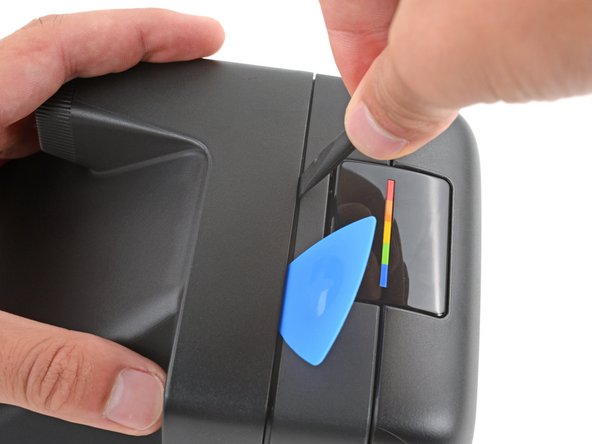
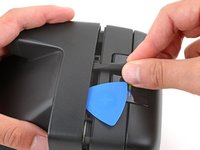
    • Insert the flat end of a spudger into the seam near the center of the camera, just to the left of the opening pick.

    • Slide the spudger along the seam towards the viewfinder until it stops—this means the spudger is in the correct spot against the clip.

    • Push the spudger under the top shell and pry up to release the clip and separate the shells.

    • It shouldn't take much force to release the clip. If the clip isn't releasing, remove the spudger and try again from the beginning of this step.

  10. Polaroid Flip Top Shell Replacement, Remove the top shell: шаг 10, изображение 1 из 2 Polaroid Flip Top Shell Replacement, Remove the top shell: шаг 10, изображение 2 из 2
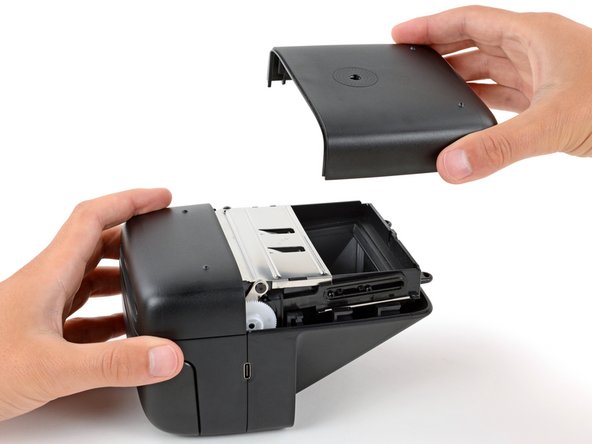
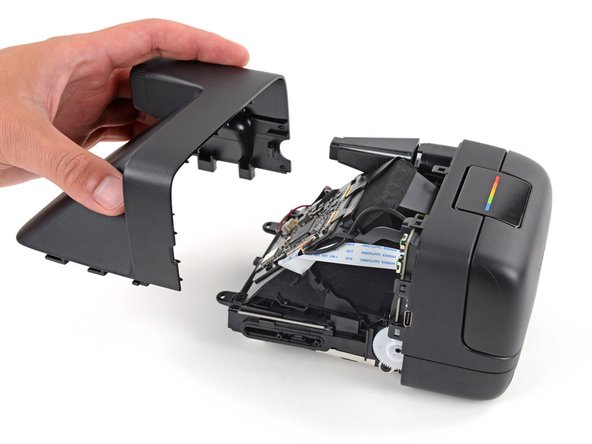
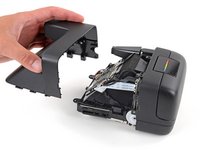
    • Remove the top shell.

    • During reassembly:

    • Press the shell firmly onto the main body so all the clips engage.

    • You should feel and hear distinct "clicks" as the clips engage.

    • Check around the perimeter of the shell seam and make sure there are no gaps. If there are, firmly press the shells together to engage the clip near the gap.

  11. Polaroid Flip Top Shell Replacement, Capacitor information: шаг 11, изображение 1 из 2 Polaroid Flip Top Shell Replacement, Capacitor information: шаг 11, изображение 2 из 2
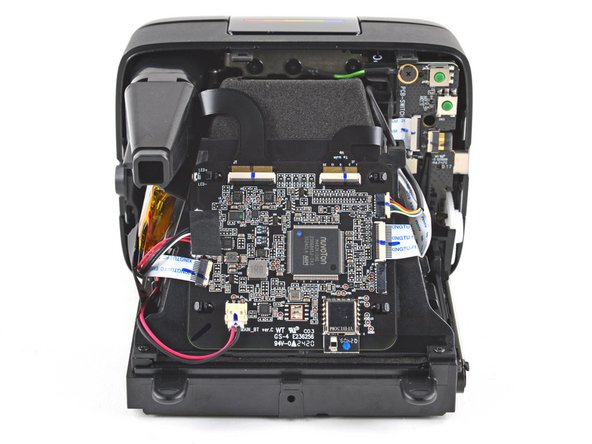
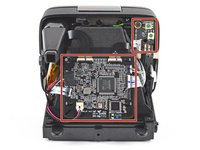
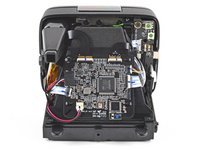
    • The capacitor in your camera holds an electrical charge and can deliver a potentially dangerous electric shock if you touch the boards incorrectly.

    • To minimize risk, avoid touching the boards, wires, and other exposed components with your fingers or metal tools. Consider wearing rubber gloves if working near the board.

Заключение

To reassemble your device, follow these instructions in reverse order.

Repair didn’t go as planned? Try some basic troubleshooting, or ask our Answers community for help.

Spencer Day

Участник с: 09/14/22

149 834 Репутация

Автор 995 руководств

Команда

iFixit Участник iFixit

Staff

123 членов

Автор 23 638 руководств

0 Комментарии к руководству

Добавить комментарий

Статистика просмотров:

За последние 24 часов: 1

За последние 7 дней: 4

За последние 30 дней: 10

За всё время: 158