Перейти к основному содержанию
Присоединяйся к сообществу ремонтников - Создай аккаунт

RCA CC310 Effect Button Circuit Board Replacement

Выберете то, что вам нужно

  1. RCA CC310 Effect Button Circuit Board Replacement, Disassembling RCA CC310 Left Cover: шаг 1, изображение 1 из 2 RCA CC310 Effect Button Circuit Board Replacement, Disassembling RCA CC310 Left Cover: шаг 1, изображение 2 из 2
    • Remove the six 7.9mm Phillips #0 screws on the back and bottom.

    • Remove the one 3.8mm Phillips #0 screw on the bottom.

    • Remove the two 7.5mm Phillips #0 screws on the back and bottom.

    Спросите у FixBot
  2. RCA CC310 Effect Button Circuit Board Replacement: шаг 2, изображение 1 из 2 RCA CC310 Effect Button Circuit Board Replacement: шаг 2, изображение 2 из 2
    • Remove 5.8mm Phillips #1 screw from the side button panel.

    • Slide the viewfinder all the way to the right and remove the 7.9mm Phillips #0 screw.

    Спросите у FixBot
  3. RCA CC310 Effect Button Circuit Board Replacement: шаг 3, изображение 1 из 2 RCA CC310 Effect Button Circuit Board Replacement: шаг 3, изображение 2 из 2
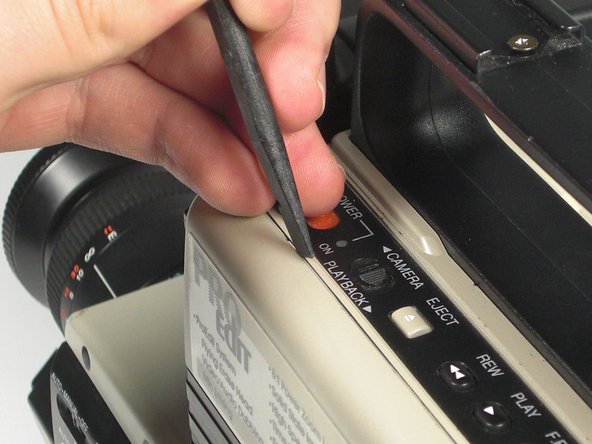
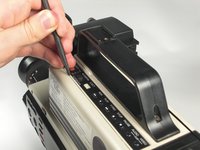
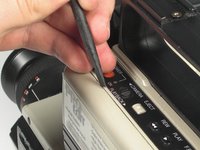
    • Pry along the seam on the top side near the buttons with a spudger.

    Спросите у FixBot
  4. RCA CC310 Effect Button Circuit Board Replacement: шаг 4, изображение 1 из 2 RCA CC310 Effect Button Circuit Board Replacement: шаг 4, изображение 2 из 2
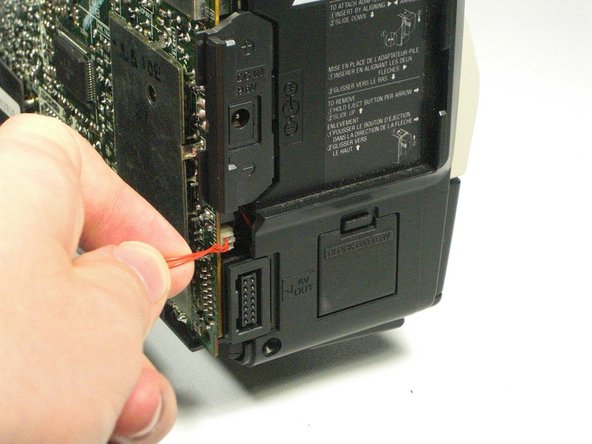
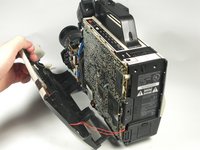
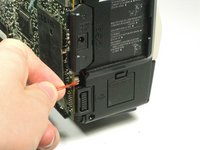
    • Pull the left panel away from the rest of the camcorder.

    • Unplug the red speaker cable located at the rear of the device.

    • Be careful to not pull too hard. The speaker cable is still connected to the panel and it can rip.

    Спросите у FixBot
  5. RCA CC310 Effect Button Circuit Board Replacement, Effect Button Circuit Board: шаг 5, изображение 1 из 2 RCA CC310 Effect Button Circuit Board Replacement, Effect Button Circuit Board: шаг 5, изображение 2 из 2
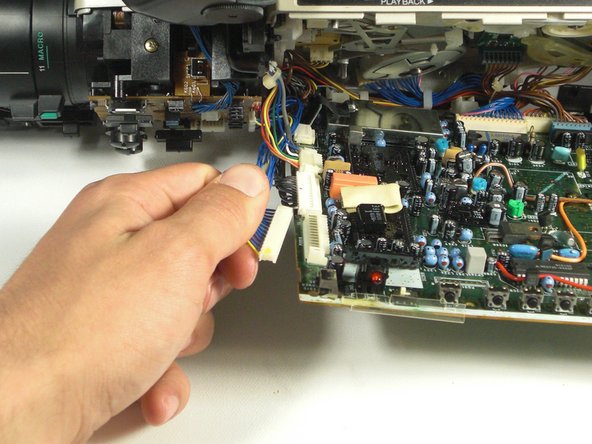
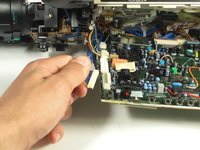
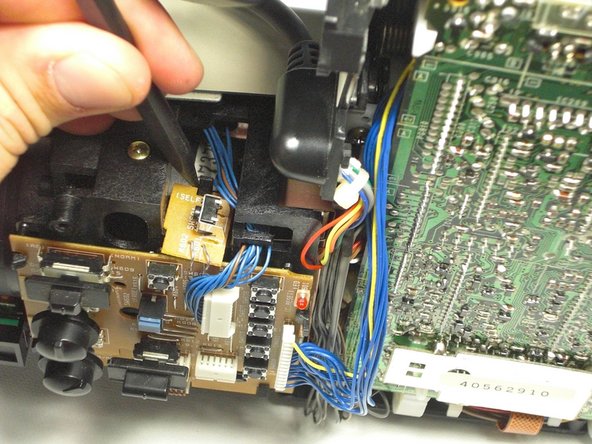
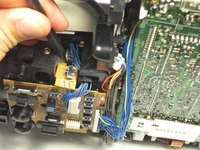
    • Unplug the two cables on the bottom of the effect button circuit board.

    • Unplug the cable at the top left side of the motherboard.

    Спросите у FixBot
  6. RCA CC310 Effect Button Circuit Board Replacement: шаг 6, изображение 1 из 3 RCA CC310 Effect Button Circuit Board Replacement: шаг 6, изображение 2 из 3 RCA CC310 Effect Button Circuit Board Replacement: шаг 6, изображение 3 из 3
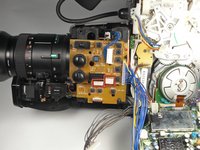
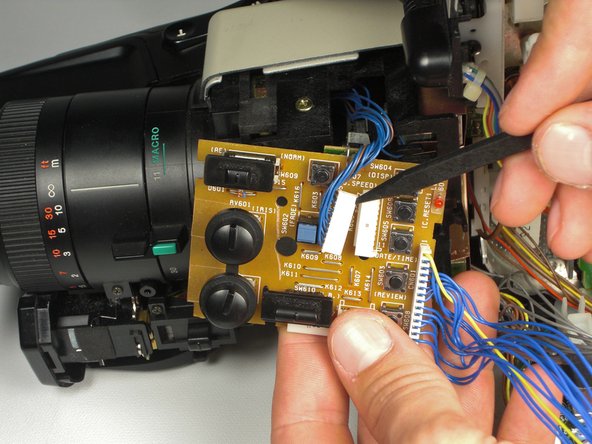
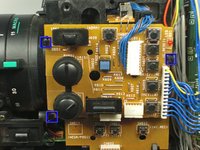
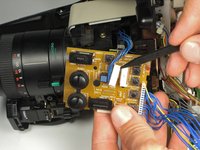
    • Pull the plastic tabs away from the circuit board.

    • Pull the board away from the camcorder.

    • Use a spudger to help push the mini-circuit board away from the camcorder at the same time.

    • Unplug the cable in the middle of the effects board.

    Спросите у FixBot
Заключение

To reassemble your device, follow these instructions in reverse order.

Еще один человек закончил это руководство.

Oliver Adams

Участник с: 01/19/11

629 Репутация

Автор 6 руководств

Команда

Cal Poly, Team 5-20, Amido Winter 2011 Участник Cal Poly, Team 5-20, Amido Winter 2011

CPSU-AMIDO-W11S5G20

4 членов

Автор 7 руководств

0 Комментарии к руководству

Добавить комментарий

Статистика просмотров:

За последние 24 часов: 2

За последние 7 дней: 8

За последние 30 дней: 66

За всё время: 2,079