Введение
Use this guide to replace the rear case in your Galaxy Book Pro 15" Laptop with a genuine Samsung part.
Before you begin, refer to the Samsung PC Repair Guide for safety information.
Выберете то, что вам нужно
-
-
Insert an opening pick between the rubber foot and the rear case.
-
Pry up with the opening pick to release the clips securing the foot.
-
Remove the foot.
-
Repeat this procedure for the three remaining feet.
-
-
-
Use a Phillips screwdriver to remove the four 4.5 mm-long screws securing the rear case.
-
-
-
-
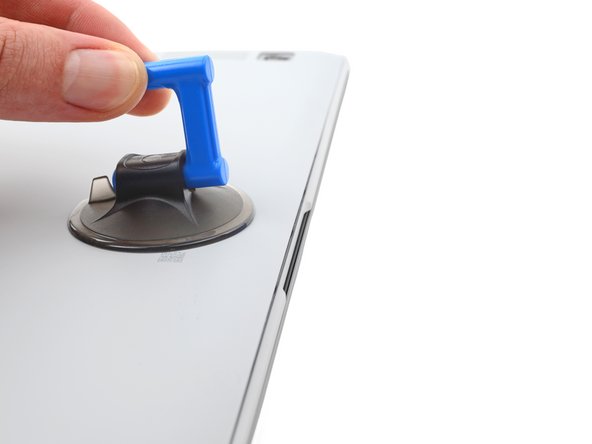
Apply a suction cup to the rear case, as close to the center of the bottom edge as possible.
-
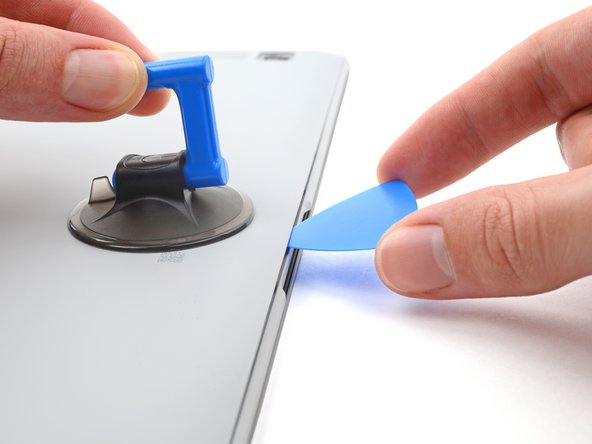
Pull up on the suction cup with strong, steady force to create a gap between the rear case and the frame.
-
Insert an opening pick into the gap.
-
-
-
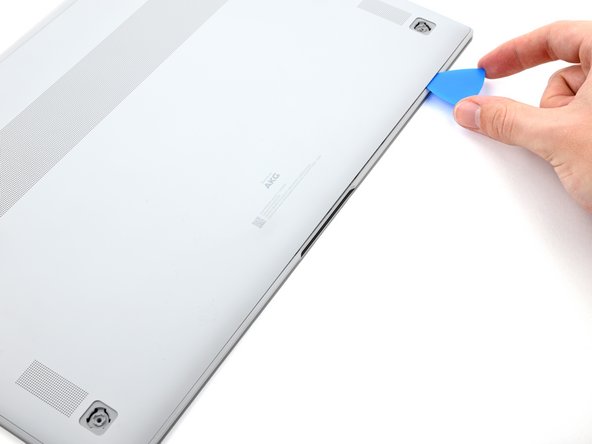
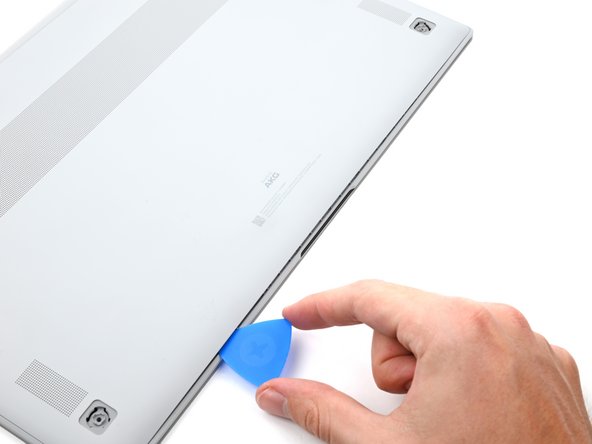
Slide the pick along the bottom edge of the rear case to release its plastic clips.
-
Repeat this process for the left and right edges, but stop before reaching the top edge.
-
-
-
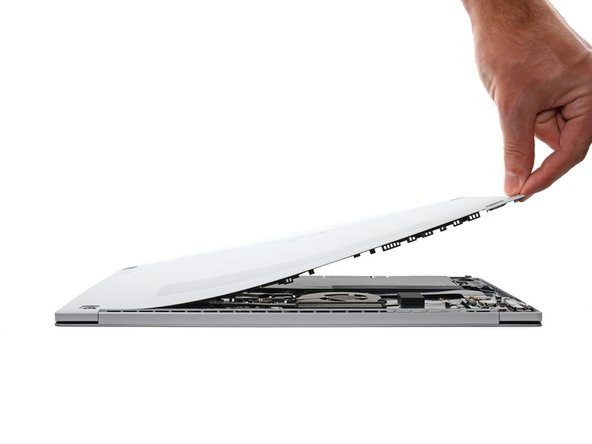
Pull the top of the rear case away from the frame to separate the adhesive and release the remaining clips.
-
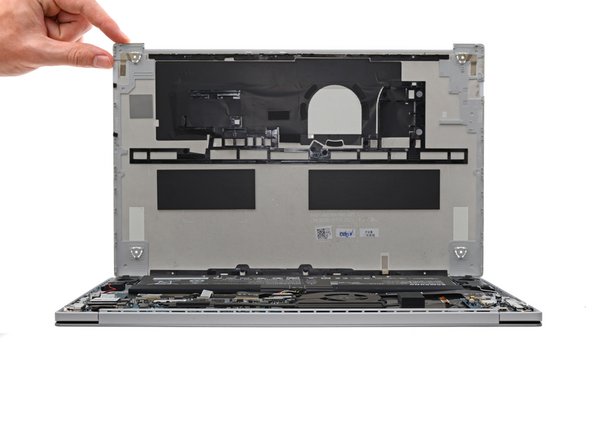
Remove the rear case.
-
If you're using a using a genuine Samsung replacement rear case, be sure to peel off any adhesive liners from the rear case before securing the top edge's clips.
-
If you're reusing your rear case, you can use some pre-cut adhesive to re-adhere the top edge if your existing adhesive is no longer sticky.
-




To reassemble your device, follow the instructions in reverse order and perform the opposite actions, e.g., "reattach" instead of "removing." Skip steps that use heating and prying, and pay close attention to the 📌 bullets as you work through the steps.
Take your e-waste to an R2 or e-Stewards certified recycler.
Repair didn’t go as planned? Check out our Answers community for troubleshooting help.
To reassemble your device, follow the instructions in reverse order and perform the opposite actions, e.g., "reattach" instead of "removing." Skip steps that use heating and prying, and pay close attention to the 📌 bullets as you work through the steps.
Take your e-waste to an R2 or e-Stewards certified recycler.
Repair didn’t go as planned? Check out our Answers community for troubleshooting help.



