Введение
This guide will help you replace the LCD screen or your motherboard on your Samsung Galaxy Rush. It is not a lengthy process and you will have a brand new screen in about 30 minutes.
Выберете то, что вам нужно
-
-
Looking at the back of your phone, use your finger to remove back cover.
 Спросите у FixBot
-
-
-
With a small phillips-head screw driver, remove the six screws holding the back panel in place.
-
-
-
-
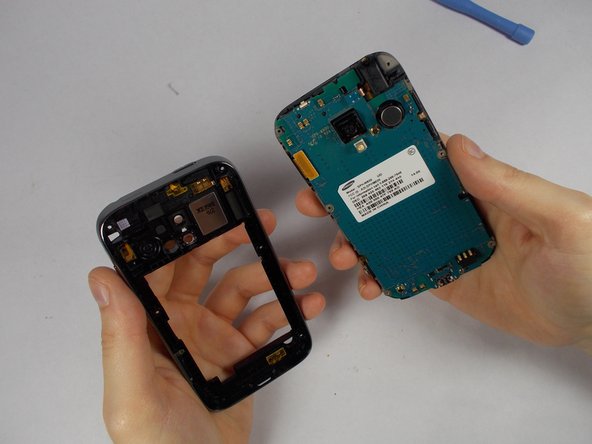
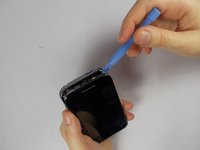
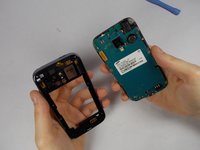
Use the pry tool to pry the back panel from the rest of the phone. Pry from the edge closest to the screen for simplicity.
-
-
Инструмент, используемый на этом этапе:Tweezers$4.99
-
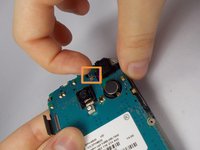
Using tweezers, gently lift connectors from motherboard.
-
A connector will be on the upper left
-
The second connector is located towards the top of the phone. Above the camera. It comes off with ease.
-
-
-
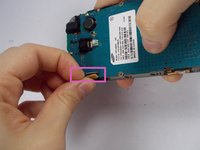
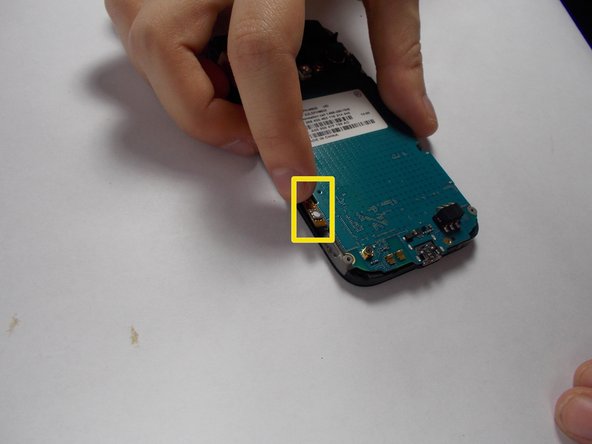
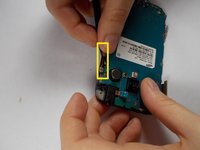
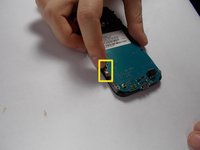
Use the tweezers to carefully remove the 2 adhesive orange ribbons.
-
These stay attached to the motherboard so be careful not to break them.
-
They are on the side of the phone.
-
-
-
Use a philips-head screwdriver to remove the single screw on the bottom of the phone. Located to the right of the charging port.
-







To reassemble your device, follow these instructions in reverse order.

Команда

UMass Dartmouth, Team 6-4, Vijaybhaskar Fall 2014 Участник UMass Dartmouth, Team 6-4, Vijaybhaskar Fall 2014
UMASSD-VIJAYBHASKAR-F14S6G4
3 членов
Автор 6 руководств
2 Комментарии к руководству
where to get mother board
where to get mother board really cheap
