Введение
A guide to installing a replacement screen on a Sega Game Gear.
Выберете то, что вам нужно
-
-
Press on the tabs at the bottom of the battery covers then lift up to remove.
-
Remove batteries if they are present.
-
-
Инструмент, используемый на этом этапе:Tweezers$4.99
-
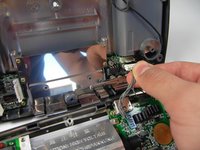
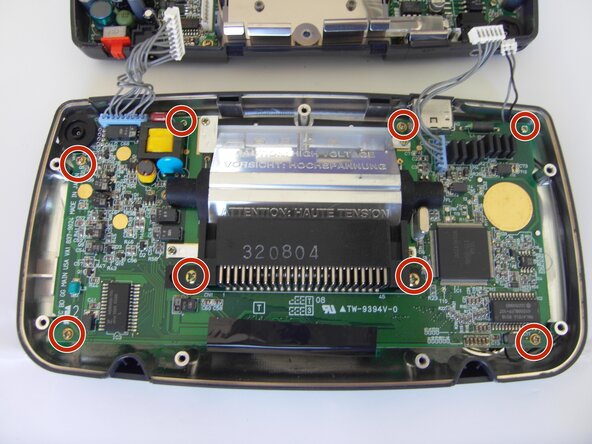
Use tweezers to take all other screws out.
-
-
-
-
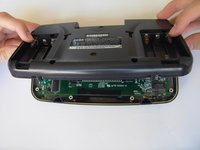
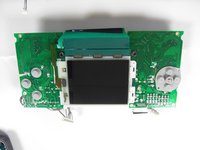
Slide the logic board out from under the circular black fastener at the top-left corner of the case.
-
-
-
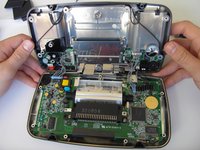
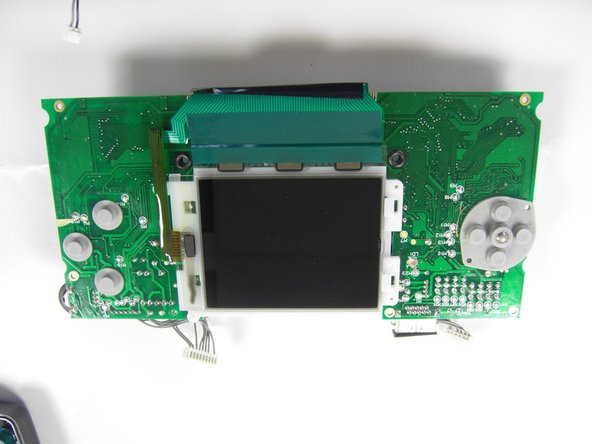
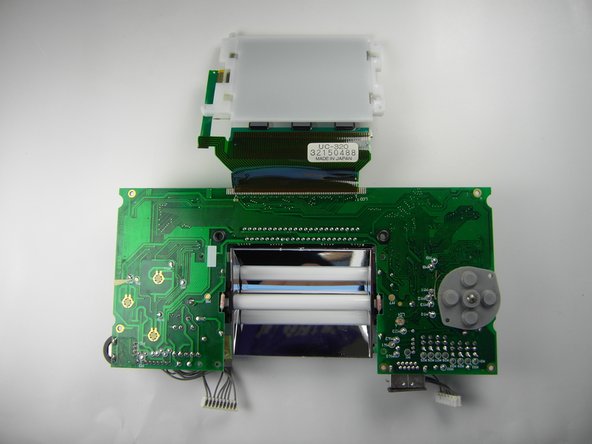
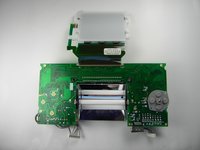
Make sure the screen is towards the bottom, as indicated in the second picture.
-
-
-
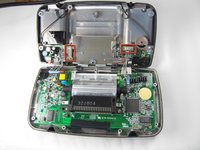
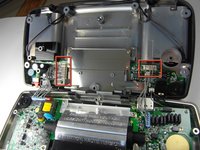
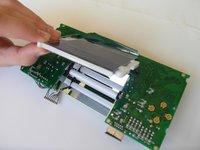
Gently open the screen up.
-
The screen will not come out all the way since it is glued onto the top side.
-







To reassemble your device, follow these instructions in reverse order.
Отменить: Я не выполнил это руководство.
15 человек успешно провели ремонт по этому руководству.

Команда

Cal Poly, Team 28-33, Regan Spring 2010 Участник Cal Poly, Team 28-33, Regan Spring 2010
CPSU-REGAN-S10S28G33
5 членов
Автор 20 руководств
12 Комментарии к руководству
any one know where to get a new display that wont bleed me dry?
Due to the nature a Game Gear screen attaches, a ribbon directly soldered to the mainboard, replacing it requires a soldering iron and some fairly advanced technique.
This guide, titled “Sega Game Gear Screen Replacement”, only takes us to the point you remove the ribbon. There is much work left.
so, uh, is there a more comprehensive version somewhere?
Thank you. I was wondering why they left this out.
Does the screen get fixed at the end?
