Введение
Reassembly steps to install the microphone in the iPhone 16 Pro.
Выберете то, что вам нужно
-
-
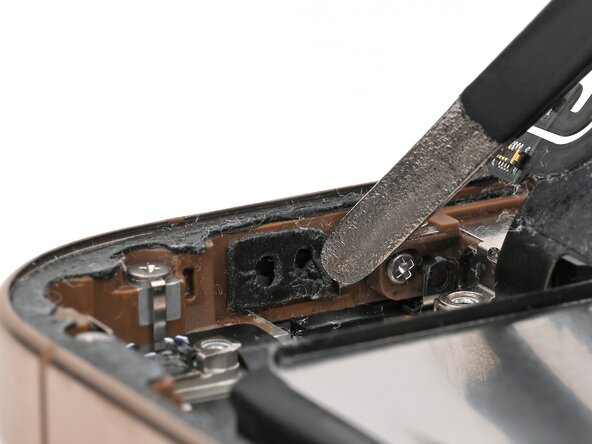
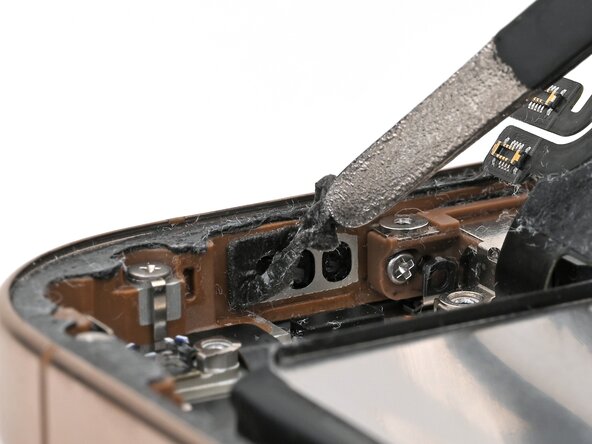
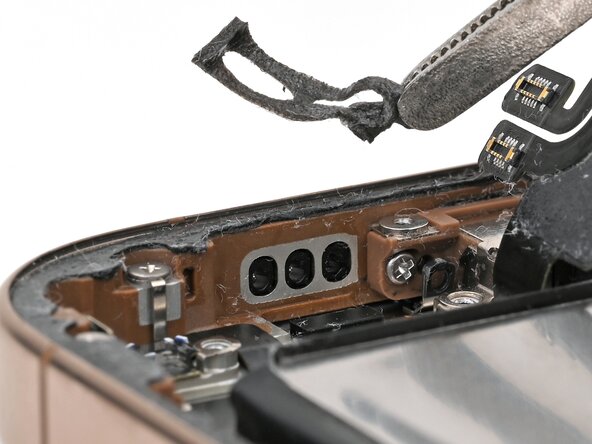
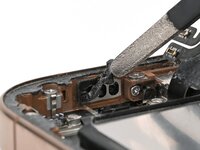
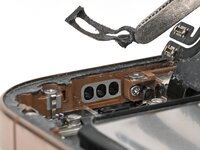
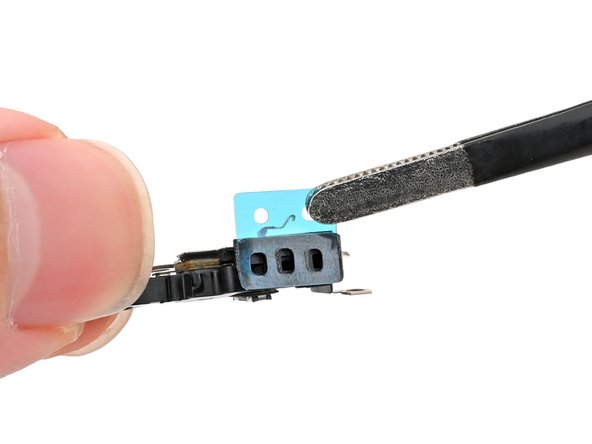
Use tweezers to remove the old microphone adhesive from the bottom of the frame.
-
-
Инструмент, используемый на этом этапе:Cotton Swabs$4.99
-
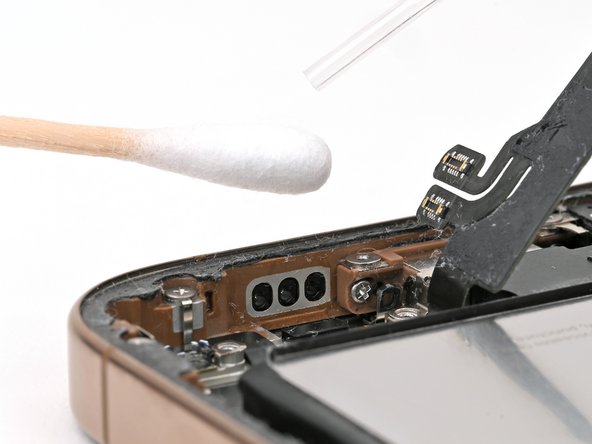
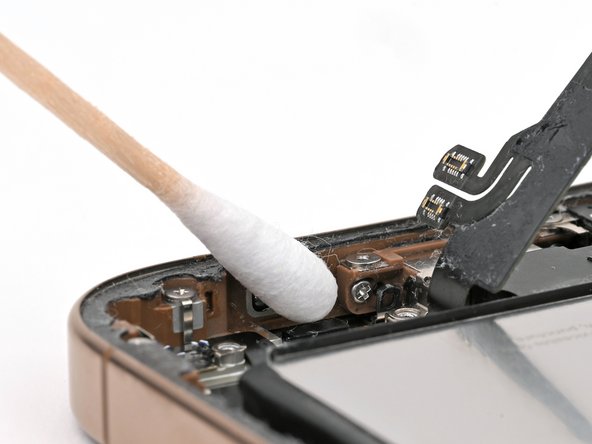
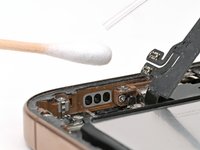
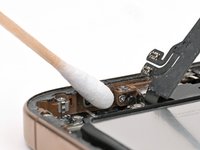
Use isopropyl alcohol and a cotton swab or lint-free cloth to clean any residual microphone adhesive from the frame.
-
-
-
-
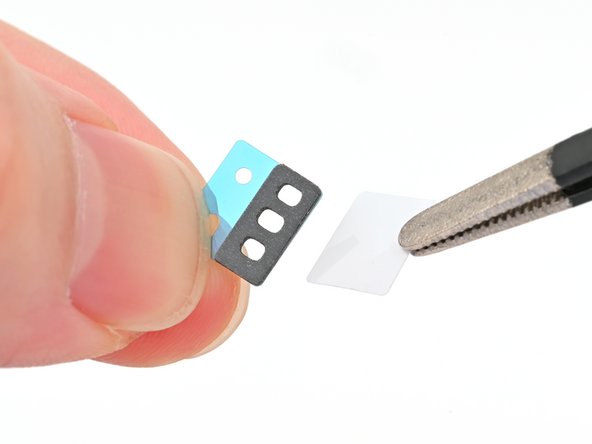
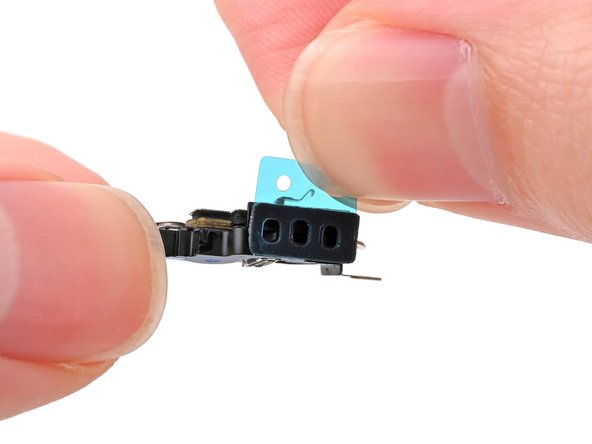
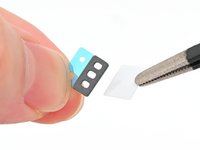
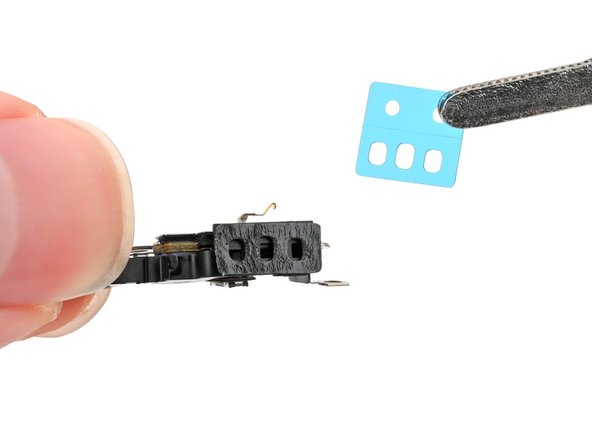
Remove the solid white adhesive liner from the new microphone adhesive.
-
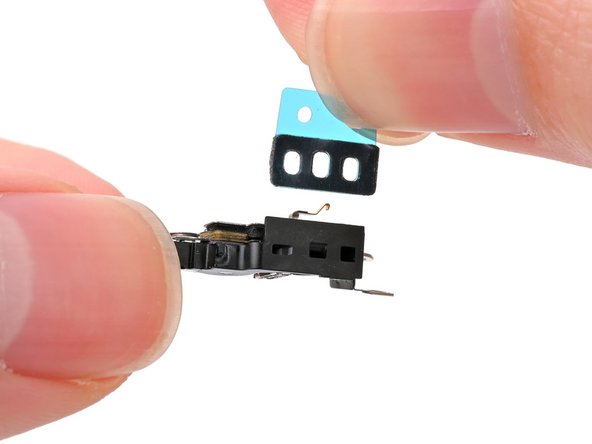
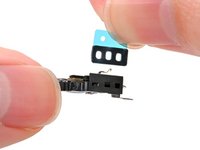
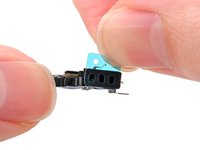
Align the holes in the adhesive with the three holes in the microphone, and stick it into place.
-
-
-
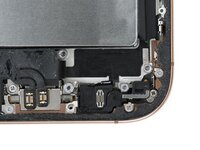
Set the microphone in the frame, aligned with its screw holes.
-
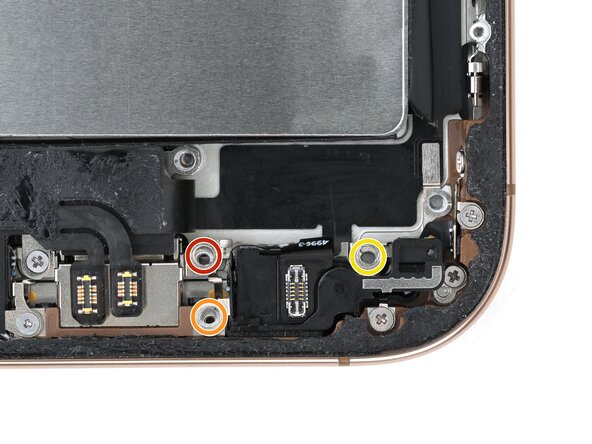
Partially install the three screws securing the microphone:
-
One 3.6 mm‑long standoff screw
-
One 2.9 mm‑long standoff screw
-
One 1.3 mm‑long tri-point Y000 screw
-
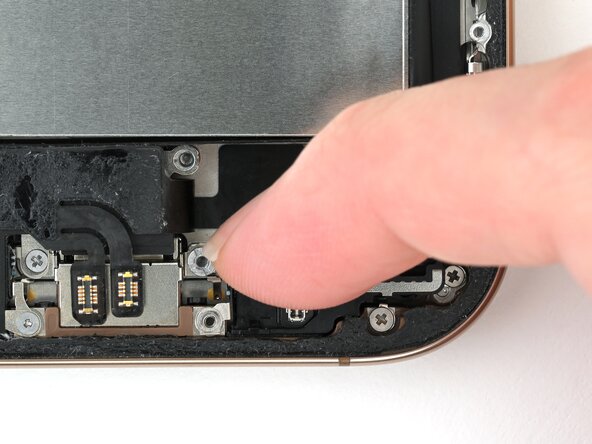
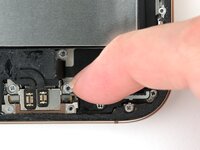
Press the microphone against the bottom of the frame, and hold it for 15 seconds to seal the adhesive.
-
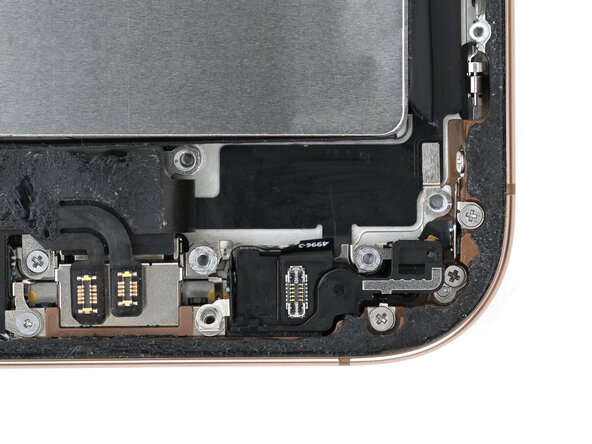
Fully tighten the microphone screws.
-