Перейти к основному содержанию
Присоединяйся к сообществу ремонтников - Создай аккаунт

iPhone 16 Pro Taptic Engine Installation

Абсолютно необходимое руководство
Это руководство только для предварительной подготовки! Этот гайд является частью другой процедуры и не предназначен для самостоятельного использования.

Выберете то, что вам нужно

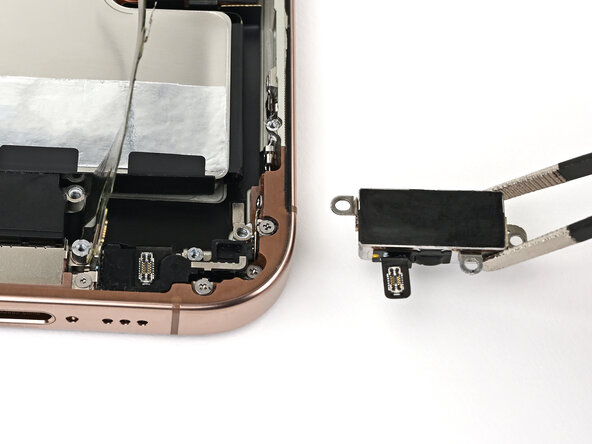
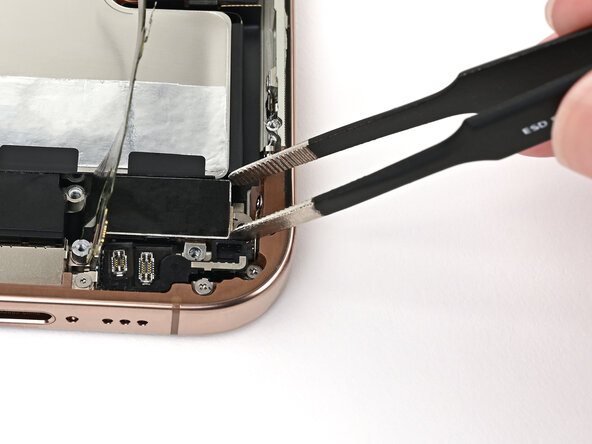
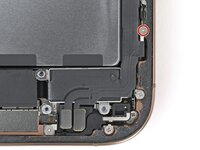
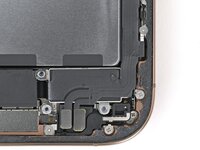
  1. iPhone 16 Pro Taptic Engine Installation, Install the Taptic Engine: шаг 1, изображение 1 из 2 iPhone 16 Pro Taptic Engine Installation, Install the Taptic Engine: шаг 1, изображение 2 из 2
    • Use blunt-nose tweezers or your fingers to align the Taptic Engine with its screw posts and place it in the frame.

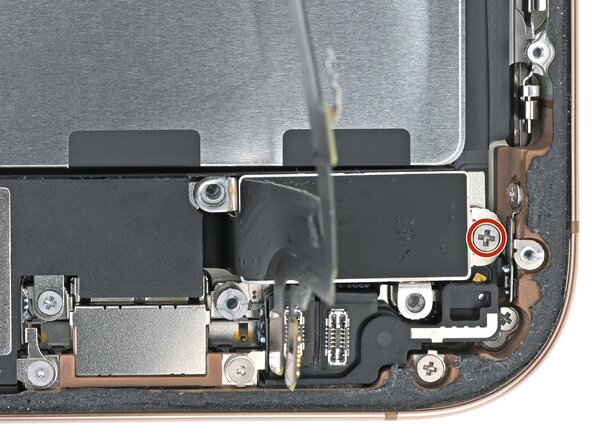
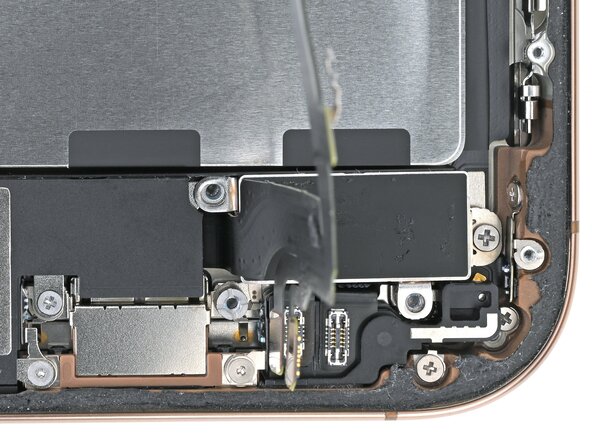
  2. iPhone 16 Pro Taptic Engine Installation: шаг 2, изображение 1 из 2 iPhone 16 Pro Taptic Engine Installation: шаг 2, изображение 2 из 2
    • Use a Phillips screwdriver to install the 1.9 mm‑long screw securing the Taptic Engine, located on its right edge.

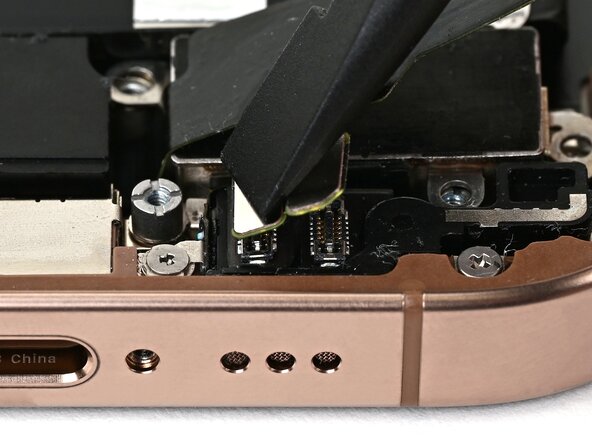
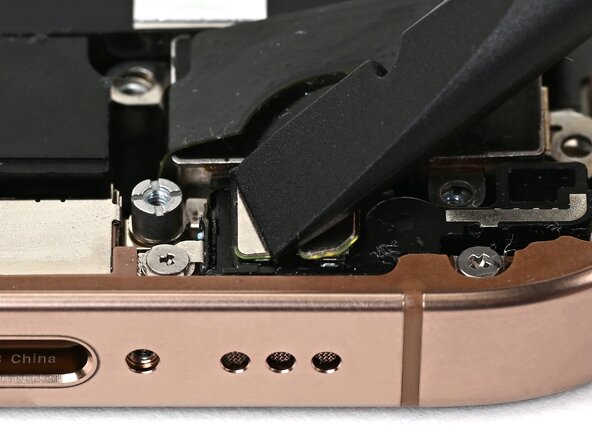
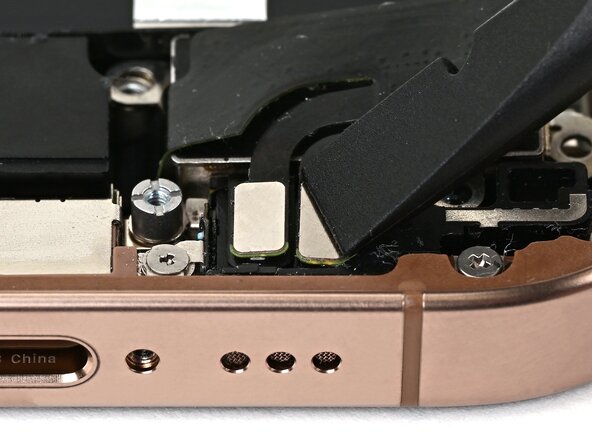
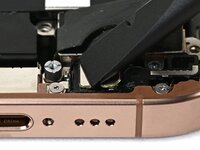
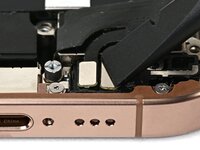
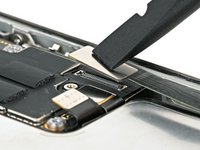
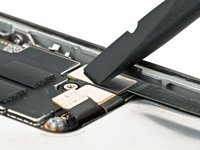
  3. iPhone 16 Pro Taptic Engine Installation, Connect the lower assembly cable: шаг 3, изображение 1 из 3 iPhone 16 Pro Taptic Engine Installation, Connect the lower assembly cable: шаг 3, изображение 2 из 3 iPhone 16 Pro Taptic Engine Installation, Connect the lower assembly cable: шаг 3, изображение 3 из 3
    • Use your finger or a spudger to connect the two lower assembly press connectors.

    • These press connectors can be tricky. Align each connector over its socket and press down—first on one side, then the other—until it clicks into place. Don't try to force them. If you're having trouble, reposition them and try again.

  4. iPhone 16 Pro Taptic Engine Installation: шаг 4, изображение 1 из 2 iPhone 16 Pro Taptic Engine Installation: шаг 4, изображение 2 из 2
    • Use a tri-point Y000 screwdriver to install the 1.0 mm‑long screw securing the lower assembly cable.

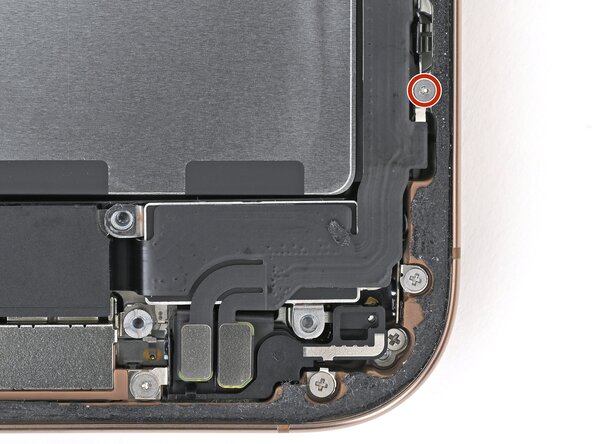
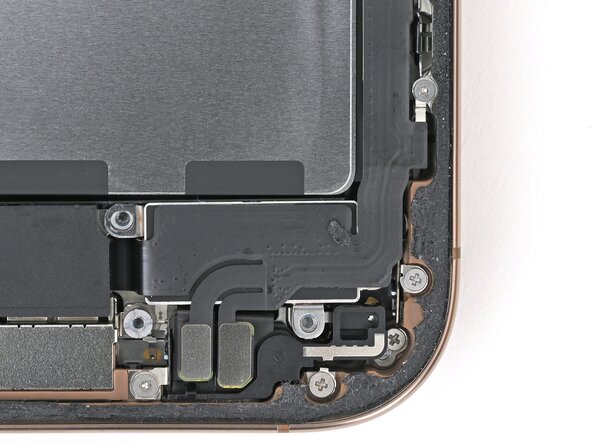
  5. iPhone 16 Pro Taptic Engine Installation: шаг 5, изображение 1 из 2 iPhone 16 Pro Taptic Engine Installation: шаг 5, изображение 2 из 2
    • Use your finger or a spudger to connect the lower assembly cable press connector, located in the bottom-right corner of the logic board.

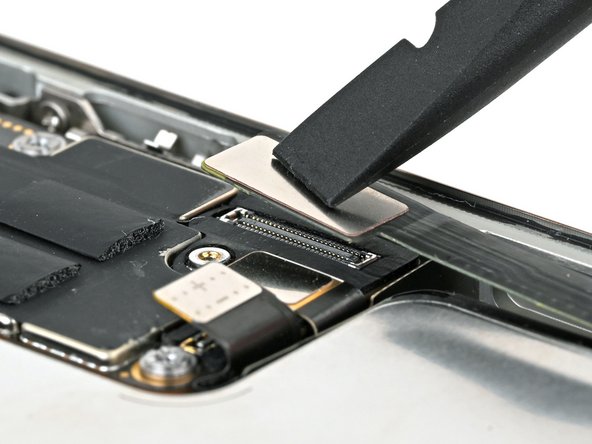
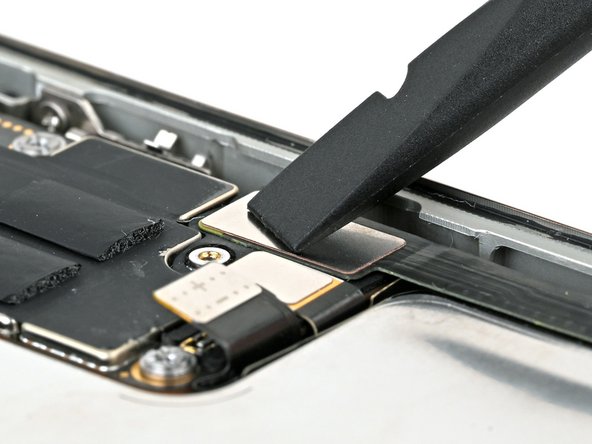
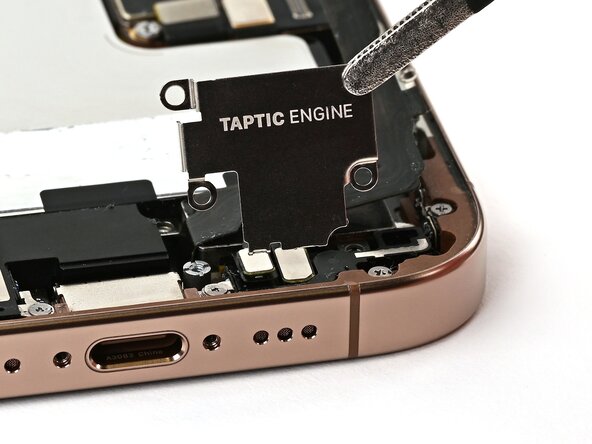
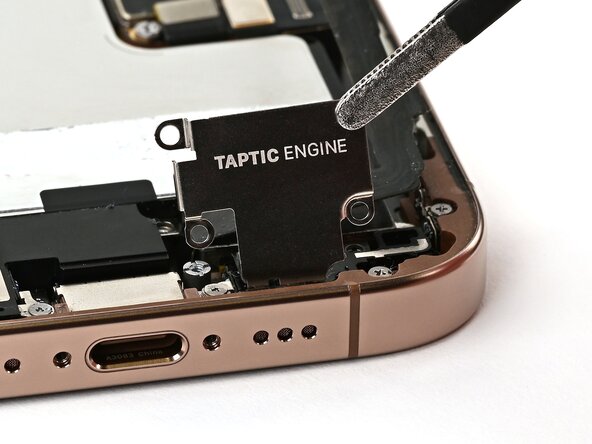
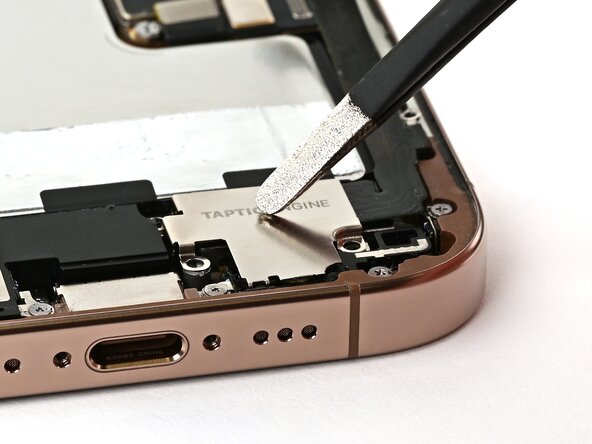
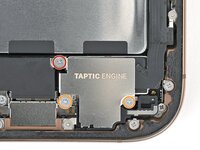
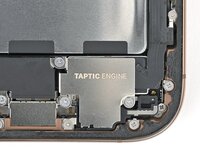
  6. iPhone 16 Pro Taptic Engine Installation, Install the Taptic Engine cover: шаг 6, изображение 1 из 3 iPhone 16 Pro Taptic Engine Installation, Install the Taptic Engine cover: шаг 6, изображение 2 из 3 iPhone 16 Pro Taptic Engine Installation, Install the Taptic Engine cover: шаг 6, изображение 3 из 3
  7. iPhone 16 Pro Taptic Engine Installation: шаг 7, изображение 1 из 2 iPhone 16 Pro Taptic Engine Installation: шаг 7, изображение 2 из 2
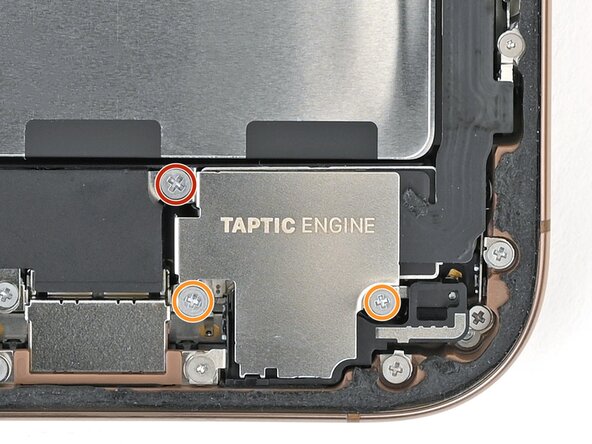
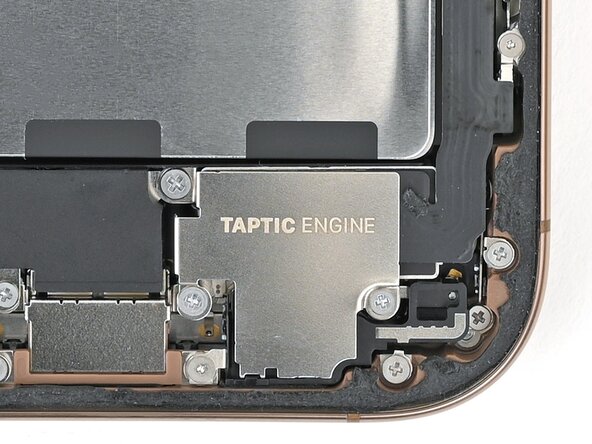
    • Use a Phillips screwdriver to install the three screws securing the Taptic Engine cover:

    • One 3.0 mm‑long screw

    • Two 1.7 mm‑long screws

Финишная прямая

Nick Schultz

Участник с: 03/24/24

38 703 Репутация

Автор 226 руководств

Команда

iFixit Участник iFixit

Staff

123 членов

Автор 23 874 руководств

0 Комментарии к руководству

Добавить комментарий

Статистика просмотров:

За последние 24 часов: 0

За последние 7 дней: 0

За последние 30 дней: 2

За всё время: 42