
Перейти к основному содержанию

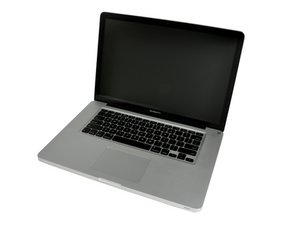
Released June 2012 / Core i7 processor with Turbo Boost / Up to 1 GB GDDR5 Video RAM

How to replace the Black Hinge Clutch Cover?

(Cracked Clutch Cover) I'm wondering if it is posible to buy and replace the Black Hinge Clutch Cover coveron the mac book pro? if it is posible, is there a guide to to this job?

Ответ на этот вопрос У меня та же проблема

Это хороший вопрос?

Счет 4
Добавить комментарий

1 ответ

Наиболее полезный ответ

Yes, follow the display removal guide to remove the display, then push the clutch cover to one side and pry up.

Был ли этот ответ полезен?

Счет 1

1 Комментарий:

Tom, you have to remove the display? The hinges have to come off? It won't just pop on? I am guessing to push the cover to one side the hinges have to be removed? thanks

из

Добавить комментарий

Добавьте свой ответ

deejaykaizzer буду вечно благодарен.
Статистика просмотров:

За последние 24 часов: 0

За последние 7 дней: 2

За последние 30 дней: 13

За всё время: 2,403