
Перейти к основному содержанию
Присоединяйся к сообществу ремонтников - Создай аккаунт

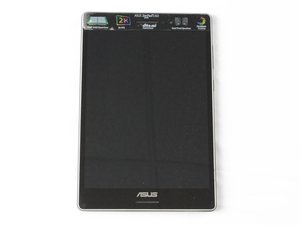
ASUS ZenPad S 8.0 was released in August 2015. Model number: P01M with Intel Atom Processor Z3530

How do I reinstall firmware onto my zenpad s 8.0?

I just recently bought a zenpad without any firmware and I'm really not sure how to get the firmware to download. I tried to get the firmware from the official ASUS site but it still wouldn't work.

Any ideas how to fix this?

Ответ на этот вопрос У меня та же проблема

Это хороший вопрос?

Счет 1
Добавить комментарий

2 Ответов

This page may help.

https://www.zenpad.org/2016/09/android-6...

Был ли этот ответ полезен?

Счет 0

1 Комментарий:

I tried that and it still doesn't work

из

Добавить комментарий

ASUS has the proper firmware files...

https://www.asus.com/us/support/Download...

Put them onto a SDcard, then start up your tablet while holding the volume up key. There you can select SD Download. That should fix it...

If that does not work, you may need the android SDK available from google or other modding sites...

The SDK runs on your PC, and makes changes to the tablet device through the USB port.

That is how most custom firmware is also installed. (Ex, Cyanogen Mod)

Был ли этот ответ полезен?

Счет 0

1 Комментарий:

i get unable to open apd file

из

Добавить комментарий

Добавьте свой ответ

Rebecca буду вечно благодарен.
Статистика просмотров:

За последние 24 часов: 1

За последние 7 дней: 3

За последние 30 дней: 17

За всё время: 4,152
