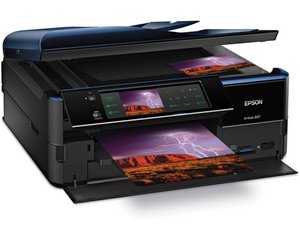

Ink pad service life
Have cleaned out the ink pads. How do you reset the error message on the printer?
Это хороший вопрос?
Счет
0
Have cleaned out the ink pads. How do you reset the error message on the printer?
Это хороший вопрос?
Репутация: 550,1к
 11
11
 424
424
 1,6к
1,6к
Hi @mogee ,
There are various services online that supply software (at a price) that will reset the waste ink pad counter so that you can use the printer again after the pads have been cleaned or replaced.
There are some that offer a free trial so that you can use the printer but it only resets back to 90% used status i.e. 10% of pad life left before the message reappears.
Search online for reset Epson 837 waste ink pad counter to get results. Here is just one example of what I mean.
Был ли этот ответ полезен?
За последние 24 часов: 2
За последние 7 дней: 5
За последние 30 дней: 27
За всё время: 808

