Перейти к основному содержанию
Присоединяйся к сообществу ремонтников - Создай аккаунт

Razer Blade 15" (2018) Charging Port Replacement

Просмотров: 1,1 тыс.

Просмотр статистики:

За последние 24 часа:
1
За последние 7 дней:
17
За последние 30 дней:
77
За все время:
1 084
Комментарии: 0

Никто не оставлял комментариев к этой инструкции. Будете ли Вы первым?

Перейти к комментариям инструкции
Завершено: 0

Никто не отмечал эту инструкцию как "завершенное". Будете ли Вы первым?

Избранные: 0

Никто не добавил эту инструкцию в избранное (и не подписался на нее). Будете ли Вы первым?

Необходимое время: 30 - 45 минут
Сложность: Умеренно
Razer Blade 15" (2018) Charging Port Replacement

Use this guide to remove or replace the charging port and its cable in your Razer Blade 15" (2018).

Выберете то, что Вам нужно

Инструменты

    1. Razer Blade 15" (2018) Charging Port Replacement, Prepare your laptop for disassembly: шаг 1, изображение 1 из 2 Razer Blade 15" (2018) Charging Port Replacement, Prepare your laptop for disassembly: шаг 1, изображение 2 из 2
      • Allow your laptop's battery to drain below 25% before starting this repair—a charged battery may catch fire if damaged.

      • Unplug all cables, fully shut down your laptop, and close the lid.

      Спросите у FixBot

      Добавить комментарий

    1. Razer Blade 15" (2018) Charging Port Replacement, Unfasten the back cover: шаг 2, изображение 1 из 1
      • Rotate your laptop so the screen hinge is farthest from you.

      • Use a Torx T5 driver to remove the ten 3.8 mm-long screws securing the back cover.

      Спросите у FixBot

      Добавить комментарий

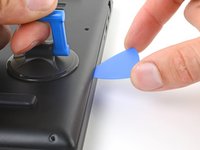
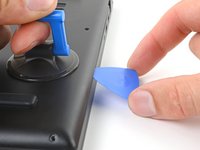
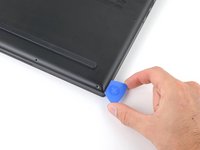
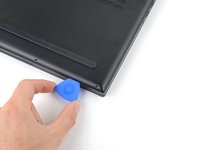
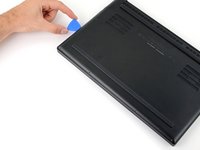
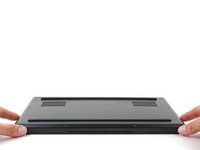
    2. Razer Blade 15" (2018) Charging Port Replacement, Insert an opening pick: шаг 3, изображение 1 из 3 Razer Blade 15" (2018) Charging Port Replacement, Insert an opening pick: шаг 3, изображение 2 из 3 Razer Blade 15" (2018) Charging Port Replacement, Insert an opening pick: шаг 3, изображение 3 из 3
      • Depending on the age and condition of your laptop, the back cover may come off sooner than this guide instructs. If the cover feels loose, remove it at any time.

      • Apply a suction handle to the right edge of the back cover, between the middle screws and the screws closest to you.

      • Pull up on the suction handle to create a small gap between the back cover and the frame.

      • Insert an opening pick into the gap.

      Спросите у FixBot

      Добавить комментарий

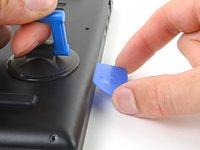
    3. Razer Blade 15" (2018) Charging Port Replacement, Angle the opening pick: шаг 4, изображение 1 из 3 Razer Blade 15" (2018) Charging Port Replacement, Angle the opening pick: шаг 4, изображение 2 из 3 Razer Blade 15" (2018) Charging Port Replacement, Angle the opening pick: шаг 4, изображение 3 из 3
      • Angle your opening pick upward, away from the frame. Keep it angled upward as long as it's between the back cover and the frame.

      • Insert your pick up to 10 mm (0.4 in) deep.

      Спросите у FixBot

      Добавить комментарий

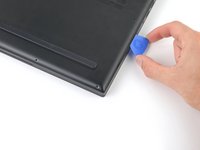
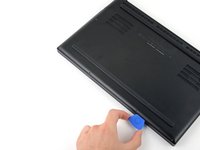
    4. Razer Blade 15" (2018) Charging Port Replacement, Free the bottom right corner: шаг 5, изображение 1 из 3 Razer Blade 15" (2018) Charging Port Replacement, Free the bottom right corner: шаг 5, изображение 2 из 3 Razer Blade 15" (2018) Charging Port Replacement, Free the bottom right corner: шаг 5, изображение 3 из 3
      • Slide your opening pick around the bottom right corner of the back cover to free it from the frame.

      Спросите у FixBot

      Добавить комментарий

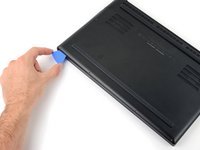
    5. Razer Blade 15" (2018) Charging Port Replacement, Free the front edge: шаг 6, изображение 1 из 3 Razer Blade 15" (2018) Charging Port Replacement, Free the front edge: шаг 6, изображение 2 из 3 Razer Blade 15" (2018) Charging Port Replacement, Free the front edge: шаг 6, изображение 3 из 3
      • Slide your opening pick along the front edge and around the front left corner of the back cover to free it from the frame.

      Спросите у FixBot

      Добавить комментарий

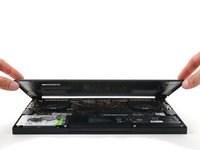
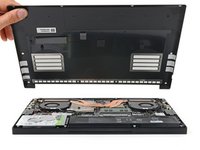
    6. Razer Blade 15" (2018) Charging Port Replacement, Remove the back cover: шаг 7, изображение 1 из 3 Razer Blade 15" (2018) Charging Port Replacement, Remove the back cover: шаг 7, изображение 2 из 3 Razer Blade 15" (2018) Charging Port Replacement, Remove the back cover: шаг 7, изображение 3 из 3
      • Remove the back cover.

      • Lay the back cover down on its rubber feet to avoid damaging the gray thermal pads on its underside.

      Спросите у FixBot

      Добавить комментарий

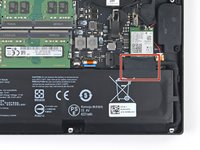
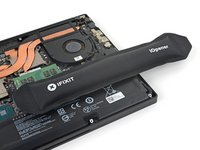
    1. Razer Blade 15" (2018) Charging Port Replacement, Soften the battery cable tape adhesive: шаг 8, изображение 1 из 2 Razer Blade 15" (2018) Charging Port Replacement, Soften the battery cable tape adhesive: шаг 8, изображение 2 из 2
      • Apply a heated iOpener to the battery cable tape for one minute.

      • You can also use a hair dryer—but be careful, as overheating the battery may damage it or create a fire hazard.

      Спросите у FixBot

      Добавить комментарий

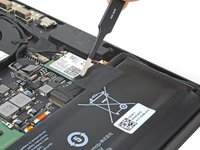
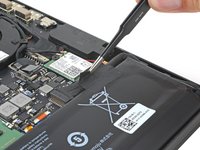
    2. Razer Blade 15" (2018) Charging Port Replacement, Peel up the battery cable tape: шаг 9, изображение 1 из 3 Razer Blade 15" (2018) Charging Port Replacement, Peel up the battery cable tape: шаг 9, изображение 2 из 3 Razer Blade 15" (2018) Charging Port Replacement, Peel up the battery cable tape: шаг 9, изображение 3 из 3
      Инструмент, используемый на этом этапе:
      Tweezers
      $4.99
      • Be careful not to damage the battery with your tool.

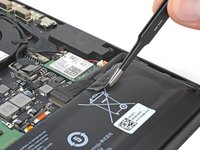
      • Use blunt nose tweezers or your fingers to peel the battery cable tape away from the cable.

      Спросите у FixBot

      Добавить комментарий

    3. Razer Blade 15" (2018) Charging Port Replacement, Disconnect the battery: шаг 10, изображение 1 из 3 Razer Blade 15" (2018) Charging Port Replacement, Disconnect the battery: шаг 10, изображение 2 из 3 Razer Blade 15" (2018) Charging Port Replacement, Disconnect the battery: шаг 10, изображение 3 из 3
      • Use the point of a spudger to press on alternating sides of the battery connector and walk it out of its socket.

      Спросите у FixBot

      Добавить комментарий

    1. Razer Blade 15" (2018) Charging Port Replacement, Label the antenna cables: шаг 11, изображение 1 из 3 Razer Blade 15" (2018) Charging Port Replacement, Label the antenna cables: шаг 11, изображение 2 из 3 Razer Blade 15" (2018) Charging Port Replacement, Label the antenna cables: шаг 11, изображение 3 из 3
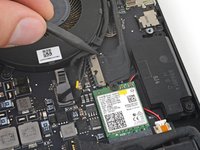
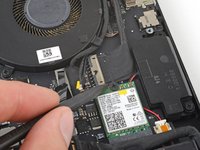
      • In the next steps, you'll disconnect and move the Wi-Fi cables to access other components.

      • The antenna cables look very similar. Label one of them with a piece of tape or marker. Do the same to its socket on the Wi-Fi card.

      Спросите у FixBot

      Добавить комментарий

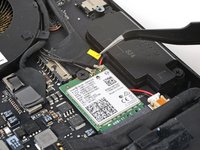
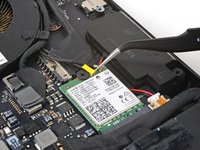
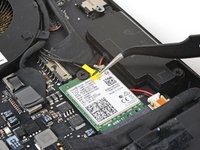
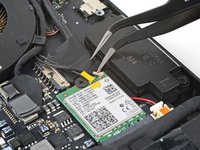
    2. Razer Blade 15" (2018) Charging Port Replacement, Disconnect the Wi-Fi card: шаг 12, изображение 1 из 3 Razer Blade 15" (2018) Charging Port Replacement, Disconnect the Wi-Fi card: шаг 12, изображение 2 из 3 Razer Blade 15" (2018) Charging Port Replacement, Disconnect the Wi-Fi card: шаг 12, изображение 3 из 3
      Инструмент, используемый на этом этапе:
      Tweezers
      $3.99
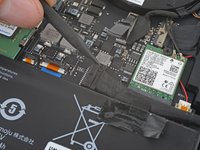
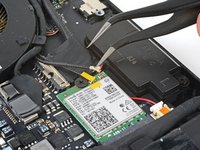
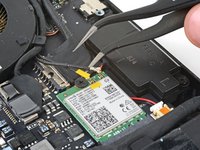
      • Insert one arm of angled tweezers under the metal neck of each antenna cable and pry up to disconnect it.

      Спросите у FixBot

      Добавить комментарий

    3. Razer Blade 15" (2018) Charging Port Replacement, Move the antenna cables: шаг 13, изображение 1 из 2 Razer Blade 15" (2018) Charging Port Replacement, Move the antenna cables: шаг 13, изображение 2 из 2
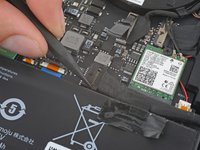
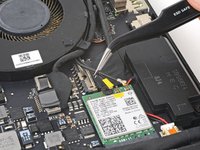
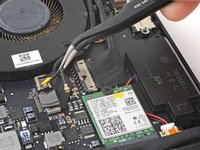
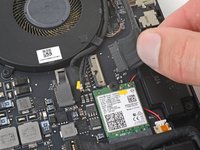
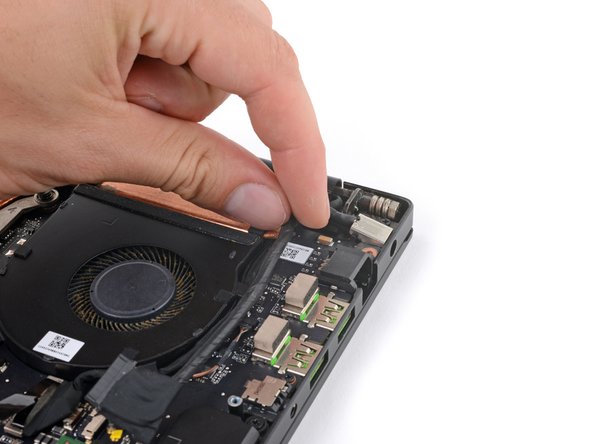
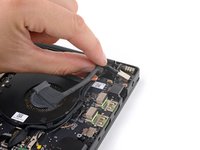
      • Use tweezers or your fingers to move the antenna cables to the left, away from the charging connector.

      Спросите у FixBot

      Добавить комментарий

    4. Razer Blade 15" (2018) Charging Port Replacement, Disconnect the charging port: шаг 14, изображение 1 из 3 Razer Blade 15" (2018) Charging Port Replacement, Disconnect the charging port: шаг 14, изображение 2 из 3 Razer Blade 15" (2018) Charging Port Replacement, Disconnect the charging port: шаг 14, изображение 3 из 3
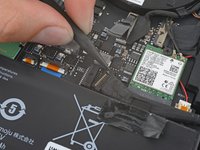
      • Use your spudger to push on alternating sides of the charging port connector to "walk" it out of its socket.

      Спросите у FixBot

      Добавить комментарий

    1. Razer Blade 15" (2018) Charging Port Replacement, Remove the right hinge cover: шаг 15, изображение 1 из 3 Razer Blade 15" (2018) Charging Port Replacement, Remove the right hinge cover: шаг 15, изображение 2 из 3 Razer Blade 15" (2018) Charging Port Replacement, Remove the right hinge cover: шаг 15, изображение 3 из 3
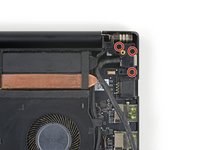
      • Use a Phillips screwdriver to remove the three 6.7 mm screws securing the right hinge cover.

      • Remove the cover.

      Спросите у FixBot

      Добавить комментарий

    2. Razer Blade 15" (2018) Charging Port Replacement, Remove the charging port: шаг 16, изображение 1 из 3 Razer Blade 15" (2018) Charging Port Replacement, Remove the charging port: шаг 16, изображение 2 из 3 Razer Blade 15" (2018) Charging Port Replacement, Remove the charging port: шаг 16, изображение 3 из 3
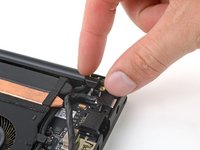
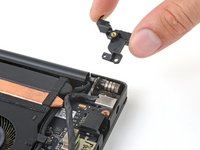
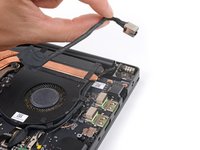
      • Tilt the charging port up and remove it.

      Спросите у FixBot

      Добавить комментарий

Заключение

To reassemble your device, follow these instructions in reverse order.

Take your e-waste to an R2 or e-Stewards certified recycler.

Repair didn’t go as planned? Try some basic troubleshooting, or ask our Answers community for help.

Отменить: Я не выполнил это руководство.

Clay Eickemeyer

Участник с: 09/19/22

109 333 Репутация

Автор 471 руководств

Команду

Guide Team Участник Guide Team

Staff

10 членов

Автор 62 189 руководств

0 Комментарии к руководству

Добавить комментарий

Статистика просмотров:

За последние 24 часов: 1

За последние 7 дней: 17

За последние 30 дней: 77

За все время: 1,084