Перейти к основному содержанию
Присоединяйся к сообществу ремонтников - Создай аккаунт

iPhone 16 Screen Removal

Абсолютно необходимое руководство
Это руководство только для предварительной подготовки! Этот гайд является частью другой процедуры и не предназначен для самостоятельного использования.

Выберете то, что вам нужно

  1. iPhone 16 Screen Removal, Before you begin: шаг 1, изображение 1 из 2 iPhone 16 Screen Removal, Before you begin: шаг 1, изображение 2 из 2
    • Allow your phone's battery to drain below 25%, as a charged lithium-ion battery is a potential safety hazard.

    • Unplug any cables from your phone.

    • Hold the power and either volume buttons and slide to power off your phone.

  2. iPhone 16 Screen Removal, Tape over any cracks: шаг 2, изображение 1 из 2 iPhone 16 Screen Removal, Tape over any cracks: шаг 2, изображение 2 из 2
    • If your screen or back glass is badly cracked, lay overlapping strips of packing tape over the glass to protect yourself and make disassembly easier.

    • Make sure there's a smooth area near the bottom edge that's big enough for a suction cup to stick to.

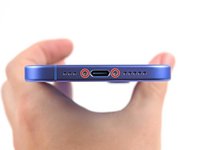
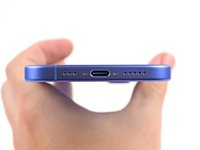
  3. iPhone 16 Screen Removal, Remove the pentalobe screws: шаг 3, изображение 1 из 2 iPhone 16 Screen Removal, Remove the pentalobe screws: шаг 3, изображение 2 из 2
    • Use a P2 pentalobe driver to remove the two 7.7 mm-long screws on either side of the charging port.

  4. iPhone 16 Screen Removal, Mark your opening picks: шаг 4, изображение 1 из 3 iPhone 16 Screen Removal, Mark your opening picks: шаг 4, изображение 2 из 3 iPhone 16 Screen Removal, Mark your opening picks: шаг 4, изображение 3 из 3
    • If inserted too far, an opening pick can damage your device. Follow this step to mark your pick and prevent damage.

    • Measure 3 mm from the tip and mark the opening pick with a permanent marker.

    • You can also mark the other corners of the pick with different measurements.

    • Alternatively, tape a coin to a pick 3 mm from the tip.

    • Apple sells an Adhesive Cutter tool for cutting the display adhesive safely in their Self Repair Store.

  5. iPhone 16 Screen Removal, Heat the bottom edge: шаг 5, изображение 1 из 1
    Инструмент, используемый на этом этапе:
    iOpener
    $14.99
    • Use a hair dryer or heat gun to heat the bottom edge of the screen until it's hot to the touch.

    • You can also use an iOpener to heat the back glass. Follow these instructions to heat and apply the iOpener properly.

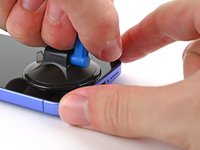
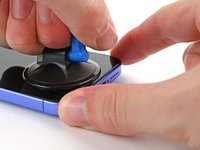
  6. iPhone 16 Screen Removal, Insert an opening pick: шаг 6, изображение 1 из 3 iPhone 16 Screen Removal, Insert an opening pick: шаг 6, изображение 2 из 3 iPhone 16 Screen Removal, Insert an opening pick: шаг 6, изображение 3 из 3
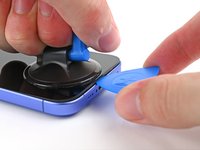
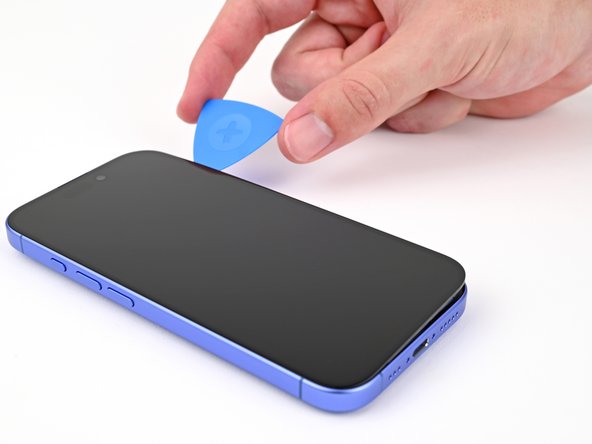
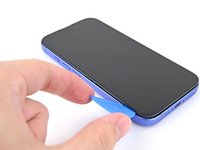
    • Apply a suction handle to the bottom edge of the screen.

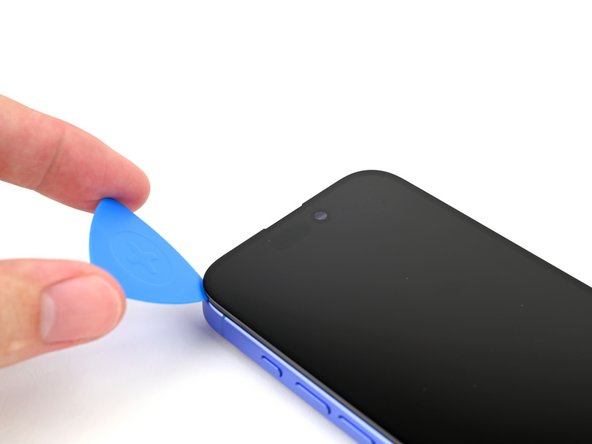
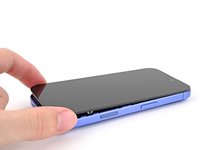
    • While supporting the frame with one hand, pull up on the handle with a strong, steady force to create a gap between the screen and the frame.

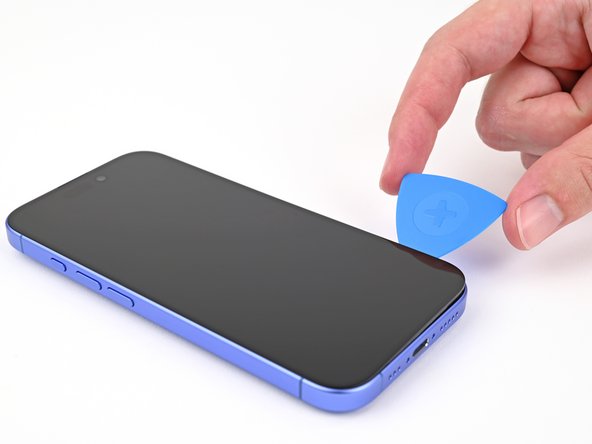
    • Insert the tip of an opening pick into the gap.

  7. iPhone 16 Screen Removal, Screen information: шаг 7, изображение 1 из 2 iPhone 16 Screen Removal, Screen information: шаг 7, изображение 2 из 2
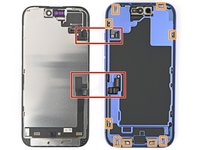
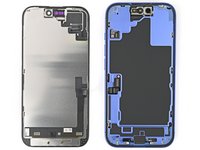
    • As you slice the adhesive securing the screen in the following steps, don't insert your pick deeper than 3 mm to avoid damaging the following areas:

    • Two delicate cables connecting the screen to the phone—one just above the Action button and the other about halfway between the volume down button and the bottom of the phone.

    • Multiple spring contacts around the perimeter of the phone.

  8. iPhone 16 Screen Removal, Heat the right edge: шаг 8, изображение 1 из 1
    • Use a hair dryer or heat gun to heat the right edge of the screen until it's hot to the touch.

  9. iPhone 16 Screen Removal, Separate the right adhesive: шаг 9, изображение 1 из 3 iPhone 16 Screen Removal, Separate the right adhesive: шаг 9, изображение 2 из 3 iPhone 16 Screen Removal, Separate the right adhesive: шаг 9, изображение 3 из 3
    • Don't insert your pick deeper than 3 mm to avoid damaging the spring contacts.

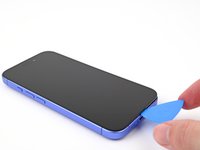
    • Slide your opening pick around the bottom right corner and up the right edge of the screen to separate the adhesive and release the metal clip.

    • You'll hear and feel the metal clip release as you pass it.

  10. iPhone 16 Screen Removal, Heat the top edge: шаг 10, изображение 1 из 1
    • Use a hair dryer or heat gun to heat the top edge of the screen until it's hot to the touch.

  11. iPhone 16 Screen Removal, Separate the top adhesive: шаг 11, изображение 1 из 2 iPhone 16 Screen Removal, Separate the top adhesive: шаг 11, изображение 2 из 2
    • Don't insert your pick deeper than 3 mm to avoid damaging the spring contacts.

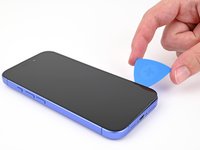
    • Continue sliding your pick around the top right corner and across the top edge to separate the adhesive and release the two metal clips.

  12. iPhone 16 Screen Removal, Heat the left edge: шаг 12, изображение 1 из 1
    • Use a hair dryer or heat gun to heat the left edge of the screen until it's hot to the touch.

  13. iPhone 16 Screen Removal, Separate the left adhesive: шаг 13, изображение 1 из 2 iPhone 16 Screen Removal, Separate the left adhesive: шаг 13, изображение 2 из 2
    • Don't insert your pick deeper than 3 mm to avoid damaging the screen cables and the spring contacts.

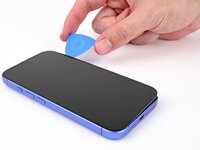
    • Slide the opening pick down the left edge of the screen to separate the remaining adhesive and release the last two metal clips.

  14. iPhone 16 Screen Removal, Prop up the screen: шаг 14, изображение 1 из 3 iPhone 16 Screen Removal, Prop up the screen: шаг 14, изображение 2 из 3 iPhone 16 Screen Removal, Prop up the screen: шаг 14, изображение 3 из 3
    • At this point, the screen should be free from the frame. If the screen feels stuck, go back around the perimeter with your pick to check for missed sections of adhesive or stuck clips.

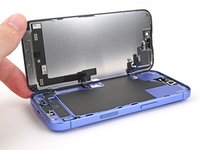
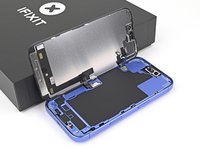
    • Swing open the screen over the left edge of the phone and support it with a clean, sturdy object.

  15. iPhone 16 Screen Removal, Remove the connector covers: шаг 15, изображение 1 из 2 iPhone 16 Screen Removal, Remove the connector covers: шаг 15, изображение 2 из 2
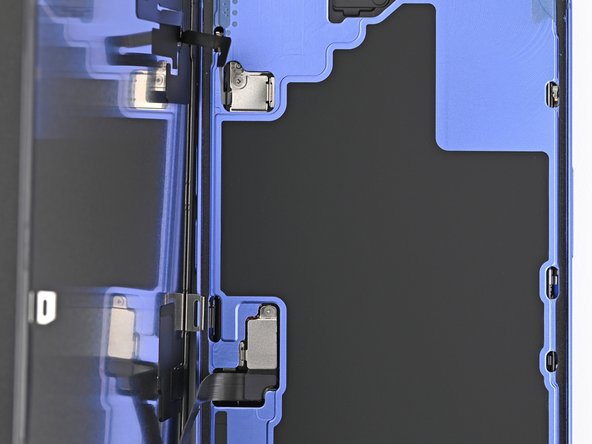
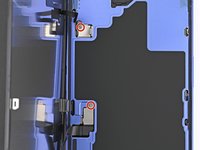
    • Use a tri-point Y000 driver to remove the two 0.9 mm‑long screws securing the front sensor and screen connector covers.

  16. iPhone 16 Screen Removal: шаг 16, изображение 1 из 2 iPhone 16 Screen Removal: шаг 16, изображение 2 из 2
    • Use tweezers, or your fingers, to lift the front sensor cover to a 90-degree angle and unhook it from its slot in the logic board.

    • Lift the cover out of its slot and remove it.

  17. iPhone 16 Screen Removal: шаг 17, изображение 1 из 2 iPhone 16 Screen Removal: шаг 17, изображение 2 из 2
    • Use tweezers, or your fingers, to lift the screen connector cover at a slight angle to unhook it from its slot in the logic board.

    • Lift the cover out of its slot and remove it.

  18. iPhone 16 Screen Removal, Disconnect the screen: шаг 18, изображение 1 из 3 iPhone 16 Screen Removal, Disconnect the screen: шаг 18, изображение 2 из 3 iPhone 16 Screen Removal, Disconnect the screen: шаг 18, изображение 3 из 3
    • Use the tip of a spudger to pry up and disconnect the screen press connector.

    • Repeat for the front sensor press connector.

  19. iPhone 16 Screen Removal, Remove the screen: шаг 19, изображение 1 из 1
    • Lift the screen off the frame and remove it.

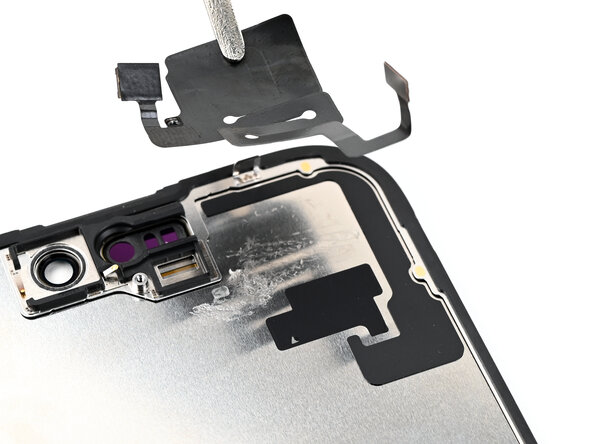
  20. iPhone 16 Screen Removal, Remove the ambient light sensor bracket: шаг 20, изображение 1 из 3 iPhone 16 Screen Removal, Remove the ambient light sensor bracket: шаг 20, изображение 2 из 3 iPhone 16 Screen Removal, Remove the ambient light sensor bracket: шаг 20, изображение 3 из 3
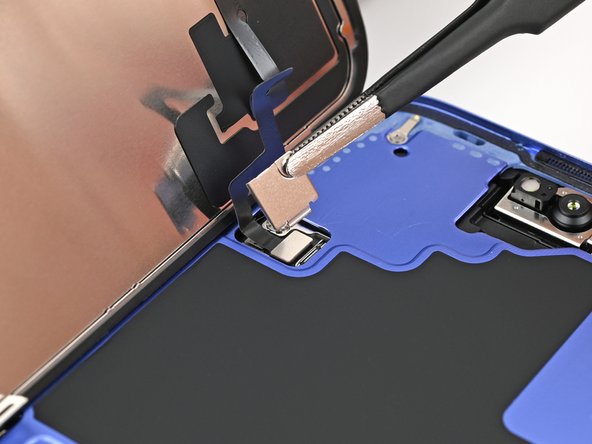
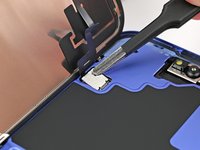
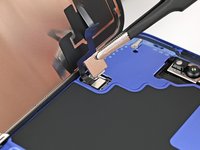
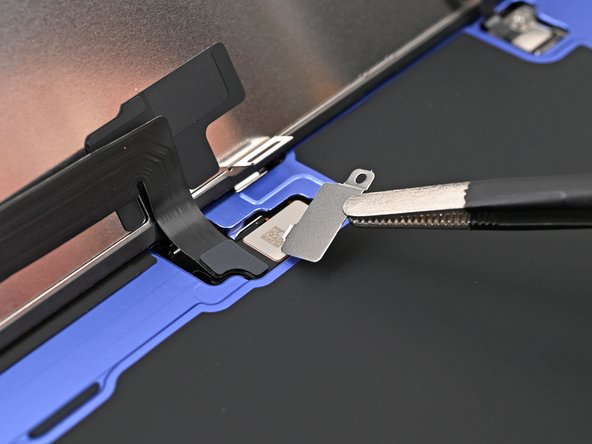
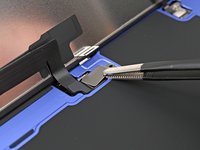
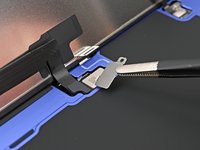
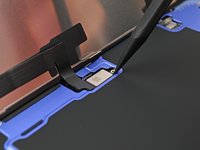
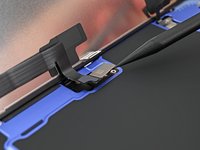
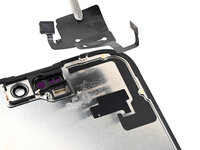
    • Use a Phillips screwdriver to remove the 1.3 mm‑long screw securing the ambient light sensor bracket.

    • Use a pair of tweezers or your fingers to lift and remove the ambient light sensor bracket.

  21. iPhone 16 Screen Removal, Pry up the ambient light sensor: шаг 21, изображение 1 из 3 iPhone 16 Screen Removal, Pry up the ambient light sensor: шаг 21, изображение 2 из 3 iPhone 16 Screen Removal, Pry up the ambient light sensor: шаг 21, изображение 3 из 3
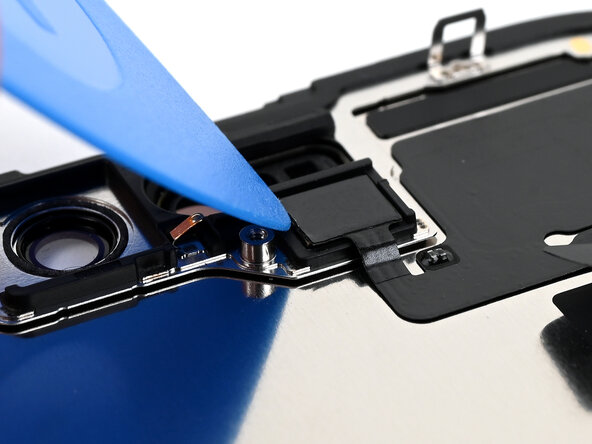
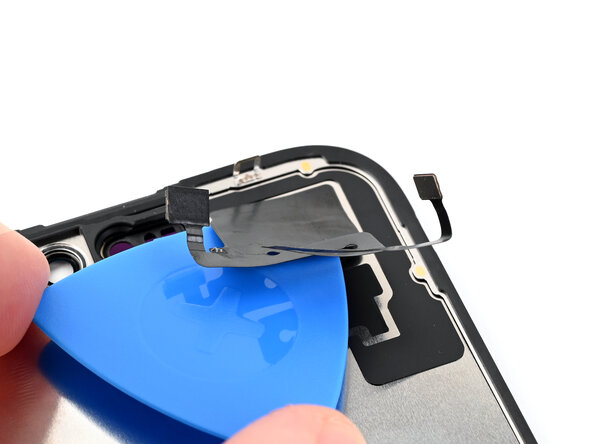
    • Use a hair dryer, heat gun, or heated iOpener to soften the adhesive under the ambient light sensor and ambient light sensor cable.

    • Use an opening pick to pry up the ambient light sensor.

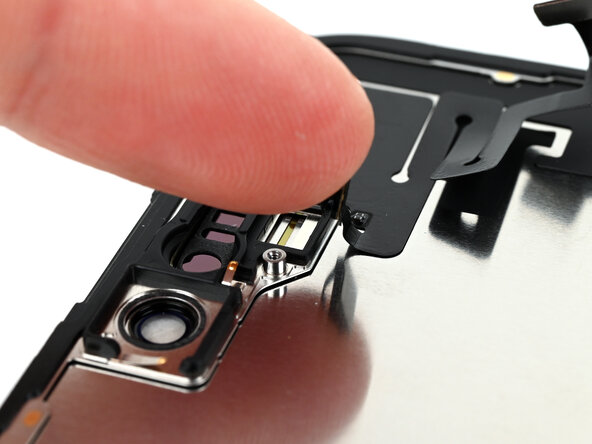
  22. iPhone 16 Screen Removal, Reposition the ambient light sensor cable: шаг 22, изображение 1 из 2 iPhone 16 Screen Removal, Reposition the ambient light sensor cable: шаг 22, изображение 2 из 2
    • Use your finger to push the ambient light sensor away from its recess.

  23. iPhone 16 Screen Removal, Peel up the ambient light sensor cable: шаг 23, изображение 1 из 2 iPhone 16 Screen Removal, Peel up the ambient light sensor cable: шаг 23, изображение 2 из 2
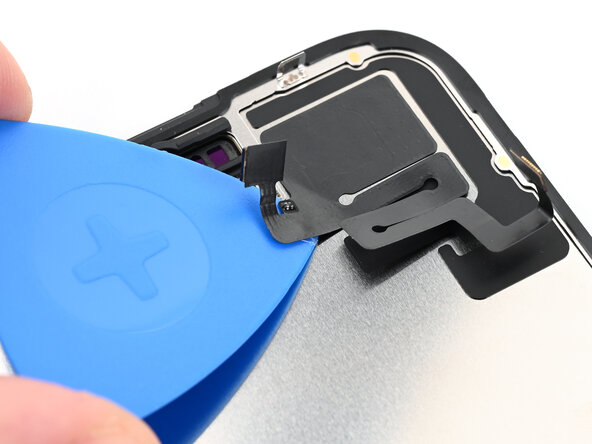
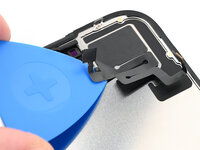
    • Gently slide an opening pick under the ambient light sensor cable, starting near the sensor and moving towards to the opposite corner.

    • If the adhesive doesn't peel up easily, apply more heat.

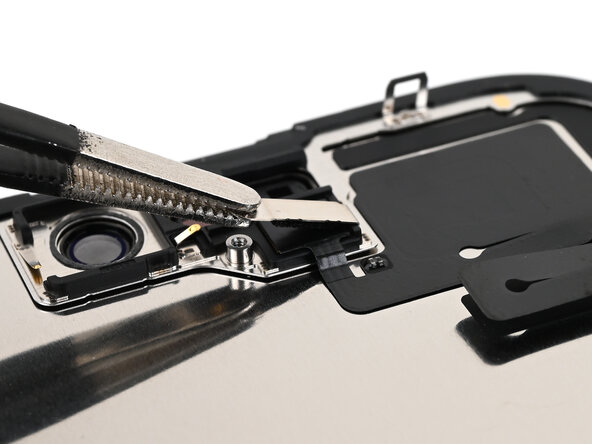
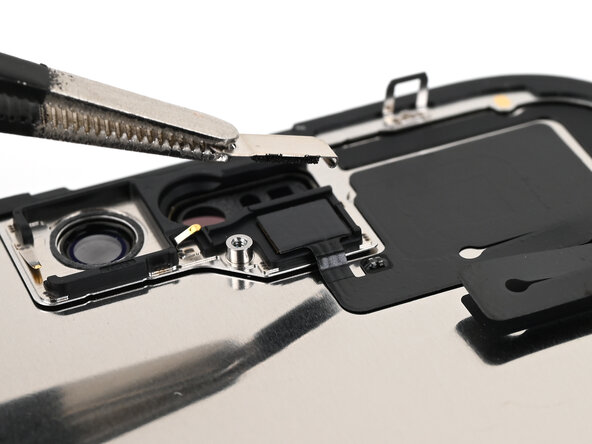
  24. iPhone 16 Screen Removal, Remove the ambient light sensor: шаг 24, изображение 1 из 3 iPhone 16 Screen Removal, Remove the ambient light sensor: шаг 24, изображение 2 из 3 iPhone 16 Screen Removal, Remove the ambient light sensor: шаг 24, изображение 3 из 3
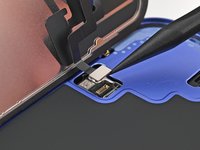
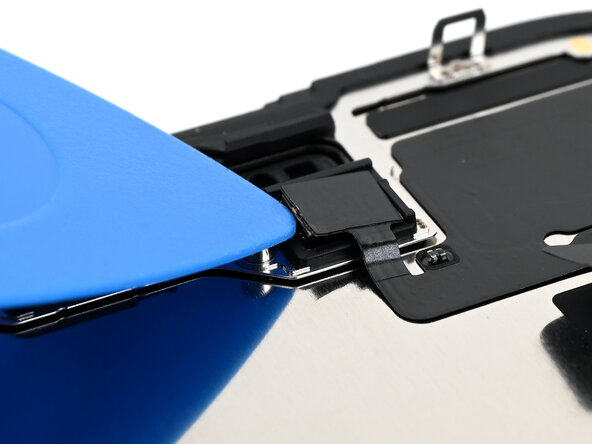
    • Continue slowly sliding the opening pick under the ambient light sensor cable until the cable is free from the screen.

    • Use a pair of tweezers to lift the ambient light sensor off of the screen.

Финишная прямая

Alex Diaz-Kokaisl

Участник с: 01/16/22

216 138 Репутация

Автор 1 047 руководств

Команда

iFixit Участник iFixit

Staff

123 членов

Автор 23 868 руководств

0 Комментарии к руководству

Добавить комментарий

Статистика просмотров:

За последние 24 часов: 2

За последние 7 дней: 6

За последние 30 дней: 13

За всё время: 365