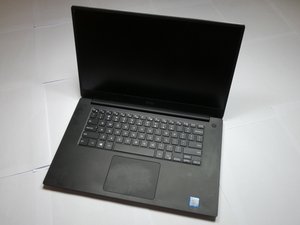

Replaced Battery Won't Fully Charge
I replaced the battery in my Dell XPS 15 9560 with the battery from iFixit. However, since doing so, the battery won’t charge past 67%. I’ve unplugged and replugged, turned it on/off, tried a new charging cord. I’ve tried searching online for the answer, but most people say the problem is a setting called “Desktop Mode” which isn’t an option on my computer. Any help would be appreciated!
Это хороший вопрос?
Счет
0

 5
5  1
1 
Completely power down the laptop and unplug the power cord (Power adapter) from the computer.
Flip the laptop over.
Push on the battery release button or buttons to release the battery form the computer and remove the battery.
Now re-plug in the power cord (Power adapter)
Power on the computer without the battery, allowing it to boot completely.
Completely power the computer down (Shut down) and un-plug the power cord (Power adapter) once again.
Reinstall the battery, plug in the power cord (Power adapter) and re-boot the computer.
из Robert Page