Перейти к основному содержанию
Присоединяйся к сообществу ремонтников - Создай аккаунт

ASUS ZenWatch Vibration motor Replacement

Выберете то, что вам нужно

  1. ASUS ZenWatch Vibration motor Replacement, Watch Strap Removal: шаг 1, изображение 1 из 2 ASUS ZenWatch Vibration motor Replacement, Watch Strap Removal: шаг 1, изображение 2 из 2
    • On the strap there is a knob. Sliding this knob towards the opposite side of the strap releases the tension on the spring bar, allowing you to pull the strap out..

    Спросите у FixBot
  2. ASUS ZenWatch Vibration motor Replacement, Battery: шаг 2, изображение 1 из 3 ASUS ZenWatch Vibration motor Replacement, Battery: шаг 2, изображение 2 из 3 ASUS ZenWatch Vibration motor Replacement, Battery: шаг 2, изображение 3 из 3
    • Use the T5 Torx driver to remove the four screws on the case.

    • Use the magnetic pad to keep all your parts easily contained!

    • The case will pry easily off with just gentle hand pressure

    Спросите у FixBot
  3. ASUS ZenWatch Vibration motor Replacement: шаг 3, изображение 1 из 2 ASUS ZenWatch Vibration motor Replacement: шаг 3, изображение 2 из 2
    Инструмент, используемый на этом этапе:
    Tweezers
    $4.99
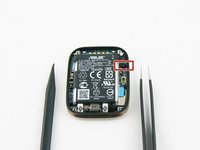
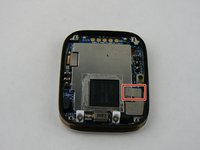
    • Using the tweezers, gently remove the fabric protecting the battery connection.

    • Take care when removing the fabric. Too much force may damage the contact with the metal tweezers.

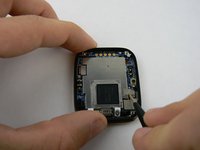
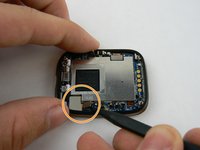
    • Use the heavy duty spudger to gently push the contact towards the top of the case.

    Спросите у FixBot
  4. ASUS ZenWatch Vibration motor Replacement: шаг 4, изображение 1 из 3 ASUS ZenWatch Vibration motor Replacement: шаг 4, изображение 2 из 3 ASUS ZenWatch Vibration motor Replacement: шаг 4, изображение 3 из 3
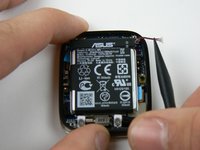
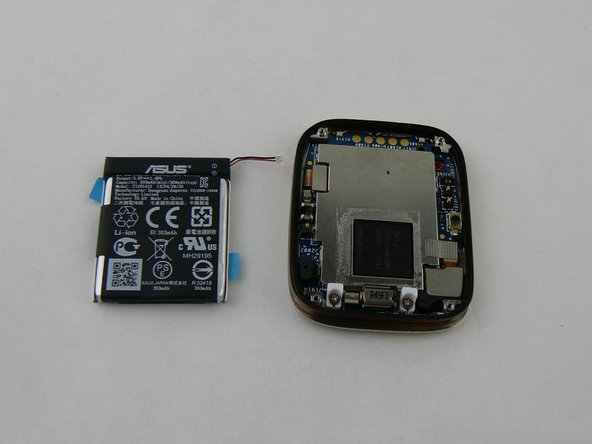
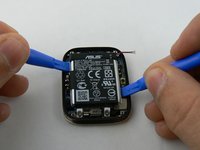
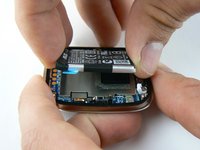
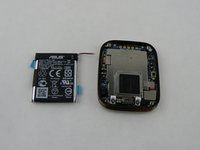
    • Gently pry the battery up with the plastic pry tools

    Спросите у FixBot
  5. ASUS ZenWatch Vibration motor Replacement, Motherboard: шаг 5, изображение 1 из 3 ASUS ZenWatch Vibration motor Replacement, Motherboard: шаг 5, изображение 2 из 3 ASUS ZenWatch Vibration motor Replacement, Motherboard: шаг 5, изображение 3 из 3
    Инструмент, используемый на этом этапе:
    Tweezers
    $4.99
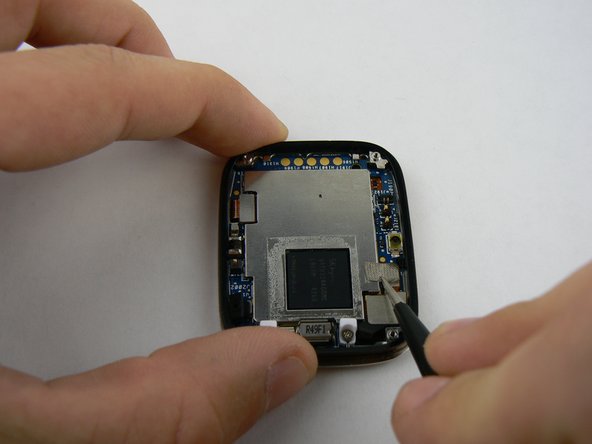
    • With the metal tweezers gently remove the fabric covering the connection on bottom right

    • Using the heavy duty plastic spudger pry up on the connection ribbon.

    • There are two connection ports on the single ribbon. Do not use too much force as you may tear ribbon!

    Спросите у FixBot
  6. ASUS ZenWatch Vibration motor Replacement: шаг 6, изображение 1 из 3 ASUS ZenWatch Vibration motor Replacement: шаг 6, изображение 2 из 3 ASUS ZenWatch Vibration motor Replacement: шаг 6, изображение 3 из 3
    Инструмент, используемый на этом этапе:
    Heavy-Duty Spudger
    $4.99
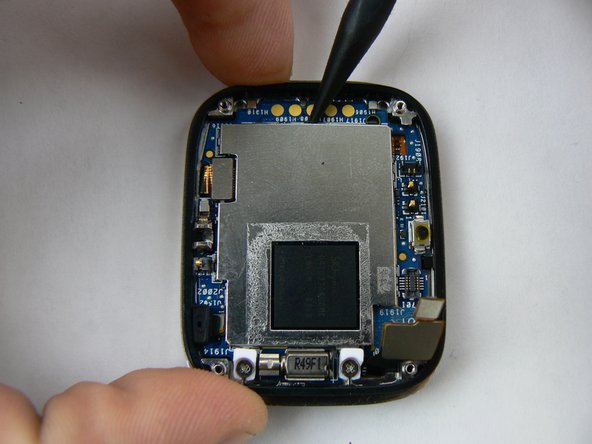
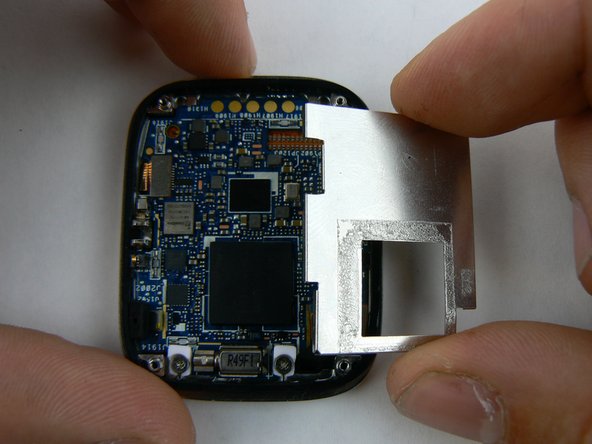
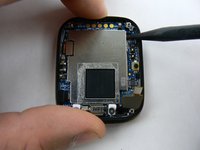
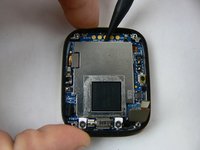
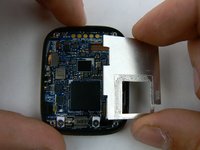
    • The protective plate is now ready to be safely removed.

    • With the heavy duty spudger pry up on the metal plate, in a counter-clockwise pattern

    • There are tiny notches on plate making it simple to pull up on each side.

    • A small strip of adhesive is on back of plate as well.

    • Remove loosened plate and set aside.

    Спросите у FixBot
  7. ASUS ZenWatch Vibration motor Replacement: шаг 7, изображение 1 из 3 ASUS ZenWatch Vibration motor Replacement: шаг 7, изображение 2 из 3 ASUS ZenWatch Vibration motor Replacement: шаг 7, изображение 3 из 3
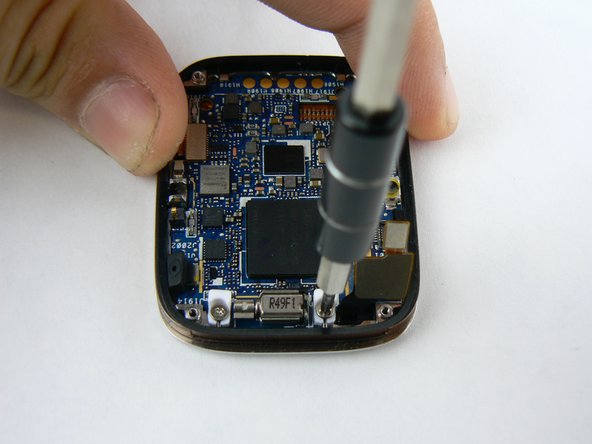
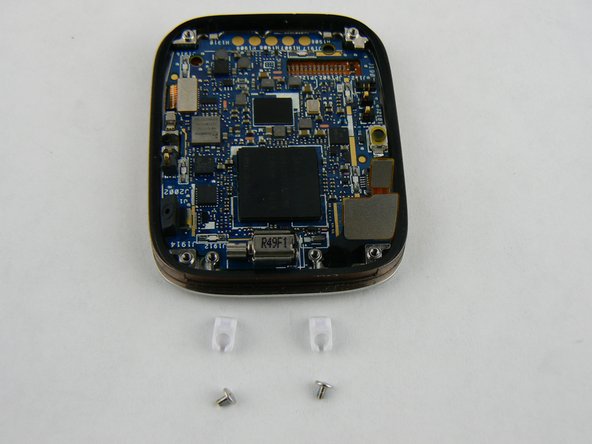
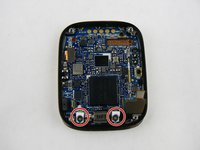
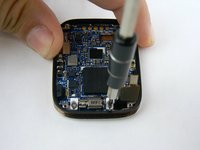
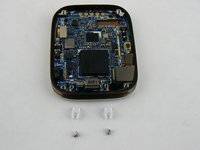
    • With the 000 Philips screwdriver remove the screw and plastic retainer clips

    Спросите у FixBot
  8. ASUS ZenWatch Vibration motor Replacement: шаг 8, изображение 1 из 2 ASUS ZenWatch Vibration motor Replacement: шаг 8, изображение 2 из 2
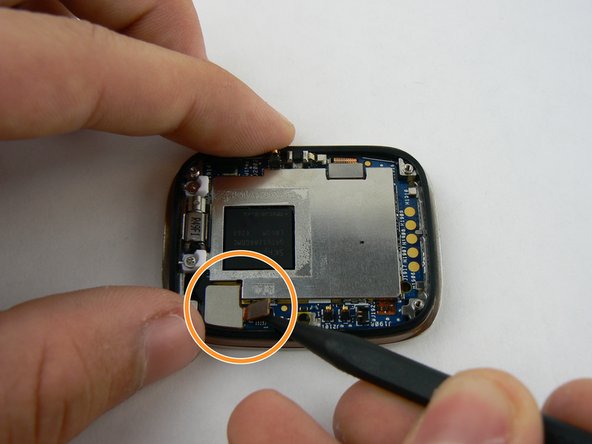
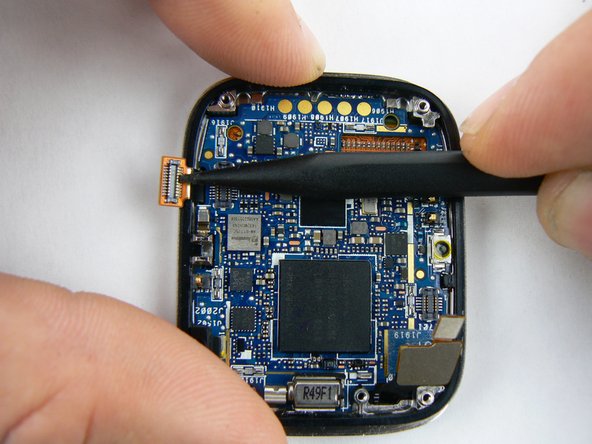
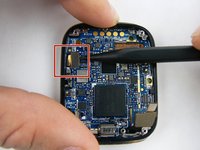
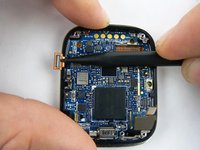
    • With heavy duty spudger lift up on final connection ribbon located on left corner.

    Спросите у FixBot
  9. ASUS ZenWatch Vibration motor Replacement: шаг 9, изображение 1 из 2 ASUS ZenWatch Vibration motor Replacement: шаг 9, изображение 2 из 2
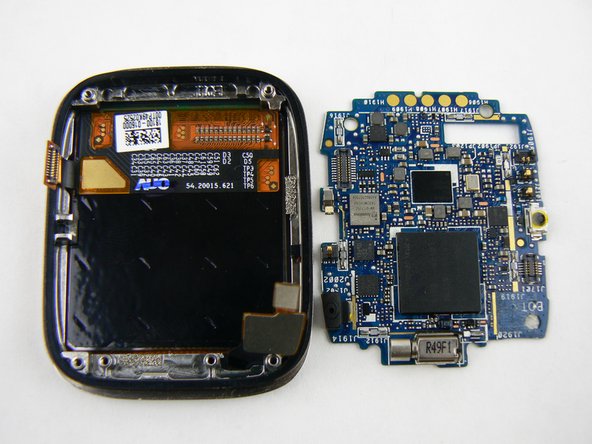
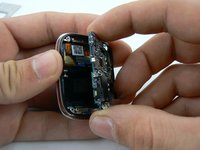
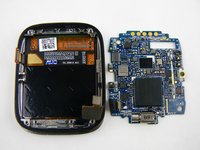
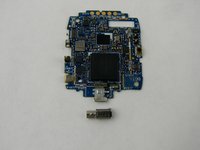
    • With all the connections disconnected the motherboard can be gently pried up and out of the watch case.

    Спросите у FixBot
  10. ASUS ZenWatch Vibration motor Replacement, Vibration motor: шаг 10, изображение 1 из 3 ASUS ZenWatch Vibration motor Replacement, Vibration motor: шаг 10, изображение 2 из 3 ASUS ZenWatch Vibration motor Replacement, Vibration motor: шаг 10, изображение 3 из 3
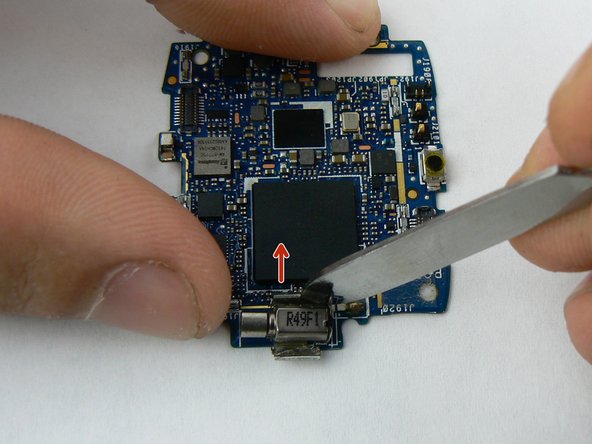
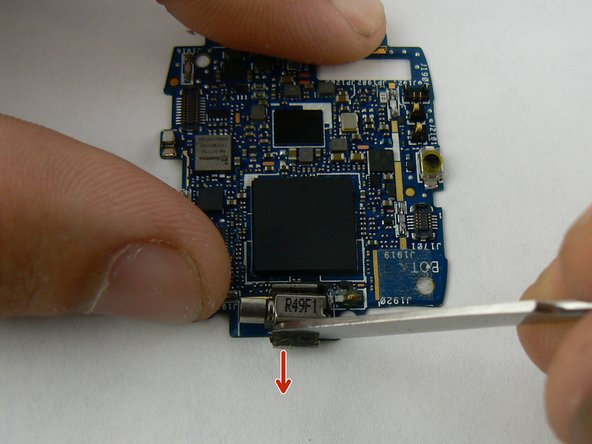
    • With a flat metal spudger pry back the little metal clamps that hold the motor secure.

    • Do not bend these too far as they can easily break off!

    Спросите у FixBot
  11. ASUS ZenWatch Vibration motor Replacement: шаг 11, изображение 1 из 3 ASUS ZenWatch Vibration motor Replacement: шаг 11, изображение 2 из 3 ASUS ZenWatch Vibration motor Replacement: шаг 11, изображение 3 из 3
    Инструмент, используемый на этом этапе:
    Tweezers
    $4.99
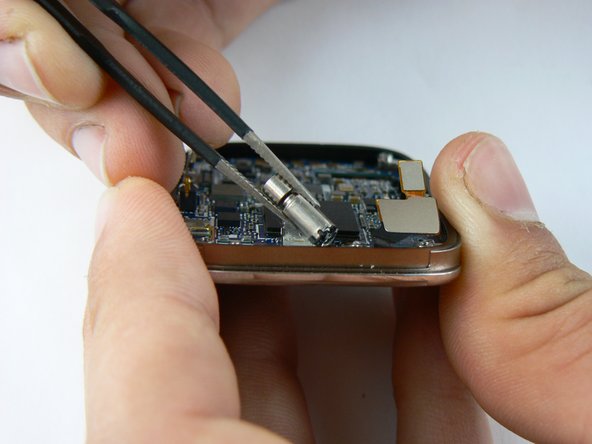
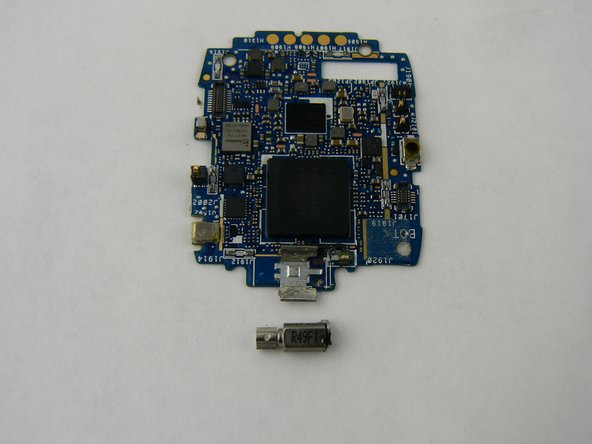
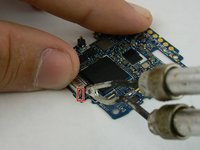
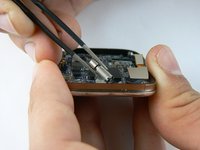
    • With the soldering iron, heat the two solder tabs on back of motor.

    • Use metal tweezers to pull up and remove motor.

    • A soldering iron gets hot! Take care not to burn yourself or place it on any other part of the board.

    Спросите у FixBot
Заключение

To reassemble your device, follow these instructions in reverse order.

Еще один человек закончил это руководство.

Wayne McClure

Участник с: 02/10/16

961 Репутация

Автор 5 руководств

Команда

USF Tampa, Team 1-3, Sullivan Spring 2016 Участник USF Tampa, Team 1-3, Sullivan Spring 2016

USFT-SULLIVAN-S16S1G3

4 членов

Автор 7 руководств

0 Комментарии к руководству

Добавить комментарий

Статистика просмотров:

За последние 24 часов: 1

За последние 7 дней: 8

За последние 30 дней: 51

За всё время: 1,115