Перейти к основному содержанию
Присоединяйся к сообществу ремонтников - Создай аккаунт

ATT Trek HD 9020A Screen Replacement

Выберете то, что вам нужно

  1. ATT Trek HD 9020A Screen Replacement, Back Cover: шаг 1, изображение 1 из 1
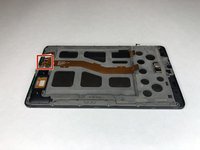
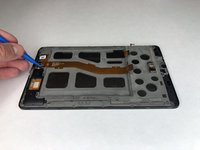
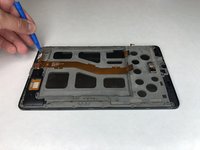
    • To separate the screen from the back panel, run the plastic opening tool along the outer edge of the device.

    Спросите у FixBot

    Добавить комментарий

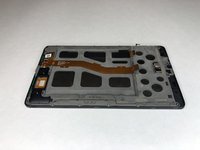
  2. ATT Trek HD 9020A Screen Replacement: шаг 2, изображение 1 из 1
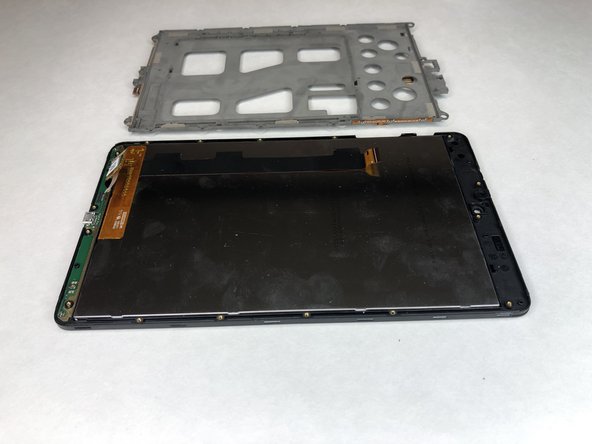
    • Pull the screen away from the back panel.

    Спросите у FixBot

    Добавить комментарий

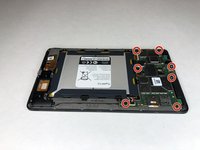
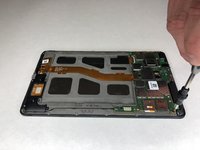
  3. ATT Trek HD 9020A Screen Replacement, Battery: шаг 3, изображение 1 из 2 ATT Trek HD 9020A Screen Replacement, Battery: шаг 3, изображение 2 из 2
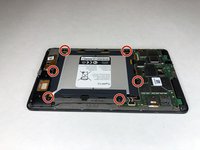
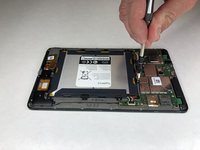
    • Use a Phillips #00 screwdriver to remove the six 2.5 mm screws located around the perimeter of the battery.

    Спросите у FixBot

    Добавить комментарий

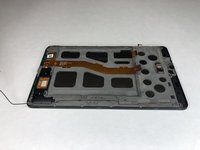
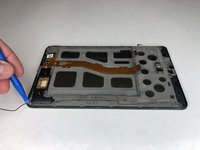
  4. ATT Trek HD 9020A Screen Replacement: шаг 4, изображение 1 из 2 ATT Trek HD 9020A Screen Replacement: шаг 4, изображение 2 из 2
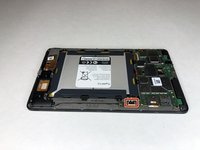
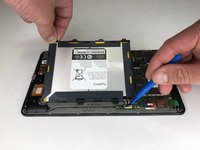
    • Use the plastic opening tool to disconnect the black battery connector.

    • Gently lift the battery out of the device.

    Спросите у FixBot

    Добавить комментарий

  5. ATT Trek HD 9020A Screen Replacement, Motherboard: шаг 5, изображение 1 из 2 ATT Trek HD 9020A Screen Replacement, Motherboard: шаг 5, изображение 2 из 2
    • Using a Phillips #00 screwdriver, remove the seven 1 mm screws on the green perimeter of the motherboard.

    Спросите у FixBot

    Добавить комментарий

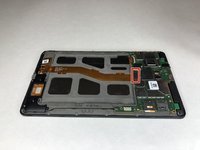
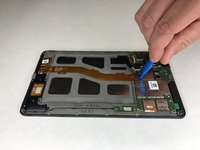
  6. ATT Trek HD 9020A Screen Replacement: шаг 6, изображение 1 из 2 ATT Trek HD 9020A Screen Replacement: шаг 6, изображение 2 из 2
    • Use the plastic opening tool to disconnect the large gold strip underneath the metal plate from the motherboard.

    Спросите у FixBot

    Добавить комментарий

  7. ATT Trek HD 9020A Screen Replacement: шаг 7, изображение 1 из 1
    • Use the plastic opening tool to disconnect the front and back cameras from motherboard.

    Спросите у FixBot

    Добавить комментарий

  8. ATT Trek HD 9020A Screen Replacement: шаг 8, изображение 1 из 2 ATT Trek HD 9020A Screen Replacement: шаг 8, изображение 2 из 2
    Инструмент, используемый на этом этапе:
    Tweezers
    $3.99
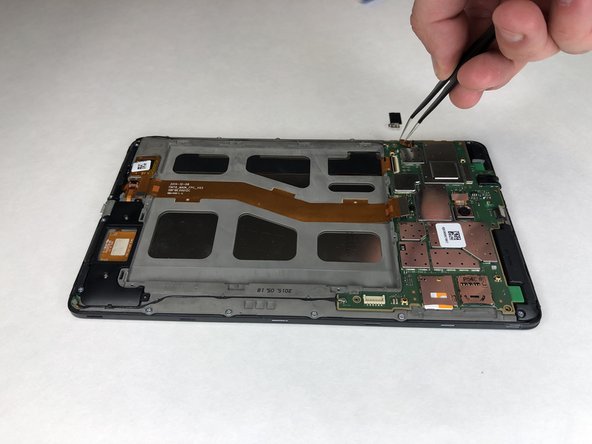
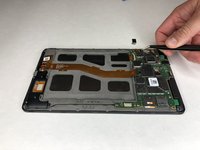
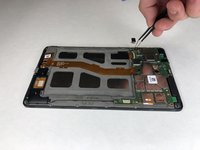
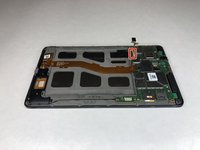
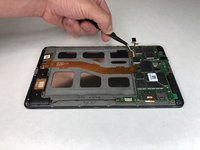
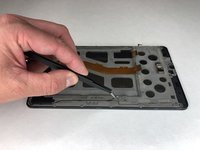
    • Use angled tweezers to pry up the black tab.

    • Use the angled tweezers to pull out the gold connector.

    Спросите у FixBot

    Добавить комментарий

  9. ATT Trek HD 9020A Screen Replacement: шаг 9, изображение 1 из 2 ATT Trek HD 9020A Screen Replacement: шаг 9, изображение 2 из 2
    • Use the angled tweezers to disconnect the gold connector.

    Спросите у FixBot

    Добавить комментарий

  10. ATT Trek HD 9020A Screen Replacement: шаг 10, изображение 1 из 1
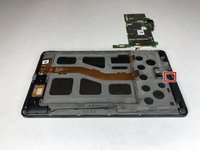
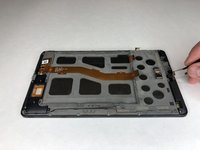
    • Use the plastic opening tool to disconnect the black connectors on each side of the motherboard.

    Спросите у FixBot

    Добавить комментарий

  11. ATT Trek HD 9020A Screen Replacement: шаг 11, изображение 1 из 2 ATT Trek HD 9020A Screen Replacement: шаг 11, изображение 2 из 2
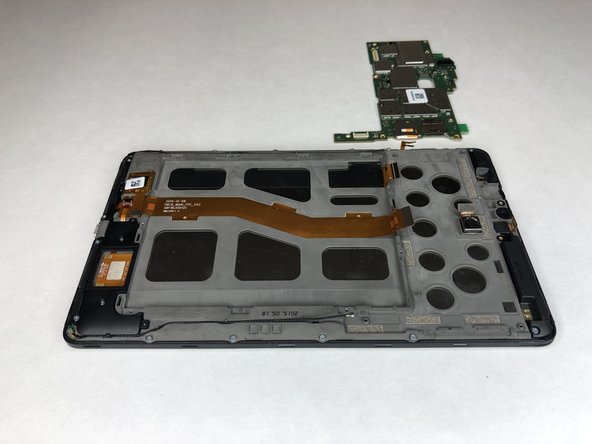
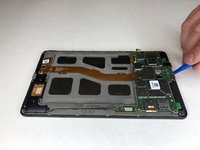
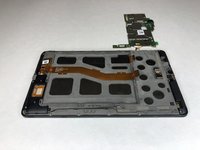
    • Use the plastic opening tool to lift the motherboard out of place.

    Спросите у FixBot

    Добавить комментарий

  12. ATT Trek HD 9020A Screen Replacement, Front Camera: шаг 12, изображение 1 из 2 ATT Trek HD 9020A Screen Replacement, Front Camera: шаг 12, изображение 2 из 2
    Инструмент, используемый на этом этапе:
    Tweezers
    $3.99
    Спросите у FixBot

    Добавить комментарий

  13. ATT Trek HD 9020A Screen Replacement, Screen: шаг 13, изображение 1 из 3 ATT Trek HD 9020A Screen Replacement, Screen: шаг 13, изображение 2 из 3 ATT Trek HD 9020A Screen Replacement, Screen: шаг 13, изображение 3 из 3
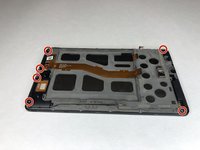
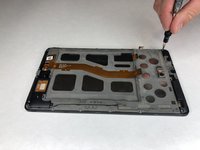
    • Use the Phillips #00 screwdriver to remove the six 3 mm screws holding the black plastic corner pieces in place.

    • Gently lift the black corner pieces out of the device.

    Спросите у FixBot

    Добавить комментарий

  14. ATT Trek HD 9020A Screen Replacement: шаг 14, изображение 1 из 2 ATT Trek HD 9020A Screen Replacement: шаг 14, изображение 2 из 2
    Инструмент, используемый на этом этапе:
    Tweezers
    $3.99
    • Use the angled tweezers to remove the black cables on each side of the device from their groove.

    Спросите у FixBot

    Добавить комментарий

  15. ATT Trek HD 9020A Screen Replacement: шаг 15, изображение 1 из 2 ATT Trek HD 9020A Screen Replacement: шаг 15, изображение 2 из 2
    • Use the plastic opening tool to disconnect the black cable connectors from each side of the device.

    Спросите у FixBot

    Добавить комментарий

  16. ATT Trek HD 9020A Screen Replacement: шаг 16, изображение 1 из 2 ATT Trek HD 9020A Screen Replacement: шаг 16, изображение 2 из 2
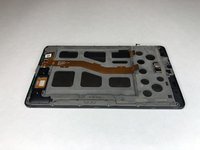
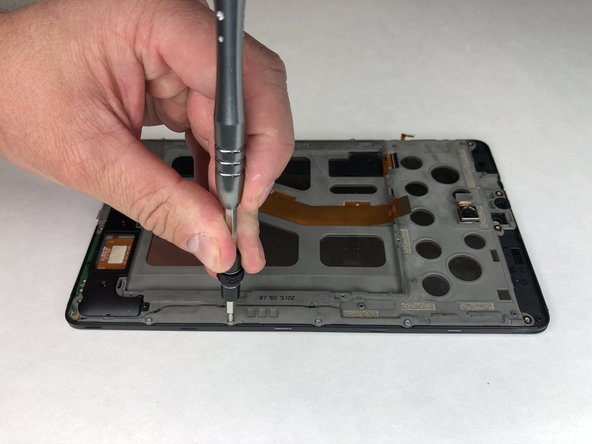
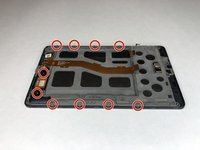
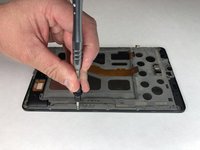
    • Remove the remaining ten 3 mm Phillips #00 screws.

    Спросите у FixBot

    Добавить комментарий

  17. ATT Trek HD 9020A Screen Replacement: шаг 17, изображение 1 из 2 ATT Trek HD 9020A Screen Replacement: шаг 17, изображение 2 из 2
    • Use the plastic opening tool to disconnect the remaining three gold connectors at the bottom of the device.

    Спросите у FixBot

    Добавить комментарий

  18. ATT Trek HD 9020A Screen Replacement: шаг 18, изображение 1 из 2 ATT Trek HD 9020A Screen Replacement: шаг 18, изображение 2 из 2
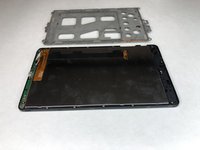
    • Use the plastic opening tool to pry up the grey plastic panel.

    Спросите у FixBot

    Добавить комментарий

  19. ATT Trek HD 9020A Screen Replacement: шаг 19, изображение 1 из 2 ATT Trek HD 9020A Screen Replacement: шаг 19, изображение 2 из 2
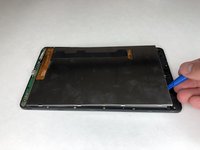
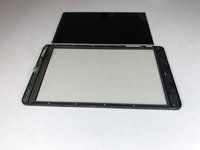
    • Use the plastic opening tool to pry the screen out of the device.

    Спросите у FixBot

    Добавить комментарий

Заключение

To reassemble your device, follow these instructions in reverse order.

Отменить: Я не выполнил это руководство.

Еще один человек закончил это руководство.

Jacob Cross

Участник с: 01/16/19

475 Репутация

Автор 4 руководств

Команда

University of Alabama, Team S1-G3, Bedsole Spring 2019 Участник University of Alabama, Team S1-G3, Bedsole Spring 2019

UA-BEDSOLE-S19S1G3

4 членов

Автор 6 руководств

0 Комментарии к руководству

Добавить комментарий

Статистика просмотров:

За последние 24 часов: 1

За последние 7 дней: 16

За последние 30 дней: 38

За всё время: 924