Перейти к основному содержанию
Присоединяйся к сообществу ремонтников - Создай аккаунт

Amazon Echo Show 5 Display Replacement

Выберете то, что вам нужно

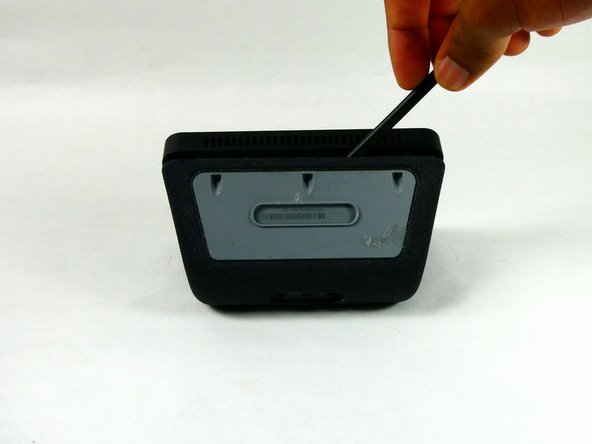
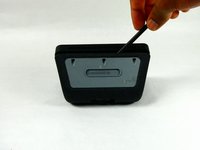
  1. Amazon Echo Show 5 Display Replacement, Amazon Echo Show 5 Disassembly: шаг 1, изображение 1 из 3 Amazon Echo Show 5 Display Replacement, Amazon Echo Show 5 Disassembly: шаг 1, изображение 2 из 3 Amazon Echo Show 5 Display Replacement, Amazon Echo Show 5 Disassembly: шаг 1, изображение 3 из 3
    • Power off and unplug the Amazon Echo Show 5. Failure to do so could result in injury or damage to the device.

    • Orient the Amazon Echo Show 5 so that the display is face down.

    • Use a spudger to remove the grey bottom cover.

    • During reassembly, adhesive needs to be applied to secure the bottom cover.

    Спросите у FixBot

    Добавить комментарий

  2. Amazon Echo Show 5 Display Replacement: шаг 2, изображение 1 из 2 Amazon Echo Show 5 Display Replacement: шаг 2, изображение 2 из 2
    • Remove the three screws with a T6 Torx screwdriver.

    Спросите у FixBot

    Добавить комментарий

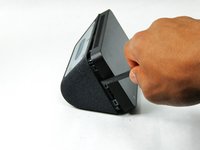
  3. Amazon Echo Show 5 Display Replacement: шаг 3, изображение 1 из 3 Amazon Echo Show 5 Display Replacement: шаг 3, изображение 2 из 3 Amazon Echo Show 5 Display Replacement: шаг 3, изображение 3 из 3
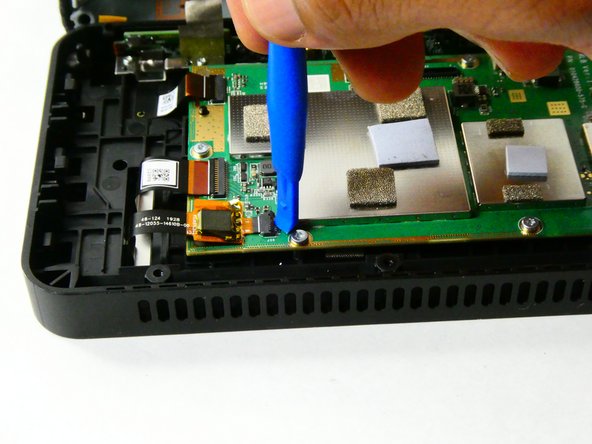
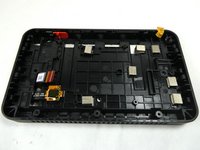
    • Use a spudger to release the six internal tabs lining the sides of the device.

    • There are fragile ribbon connectors along the side of the screen with the camera on it. So, do not stick the spudger more than a couple millimeters into the device.

    Спросите у FixBot

    Добавить комментарий

  4. Amazon Echo Show 5 Display Replacement: шаг 4, изображение 1 из 1
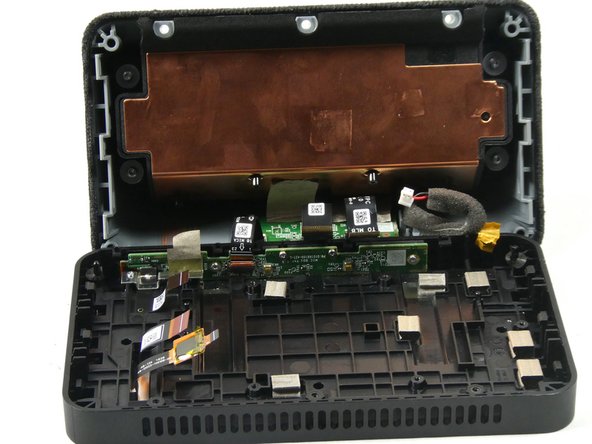
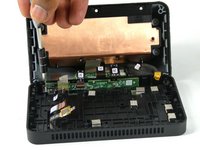
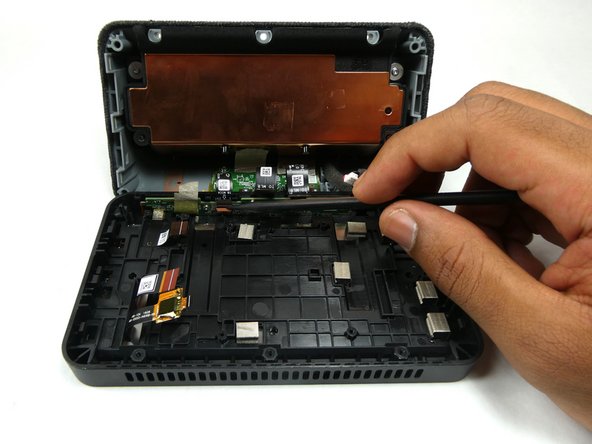
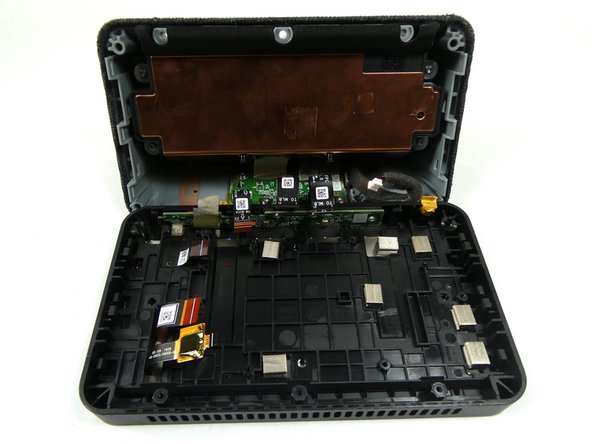
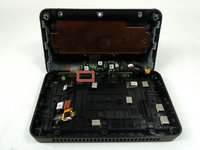
    • Carefully open the device by folding it open along the top edge where the camera is located.

    • Do not try to open the device from any other side as this would damage the ribbon connectors.

    Спросите у FixBot

    Добавить комментарий

  5. Amazon Echo Show 5 Display Replacement, Motherboard: шаг 5, изображение 1 из 1
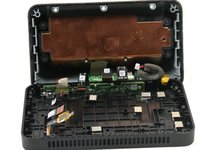
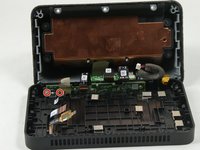
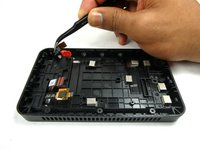
    • Remove the red and black power connector connecting to the motherboard with either a prying tool or your hands.

    Спросите у FixBot

    Добавить комментарий

  6. Amazon Echo Show 5 Display Replacement: шаг 6, изображение 1 из 2 Amazon Echo Show 5 Display Replacement: шаг 6, изображение 2 из 2
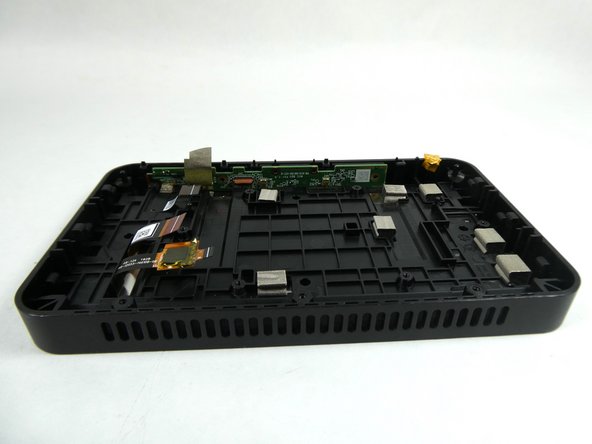
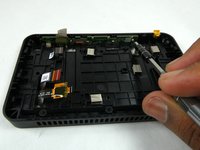
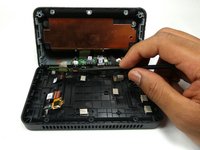
    • Disconnect the five ribbon cables connecting to the motherboard.

    • To disconnect the cables, use the tip of a prying tool, or your fingernail, to flip up the small locking flap. Then, you can safely pull the cable out.

    • Be sure to pry up the hinged flap, not the connector socket.

    • There is a white line on the ribbon connectors that indicates the edge of the connection area. To reinstall, insert the connector up to this white line and close the flap. If the white line is clearly visible after closing the flap, it is probably misaligned and needs to be repositioned.

    Спросите у FixBot

    Добавить комментарий

  7. Amazon Echo Show 5 Display Replacement: шаг 7, изображение 1 из 1
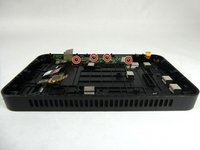
    • Remove the six 4 mm screws that are used to hold down the motherboard using a T6 Security Torx Screwdriver.

    Спросите у FixBot

    Добавить комментарий

  8. Amazon Echo Show 5 Display Replacement: шаг 8, изображение 1 из 2 Amazon Echo Show 5 Display Replacement: шаг 8, изображение 2 из 2
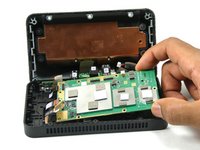
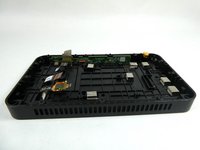
    • Lift the motherboard up and out.

    Спросите у FixBot

    Добавить комментарий

  9. Amazon Echo Show 5 Display Replacement, Microphone: шаг 9, изображение 1 из 3 Amazon Echo Show 5 Display Replacement, Microphone: шаг 9, изображение 2 из 3 Amazon Echo Show 5 Display Replacement, Microphone: шаг 9, изображение 3 из 3
    Инструмент, используемый на этом этапе:
    Tweezers
    $4.99
    • Use the Philips #000 Screwdriver to remove two 4mm screws that hold down the metal bracket.

    • Use tweezers to remove the metal bracket by lifting it up and towards yourself.

    Спросите у FixBot

    Добавить комментарий

  10. Amazon Echo Show 5 Display Replacement: шаг 10, изображение 1 из 3 Amazon Echo Show 5 Display Replacement: шаг 10, изображение 2 из 3 Amazon Echo Show 5 Display Replacement: шаг 10, изображение 3 из 3
    • Use a spudger or your fingernail to remove the ribbon connector which connects the speaker housing board to the microphone board.

    • Ribbon connectors are very fragile, do not bend kink or bend them excessively. This will result in damage to the device.

    • There is a white line on the ribbon connector. During reassembly ensure that the white connector is inserted up to the white line and that the white line is not misaligned with the ribbon connector.

    Спросите у FixBot

    Добавить комментарий

  11. Amazon Echo Show 5 Display Replacement: шаг 11, изображение 1 из 3 Amazon Echo Show 5 Display Replacement: шаг 11, изображение 2 из 3 Amazon Echo Show 5 Display Replacement: шаг 11, изображение 3 из 3
    • Use the Philips #000 Screwdriver to remove the four 4 mm screws that attach the microphone board to the case.

    Спросите у FixBot

    Добавить комментарий

  12. Amazon Echo Show 5 Display Replacement: шаг 12, изображение 1 из 2 Amazon Echo Show 5 Display Replacement: шаг 12, изображение 2 из 2
    • Use a tweezer to remove the microphone board from the case.

    Спросите у FixBot

    Добавить комментарий

  13. Amazon Echo Show 5 Display Replacement, Camera: шаг 13, изображение 1 из 2 Amazon Echo Show 5 Display Replacement, Camera: шаг 13, изображение 2 из 2
    Инструмент, используемый на этом этапе:
    Tweezers
    $4.99
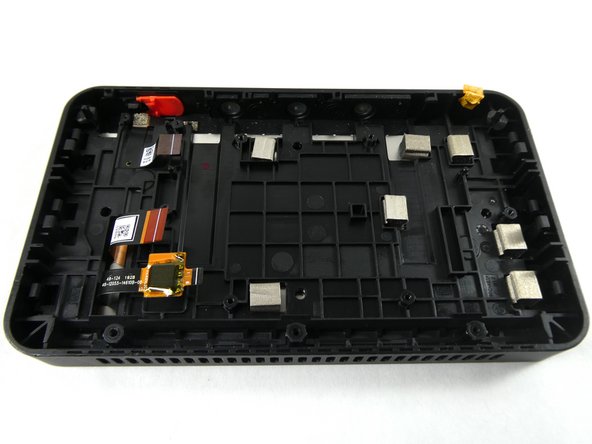
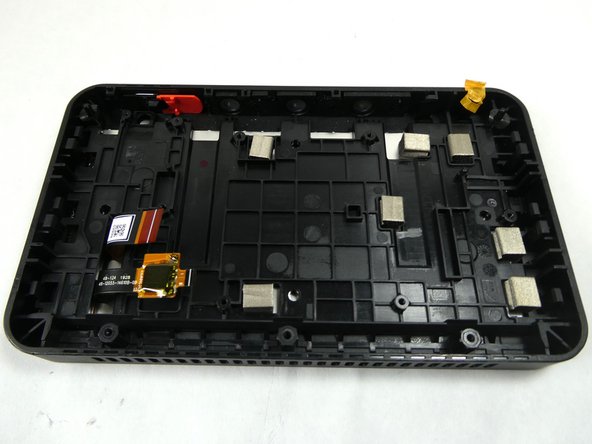
    • Use tweezers to remove the camera from the display assembly.

    • The camera has adhesive on the ribbon connector which needs to be reapplied in order to reassemble it.

    • The ribbon connector attached to the camera is very fragile. Avoid bending or kinking the connector as this will cause damage to the device.

    Спросите у FixBot

    Добавить комментарий

  14. Amazon Echo Show 5 Display Replacement, Display: шаг 14, изображение 1 из 1
    • Orient the Amazon Echo Show 5 so that the display is facing up.

    • Apply heat to the edges of the display using a heat gun.

    Спросите у FixBot

    Добавить комментарий

Заключение

To reassemble your device, follow these instructions in reverse order.

Отменить: Я не выполнил это руководство.

5 человек успешно провели ремонт по этому руководству.

Zachary Buckler

Участник с: 10/26/22

755 Репутация

Автор 3 руководств

Команда

UMass Dartmouth, Team 2-4, Petersen Fall 2022 Участник UMass Dartmouth, Team 2-4, Petersen Fall 2022

UMASSD-PETERSEN-F22S2G4

3 членов

Автор 14 руководств

3 Комментарии к руководству

Are the Echo show Gen1 and Gen2 screens interchangable?

If so, if I put the gen2 camera on a Gen1 mainboard, will it automatically be better video for the other person on the other end? (if it is compatible that is)

Thanks

IFuxIt - Ответить Поделиться
Hey Zachary,

Great guide, thanks for the help. Now I'm on to figuring out if it's possible to zombify the screen and touchscreen using a raspberry pi. Wish me luck...

Thanks,

Graham

Graham Wilczewski - Ответить Поделиться
Does replacing the screen fix the glitching/flickering issue?

Messwithit - Ответить Поделиться

Добавить комментарий

Статистика просмотров:

За последние 24 часов: 12

За последние 7 дней: 138

За последние 30 дней: 429

За всё время: 10,244