Перейти к основному содержанию
Присоединяйся к сообществу ремонтников - Создай аккаунт

Amazon Fire HD 10 Motherboard Replacement

Выберете то, что вам нужно

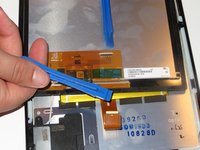
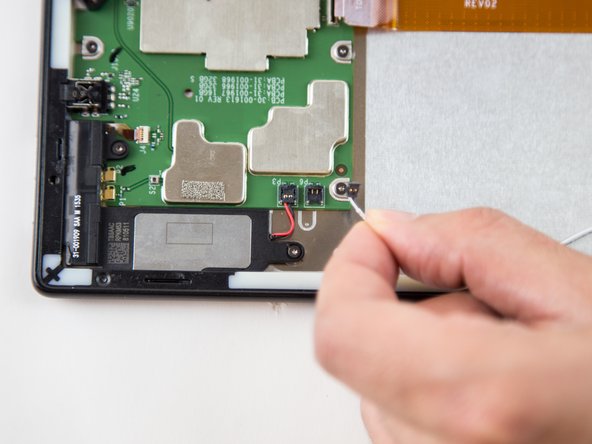
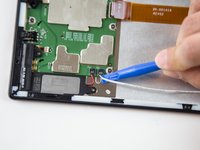
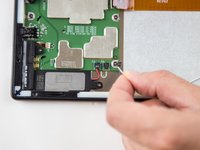
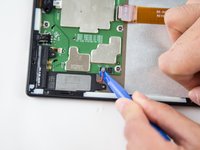
  1. Amazon Fire HD 10 Motherboard Replacement, Screen: шаг 1, изображение 1 из 3 Amazon Fire HD 10 Motherboard Replacement, Screen: шаг 1, изображение 2 из 3 Amazon Fire HD 10 Motherboard Replacement, Screen: шаг 1, изображение 3 из 3
    • Avoid prying near bottom right hand side due to LCD Connector

    • Use a plastic opening tool to pry the screen up in the right hand corner.

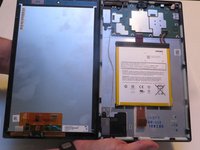
  2. Amazon Fire HD 10 Motherboard Replacement: шаг 2, изображение 1 из 1
    • Do not completely remove the screen yet as there is a ZIF connector connected.

    • Lift the screen and digitizer from the case.

    • You may need to use some force due to the glue.

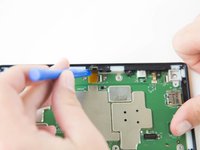
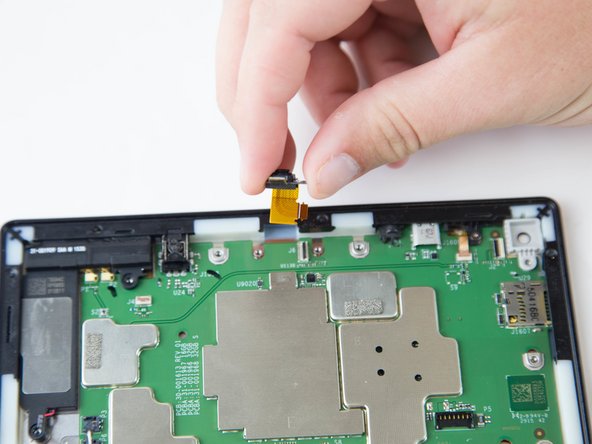
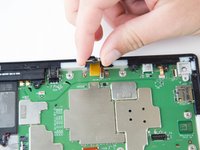
  3. Amazon Fire HD 10 Motherboard Replacement: шаг 3, изображение 1 из 2 Amazon Fire HD 10 Motherboard Replacement: шаг 3, изображение 2 из 2
    • Be mindful of the ZIF connector.

    • Disconnect the ribbon connector from the digitizer side using your hands or the plastic opening tool.

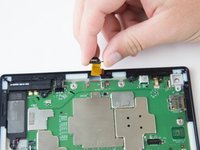
  4. Amazon Fire HD 10 Motherboard Replacement: шаг 4, изображение 1 из 1
    • Remove the screen and digitizer from the case completely.

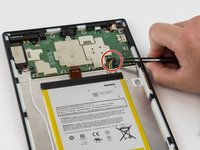
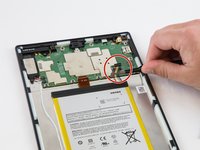
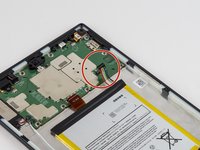
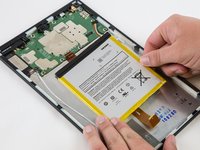
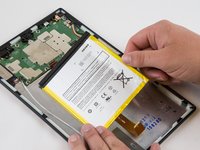
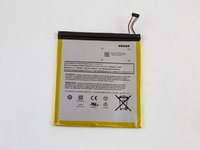
  5. Amazon Fire HD 10 Motherboard Replacement, Battery: шаг 5, изображение 1 из 3 Amazon Fire HD 10 Motherboard Replacement, Battery: шаг 5, изображение 2 из 3 Amazon Fire HD 10 Motherboard Replacement, Battery: шаг 5, изображение 3 из 3
    • Locate the power cable that links the battery to the motherboard.

    • Carefully unplug the battery power cable to disconnect the battery from the motherboard.

    • The third image shows what it should look like with the battery power cable is disconnected.

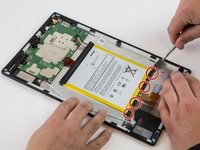
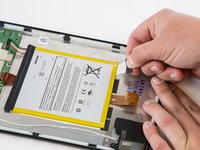
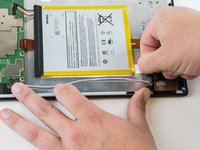
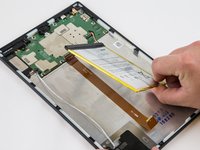
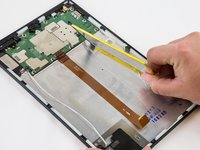
  6. Amazon Fire HD 10 Motherboard Replacement: шаг 6, изображение 1 из 3 Amazon Fire HD 10 Motherboard Replacement: шаг 6, изображение 2 из 3 Amazon Fire HD 10 Motherboard Replacement: шаг 6, изображение 3 из 3
    • Begin by locating the double sided pull tape locations.

    • Do not lift on the battery when doing the following step. You will bend it. It is very pliable.

    • Pull the black soft tabs to release the tape's adhesion.

    • Make sure you pull the tabs slowly and continuously away from the case until the adhesive is completely out.

    • Do this to all 4 tabs until the battery is completely free of adhesion to the device's backing.

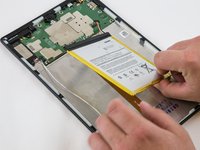
  7. Amazon Fire HD 10 Motherboard Replacement: шаг 7, изображение 1 из 3 Amazon Fire HD 10 Motherboard Replacement: шаг 7, изображение 2 из 3 Amazon Fire HD 10 Motherboard Replacement: шаг 7, изображение 3 из 3
    • Make sure all the adhesive is removed before trying to lift the battery from the case.

    • After the battery is totally free of any adhesion, simply lift the battery from the case.

  8. Amazon Fire HD 10 Motherboard Replacement: шаг 8, изображение 1 из 3 Amazon Fire HD 10 Motherboard Replacement: шаг 8, изображение 2 из 3 Amazon Fire HD 10 Motherboard Replacement: шаг 8, изображение 3 из 3
    • Inspect battery for any leakage.

    • Please follow all U.S. regulations and laws when disposing or recycling the battery.

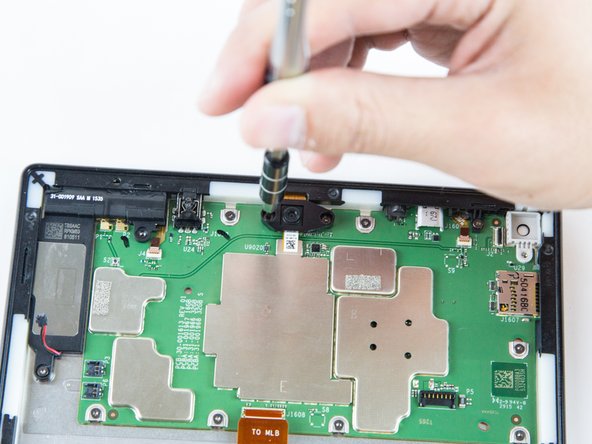
  9. Amazon Fire HD 10 Motherboard Replacement, Rear Facing Camera: шаг 9, изображение 1 из 2 Amazon Fire HD 10 Motherboard Replacement, Rear Facing Camera: шаг 9, изображение 2 из 2
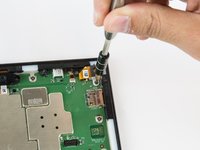
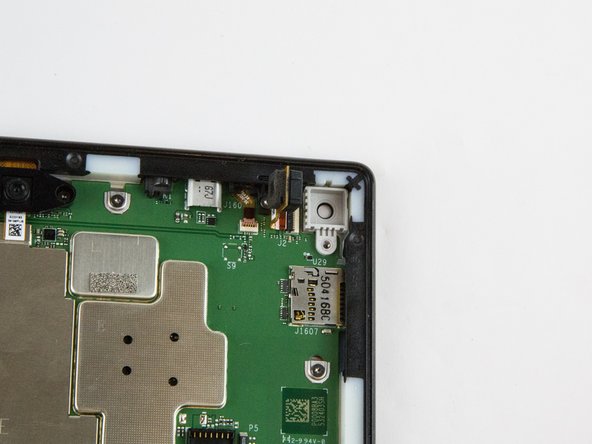
    • Remove the single T5 Torx screw at the base of the camera.

    • Once removed, place the screw aside in a safe location.

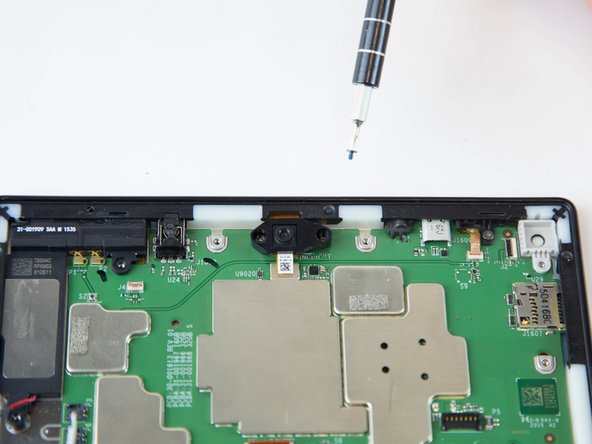
  10. Amazon Fire HD 10 Motherboard Replacement: шаг 10, изображение 1 из 2 Amazon Fire HD 10 Motherboard Replacement: шаг 10, изображение 2 из 2
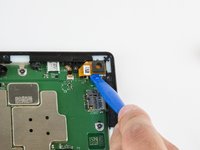
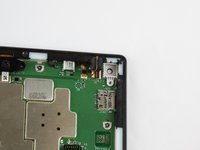
    • Lift the camera from the case using the plastic opening tool.

    • The camera is still connected to the motherboard via the ZIF connector.

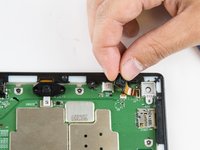
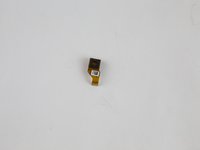
  11. Amazon Fire HD 10 Motherboard Replacement: шаг 11, изображение 1 из 2 Amazon Fire HD 10 Motherboard Replacement: шаг 11, изображение 2 из 2
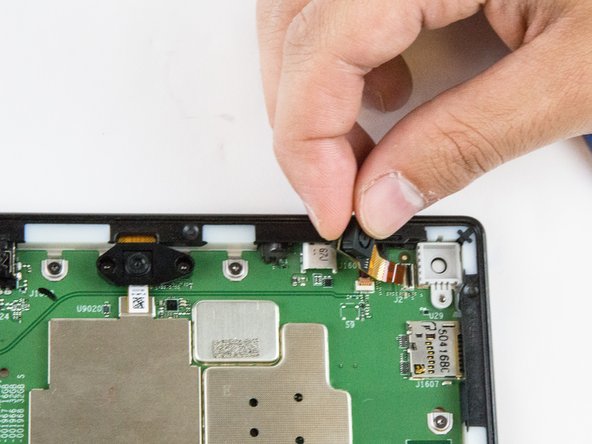
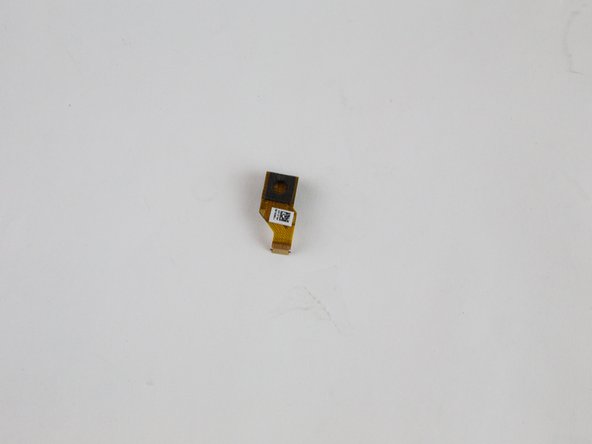
    • Gently grab the camera and pull to remove.

    • The camera is now free from the motherboard.

  12. Amazon Fire HD 10 Motherboard Replacement, Front Facing Camera: шаг 12, изображение 1 из 3 Amazon Fire HD 10 Motherboard Replacement, Front Facing Camera: шаг 12, изображение 2 из 3 Amazon Fire HD 10 Motherboard Replacement, Front Facing Camera: шаг 12, изображение 3 из 3
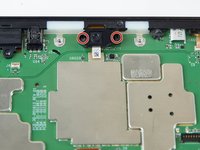
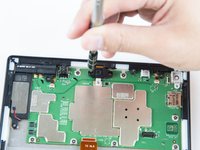
    • Remove the two screws from front facing camera using the T5 Torx Screwdriver.

    • Make sure you place the screws in a safe location nearby.

  13. Amazon Fire HD 10 Motherboard Replacement: шаг 13, изображение 1 из 2 Amazon Fire HD 10 Motherboard Replacement: шаг 13, изображение 2 из 2
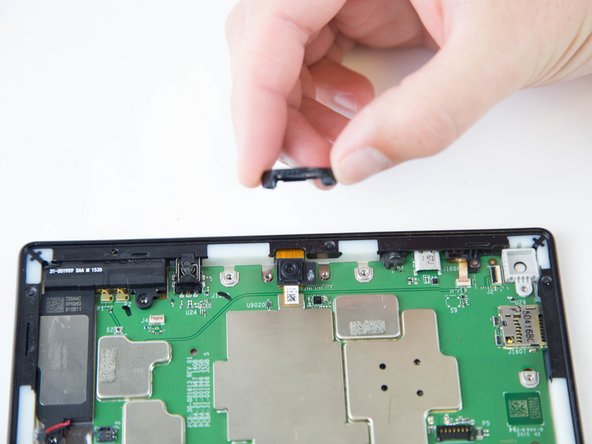
    • Lift the black plastic cover once the screws are removed.

    • Place aside for later reassembly.

  14. Amazon Fire HD 10 Motherboard Replacement: шаг 14, изображение 1 из 2 Amazon Fire HD 10 Motherboard Replacement: шаг 14, изображение 2 из 2
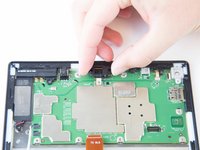
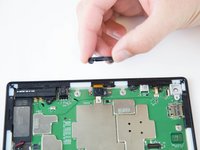
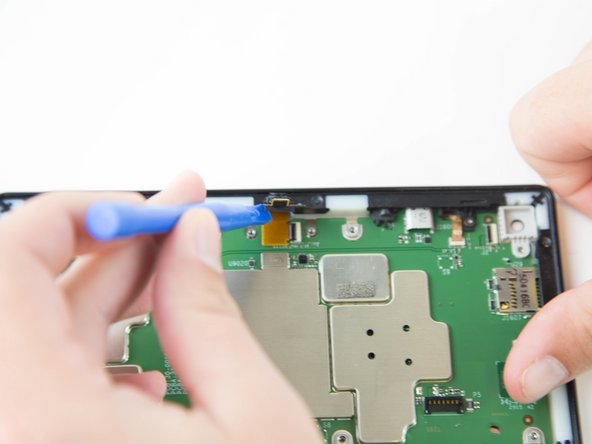
    • Detach the connector using a plastic opening tool or spudger.

    • The camera is still connected to the motherboard.

  15. Amazon Fire HD 10 Motherboard Replacement: шаг 15, изображение 1 из 2 Amazon Fire HD 10 Motherboard Replacement: шаг 15, изображение 2 из 2
    • Grip the camera and lift up to detach the ZIF connector from the motherboard.

  16. Amazon Fire HD 10 Motherboard Replacement, Motherboard: шаг 16, изображение 1 из 1
    • Lift the ZIF connector up to disconnect from the motherboard.

  17. Amazon Fire HD 10 Motherboard Replacement: шаг 17, изображение 1 из 3 Amazon Fire HD 10 Motherboard Replacement: шаг 17, изображение 2 из 3 Amazon Fire HD 10 Motherboard Replacement: шаг 17, изображение 3 из 3
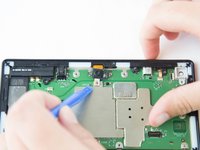
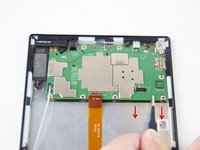
    • Disconnect the connectors using the plastic opening tool.

  18. Amazon Fire HD 10 Motherboard Replacement: шаг 18, изображение 1 из 2 Amazon Fire HD 10 Motherboard Replacement: шаг 18, изображение 2 из 2
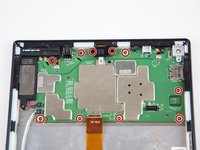
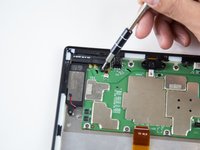
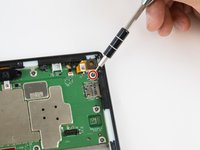
    • Remove the ten T5 Torx screws securing the motherboard to the case.

    • Keep the screws together in a safe place for reassembly.

  19. Amazon Fire HD 10 Motherboard Replacement: шаг 19, изображение 1 из 3 Amazon Fire HD 10 Motherboard Replacement: шаг 19, изображение 2 из 3 Amazon Fire HD 10 Motherboard Replacement: шаг 19, изображение 3 из 3
    Инструмент, используемый на этом этапе:
    Tweezers
    $4.99
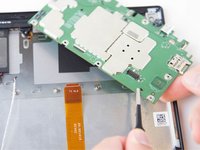
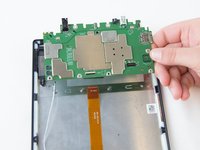
    • Lift and pull the motherboard down, gently, towards the case using the tweezers.

Заключение

To reassemble your device, follow these instructions in reverse order.

14 человек успешно провели ремонт по этому руководству.

Jaie Hillery

Участник с: 10/07/14

1 774 Репутация

Автор 10 руководств

Команда

USF Tampa, Team 16-6, Blackwell Winter 2016 Участник USF Tampa, Team 16-6, Blackwell Winter 2016

USFT-BLACKWELL-W16S16G6

3 членов

Автор 22 руководств

6 Комментарии к руководству

Just for the record, my screws were T4, not T5.

scottpickles - Ответить Поделиться

Where is a reliable store to buy this motherboard?

Jimmy Lee - Ответить Поделиться
what you left out is the speakers are they still attached to the motherboard you get 15 points

elliott reitman - Ответить Поделиться

Is this the Kindle? Not the Tablet?

imbritneyedwards - Ответить Поделиться

I have exhausted all online searches for a new HD Fire 10.1 7 generation motherboard replacement and have not been able to locate one anywhere do you have any places you know of that sell these types of motherboards?

Thanks,

Al Silva

Al Silva - Ответить Поделиться

Добавить комментарий

Статистика просмотров:

За последние 24 часов: 6

За последние 7 дней: 51

За последние 30 дней: 153

За всё время: 26,129